
API Blueprint Action and Resource Model Explained

In API Blueprint, a resource is a URL path that your API exposes, and an action is a specific HTTP method applied to that resource, such as GET /articles or POST /articles. Together, the resource-action pair is the atomic unit of every Blueprint document. Apidoke reads this structure directly and renders it as a navigable, three-column reference with a live try-it console, no toolchain required.
- A resource in API Blueprint maps to a URL template, defined with a Markdown heading that includes the path in square brackets.
- Every action under a resource declares one HTTP method and owns its own request and response definitions, including headers, bodies, and status codes.
- Nesting actions inside resources keeps your Blueprint DRY: shared path parameters and descriptions live on the resource, while method-specific details live on the action.
- Apidoke parses this hierarchy automatically and surfaces each action in the navigation panel, making individual endpoints instantly discoverable.
What is a resource in API Blueprint?
The API Blueprint specification defines a resource as "any object, document, or data source that you can call with the API." In practice, a resource is simply a URL path, written as a level-two Markdown heading followed by the path in square brackets.
## Article [/articles/{id}]
The text before the bracket is the resource name, which appears in the navigation. The part inside the bracket is the URI template. Curly-brace segments like {id} denote URI parameters, which you can describe in a + Parameters block directly below the heading.
## Article [/articles/{id}]

+ Parameters
    + id: `42` (number, required) - The unique article identifier.
This single definition covers every action that targets /articles/{id}. The parameter description is inherited by all actions below it, so you do not repeat it for each HTTP method.
What is an action in API Blueprint?
An action is a level-three heading nested inside a resource, combining a human-readable label with an HTTP method in square brackets.
### Get an Article [GET]
You can also override or refine the URL at the action level when the action targets a slightly different path than the parent resource, but the common pattern keeps the URL on the resource and only the method on the action.
Each action then holds one or more + Request and + Response blocks. These are the concrete contract: the exact headers, body shape, and status code a consumer can expect.
A complete resource-action example
The snippet below shows a single resource with two actions: a GET that returns one article and a PATCH that updates it. Both actions share the {id} parameter defined on the resource.
## Article [/articles/{id}]

+ Parameters
    + id: `42` (number, required) - The unique article identifier.

### Get an Article [GET]

Returns a single article by its identifier.

+ Response 200 (application/json)

    + Body

            {
              "id": 42,
              "title": "API Blueprint Basics",
              "status": "published"
            }

+ Response 404 (application/json)

    + Body

            {
              "error": "Article not found"
            }

### Update an Article [PATCH]

+ Request (application/json)

    + Body

            {
              "title": "API Blueprint Revised"
            }

+ Response 200 (application/json)

    + Body

            {
              "id": 42,
              "title": "API Blueprint Revised",
              "status": "published"
            }

+ Response 401 (application/json)

    + Body

            {
              "error": "Unauthorized"
            }
A few things worth pointing out in this example. The GET action defines two possible responses, 200 and 404, because real APIs do not always succeed and your docs should say so. The PATCH action adds a 401 to signal that the endpoint requires authentication. According to RFC 9110, 401 means the request lacks valid authentication credentials, while 404 means the server cannot locate the target resource. Documenting both success and failure codes in your Blueprint makes the try-it console in Apidoke far more useful to developers who need to handle errors in their client code.
How the resource-action hierarchy maps to Apidoke's viewer
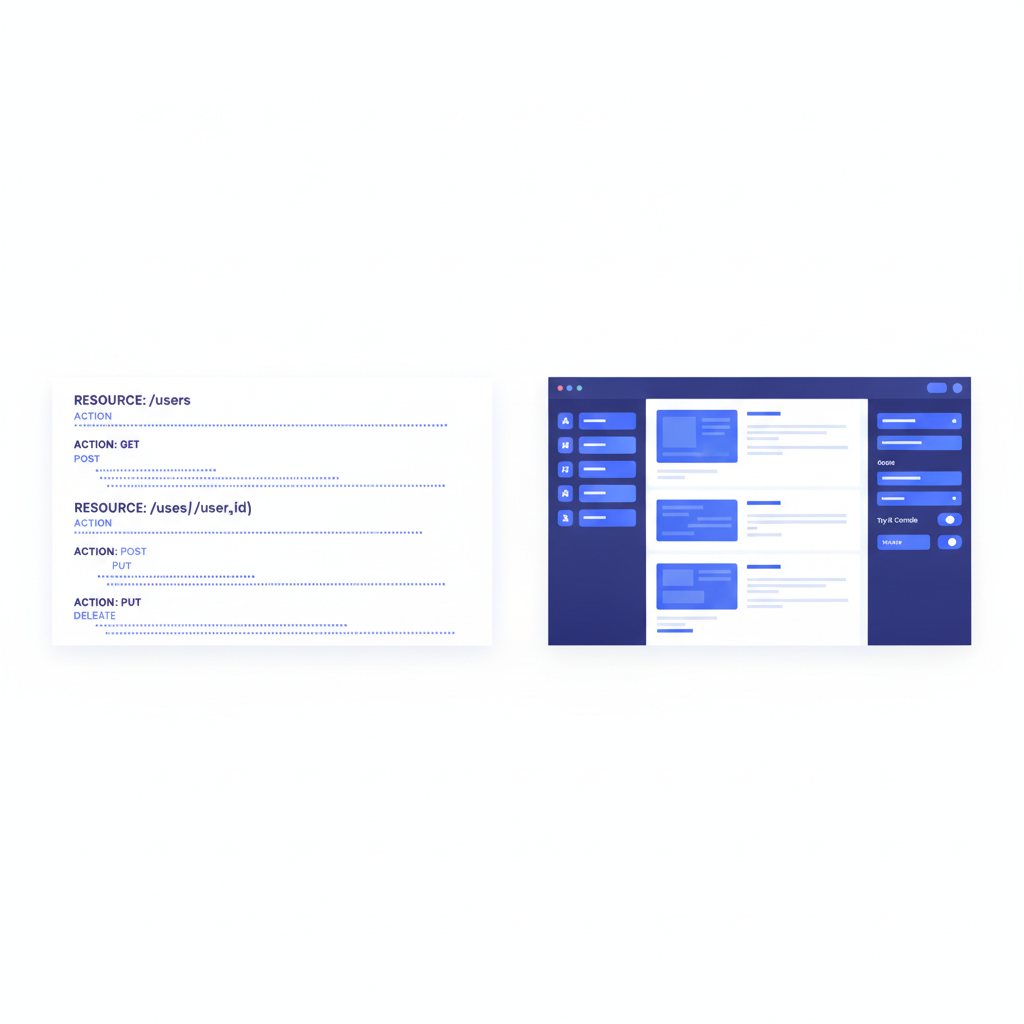
When you paste or author a Blueprint file in Apidoke's CodeMirror editor, the parser walks the heading hierarchy and builds the navigation panel automatically. Resources appear as top-level navigation items. Actions appear nested beneath them. Clicking any action scrolls the centre content pane to that section and activates the try-it console on the right, where the method, URL, headers, and body are pre-populated from your Blueprint definitions.
This three-column layout is not cosmetic. It reflects the Blueprint model directly: navigation mirrors the resource tree, content mirrors the action details, and the console mirrors the request-response contract. If you add a second + Response block to an action, a dropdown appears in the console so developers can inspect each response scenario side by side.
How do Groups relate to resources and actions?
Groups sit one level above resources in the hierarchy. A # Group heading clusters related resources under a shared label, which becomes a collapsible section in the navigation.
# Group Articles

## Article Collection [/articles]

### List Articles [GET]

+ Response 200 (application/json)

    + Body

            [
              { "id": 1, "title": "First Post" },
              { "id": 2, "title": "Second Post" }
            ]

### Create an Article [POST]

+ Request (application/json)

    + Body

            {
              "title": "New Article",
              "status": "draft"
            }

+ Response 201 (application/json)

    + Body

            {
              "id": 3,
              "title": "New Article",
              "status": "draft"
            }
The full heading hierarchy is: # Group contains ## Resource which contains ### Action. You can have as many resources per group and as many actions per resource as your API requires. Most real-world Blueprints group by domain entity: Articles, Users, Payments, and so on.
Named versus unnamed actions and why it matters
API Blueprint lets you give an action a descriptive name before the method bracket, or leave it unnamed. Named actions are almost always better for documentation clarity.
| Style | Syntax | Navigation label in Apidoke |
|---|---|---|
| Named action | ### Get an Article [GET] | "Get an Article" |
| Unnamed action | ### [GET] | "GET" |
| Named with URL override | ### Archive Article [POST /articles/{id}/archive] | "Archive Article" |
When a resource has three or more actions, unnamed labels like "GET", "POST", and "DELETE" compress badly in a sidebar. Descriptive names like "List Articles", "Create an Article", and "Delete an Article" let a developer scan the navigation and find what they need without opening every section.
Multiple request and response examples on a single action
One action can carry several named request or response blocks. This is useful when your endpoint accepts different content types or returns different shapes depending on query parameters.
### Create an Article [POST]

+ Request JSON (application/json)

    + Body

            { "title": "Hello", "format": "json" }

+ Request Form (application/x-www-form-urlencoded)

    + Body

            title=Hello&format=form

+ Response 201 (application/json)

    + Body

            { "id": 10, "title": "Hello" }

+ Response 400 (application/json)

    + Body

            { "error": "Validation failed", "field": "title" }
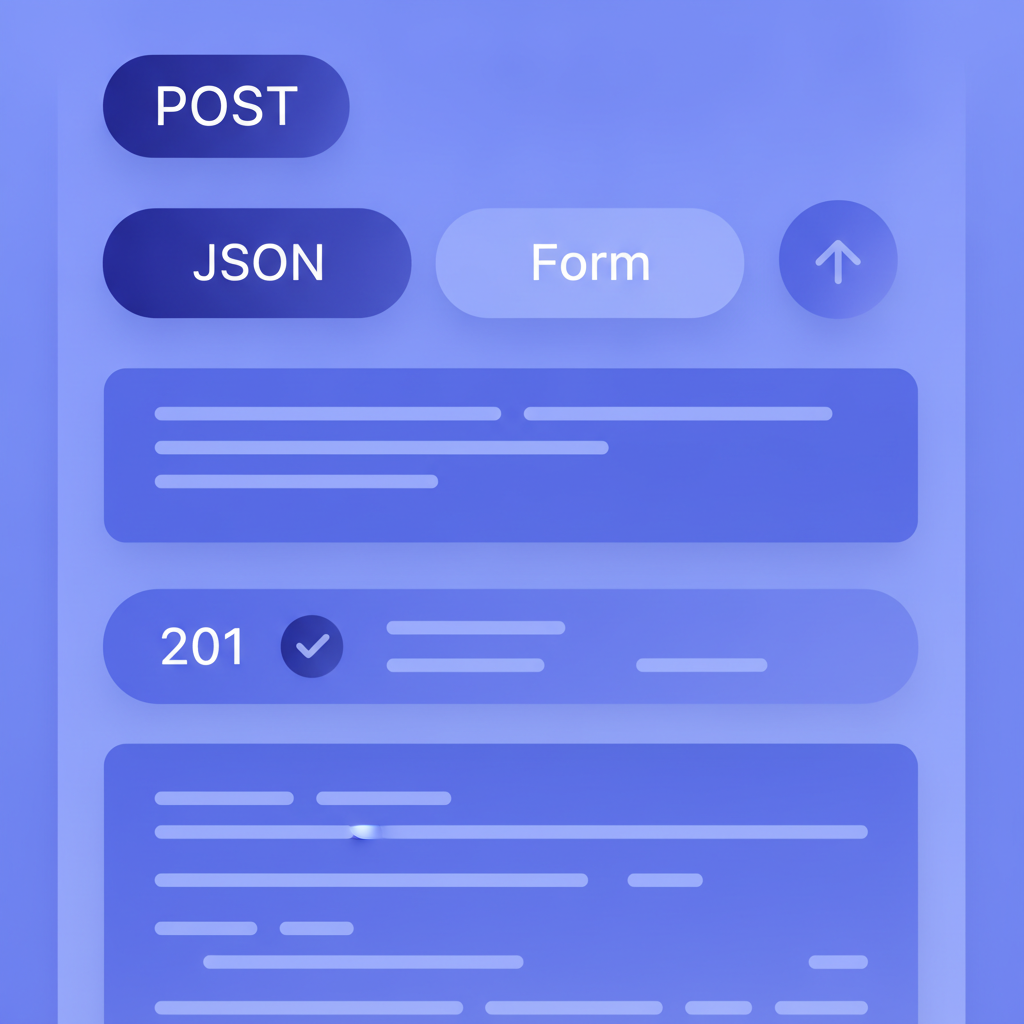
Each named request block gets its own tab in Apidoke's try-it console. The developer picks the request flavour they need, fires the real HTTP call, and sees the actual server response appear in the console without leaving the documentation page.
URI templates and path parameters in practice
URI templates follow the syntax defined by RFC 6570. The most common patterns in REST APIs are simple variable expansion like {id} and path segments like /users/{userId}/articles/{articleId}. Each curly-brace segment should have a matching entry in the resource's + Parameters block, annotated with its type, whether it is required or optional, a sample value, and a short description.
## User Article [/users/{userId}/articles/{articleId}]

+ Parameters
    + userId: `7` (number, required) - The user's numeric ID.
    + articleId: `42` (number, required) - The article's numeric ID.
Apidoke reads these parameter definitions and pre-fills the try-it console fields with the sample values. This means a developer can fire a real request immediately without having to look up what values are valid, which reduces friction during integration.
When to put parameters on the resource versus the action
Path parameters always belong on the resource because they are part of the URL itself and apply to every action under that resource. Query parameters that only appear on one action belong on that action's own + Parameters block.
## Article Collection [/articles]

### List Articles [GET]

+ Parameters
    + status: `published` (string, optional) - Filter by publication status.
    + page: `1` (number, optional) - Page number for pagination.

+ Response 200 (application/json)

    + Body

            [
              { "id": 1, "title": "First", "status": "published" }
            ]
This placement keeps the Blueprint readable. Anyone scanning the file can tell immediately whether a parameter is structural (path, on the resource) or optional behaviour (query, on the action).
How this model connects to the broader API Blueprint format
The resource-action model is the heart of the format, but it works alongside several other constructs covered in the API Blueprint and Formats pillar hub. MSON (Markdown Syntax for Object Notation) lets you define reusable data structures that you reference inside action bodies rather than repeating raw JSON. The API Blueprint syntax cheat-sheet is a quick reference for the full heading hierarchy, indentation rules, and keyword list.
Understanding resources and actions also makes it easier to reason about what goes into request and response bodies. Once you know that a body lives inside an action, and an action lives inside a resource, the indentation rules stop feeling arbitrary and start feeling logical.
Common mistakes and how to avoid them
Getting the heading levels wrong is the most frequent error. Resources must be level-two headings (##) and actions must be level-three (###). Using # for a resource or ## for an action breaks the parser's hierarchy detection. The live preview in Apidoke's editor shows the navigation panel updating in real time, so a heading-level mistake is immediately visible as a misplaced navigation item rather than a silent failure.
A second common mistake is omitting the Content-Type from response blocks. Writing + Response 200 without a media type produces a valid Blueprint, but the try-it console cannot set the Accept header automatically and the response body renders without syntax highlighting. Always include the media type in parentheses: + Response 200 (application/json).
A third pitfall is leaving actions undocumented for error states. An endpoint that can return 401 for missing credentials, 403 for insufficient permissions, 404 for a missing resource, and 422 for validation failures should document all four. Developers integrating your API will encounter every one of these states in production.
Frequently asked questions
Can one action have more than one HTTP method?
No. Each action in API Blueprint corresponds to exactly one HTTP method. If a resource supports both GET and DELETE, you write two separate action headings under the same resource heading. This one-to-one mapping keeps the contract unambiguous and maps cleanly to how HTTP routing works in practice.
What is the difference between a resource and an endpoint in API Blueprint?
They are closely related but not identical. A resource is the URL path, defined once. An endpoint is the combination of a URL path and a method, which in Blueprint terminology is an action. One resource typically contains multiple endpoints, for example GET /articles/{id} and DELETE /articles/{id} are two endpoints under the single /articles/{id} resource.
Does Apidoke support all HTTP methods in action headings?
Yes. API Blueprint accepts any valid HTTP method keyword: GET, POST, PUT, PATCH, DELETE, HEAD, OPTIONS. Apidoke renders all of them in the navigation and colour-codes the method badge in the content pane so the method is immediately visible at a glance.
How do I handle authentication on a specific action?
Add a + Request block with an + Headers section showing the required Authorization header, then document the 401 and 403 response codes. The try-it console in Apidoke lets developers enter their real token in the browser; that token is never sent to Apidoke's servers, only to your API's actual endpoint.
Can I reuse a resource definition across multiple groups?
No. In standard API Blueprint, a resource lives inside exactly one group (or in the implicit default group if no # Group is declared). If you need to cross-reference a resource from multiple sections, the recommended approach is to add a prose description on the group-level page that links readers to the canonical resource definition.
Ready to turn your API Blueprint resources and actions into a live, searchable reference? Create a free Apidoke account and publish your first interactive API doc in minutes, no credit card needed.
Related reading: API Blueprint vs RAML: Which Format Fits Your Team?
Related reading: API Blueprint Authentication Schemes: OAuth, API Keys, and Bearer Tokens