
API Blueprint Annotations and Metadata: Adding Machine-Readable Hints

API Blueprint annotations are machine-readable key-value pairs and special comment lines placed at the top of a .apib file (the metadata section) or within specific blocks to pass hints to parsers, renderers, and linters. In Apidoke, these metadata fields control how your live 3-column reference renders and how the try-it console interprets your document, all without touching a config file outside the blueprint itself.
- Metadata lives in a colon-delimited header block before the first Markdown heading and is consumed by every compliant API Blueprint parser.
- The two most important built-in keys are
FORMAT(required by the spec) andHOST(used by try-it consoles to pre-fill the base URL). - Annotation comments (lines beginning with
<!--) let you embed linting hints and tool-specific flags without breaking spec compliance. - Apidoke reads
HOSTdirectly so the browser-side try-it console knows where to send real HTTP requests, and your auth tokens never leave your browser.
What exactly is the API Blueprint metadata section?
The API Blueprint specification defines a document-level metadata block as the very first content in a .apib file, before any Markdown heading. Each line follows the pattern Key: Value. The block ends the moment a line does not match that pattern or the first heading appears. Parsers like Drafter scan this block before they process anything else.
A minimal, valid metadata block looks like this:
FORMAT: 1A
HOST: https://api.example.com

# My API
FORMAT: 1A tells any compliant parser that this document conforms to version 1A of the API Blueprint specification. Without it, Drafter may still parse the document, but it will emit a warning. HOST is optional per the spec, but practically essential: Apidoke and Aglio both use it to pre-populate the base URL in the try-it console and in rendered examples, so consumers do not have to guess where requests should go.
The built-in metadata keys and what they do
| Key | Required? | Who reads it | Effect |
|---|---|---|---|
FORMAT | Yes (spec says 1A) | Drafter, Apidoke, Aglio, any compliant parser | Selects the parser grammar version; omitting it causes a parse warning |
HOST | No, but highly recommended | Apidoke try-it console, Aglio renderer | Sets the base URL for live requests and rendered code samples |
VERSION | No | Tool-specific; Apidoke ignores it at parse time | Human-readable version label; useful for changelog tooling and CI scripts |
Custom keys (e.g. X-Auth-Scheme) | No | Your own tooling or CI linters | Passed through the AST as metadata nodes; tools that do not recognise them skip silently |
Custom keys are the mechanism the spec deliberately leaves open. If you build a CI lint script that checks every blueprint for a documented auth scheme, you can add X-Auth-Scheme: Bearer to the metadata block and have your script assert on it. Parsers that do not know the key treat it as an opaque string, so it does not break Drafter or Aglio.
How annotation comments work
Beyond the metadata block, API Blueprint inherits standard HTML/Markdown comment syntax: <!-- ... -->. Drafter strips these from the rendered AST, which means they are invisible to readers but visible to any tool that reads the raw source. This makes them a natural home for linting hints, authoring notes, and tool-specific flags.
A common pattern is to mark a resource as work-in-progress so a CI lint step can warn before it goes public:
<!-- lint: wip -->
## Create Order [POST /orders]

+ Request (application/json)

        {
          "product_id": "p_001",
          "quantity": 2
        }

+ Response 201 (application/json)

        {
          "order_id": "ord_abc123",
          "status": "pending"
        }
A shell or Node.js linting script can grep for <!-- lint: wip --> across all .apib files in a repo and fail the build if any are found in the main branch. No special parser support is needed; plain text search is enough.
What does Drafter actually emit for metadata?
Drafter (the reference C++ parser for API Blueprint, maintained by Apiary) emits an Abstract Syntax Tree (AST) in JSON. The metadata block surfaces as a top-level metadata array. Each entry is an object with name and value strings. Running Drafter on a file with the metadata block above produces something close to this (simplified for readability):
{
  "element": "parseResult",
  "content": [
    {
      "element": "category",
      "meta": {
        "classes": ["api"],
        "title": "My API"
      },
      "attributes": {
        "metadata": [
          { "name": "FORMAT", "value": "1A" },
          { "name": "HOST",   "value": "https://api.example.com" }
        ]
      }
    }
  ]
}
Any tool downstream of Drafter, including Apidoke's internal renderer, reads attributes.metadata to extract the HOST and any custom keys. This is why the metadata block is the right place for machine-readable hints rather than inline prose comments: the data ends up in a structured, queryable part of the AST.
For more on how Drafter processes request and response bodies before they reach the AST, see the deep dive on API Blueprint request and response body syntax.
A complete, realistic example with annotations
Here is a full blueprint snippet that combines proper metadata, a custom key, and two annotation comments covering different use cases:
FORMAT: 1A
HOST: https://api.acme.com/v2
VERSION: 2.4.1
X-Auth-Scheme: Bearer
X-Deprecation-Policy: https://acme.com/docs/deprecation

# Acme Inventory API

<!-- lint: owner=platform-team -->

# Group Products

## Product Collection [/products{?page,limit}]

<!-- lint: reviewed=2025-11-01 -->

### List Products [GET]

Returns a paginated list of products. Requires a valid Bearer token in the
`Authorization` header (HTTP 401 if missing, 403 if the token lacks scope).

+ Parameters
    + page: 1 (number, optional) - Page number, 1-indexed
    + limit: 20 (number, optional) - Items per page, max 100

+ Request
    + Headers

            Authorization: Bearer eyJhbGciOiJSUzI1NiJ9...

+ Response 200 (application/json)

        {
          "data": [
            { "id": "prod_01", "name": "Widget A", "stock": 120 }
          ],
          "meta": { "page": 1, "limit": 20, "total": 847 }
        }

+ Response 401 (application/json)

        { "error": "unauthorized", "message": "Bearer token missing or expired" }

+ Response 403 (application/json)

        { "error": "forbidden", "message": "Token lacks products:read scope" }
Walking through the annotations here:
X-Auth-Scheme: Bearerlets a CI script assert that every endpoint in this file must document a 401 response, because the scheme requires auth.X-Deprecation-Policylinks to an external policy page; a documentation audit script can surface this URL in a report.<!-- lint: owner=platform-team -->identifies the owning team so review automation can route pull requests correctly.<!-- lint: reviewed=2025-11-01 -->timestamps the last human review, which is useful for API Blueprint format governance workflows that flag resources not reviewed in over six months.
How Apidoke consumes metadata in practice
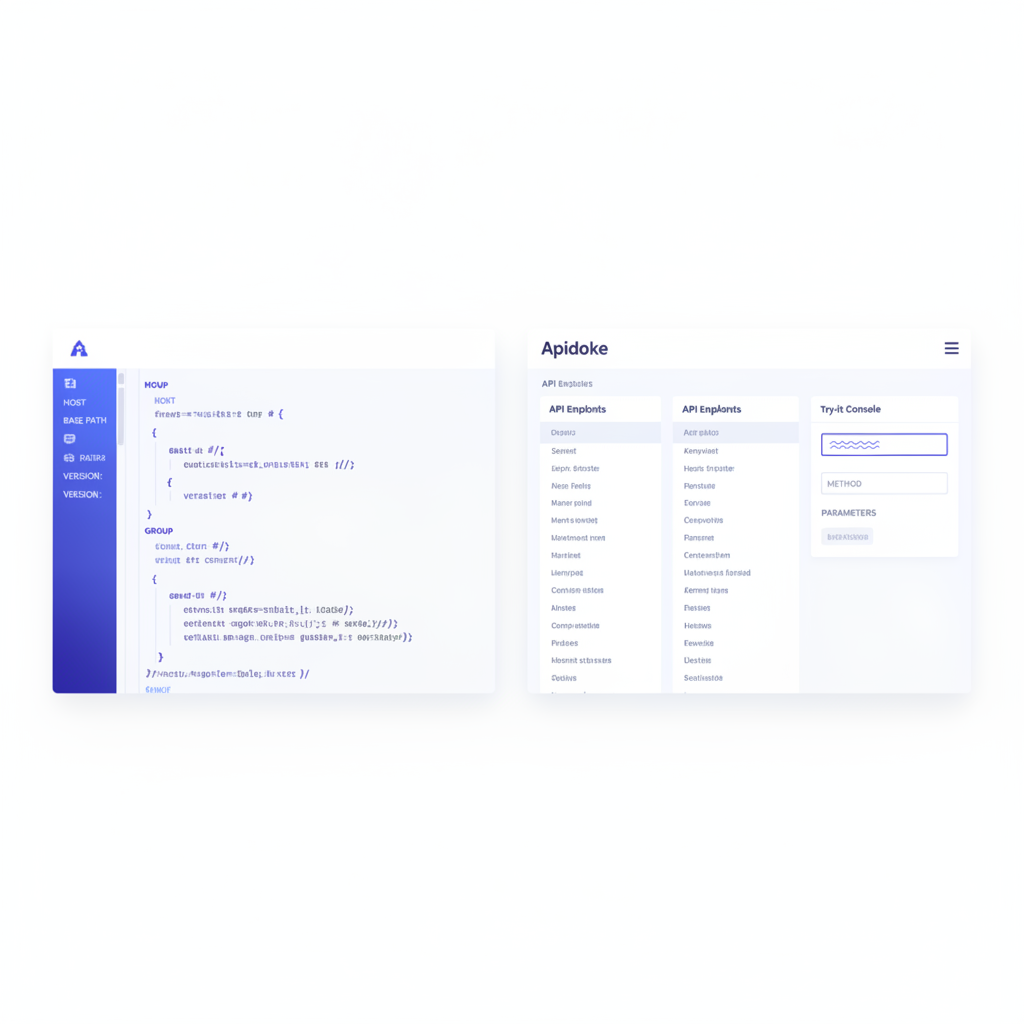
When you paste or type your blueprint into Apidoke's CodeMirror editor, the live preview updates as you type. Apidoke reads the metadata block in real time. The HOST value populates the base URL field in the try-it console on the right column. When you fire a real HTTP GET to /products?page=1&limit=20, Apidoke assembles the full URL as https://api.acme.com/v2/products?page=1&limit=20 and dispatches the request from your browser. Your Authorization header, including any Bearer token you type in, travels directly to your API server. It never passes through Apidoke's infrastructure.
The VERSION key, if present, appears in Apidoke's per-project version history alongside the snapshot timestamp, giving you a human-readable label to distinguish versions at a glance rather than relying on timestamps alone.
Writing a simple linting script that reads metadata
You do not need a dedicated API linting framework to act on custom metadata keys. A short Node.js script reading the raw .apib file and asserting on key presence is enough for most teams.
- Install Drafter's npm binding:
npm install drafter. - Parse your blueprint file into an AST object.
- Extract the
attributes.metadataarray from the top-level category element. - Assert that
FORMATequals1A,HOSTis an HTTPS URL (not HTTP in production), and any required custom keys are present. - Return exit code 1 if any assertion fails, so a CI pipeline treats the step as a failure.
The exit-code contract is what makes this composable: your Git pre-push hook, your GitHub Actions step, and your local npm run lint:docs command all behave identically.
For a broader look at keeping blueprints valid across a project lifecycle, the API Blueprint syntax cheat sheet covers the full grammar you will be asserting against.
Common mistakes and how to avoid them
| Mistake | What goes wrong | Fix |
|---|---|---|
Omitting FORMAT: 1A | Drafter emits a parse warning; some renderers fall back to legacy behavior | Always put FORMAT: 1A as the first line |
| Using an HTTP HOST in production blueprints | Browser try-it consoles block mixed-content requests from HTTPS pages to HTTP origins | Set HOST to an HTTPS URL; browsers enforce this per MDN's mixed content rules |
| Putting metadata after the first heading | Parsers treat the lines as body prose, not metadata; keys are ignored | Metadata block must precede the first # heading with no blank lines interrupting it |
| Using annotation comments for required data | Comments are stripped from the AST; tooling downstream never sees them | Put structured data in the metadata block as keys; use comments only for advisory hints |
| Typos in custom key names across files | Lint scripts miss the key and silently pass | Define allowed custom key names in a shared constants file and validate spelling in CI |
Annotations compared to OpenAPI extensions
OpenAPI (formerly Swagger) handles the equivalent use case through specification extensions, which are properties prefixed with x- that can appear anywhere in a YAML or JSON document. The mechanics differ but the intent is the same: embed tool-specific, machine-readable hints without breaking the core spec.
API Blueprint's approach has two practical differences. First, all metadata lives in one place (the document header), making it easy to grep or audit across a codebase. Second, comments can annotate individual resources without touching the spec-defined AST structure, which some teams find cleaner than scattering x- extensions throughout a deep YAML hierarchy.
Frequently asked questions
What is the FORMAT key and is it really required?
The FORMAT key tells a parser which version of the API Blueprint grammar to use. The only valid value today is 1A. The specification technically requires it, and Drafter will emit a warning if it is absent. Always include it as the very first line of every blueprint file.
Will custom metadata keys break Apidoke or Drafter?
No. Both Apidoke and Drafter pass unknown metadata keys through as opaque strings in the AST. They are ignored at render time but remain queryable by your own tooling. The only risk is a key name collision with a future spec-defined key, so prefixing custom keys with X- (for example, X-Owner) is good practice.
Can I use annotation comments to hide endpoints from the rendered output?
Not directly. API Blueprint comments are stripped by parsers, so a comment adjacent to a resource header does not suppress that resource in the output. If you need to exclude a resource from the published docs, the cleanest approach is to use the include pattern with Apidoke's CodeMirror editor to keep draft resources in a separate file that is not included in the main blueprint.
Does the HOST value affect which URL the try-it console uses in Apidoke?
Yes. Apidoke reads the HOST metadata key when it parses your blueprint and pre-fills the base URL for every request in the live try-it console. If you change the HOST value and save a new version, the console immediately reflects the new URL in subsequent requests.
Can I put different HOST values for staging and production in the same blueprint?
The API Blueprint spec supports only one HOST key per document. The practical solution is to maintain two versions of the blueprint (one per environment) and use Apidoke's per-project version history to track them separately, or to swap the HOST value at build time with a simple sed substitution in your CI pipeline before publishing.
Ready to author blueprints with proper metadata and publish a live, interactive reference? Create your free Apidoke account and have your first annotated API doc live in minutes, no credit card required.