
API Blueprint Named Examples and Data Structures: Advanced Patterns

API Blueprint named examples let you define a reusable response or request body once, give it a name, and reference it across as many actions as you need. In Apidoke, those named blocks render consistently in the three-column viewer and fire correctly through the live try-it console, so every action that shares the same response shape stays in sync automatically. No copy-paste drift, no duplicated JSON blobs.
- A Named Example is a labeled
+ Bodyblock stored under a+ Modelsection or referenced via a Resource Model, and resolved by name in any+ Response. - A Data Structure uses MSON (Markdown Syntax for Object Notation) to declare typed fields, enums, and defaults that Blueprint tooling can validate and render as schema tables.
- Combining both patterns means a change to one definition propagates to every action that references it, cutting maintenance overhead significantly on large blueprints.
- Apidoke's split-pane CodeMirror editor shows a live preview as you edit, so you can verify that a renamed or restructured data structure still resolves correctly before you publish.
What are named examples in API Blueprint?
API Blueprint is a Markdown-based description format (see the official specification for the full grammar). By default, every + Response 200 block carries its own inline body. That works fine for a handful of endpoints, but once you have 30 or 40 actions returning the same User or Error shape, keeping those bodies identical becomes error-prone.
Named examples solve this by separating the definition of a body from its usage. You define the body in one place and then refer to it by name wherever it is needed. Blueprint calls these reusable bodies Resource Models when attached directly to a resource, and the pattern extends into the ## Data Structures section for schema-level definitions.
Resource Model: the simplest named example
A Resource Model lives inside a resource heading and defines the canonical representation. Any action under that resource, or any action elsewhere that references it with [Resource Name][], will use that body.
# User [/users/{id}]

+ Model (application/json)

    + Body

            {
              "id": 42,
              "username": "ada.lovelace",
              "email": "ada@example.com",
              "role": "admin",
              "createdAt": "2024-09-01T08:00:00Z"
            }

    + Schema

            {
              "type": "object",
              "required": ["id", "username", "email"],
              "properties": {
                "id":        { "type": "integer" },
                "username":  { "type": "string" },
                "email":     { "type": "string", "format": "email" },
                "role":      { "type": "string", "enum": ["admin","editor","viewer"] },
                "createdAt": { "type": "string", "format": "date-time" }
              }
            }

## Retrieve a User [GET]

+ Response 200

    [User][]
The [User][] reference on the last line is the entire named-example call. Blueprint resolves it to the Model block above and renders the body, schema, and content-type in the docs. In Apidoke's viewer, this appears in the right-hand response panel exactly as typed, and the try-it console will show the same sample body when a real GET /users/{id} returns 200 OK.
How do Data Structures extend this pattern?
Resource Models are great for full HTTP representations, but they do not compose well. If a User object appears inside an Order, you end up duplicating the user fields. Data Structures fix this with MSON, which is a human-readable schema language built into the Blueprint specification.
MSON (Markdown Syntax for Object Notation) lets you declare typed objects with required fields, optional fields, default values, enumerations, and inheritance. One Data Structure can include another by name, which is the real composition mechanism.
Defining a Data Structure section
Place the # Data Structures heading anywhere in your blueprint file (convention is near the top, after the API name). Each object type gets its own ## TypeName heading inside that section.
# Data Structures

## User (object)

+ id: 42 (number, required) - Unique user identifier
+ username: `ada.lovelace` (string, required) - Alphanumeric with dots
+ email: `ada@example.com` (string, required) - Valid email address
+ role: admin (enum, required)
    + admin
    + editor
    + viewer
+ createdAt: `2024-09-01T08:00:00Z` (string, optional) - ISO 8601 timestamp

## Error (object)

+ code: 404 (number, required) - HTTP-style error code
+ message: `Resource not found` (string, required) - Human-readable description
+ details (array[string], optional) - Additional context lines
Those two types are now globally available within this blueprint file. Any response body can reference them by name.
Referencing a Data Structure in a response
Inside a + Response block, you can write an + Attributes section that names the Data Structure instead of writing raw JSON.
## Retrieve a User [GET]

+ Response 200 (application/json)

    + Attributes (User)

## Retrieve a User (not found) [GET /users/9999]

+ Response 404 (application/json)

    + Attributes (Error)
Blueprint tooling (including Apidoke's parser) resolves (User) and (Error) to their MSON definitions and renders them as schema tables in the docs, complete with field names, types, required markers, and descriptions. The try-it console uses the sample values (the literals you supplied, like 42 or ada.lovelace) to populate the example response panel.
Combining named examples with inheritance
MSON supports a basic form of inheritance using nested type references. This lets you build specialised types from a base type without repeating shared fields. Consider a paginated list response:
# Data Structures

## PaginationMeta (object)

+ page: 1 (number, required) - Current page number (1-indexed)
+ perPage: 20 (number, required) - Items returned per page
+ total: 200 (number, required) - Total items across all pages

## UserList (object)

+ meta (PaginationMeta, required)
+ items (array[User], required) - The user records for this page
Now a GET /users action can reference UserList and every consumer of the docs immediately sees the nested structure, including the pagination fields, without you writing a single extra line in the action itself.
## List Users [GET /users{?page,perPage}]

+ Parameters
    + page: 1 (number, optional) - Page number
    + perPage: 20 (number, optional) - Results per page

+ Response 200 (application/json)

    + Attributes (UserList)
For deeper background on how parameters and actions connect to resources, the API Blueprint action and resource model article covers that relationship in detail.
Naming reusable error responses across multiple actions
One of the most practically useful applications of named examples is standardising error shapes. Most REST APIs return the same 401 Unauthorized, 403 Forbidden, and 404 Not Found structure everywhere. Without named examples, you paste that JSON block into every action. With named examples, you define it once.
# Data Structures

## ApiError (object)
+ code (number, required) - Numeric error code matching the HTTP status
+ message (string, required) - Short, human-readable error summary
+ traceId (string, optional) - Correlation ID for support tickets

# Group Users

## User Collection [/users]

### Create a User [POST]

+ Request (application/json)

    + Attributes
        + username: `new.user` (string, required)
        + email: `new@example.com` (string, required)
        + password: `hunter2` (string, required)

+ Response 201 (application/json)

    + Attributes (User)

+ Response 401 (application/json)

    + Attributes (ApiError)

+ Response 422 (application/json)

    + Attributes (ApiError)

## User Detail [/users/{id}]

### Delete a User [DELETE]

+ Response 204

+ Response 401 (application/json)

    + Attributes (ApiError)

+ Response 403 (application/json)

    + Attributes (ApiError)

+ Response 404 (application/json)

    + Attributes (ApiError)
Every ApiError reference points back to the same definition. When you add a retryAfter field to ApiError for rate-limit responses, it appears in all seven response panels at once, with no search-and-replace required.
This pattern pairs naturally with the guidance in API Blueprint request and response bodies, which covers inline body syntax you can mix with named examples when a one-off override is genuinely needed.
When to use a Resource Model vs a Data Structure
| Situation | Better choice | Reason |
|---|---|---|
| Single resource with one canonical JSON body | Resource Model (+ Model) | Keeps the definition co-located with the resource; simple [Name][] reference in GET responses |
| Object type shared across multiple resources | Data Structure (## TypeName) | Defined once in the global # Data Structures section; composable with other types |
| Nested or paginated response | Data Structure with nested reference | MSON lets you type array[User] and include pagination metadata without duplication |
| Standardised error shape across all endpoints | Data Structure | One definition feeds every 4xx and 5xx response; changes propagate everywhere automatically |
| You need a raw JSON body with precise formatting | Resource Model + Body block | MSON sample values may not match exact wire format; a verbatim body gives you full control |
How Apidoke renders named examples and data structures
When you paste or type a blueprint that uses Data Structures into Apidoke's CodeMirror editor, the live preview pane resolves all references in real time. The three-column published view shows:
- Left column (navigation): Groups, resources, and actions listed by name, so readers can jump directly to
POST /usersorDELETE /users/{id}. - Centre column (content): The action description, parameter table, request body attributes, and each response block with its schema table derived from the MSON definition.
- Right column (try-it console): Pre-filled with the sample values from your Data Structure. A reader can fire a real
GETorPOSTrequest directly from the browser. Auth tokens stay in the browser and never touch Apidoke's servers, which matters if your API usesAuthorization: Bearerheaders with sensitive credentials.
Per-project version history means that if you rename ApiError to ProblemDetail to align with RFC 9110 problem-response conventions, you can publish the update and still roll back to the previous named definition if something breaks downstream.
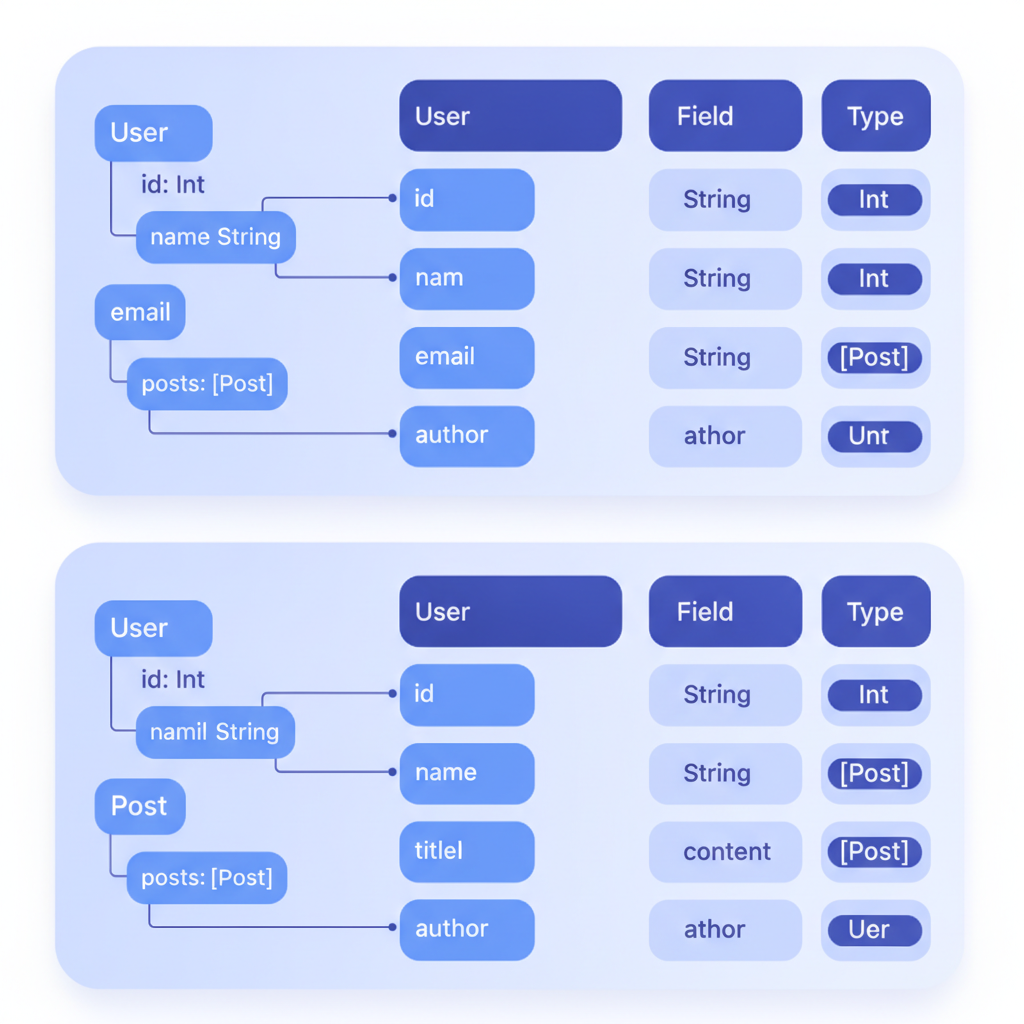
Step-by-step: adding a named data structure to an existing blueprint
- Open your blueprint in Apidoke's CodeMirror editor and locate the file's top section, just below the API metadata (
FORMAT: 1AandHOST:lines). - Add a
# Data Structuresheading and define your first type. Start with the most-reused object in your API, usually a user, a product, or an error shape. - Replace any inline JSON blob inside a
+ Response 200 (application/json)block with+ Attributes (YourTypeName). Delete the old+ Bodyand+ Schemablocks beneath it. - Repeat step 3 for every other action that returns the same shape. Watch the live preview update each panel as you save.
- Add a second type that composes the first, for example
## UserListthat includesarray[User], and wire it to your list endpoint. - Publish with one click. Apidoke saves a version snapshot automatically so you can compare the before and after states in version history.
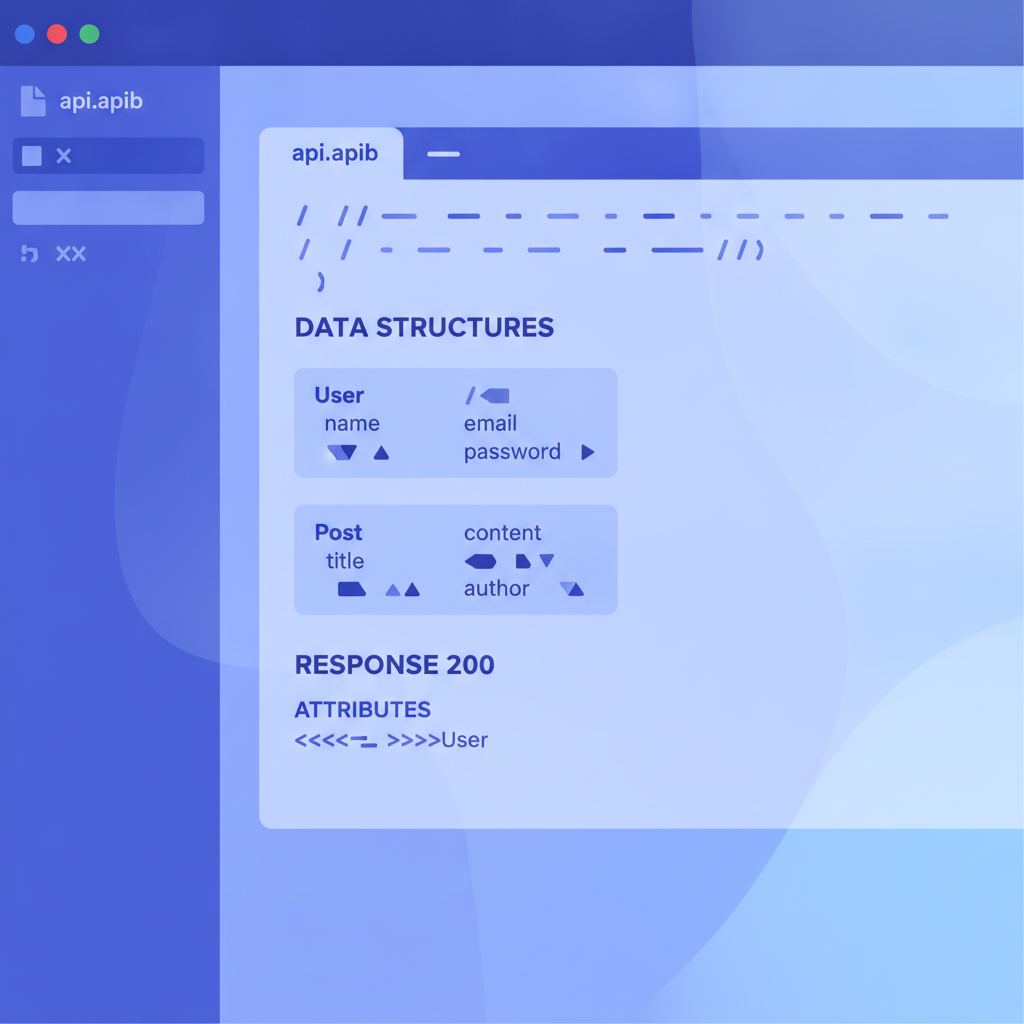
Common mistakes and how to avoid them
Mismatched type names
Blueprint type resolution is case-sensitive. If you define ## ApiError but reference (apiError) in a response, the parser will not resolve it. Keep a consistent capitalisation convention (PascalCase for type names works well) and record it in your team's API style guide.
Mixing Resource Models and Data Structures for the same type
If you define a + Model on # User [/users/{id}] and also define ## User in # Data Structures, tooling may render them independently or conflict. Pick one pattern per type and stick to it across the whole file.
Forgetting the content-type on Attributes responses
A response declared as + Response 200 with no content-type and an + Attributes child may not render the schema table in all viewers. Always specify + Response 200 (application/json) when you intend a JSON body.
Overusing inheritance for trivial cases
Including five base types to save two fields creates a dependency chain that is hard to read. Use composition when the shared fields genuinely belong to a stable contract, not just to avoid typing four lines.
Frequently asked questions
What is a named example in API Blueprint?
A named example is a reusable body or schema definition that you give a name and reference across multiple actions in a Blueprint file. It takes the form of either a Resource Model (+ Model block attached to a resource) or a Data Structure defined under the # Data Structures heading, referenced in response blocks using + Attributes (TypeName) or the [Name][] shorthand.
How does an API Blueprint Data Structure differ from an inline JSON body?
An inline + Body block contains raw JSON pasted verbatim into every action. A Data Structure uses MSON to declare typed fields once, supports composition, and lets any action reference the type by name. Changes to the Data Structure propagate to every referencing action automatically, while inline bodies must be updated one by one.
Can I reference a Data Structure from multiple resource groups?
Yes. The # Data Structures section is file-scoped, so any action anywhere in the blueprint can reference a type defined there, regardless of which # Group the action belongs to. This is the primary reason to prefer Data Structures over Resource Models when a type is shared across groups.
How does Apidoke handle named examples in the try-it console?
Apidoke's parser resolves all named references before rendering. The try-it console pre-populates the response panel with the MSON sample values you supplied in the Data Structure definition. Auth credentials stay in the browser; the console fires the request directly from the reader's machine, so no sensitive tokens pass through Apidoke's servers.
Do named examples work with multiple response codes for the same action?
Yes, and this is one of the most useful patterns. A single action can declare a + Response 200 using + Attributes (User), a + Response 401 using + Attributes (ApiError), and a + Response 404 using + Attributes (ApiError). Each response tab in the published docs resolves independently to its referenced type.
Ready to put named examples and data structures into a live published doc? Create your free Apidoke account and paste your blueprint into the editor. The live preview resolves every reference as you type, and one-click publishing makes the result available to your team immediately.