
How to Deprecate an API Endpoint and Document the Change

An API deprecation notice is a formal signal that a specific endpoint, parameter, or behavior will stop working on a defined future date, giving consumers time to migrate. In Apidoke, you document that signal directly inside your API Blueprint source file, add an explanatory prose block in the three-column reference view, and record the change in your project's version history so the warning travels with every published snapshot.
- Deprecation is a lifecycle event, not just a comment. It needs a sunset date, a migration path, and a visible warning in the rendered docs.
- API Blueprint lets you attach deprecation context in description blocks, response examples, and header conventions without any proprietary extension.
- Apidoke's per-project version history means the deprecated state is preserved in old snapshots while the new replacement is live in the current version.
- Your deprecation notice should reach developers through at least three channels: the docs page, the HTTP response header, and the changelog.
What does API deprecation actually mean?
Deprecation in a software context means a feature is still functional but scheduled for removal. It is not the same as breaking a contract immediately. The lifecycle looks like this: design, release, deprecate, sunset, remove. The gap between deprecate and sunset is the runway you give consumers to migrate.
The key terms to understand before you write a single line of docs:
- Deprecated endpoint: still returns a response, but officially unsupported and scheduled to be removed.
- Sunset date: the calendar date after which the endpoint stops responding. Named after the IETF
Sunsetheader defined in RFC 8594. - Migration target: the replacement endpoint or field the consumer should adopt.
- Breaking change: any change that causes a previously valid request to fail or return a different shape. Deprecation precedes a breaking change; it is not one itself.
Why a deprecation notice belongs in the docs, not just in Slack
It is tempting to announce deprecations in a team channel or an email blast and move on. That approach works for the first 48 hours and then fails completely. Developers who join six months later, or who read the reference docs before they read the changelog, get no warning at all. The docs are the canonical source of truth, so the notice must live there.
A well-placed deprecation notice in your reference docs does three things. It surfaces the warning precisely where a developer is most likely to copy-paste the endpoint URL. It creates a permanent, linkable record that your support team can point to when someone asks why their integration broke. And it protects you contractually by demonstrating that notice was given.
Good developer experience for API teams treats deprecation as a trust-building exercise, not a cleanup task. Developers who feel adequately warned are far more forgiving than those who hit a 410 Gone with no prior notice.
How to write an API deprecation notice in API Blueprint
API Blueprint (the Markdown-based description format that Apidoke renders) does not have a dedicated deprecated keyword in its core spec, but the format's free-form description blocks give you everything you need. The convention the community has settled on is a visible notice at the top of the action description, a Deprecated label in the resource heading, and a Sunset response header in every example response for that action.
Here is a complete, copy-paste example you can drop into your .apib file today:
# Group Users

## Legacy User Lookup [/v1/users/{id}]

### Get User by ID (DEPRECATED) [GET]

> **Deprecation Notice**
> This endpoint is deprecated as of 2025-09-01 and will be removed on **2026-03-01**.
> Migrate to GET /v2/users/{id} before the sunset date.
> Questions? Contact platform-support@example.com

+ Parameters
    + id: `u_abc123` (string, required) - The unique user identifier.

+ Request (application/json)
    + Headers

            Authorization: Bearer <token>

+ Response 200 (application/json)
    + Headers

            Deprecation: true
            Sunset: Sat, 01 Mar 2026 00:00:00 GMT
            Link: <https://docs.example.com/v2/users/{id}>; rel="successor-version"

    + Body

            {
              "id": "u_abc123",
              "name": "Ada Lovelace",
              "email": "ada@example.com"
            }

+ Response 401 (application/json)
    + Headers

            Deprecation: true
            Sunset: Sat, 01 Mar 2026 00:00:00 GMT

    + Body

            {
              "error": "unauthorized",
              "message": "Bearer token is missing or invalid."
            }
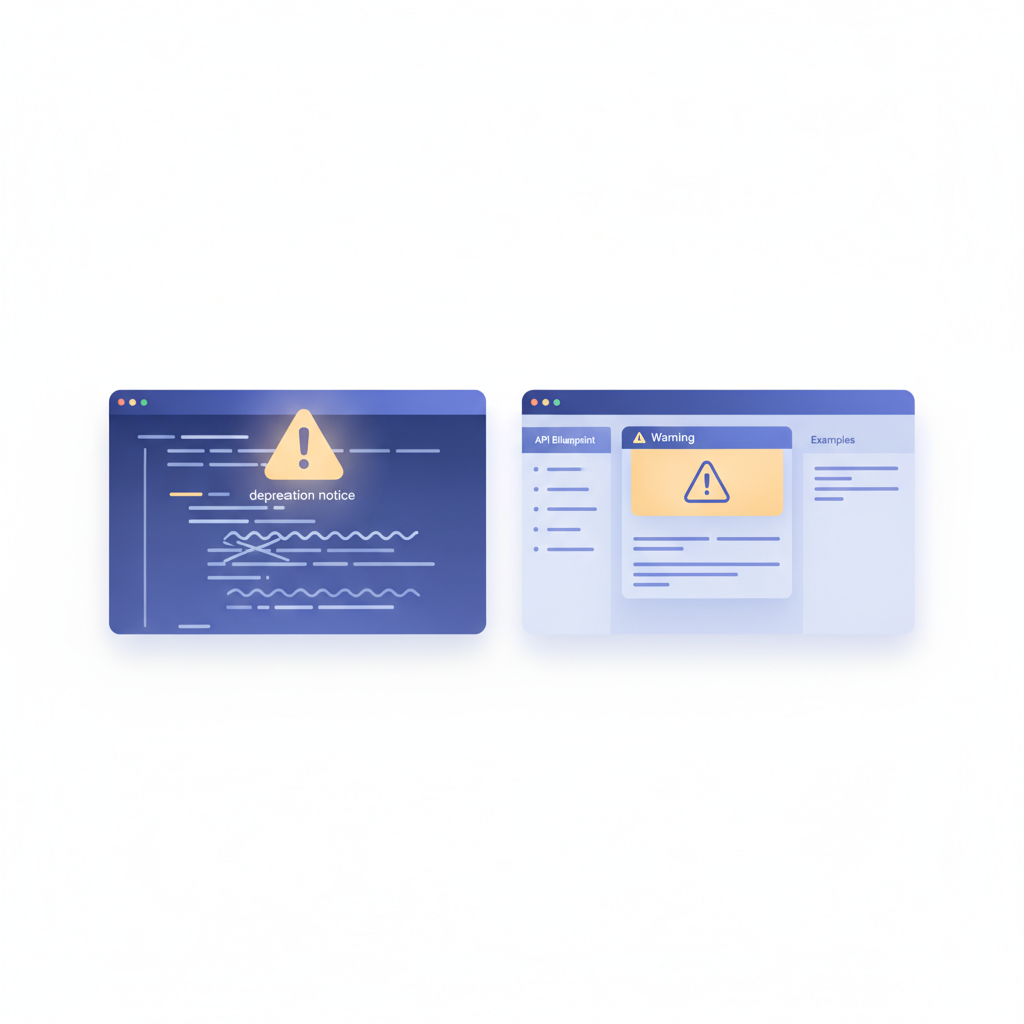
A few things to notice in that snippet. The resource heading includes (DEPRECATED) so it appears verbatim in Apidoke's left-hand navigation column. The blockquote notice at the top of the action description renders prominently in the center content column before any request or response detail. Every response variant, including the 401, carries the Deprecation and Sunset headers so developers hitting error paths still see the warning.
Why include HTTP headers in the example response?
The Deprecation header (RFC 8594) and the Sunset header are machine-readable signals. A well-configured HTTP client or API gateway can detect them automatically and surface an alert to the developer without them ever opening the docs. Including them in your Blueprint example response sets the expectation that your server will emit them, which your backend team should implement to match. Your docs and your server should agree.
Step-by-step: the full deprecation workflow in Apidoke
- Open the project in Apidoke's editor. The split-pane CodeMirror editor shows your raw
.apibsource on the left and a live preview of the rendered three-column docs on the right. You can see the deprecation notice render in real time as you type. - Add the deprecation notice block to the relevant action description, following the template above. Include the deprecation date, sunset date, and a direct link to the replacement endpoint.
- Rename the resource or action heading to include
(DEPRECATED). This label appears in the navigation column, making it visible even before a developer clicks into the section. - Add
DeprecationandSunsetheaders to every example response for that action. If the endpoint has both a 200 and a 401, both get the headers. - Save a named version snapshot. Apidoke's per-project version history lets you tag this moment (for example,
v2.4.0-deprecations) so you have a before-and-after record. Anyone who loads an older snapshot sees the docs without the notice; anyone loading the current or newer version sees it. - Publish the updated docs. One-click publishing pushes the new version live. The public URL for your project immediately reflects the deprecation notice in both the navigation and the content pane.
- Add an entry to your changelog. A changelog entry connects the deprecation event to the broader release timeline. See how to write a good API changelog for structure and tone guidance.
- Schedule a reminder for 30 days before sunset. At that point, add a second, more urgent notice to the same action block. Something like: Removal is in 30 days. This endpoint will return 410 Gone after 2026-03-01.
What HTTP status code does a removed endpoint return?
This is a frequent source of confusion. While an endpoint is deprecated, it should still return 200 (or whatever its normal success code is) plus the Deprecation and Sunset headers. After the sunset date, when you remove the endpoint, it should return 410 Gone, not 404 Not Found. The distinction matters: 404 means the resource never existed or was temporarily unavailable; 410 is a permanent, intentional removal. A client that caches a 410 knows not to retry. According to the HTTP semantics RFC 9110, 410 specifically indicates that the resource is intentionally gone and the condition is expected to be permanent.
Your Blueprint file should be updated again at removal time to either delete the action entirely or replace it with a stub that documents the 410, depending on how long you want the tombstone to remain visible in the docs.
Communicating the sunset timeline to developers
A deprecation notice in the docs is necessary but not sufficient. Most developers do not read the full reference before integrating; they read the section relevant to what they are building right now. The timeline needs to reach them through multiple channels.
| Channel | When to use it | What to include |
|---|---|---|
| Reference docs (API Blueprint) | Immediately on the deprecation date | Deprecation date, sunset date, migration target link |
| HTTP response headers | Same day, implemented server-side | Deprecation: true, Sunset date, Link rel successor |
| Changelog entry | Same release as the docs update | One-line summary plus a link to the docs section |
| Email or developer newsletter | Deprecation date and again 30 days before sunset | Plain-language explanation, migration steps, support contact |
| In-app warning (if you have a dashboard) | 30 days before sunset, targeting active users of the endpoint | Short banner with a link to migration guide |
The HTTP header approach is particularly valuable because it is automated. Once your backend emits Sunset: Sat, 01 Mar 2026 00:00:00 GMT, any monitoring tool or API client that understands the header will surface the warning without any action from the developer. That is a good default to build toward, and documenting it in your Blueprint file first gives your backend team a clear spec to implement against.
How long should your deprecation runway be?
There is no universal rule, but there are useful benchmarks. The API versioning strategies post covers the versioning context in depth; from a pure deprecation standpoint, general industry practice breaks down like this:
| API type | Minimum recommended runway | Notes |
|---|---|---|
| Internal API (one team) | 2 to 4 weeks | You can coordinate directly with every consumer |
| Internal API (multiple teams) | 1 to 3 months | Other teams have sprint cycles; respect them |
| Public API, small developer base | 3 to 6 months | Some developers check docs infrequently |
| Public API, large or enterprise developer base | 6 to 12 months | Enterprise procurement and change-management cycles are slow |
If you are not sure how widely your endpoint is used, err on the longer side. Anger over a short runway is much harder to recover from than the minor operational cost of keeping an old endpoint running a few extra months.
Handling deprecated query parameters and request fields
Endpoint-level deprecation is the most visible case, but you also need a pattern for deprecating individual query parameters or request body fields without retiring the entire endpoint. In API Blueprint, you handle this in the parameter or attribute description directly.
+ Parameters
    + user_id: `u_abc123` (string, optional)

        **Deprecated.** Use `id` instead. `user_id` will be removed 2026-03-01.

    + id: `u_abc123` (string, optional) - The canonical user identifier. Use this.
The same principle applies to MSON (Markdown Structured Object Notation) attribute blocks inside request or response body descriptions. Add the deprecation warning in the attribute's inline description so it renders visibly in the generated docs next to the field name, rather than buried in a footnote.
What about deprecated response fields?
Response field deprecation is trickier because you cannot control what the client does with a field it receives. The standard approach is to document the deprecation in the response body schema description, continue returning the field with its old value until the sunset date, and stop returning it after. Documenting that explicitly in the Blueprint example body helps:
+ Body

        {
          "id": "u_abc123",
          "name": "Ada Lovelace",
          "username": "ada_deprecated",
          "handle": "ada_lovelace"
        }

    Properties:
    - `username` (string) - **Deprecated.** Replaced by `handle`. Will be removed 2026-03-01.
    - `handle` (string) - The user's current display handle.
Using Apidoke's version history to preserve the deprecation record
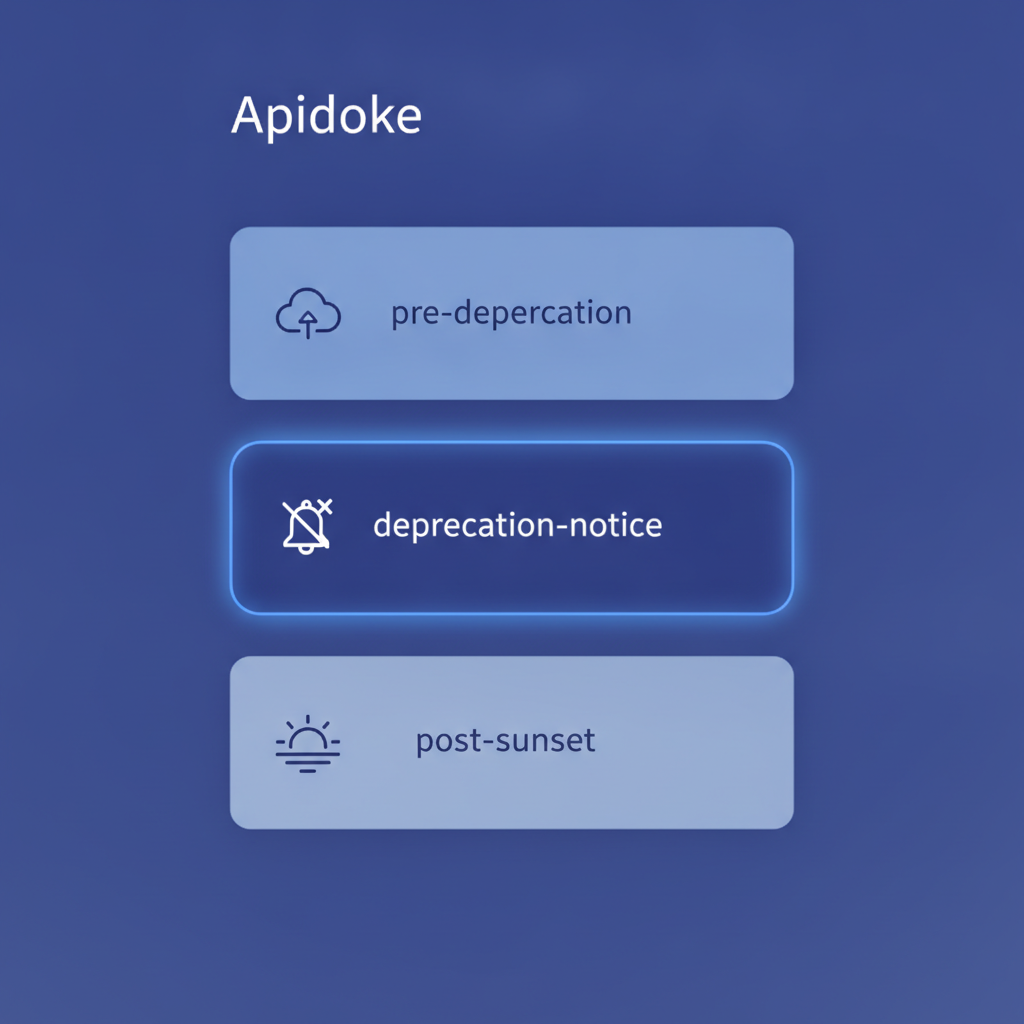
One of the practical challenges of deprecation is that once an endpoint is removed from the docs, the migration story disappears with it. A developer who missed the sunset period and is now debugging a 410 response has nowhere to look. Apidoke's per-project version history solves this by keeping every saved snapshot permanently accessible.
The recommended workflow: save a named snapshot the day you add the deprecation notice, save another snapshot the day the endpoint goes sunset, and leave the sunset snapshot accessible (or at least archived) so a developer can still read the migration instructions even after you have cleaned up the current docs. You can link to a specific snapshot URL in your support documentation, which gives your team a stable reference to share.
This connects directly to the broader developer experience best practices principle that your docs should never dead-end a developer. Even after removal, a path to the answer should exist.
A checklist before you publish the deprecation notice
- The action heading includes
(DEPRECATED)so the navigation column is labelled. - The description block states the deprecation date, the sunset date, and the replacement endpoint or field.
- Every response example for that action includes
Deprecation: trueandSunsetheaders. - The replacement endpoint (if it is new) is fully documented in the same Blueprint file.
- A changelog entry is written and queued.
- The backend team has a ticket to emit the HTTP headers server-side.
- A version snapshot is saved and named before publishing.
- A calendar reminder is set for 30 days before the sunset date for a follow-up notice.
Frequently asked questions
What is the difference between deprecating an endpoint and removing it?
Deprecation is a warning with a future removal date. The endpoint still works and returns normal responses, plus extra headers signalling its eventual removal. Removal (the sunset event) is when the endpoint stops responding, typically returning 410 Gone. The gap between the two is the migration runway you give developers.
Does API Blueprint have a built-in deprecated keyword?
No, the core API Blueprint specification does not include a native deprecated annotation. The established practice is to add the notice in the action's free-form description block and include Deprecation and Sunset response headers in the example, which Apidoke renders visibly in the three-column reference view.
How do I tell developers which endpoint replaces the deprecated one?
Include the replacement URL in the deprecation notice prose block, and add a Link response header with rel="successor-version" pointing to the new endpoint's documentation URL. This gives both human readers and machine clients a clear pointer to the migration target.
Should I keep deprecated endpoints in my docs after the sunset date?
Yes, at least for a short period. A tombstone entry documenting that the endpoint returned 410 Gone as of the sunset date, with a link to the replacement, helps developers who missed the window understand what happened. Apidoke's version history lets you preserve the full deprecation context in older snapshots even after you clean up the current docs.
What HTTP status code should a removed endpoint return?
410 Gone, not 404 Not Found. HTTP 410 signals a permanent, intentional removal. Clients that understand 410 will not retry the request, and the response tells developers clearly that the endpoint was removed on purpose rather than being temporarily unavailable.
Ready to start documenting your deprecation notices with a live preview and built-in version history? Create your free Apidoke account and have a properly structured deprecation notice rendering in your three-column reference docs within minutes.