
Continuous Documentation: Keeping API Docs in Sync with CI/CD
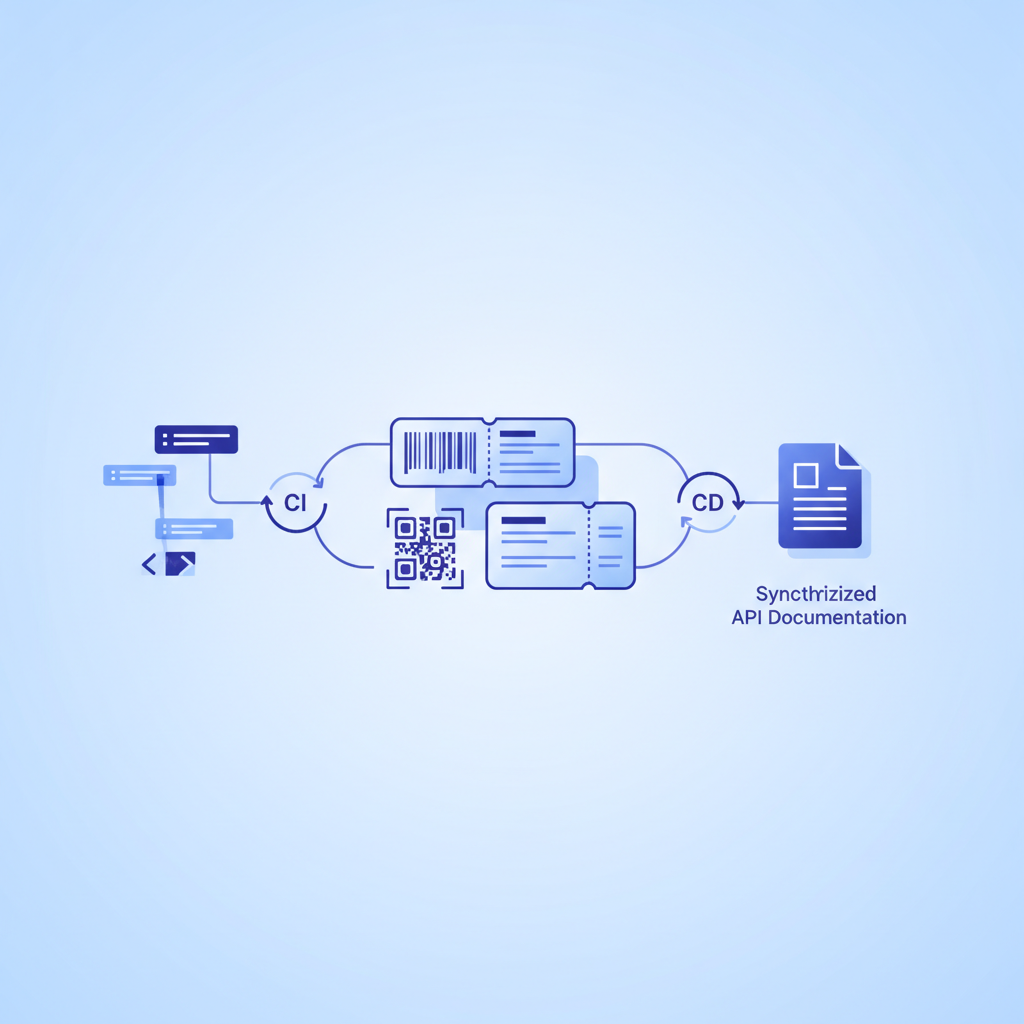
Integrating API docs into a CI/CD pipeline means treating your documentation files as first-class build artifacts: every pull request that touches an endpoint also triggers a documentation check, so the rendered reference your consumers read always reflects the code that is actually running. With Apidoke, that workflow centres on API Blueprint source files stored in version control, validated on each commit, and published automatically when the branch merges.
- API Blueprint
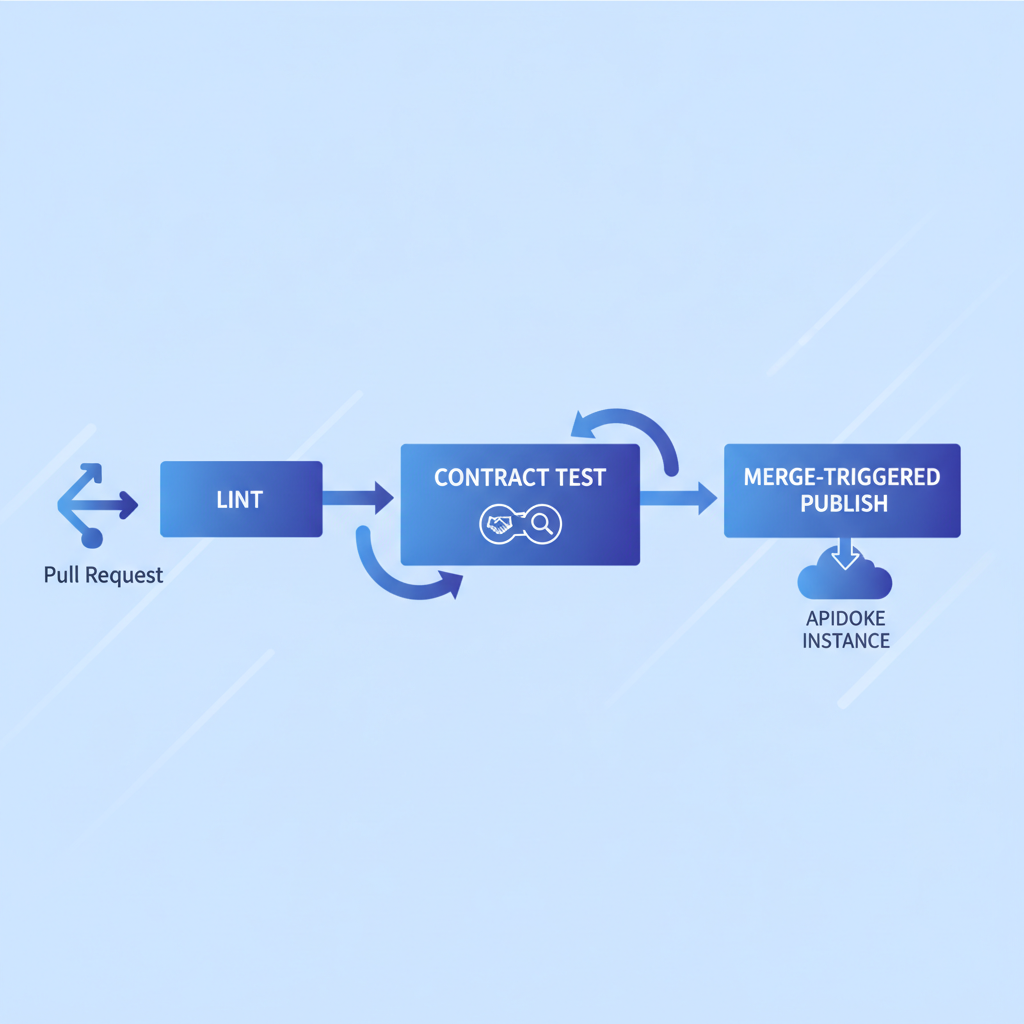
.apibfiles live in the same repository as the service code, so docs and code change together in the same pull request. - A CI job (GitHub Actions, GitLab CI, or any runner) lints the Blueprint file on every push and blocks the merge if the spec is invalid.
- On merge to the main branch, a second job pushes the updated file to Apidoke, creating a new version in the project's built-in version history.
- The live try-it console that consumers use always points at the latest published version, with no manual republishing step required.
Why CI/CD and API docs belong together
The general problem of documentation drift is real and well-documented: endpoints get renamed, request fields get added, status codes change, and the written reference lags behind by days or weeks. The canonical guide to writing API documentation covers why accuracy matters. This article takes a narrower, more operational angle: the specific CI/CD workflow that makes accuracy a mechanical guarantee rather than a social norm.
When docs live only in a wiki or a hosted platform that someone updates manually, there is no enforcement mechanism. The pipeline is the enforcement mechanism. A broken build is harder to ignore than a stale Confluence page.
The approach described here applies whether your team ships daily or weekly, and whether you run GitHub Actions, GitLab CI, CircleCI, or Jenkins. The pipeline steps are largely the same; only the YAML syntax changes.
Step 1: Put the Blueprint file in the repository
The first prerequisite is that your API Blueprint file, typically named api.apib or docs/reference.apib, lives in the same Git repository as the service it documents. If the file currently lives only inside Apidoke's editor, export it, commit it, and make the repository the source of truth from that point forward.
A minimal file layout looks like this:
my-service/
  src/
  tests/
  docs/
    api.apib
  .github/
    workflows/
      docs.yml
  README.md
Keeping api.apib inside a docs/ subdirectory separates it from application code while keeping it reviewable in the same pull request. Reviewers can see a diff of the spec alongside the diff of the handler function that changed.
Step 2: Write (or enforce) a contributor convention
Before automation, you need a human rule: any pull request that changes a route, a request body field, a response status code, or a query parameter must also change docs/api.apib. This is the same "docs or it didn't happen" culture that many engineering teams apply to unit tests.
A pull request template enforces this at review time. Add a checklist item:
- [ ] Updated docs/api.apib if any endpoint signature changedThe CI job in the next step catches structural errors; the checklist catches omissions that are syntactically valid but factually wrong.
Step 3: Lint the Blueprint file on every push
API Blueprint has a reference parser called Drafter, maintained by Apiary under the MIT licence. Drafter exposes a command-line interface that exits with a non-zero code when the file contains syntax errors, making it a natural CI gate.
Install Drafter via npm:
npm install -g drafterThen validate:
drafter --validate docs/api.apibExit code 0 means the file parsed without errors. Any other exit code fails the CI job. Here is a complete GitHub Actions workflow that runs this check on every push and every pull request targeting main:
name: Validate API docs

on:
  push:
    paths:
      - 'docs/api.apib'
  pull_request:
    paths:
      - 'docs/api.apib'

jobs:
  lint-blueprint:
    runs-on: ubuntu-latest
    steps:
      - uses: actions/checkout@v4
      - name: Install Drafter
        run: npm install -g drafter
      - name: Validate Blueprint
        run: drafter --validate docs/api.apib
The paths filter means the job only runs when the Blueprint file itself changes, keeping CI minutes low for commits that touch only application code.
What does a failing lint look like?
If you accidentally write a response body without a matching Content-Type header, or forget to close a + Response block, Drafter prints the line number and a description. For example:
warning: (W3) action is missing a response
  --> docs/api.apib:42:1
Drafter distinguishes warnings from errors. You can choose to treat warnings as errors by combining the output with a grep check, depending on how strict you want the gate to be.
Step 4: Write Blueprint that reflects real HTTP behaviour
A lint gate only catches syntax errors. The harder problem is semantic accuracy: does the Blueprint describe what the API actually does? The best mitigation is writing the spec with enough detail that a discrepancy becomes obvious during code review.
Here is a realistic Blueprint fragment for a protected resource, written with the specificity that makes drift visible:
FORMAT: 1A
HOST: https://api.example.com

# Example API

## Group Orders

### List orders [GET /orders{?status,page}]

Returns a paginated list of orders for the authenticated account.

+ Parameters
    + status (string, optional) - Filter by order status. Allowed values: `pending`, `shipped`, `delivered`.
    + page (number, optional) - Page number, 1-indexed. Default: `1`.

+ Request (application/json)
    + Headers

            Authorization: Bearer eyJhbGciOiJIUzI1NiJ9...

+ Response 200 (application/json)
    + Body

            {
              "orders": [
                {
                  "id": "ord_8f3a",
                  "status": "pending",
                  "total": 4200,
                  "currency": "USD",
                  "created_at": "2026-09-01T14:23:00Z"
                }
              ],
              "page": 1,
              "total_pages": 4
            }

+ Response 401 (application/json)
    + Body

            {
              "error": "unauthorized",
              "message": "Bearer token is missing or invalid."
            }

+ Response 404 (application/json)
    + Body

            {
              "error": "not_found",
              "message": "No orders found for this account."
            }
Each response status (200, 401, 404) is documented with a real body. When a developer changes the status field from a string enum to an integer code, the diff in the Blueprint file will show the change and a reviewer can immediately judge whether the docs match. See our deep-dive on API Blueprint request and response bodies for more patterns like this.
Per RFC 9110, a 401 response must include a WWW-Authenticate header. Including that detail in the Blueprint gives reviewers a concrete checklist item to verify against the actual implementation.
Step 5: Publish to Apidoke on merge
Validation on pull requests prevents bad specs from merging. Publishing on merge keeps the live docs current. Apidoke's self-hosted instance accepts files through its standard interface; you can automate that upload step with a second CI job that runs only on the main branch after the lint job passes.
A conceptual deployment job looks like this (adapt the upload command to whatever HTTP client your runner has available):
  publish-docs:
    needs: lint-blueprint
    runs-on: ubuntu-latest
    if: github.ref == 'refs/heads/main'
    steps:
      - uses: actions/checkout@v4
      - name: Upload Blueprint to Apidoke
        run: |
          curl -X POST https://your-apidoke-instance/api/projects/my-service/versions \
            -H "Authorization: Bearer ${{ secrets.APIDOKE_TOKEN }}" \
            -F "file=@docs/api.apib" \
            -F "label=$(git log -1 --format='%h %s')"
The label field carries the short commit hash and commit message, so the version history inside Apidoke maps directly to the Git log. When a consumer asks "when did the /orders endpoint add the page parameter?", the answer is one click away in the version history panel.
Because Apidoke stores a full version history per project, you can also publish from release branches, giving you versioned docs (v1, v2) alongside a rolling latest, without any extra tooling.
How this compares to common alternative approaches
| Approach | Drift risk | Review friction | Automation difficulty |
|---|---|---|---|
| Manual wiki updates | High | None (no review required) | Not applicable |
| Code annotations (inline JSDoc/decorators) | Medium | Medium (scattered across files) | Medium (requires extraction toolchain) |
| Blueprint in repo, no CI gate | Medium | Low (file is visible in PR) | Low (one manual publish step) |
| Blueprint in repo, lint gate + auto-publish (this guide) | Low | Low (same PR, automated check) | Low (one-time workflow setup) |
Handling breaking changes and version branching
When a breaking change ships, such as removing a field, renaming a path, or changing a 200 to a 202, you typically want two things: a versioned snapshot of the old docs and a clear signal to consumers. The CI pipeline supports this naturally.
- Create a release branch for the current stable version, for example
release/v1. - Add a second publish job that runs on pushes to
release/v1and uploads with the labelv1-latest. - The breaking change lands on
mainand publishes asv2-latest. - Both version snapshots are accessible in Apidoke's version history. Consumers on v1 see the v1 spec; consumers migrating to v2 see the v2 spec.
- Write a changelog entry for the breaking change. The guide to writing a good API changelog covers what to include so consumers know exactly what to update.
This pattern also means you never lose the historical record. If a regression is reported against v1, you can pull the exact spec that was live at the time of the incident.
Testing the documented contract, not just the syntax
Lint validation checks that the Blueprint is syntactically correct. Contract testing checks that the running service actually returns what the Blueprint says it returns. Tools like Dredd read an API Blueprint file and fire real HTTP requests against a locally running service, comparing actual responses to documented ones.
A Dredd job in CI looks like this:
  contract-test:
    needs: lint-blueprint
    runs-on: ubuntu-latest
    steps:
      - uses: actions/checkout@v4
      - name: Start service
        run: docker compose up -d
      - name: Install Dredd
        run: npm install -g dredd
      - name: Run contract tests
        run: dredd docs/api.apib http://localhost:3000
If the service returns a 422 where the Blueprint documents a 400, Dredd fails the job. This closes the loop between what the spec says and what the code does, rather than just checking that the spec is parseable.
Contract testing is the highest confidence level; lint-only is the minimum viable gate. Most teams start with lint and add contract tests once the spec is comprehensive enough to be worth testing against.
Security note: tokens in CI and in the try-it console
Two sets of credentials exist in this workflow and they have different scopes.
The APIDOKE_TOKEN in CI is a server-side secret stored in your repository's secrets vault. It is used only by the upload job on main and never exposed to browser clients.
When a developer or API consumer uses Apidoke's live try-it console to fire a real GET /orders request, any Bearer token they type stays in their browser. It is never sent to Apidoke's servers; the console fires requests directly from the browser to the target API. This is a meaningful privacy boundary, especially for internal APIs where tokens carry real permissions.
Frequently asked questions
What is continuous documentation in the context of API development?
Continuous documentation means treating API spec files as build artifacts that are validated and published automatically on every code change, using the same CI/CD pipeline that builds and tests application code. The goal is to keep the published reference accurate without relying on manual update steps that are easy to skip.
How do I prevent a pull request from merging if the API Blueprint file is invalid?
Add a CI job that runs drafter --validate your-spec.apib and mark it as a required status check in your repository's branch protection rules. GitHub, GitLab, and most CI platforms let you block merges on a named required check, so an invalid Blueprint file will prevent the pull request from being merged.
Can I auto-publish to Apidoke from a GitHub Actions workflow?
Yes. You upload the updated .apib file via an HTTP POST to your Apidoke instance using a stored API token. The workflow runs only on merges to the main branch, conditional on the lint job passing, so only valid and reviewed specs are published.
What is the difference between linting a Blueprint file and contract testing?
Linting checks that the Blueprint file is syntactically valid according to the API Blueprint specification. Contract testing goes further: it starts your actual service and fires real HTTP requests, then compares the responses the service returns to the responses the Blueprint says it should return. Linting is fast and catches typos; contract testing catches semantic drift between spec and code.
Does storing the Blueprint file in Git replace Apidoke's built-in version history?
No, they complement each other. Git stores the full diff history of the raw source file, which is useful for code review. Apidoke's version history stores rendered, timestamped snapshots that are accessible to non-technical consumers without Git access. Publishing from CI on each merge keeps both histories aligned automatically.
Start publishing from your pipeline today
The workflow in this guide takes less than an afternoon to set up: move the Blueprint file into the repository, add a lint job, add a publish job, and enable branch protection. From that point forward, every merge to main is a documentation deployment, and doc drift becomes a build failure rather than a silent problem. Create a free Apidoke account to set up your first project and connect it to your pipeline.
Related reading: How to Document API Pagination
Related reading: Versioning API Documentation: A Practical Workflow