
How to Conduct an API Documentation Audit

An API documentation audit is a structured review of every public or internal API reference, guide, and example your team maintains. The goal is to find gaps, inaccuracies, and stale content before developers do. Apidoke supports audits directly: its per-project version history lets you compare what changed across releases, and its live try-it console lets you verify documented endpoints against a real server without leaving the browser.
- An audit differs from a per-PR review. A review checks one change at a time; an audit sweeps the entire doc set on a schedule (quarterly is a reasonable default).
- Coverage, accuracy, and usability are the three audit dimensions. Each requires a different technique: inventory for coverage, test requests for accuracy, and readability scoring for usability.
- Scoring gaps numerically lets you prioritize fixes and track improvement over time, turning a subjective exercise into a repeatable engineering process.
- Apidoke's version history gives you a before-and-after diff for every project, so you can audit what actually changed between doc versions without storing credentials on a third-party server.
What Is an API Documentation Audit (and When Should You Run One)?
An audit is not the same as the per-PR documentation review checklist your team runs before merging a change. That process is tactical: does this specific request body example still work? An audit is strategic: does the entire documentation set accurately reflect the live API, and does it serve every audience who reads it?
Good times to schedule an audit include: after a major API release (v2, v3), after deprecating a resource group, when developer satisfaction scores drop, and on a fixed quarterly calendar regardless of release activity. The fixed-calendar approach is often most useful because it catches drift that accumulates in small increments, none of which individually triggered a review.
The Three Audit Dimensions
Every API documentation audit should evaluate three distinct areas. Conflating them leads to checklists that are long but miss real problems.
Dimension 1: Coverage
Coverage means: does a documented endpoint exist for every live endpoint, and does every documented endpoint still exist on the server? A 404 response from the try-it console on an endpoint your docs describe as returning 200 is a coverage failure in both directions.
Dimension 2: Accuracy
Accuracy means: are the documented request parameters, headers, status codes, and response shapes what the server actually returns? A field documented as string that the server now returns as integer is an accuracy failure. So is a documented Authorization: Bearer header that the server now validates differently.
Dimension 3: Usability
Usability means: can a developer who has never seen the API reach a successful first call using only the docs? This includes presence of code samples, clarity of authentication instructions, and whether error codes are explained rather than just listed.
Step-by-Step Audit Methodology
The following process works for any API doc set, whether you maintain it in Apidoke or another tool. For Apidoke projects, several steps are faster because the version history and try-it console are built in.
- Build an endpoint inventory. List every endpoint your API exposes. The canonical source is the server, not the docs. Pull the list from your router, a server-generated route table, or a test harness. For each endpoint, record the HTTP method (GET, POST, PUT, PATCH, DELETE), path, and whether it is public or internal.
- Map each endpoint to its documentation. For every item in the inventory, find the corresponding API Blueprint resource and action in your Apidoke project. In API Blueprint, resources are declared as
## Resource Name [/path]and actions as### Action Name [METHOD]. Note any endpoint that has no matching doc block: that is an undocumented endpoint, the most common coverage gap. - Fire test requests through the try-it console. For each documented action, use Apidoke's built-in try-it console to send a real request to your staging or production server. Check that the response status code matches what the docs claim. Common mismatches worth flagging: the doc says
200 OKbut the server returns201 Created; the doc says401 Unauthorizedwhen credentials are missing but the server returns403 Forbidden. Per RFC 9110, 401 and 403 have distinct semantics (authentication vs authorization), so mismatched status codes are accuracy failures, not minor inconsistencies. - Validate request and response shapes. For each action that has a documented request body, send the exact example from your API Blueprint
+ Bodyblock and confirm the server accepts it with a 2xx response. Then compare the actual response body to the documented+ Response 200 (application/json)block. Flag any field that is missing, renamed, or has a different type. If you use MSON (Markdown Syntax for Object Notation) to define types, cross-check those type definitions against real payloads. - Check authentication documentation. Authenticate as a new user (not a long-lived internal token) using only the instructions in your docs. If you cannot get a valid token and make a successful call within ten minutes, your authentication section needs work. Check that your docs explain what happens on a
401, what the token format is, and how to refresh an expired token. - Review error documentation completeness. For every endpoint, confirm that at least the following status codes are documented with an example body: the success response (typically
200or201), a client error (400or422), an auth failure (401or403), and a not-found case (404). If your API returns rate-limit errors,429 Too Many Requestsshould be documented with itsRetry-Afterheader. - Test code samples end to end. Copy each curl or language example from your docs and run it unmodified (substituting only a real API key). If it fails with a syntax error or a non-obvious server error, that is a usability failure. See the guidance in the writing effective code samples guide for what makes examples reliable.
- Check version history for undocumented changes. In Apidoke, open the version history panel for your project and diff the last three versions. Any endpoint that changed in the API but whose doc block hash did not change in the same period is a candidate for stale documentation. This catches the most common source of drift: a developer updated the server but forgot to update the Blueprint file.
- Score each finding and prioritize the backlog. Assign a severity to each gap: P0 (endpoint exists in server, not in docs, or vice versa), P1 (documented status code or response shape is wrong), P2 (missing error codes or incomplete examples), P3 (style or readability issues). Track totals across dimensions and compare quarter over quarter.
Audit Scoring: How to Turn Findings into a Number
Qualitative audits tend to be repeated without improving. A simple scoring model makes progress visible to non-technical stakeholders and creates accountability.
One practical model: start at 100 and subtract weighted penalty points for each finding category.
| Finding Type | Dimension | Penalty per Finding | Example |
|---|---|---|---|
| Undocumented endpoint | Coverage | 10 points | POST /payments exists on server, missing from docs |
| Zombie endpoint (doc but no server route) | Coverage | 8 points | GET /v1/legacy documented but returns 404 |
| Wrong status code documented | Accuracy | 6 points | Docs say 200, server returns 201 |
| Response field missing or renamed | Accuracy | 5 points | Docs show user_id, server now returns userId |
| Code sample does not execute | Usability | 4 points | curl example uses wrong header name |
| Missing error code documentation | Usability | 3 points | No 429 or 403 block for a rate-limited endpoint |
| Missing or broken code sample | Usability | 2 points | Endpoint has no example request body |
A score above 85 is healthy. 70 to 85 means the docs are usable but have real gaps. Below 70 suggests developers are likely hitting friction daily, and the team should allocate dedicated sprint capacity to remediation rather than treating it as background work.
What Good API Blueprint Coverage Looks Like
If your docs are written in API Blueprint format, you can do a structural coverage check directly in the file. A well-covered endpoint block includes: a resource declaration with path, an action with the HTTP method, at least one request example with headers and a body where applicable, and at least two response blocks (one success, one error). Here is a minimal example that passes a coverage check:
## User [/users/{id}]

### Retrieve a User [GET]

+ Parameters
    + id: `42` (number, required) - Numeric user ID

+ Request (application/json)
    + Headers

            Authorization: Bearer eyJhbGciOiJIUzI1NiJ9...

+ Response 200 (application/json)
    + Body

            {
              "id": 42,
              "username": "ada",
              "email": "ada@example.com",
              "created_at": "2025-01-15T09:30:00Z"
            }

+ Response 404 (application/json)
    + Body

            {
              "error": "not_found",
              "message": "No user with id 42 exists."
            }
An endpoint that has only a Response 200 block and no parameter or error documentation fails the coverage check even though it is technically present in the file. That distinction matters when you are scoring: the endpoint exists (coverage is technically met) but usability points will be deducted for missing error and parameter documentation.
The API Blueprint specification defines the full grammar for these blocks, including how to nest multiple request-response pairs under one action for different content types or auth states.
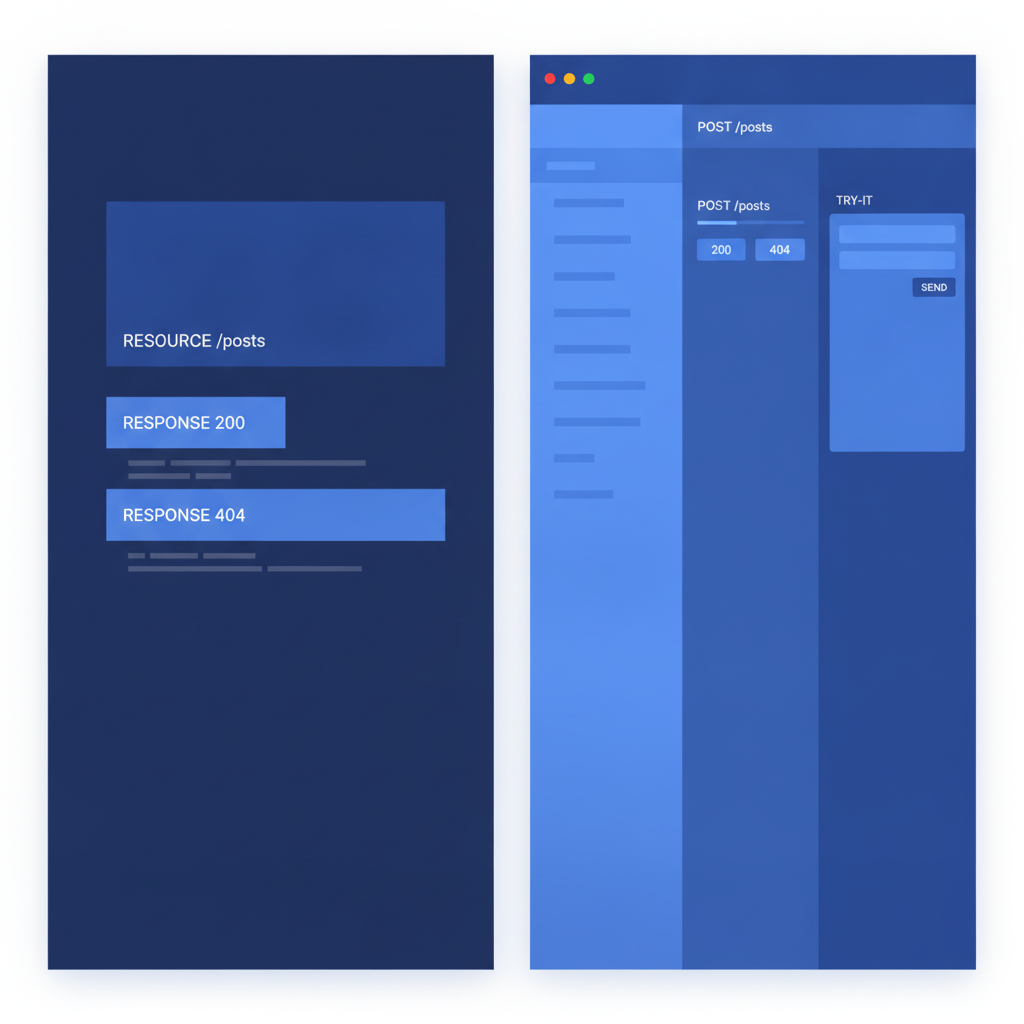
How Apidoke Supports the Audit Process
Several Apidoke features reduce the manual effort of a documentation audit without requiring external tooling.
Per-project version history means every save creates a recoverable snapshot. During an audit, you can open any prior version, copy the Blueprint source, and diff it against the current version to see exactly which resource or action blocks changed. This is more reliable than relying on Git blame if the doc file was edited outside the repository.
The live try-it console lets you fire real HTTP requests to your API directly from the rendered doc page, using credentials you type into the browser. Those credentials are never sent to Apidoke's servers; the request goes directly from your browser to your API host. That makes the try-it console safe to use with real API keys during an audit, which matters when you need to verify protected endpoints that return different shapes based on auth scope.
The split-pane CodeMirror editor with live preview means that when you are fixing a gap found during the audit, you can see the rendered output update in real time, so you do not have to wait for a publish cycle to confirm that a response body example renders correctly in the three-column viewer.
For a broader view of how documentation quality fits into the overall developer experience, the developer experience guide for API teams covers the relationship between documentation completeness and adoption metrics.
Common Audit Findings and How to Fix Them
Finding: Endpoints documented that no longer exist
The fix is not to delete the block immediately. First confirm the endpoint is gone from all server environments (not just production). Then either remove the block and publish the updated doc, or add a deprecation notice in the description. If the endpoint was removed in a specific API version, your version history in Apidoke lets you mark the old version as a historical snapshot while the current version reflects the removal.
Finding: Response fields that have changed name or type
Update the + Body block with the correct field name and update any MSON type definition. Then run the try-it console again to confirm the new example body matches the actual server response. For the field rename case, add a sentence in the endpoint description noting the old field name and when it changed, so developers reading the docs during a migration know what happened.
Finding: Missing authentication documentation
Add a dedicated section (using # Group Authentication in API Blueprint) that shows the exact request to obtain a token, the exact header format (Authorization: Bearer <token>), the token lifetime, and what a 401 response looks like. Do not assume developers know your auth flow even if it is OAuth 2.0 or JWT; document the specific endpoints and parameters your server expects.
Finding: Code samples that silently fail
Run each sample in a clean environment (a fresh terminal session with no pre-set environment variables) and record the exact output. If the sample fails, either fix the sample or add an explicit prerequisite step. Samples that depend on undocumented environment setup are worse than no sample at all, because they create the impression that the API is broken.
Tracking Audit Results Over Time
Store your audit score and finding counts in a simple shared spreadsheet or ticket system. At minimum, record the audit date, the total score, the P0 and P1 finding counts, and the names of the top three endpoints with the most deductions. Comparing these numbers quarter over quarter shows whether documentation debt is growing or shrinking, and gives engineering leadership a non-anecdotal answer to whether the docs are actually getting better.
If P0 findings (undocumented endpoints) keep reappearing quarter over quarter, the problem is process rather than effort. Consider adding a documentation coverage check to your CI pipeline, as described in the continuous documentation and CI/CD guide, so that a missing Blueprint block blocks a merge rather than appearing in the next quarterly audit.

Frequently asked questions
How often should I run an API documentation audit?
Quarterly is a practical default for most teams. If your API releases frequently (weekly or more), consider a lightweight monthly sweep focused only on coverage (new and removed endpoints) and save the full accuracy and usability review for quarterly cadence.
What is the difference between an API documentation audit and a review?
A review is per-change and happens before or at merge time, checking that a specific new or modified endpoint is correctly documented. An audit is a periodic sweep of the entire doc set, checking for drift, gaps, and usability failures that accumulated over many changes rather than appearing in any single PR.
Can I audit API docs that are written in API Blueprint format?
Yes, and API Blueprint makes structural auditing straightforward because the format is plain text with a predictable grammar. You can grep the source file for ## (resource declarations) and ### (action declarations) to build your coverage inventory, then cross-check that list against your server's route table.
What HTTP status codes should every endpoint document?
At minimum: the primary success code (200 or 201), 400 or 422 for malformed requests, 401 for missing or invalid credentials, 403 for valid credentials that lack permission, and 404 for missing resources. If the endpoint is rate-limited, add 429. These cover the cases developers encounter most often when integrating for the first time.
How do I audit documentation for endpoints that require real credentials to test?
Use a dedicated audit API key with read-only or sandbox scope, created specifically for testing. In Apidoke, you enter that key directly into the try-it console; it travels only from your browser to your server and is not stored or logged by Apidoke. Delete the audit key after the review session if your API supports key revocation.
Ready to make your next audit faster? Create a free Apidoke account and use the built-in version history and try-it console to verify every endpoint without leaving your documentation.