
API Documentation Feedback: How to Collect and Act on Developer Input

API documentation feedback is the structured practice of gathering, triaging, and acting on input from developers who read and use your docs. When done consistently, it turns a static reference into a living resource that reduces support load and shortens onboarding time. Apidoke supports this loop directly: published docs can be shared publicly or internally, and per-project version history gives you a clear audit trail of every change made in response to what you heard.
- Feedback collection only works if you have a defined channel, a triage cadence, and someone accountable for acting on the input.
- The most actionable signals come from support tickets, direct doc comments, failed try-it requests (HTTP 4xx responses), and exit surveys, not generic satisfaction ratings.
- Closing the loop, telling developers what changed and why, is what converts one-time reporters into repeat contributors.
- Self-hosted docs on Apidoke keep your feedback data in your own infrastructure, with version history recording every edit so you can trace a change back to the piece of feedback that prompted it.
Why API documentation feedback deserves its own workflow
Most teams treat doc feedback as an afterthought: a GitHub issue label here, a Slack message there. The result is that valid complaints get lost, duplicates pile up, and the docs stay wrong for months. The cost is real. A developer who hits a confusing endpoint description and cannot get a working POST request on the first attempt often files a support ticket or abandons integration entirely.
Treating feedback as a first-class operational practice, with its own intake channel, triage cadence, and definition of done, changes that dynamic. It also feeds back into the broader question of developer experience for API teams, because clear, accurate documentation is one of the highest-leverage DX improvements available.
The other reason to take this seriously: documentation debt compounds. A confusing parameter description that exists today will still be confusing in six months, and it will have generated dozens of support questions by then. Catching it early through structured feedback is cheaper than fixing it later through incident response.
Where developer feedback actually comes from
Before building a collection system, it helps to know where honest feedback naturally surfaces. There are six reliable sources, and they carry very different signal quality.
Support tickets and help requests
Support tickets are the highest-signal source because they represent a developer who was blocked. A ticket saying "your POST /orders example returns a 422 but the docs say it should return 201" is a precise, reproducible complaint with a clear fix. Tag tickets by the endpoint or doc section they reference; after two weeks you will see patterns.
A common mistake is resolving the ticket without updating the doc. Fix both: answer the developer, then update the Blueprint, commit the change, and note in the ticket that the doc was corrected.
Failed try-it console requests
Apidoke's live try-it console fires real HTTP requests directly from the browser. When a developer fills in the example values from your doc and gets a 400 Bad Request or a 401 Unauthorized, that is immediate evidence of a gap between what the docs claim and what the API actually requires. If you observe these patterns through your own API server logs (not through Apidoke, since auth tokens never leave the browser), a cluster of 401s on a specific endpoint often means the authentication example in the docs is wrong or incomplete.
Inline feedback widgets
A "Was this page helpful?" button placed at the bottom of each endpoint section collects low-friction signal. The rating alone is weak data, but a free-text field that appears on a thumbs-down click is more useful. Keep the prompt specific: "What were you trying to do when this page didn't help?" rather than "Leave feedback." Specific prompts generate specific answers.
Developer surveys and exit interviews
A short survey sent after a developer completes their first successful integration is a good moment to ask about doc quality. Questions that work well include: "Which endpoint was the hardest to understand?" and "Was there anything in the docs that turned out to be wrong?" Keep it to five questions or fewer. Longer surveys get abandoned.
Exit interviews, conversations with developers who churned or never completed integration, are rarer but disproportionately valuable. Docs problems are a surprisingly common reason for abandonment.
Public repositories and community channels
If your API has a public forum, Discord, or GitHub repository, search for your endpoint names regularly. Developers often describe doc problems in community channels rather than filing formal feedback because it feels lower effort. A weekly search for your most common endpoint paths (for example, /v1/users or /v1/orders) takes ten minutes and surfaces issues that would never reach a formal feedback channel.
Direct observation and user testing
Watching a developer use your docs for the first time, even in a thirty-minute screen-share session, reveals confusion that no survey would capture. Note every moment they pause, re-read, or try a different approach. These hesitations are friction points, and friction points are the most valuable thing to fix.
How to structure your feedback intake
Raw feedback is noise until it is organized. The following structure works for teams of any size.
A single intake location
Pick one place where all feedback lands before triage: a GitHub project board, a Notion database, a spreadsheet, or a purpose-built issue tracker. The specific tool matters less than the commitment to funnel everything into it. When a support ticket arrives, a Slack message comes in, or a survey response lands, someone creates a record in the intake location before the end of the day.
Required fields for each record
Each feedback record should capture at minimum:
- Source (support ticket, survey, community, direct)
- The affected endpoint or doc section (for example,
POST /paymentsor the authentication overview) - The exact complaint or quote from the developer
- Severity: blocking (cannot integrate), confusing (slows down), minor (typo or cosmetic)
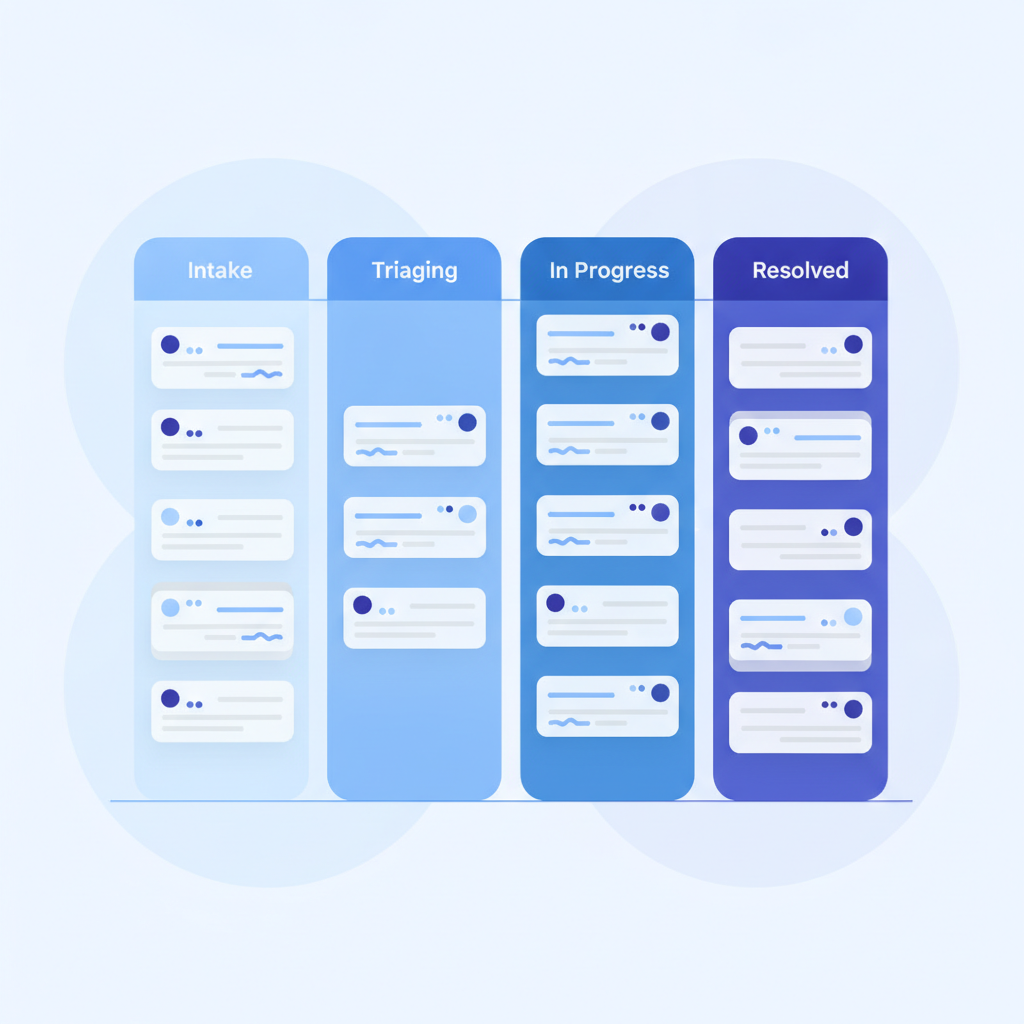
- Status: open, in progress, resolved
Weekly triage cadence
Once a week, the person responsible for docs quality reviews new intake records, assigns severity, and pulls anything blocking into the current sprint or work cycle. A thirty-minute weekly slot is enough for most teams. The goal is not to resolve everything immediately; it is to ensure nothing stays in the inbox unread for more than seven days.
Prioritizing what to fix first
Not all feedback is equal. Use a simple scoring approach to decide what to work on first.
| Factor | Higher priority | Lower priority |
|---|---|---|
| Severity | Blocks integration (wrong status code, missing required parameter) | Cosmetic or stylistic |
| Frequency | Reported by 3 or more developers independently | Single one-off report |
| Endpoint traffic | High-traffic endpoint (authentication, core resource creation) | Rarely used endpoint |
| Fix effort | Small change with high impact (correcting a wrong HTTP method or status code) | Large restructure with uncertain payoff |
| Audience breadth | Affects all integrators | Affects only edge-case consumers |
Anything that is both high frequency and blocking should go to the top of the queue regardless of effort. A wrong response code in a code example, say documenting a 200 OK when the endpoint actually returns 201 Created, is a five-minute fix that could be causing failures for every new integrator.
Turning feedback into concrete doc changes
The following is a step-by-step process for converting a feedback record into a published change in Apidoke.
- Reproduce the problem. Before editing anything, confirm that the complaint is valid. Open the published doc, find the section in question, and try to follow the example exactly. If the example requests
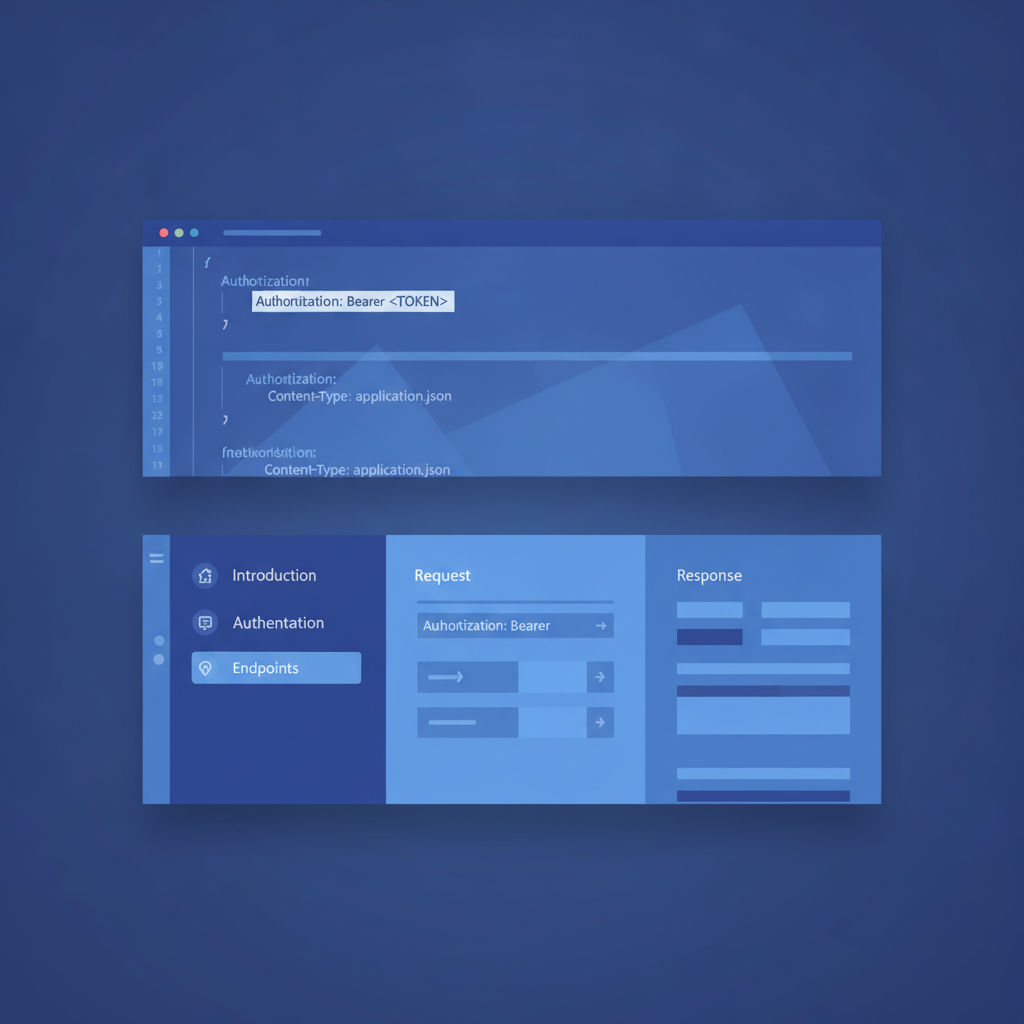
GET /users/{id}without anAuthorizationheader and the API returns401 Unauthorized, you have confirmed the gap. - Open the Blueprint in Apidoke's CodeMirror editor. The split-pane editor shows a live preview of the rendered output alongside your raw API Blueprint source, so you can see the rendered result as you type.
- Make the specific fix. For the authentication example above, you would add or correct the
+ Requestblock to include the required header. A corrected snippet looks like this:
## Retrieve User [GET /users/{id}]

+ Parameters
    + id: 42 (number, required) - Numeric ID of the user

+ Request (application/json)
    + Headers

            Authorization: Bearer eyJhbGciOiJIUzI1NiJ9.example

+ Response 200 (application/json)

        {
            "id": 42,
            "name": "Leah Reynolds",
            "email": "leah@example.com"
        }

+ Response 401 (application/json)

        {
            "error": "unauthorized",
            "message": "A valid Bearer token is required."
        }
- Verify in live preview. Confirm the rendered output looks correct before saving. Check that the request block shows the Authorization header and that both the
200and401responses are documented. Documenting expected error codes alongside success codes is a practice the API documentation review checklist for teams covers in detail. - Save and publish. Apidoke records a new version in the project's version history. Add a commit note that references the feedback record, for example: "Fix: add Authorization header to GET /users/{id} example (reported via support ticket #147)." This creates a traceable link between the complaint and the fix.
- Notify the reporter. Reply to the original ticket, survey response, or message to let the developer know what changed. Even a one-sentence reply builds goodwill and encourages future reporting.
- Mark the feedback record resolved with a link to the version where the change was made.
Patterns worth watching in your feedback data
After a few weeks of structured intake, you will start to see categories emerge. Some are predictable; others surprise teams. The most common patterns and what they signal:
Clusters around a single endpoint
If three or more developers report confusion about the same endpoint in a short period, the problem is almost certainly in the docs, not in the developers. Prioritize immediately.
Authentication errors dominating
A high volume of authentication-related questions, "how do I pass my API key?" or "why do I keep getting 403 Forbidden?", usually means the authentication overview section is buried, incomplete, or uses an example token that does not follow the format your real tokens use. Per RFC 9110, authorization failures should return 401 when credentials are missing and 403 when they are present but insufficient. If developers cannot tell which they are getting, the error response documentation is missing.
Requests for code samples in a specific language
If developers keep asking "do you have a Python example?" or "is there a Node version?", that is a gap in your code sample coverage, not a doc accuracy problem. Route these to a separate backlog for new content rather than treating them as corrections.
Confusion about request body schema
Complaints like "I don't know which fields are required" or "your example JSON is missing a field that my API actually requires" point to an MSON (Markdown Syntax for Object Notation) coverage gap. Adding explicit Data Structures definitions to your Blueprint resolves this class of problem at scale, because every endpoint that references the structure inherits the field descriptions automatically.
Closing the loop with developers
The step that most teams skip is communicating back. Closing the loop has two components.
First, respond to every individual reporter, even briefly. "We've updated the POST /orders example to include the required idempotency-key header, which was the cause of the 400 errors you were seeing. Thanks for reporting it." This takes thirty seconds and turns a frustrated developer into someone who will report the next problem they find.
Second, publish a summary of doc improvements alongside your regular API changelog or release notes. A section titled "Documentation fixes" that lists the endpoints corrected, the errors resolved, and the examples added signals that feedback actually gets processed. Developers who see this are more likely to submit input next time.
If your project uses Apidoke's version history, you already have a timestamped record of every doc change. Linking to specific versions from your changelog gives technically curious developers a way to see exactly what changed and when, which is a level of transparency that builds significant trust.
Metrics that tell you if the feedback loop is working
You do not need a complex analytics platform to know whether your feedback process is improving doc quality. Four proxy metrics are enough:
| Metric | What it measures | Target direction |
|---|---|---|
| Support tickets tagged as doc-related per month | Accuracy and completeness of published docs | Decreasing over time |
| Median time from feedback receipt to published fix | Triage and publishing speed | Decreasing over time |
| Repeat reporters (same developer reports twice) | Whether the first fix actually resolved the root problem | Low and stable |
| Thumbs-down rate on inline feedback widget | Overall helpfulness of published sections | Decreasing over time |
For a broader treatment of what to measure and why, the guide on API documentation metrics: what to track and why covers additional signals including time-to-first-successful-call and support deflection rate.
Common mistakes that break the feedback loop
A few failure modes are predictable enough to call out explicitly.
No single owner. If feedback is everyone's job, it is no one's job. Assign one person, even on a rotating basis, to be accountable for the weekly triage. Without ownership, the inbox fills up and developers learn that reporting is pointless.
Collecting feedback with no way to act on it. If your docs are static HTML published without an editor, you cannot make changes quickly. Having your source in Apidoke's editor means any authorized person can open the Blueprint, fix the error, and publish a new version in minutes without a deployment pipeline.
Conflating feedback volume with quality. A doc page that generates a lot of feedback is not necessarily failing; it may simply have high traffic. Normalize feedback by traffic before drawing conclusions about which sections need the most work.
Fixing symptoms instead of root causes. If five developers ask about the same query parameter, adding a sentence explaining it is a symptom fix. The root cause may be that the parameter name is misleading. Renaming it in the API itself (with appropriate deprecation) is a root-cause fix. Collecting feedback over time reveals which problems recur because only the symptom was addressed.
For teams looking to build this practice into a broader governance model, the API documentation governance guide covers ownership policies, audit cycles, and escalation paths.
Frequently asked questions
What is the best way to collect feedback on API documentation?
The highest-signal methods are support ticket tagging, inline thumbs-up or thumbs-down widgets with a free-text follow-up field, and direct observation sessions where you watch a developer use the docs for the first time. API server logs showing repeated 4xx responses on specific endpoints are also useful, because they surface confusion that developers never bothered to report.
How often should I review API documentation feedback?
A weekly triage session of 30 minutes or less is enough for most teams. Review new intake records, assign severity, and pull blocking items into the current work cycle. Anything that causes an integration failure should be fixed within 48 hours of being confirmed, regardless of the regular cadence.
How do I know if my API docs are actually improving over time?
Track the monthly count of doc-related support tickets and the percentage of feedback-driven changes published within a given period. If doc-related tickets are falling and your median fix time is shortening, the feedback loop is working. A slowly falling thumbs-down rate on inline widgets is another good leading indicator.
Should I publish all feedback or only fix docs privately?
Publish a summary of doc corrections in your changelog. Developers who contributed feedback will see that their input was acted on, which encourages future reporting. Transparency here costs nothing and builds real trust in the quality of your documentation process.
Does Apidoke have a built-in feedback feature?
Apidoke provides a live published view that you share with developers, along with per-project version history that records every doc change. It does not include a built-in commenting system; the recommended approach is to collect feedback through your own channels (support tickets, surveys, community forums) and use Apidoke's editor and version history to triage, fix, and track every change that results from that input.
Ready to publish cleaner, more accurate API docs and start building a real feedback loop? Create a free Apidoke account and publish your first interactive reference in minutes, with no credit card required.
Related reading: API Documentation Maintenance: Keeping Docs Healthy Long-Term