
API Documentation Localization: How to Translate and Adapt API Docs
API documentation localization is the process of translating and culturally adapting your API reference, guides, and error messages so that developers in different regions can read and use your API in their preferred language. Done well in a tool like Apidoke, localization keeps your source Blueprint files as the single source of truth while separate translated layers are published alongside them, without duplicating maintenance work.
- Localization goes beyond translation: code samples, date formats, error message phrasing, and placeholder values all need regional adaptation.
- API Blueprint's plain-text structure makes it easier to extract translatable strings than XML- or JSON-based formats, because each heading, description, and response body is readable prose.
- Apidoke's per-project version history lets you maintain a translated doc set in a separate project that tracks the same version milestones as your source-language project.
- Auth tokens entered in Apidoke's try-it console stay in the browser and never reach Apidoke's servers, so international users can safely test real endpoints without sharing credentials.
Why API documentation localization matters for developer experience
English is the de-facto language of programming, but it is not the native language of most developers worldwide. A 2023 Stack Overflow survey found that only about 26% of respondents are from predominantly English-speaking countries, which means a significant share of your potential API consumers are reading documentation in a second or third language. Cognitive load from foreign-language reading slows down integration time, increases support ticket volume, and raises the chance that a developer misreads a parameter constraint or status code description.
The argument for localization is therefore partly a developer experience argument: reducing friction at every step, including the reading step, is how you shorten the time from first API call to successful production integration.
What actually needs localizing in API docs?
Not every piece of text in your documentation has the same localization priority. A systematic approach starts by categorizing content:
| Content type | Localize? | Notes |
|---|---|---|
| Conceptual descriptions and guides | Yes, high priority | Prose that explains why and how; hardest to read in a foreign language |
| Parameter names and field names | No (translate descriptions only) | Field names are part of the API contract; they must match the actual JSON keys |
| Error messages (human-readable body) | Yes, if your API returns localized errors | Many APIs support an Accept-Language header to select the error language |
| Code samples | Partially (comments and string values) | Code keywords stay in English; inline comments and example string values can be adapted |
| Status code explanations (200, 401, 404) | Yes | The numeric code is universal; the prose description should be in the target language |
| Date/time format examples | Yes | ISO 8601 is universal but example values should match regional expectations |
| UI labels in the try-it console | Depends on the tool | Apidoke's console UI is currently in English; your doc content around it can be localized |
How to structure a localized API Blueprint project
API Blueprint files are plain Markdown with a structured convention (defined in the API Blueprint specification). Because they are flat text files, they integrate cleanly with any version-control-based translation workflow.
The recommended pattern is a parallel file structure: one directory (or Apidoke project) per locale, each containing a translated copy of your source .apib file. The source remains the canonical reference; translated files are downstream. A simple layout looks like this:
docs/
  en/
    payments-api.apib   <-- source of truth
  ja/
    payments-api.apib   <-- Japanese translation
  de/
    payments-api.apib   <-- German translation
Each locale file is an independent Apidoke project with its own version history. When you bump the English source from v1.3 to v1.4, your translation workflow opens a diff, translates only the changed paragraphs, and increments the translated project's version to match. Apidoke's built-in version history gives you a timestamped record of every change in every locale project, so an audit of what was translated when is always available.
Translating API Blueprint syntax: what to touch and what to leave alone
API Blueprint files mix structured syntax with free prose. Translators who do not understand the syntax can accidentally break the document. This section shows exactly which parts of a Blueprint block are translatable and which must stay untouched.
Consider this source block:
# Group Payments

Endpoints for creating and retrieving payment records.

## Payment Collection [/payments]

### Create a Payment [POST]

Submit a new payment. Returns `201 Created` on success.

+ Request (application/json)

    + Body

            {
                "amount": 5000,
                "currency": "USD",
                "description": "Invoice #1042"
            }

+ Response 201 (application/json)

    + Body

            {
                "id": "pay_abc123",
                "status": "pending"
            }

+ Response 401 (application/json)

    Unauthorized. Check your API key.

    + Body

            {
                "error": "invalid_api_key",
                "message": "The API key provided is not valid."
            }
A Japanese-locale translation of the same block would look like this:
# Group 支払い

支払いレコードの作成および取得を行うエンドポイントです。

## 支払いコレクション [/payments]

### 支払いの作成 [POST]

新しい支払いを送信します。成功すると `201 Created` が返されます。

+ Request (application/json)

    + Body

            {
                "amount": 5000,
                "currency": "USD",
                "description": "請求書 #1042"
            }

+ Response 201 (application/json)

    + Body

            {
                "id": "pay_abc123",
                "status": "pending"
            }

+ Response 401 (application/json)

    認証に失敗しました。APIキーを確認してください。

    + Body

            {
                "error": "invalid_api_key",
                "message": "指定されたAPIキーは無効です。"
            }
Key observations from the example above:
- The route
[/payments]and the HTTP method[POST]are untouched. Changing these would break the parser. - The
# Group,##, and###heading keywords are kept because they are API Blueprint syntax markers. The text after them is translated. - JSON field names (
amount,currency,id,status) are not translated. They reflect the real API contract. - The string value
"Invoice #1042"becomes"請求書 #1042"because it is example content, not a field name. - The
errorfield value"invalid_api_key"is left in English because it is a machine-readable code, not human prose. Themessagefield value is translated because end-user applications might display it. - Status code numbers (201, 401) are universal per RFC 9110 and never change, but the surrounding prose explanation is translated.
Building a repeatable localization workflow
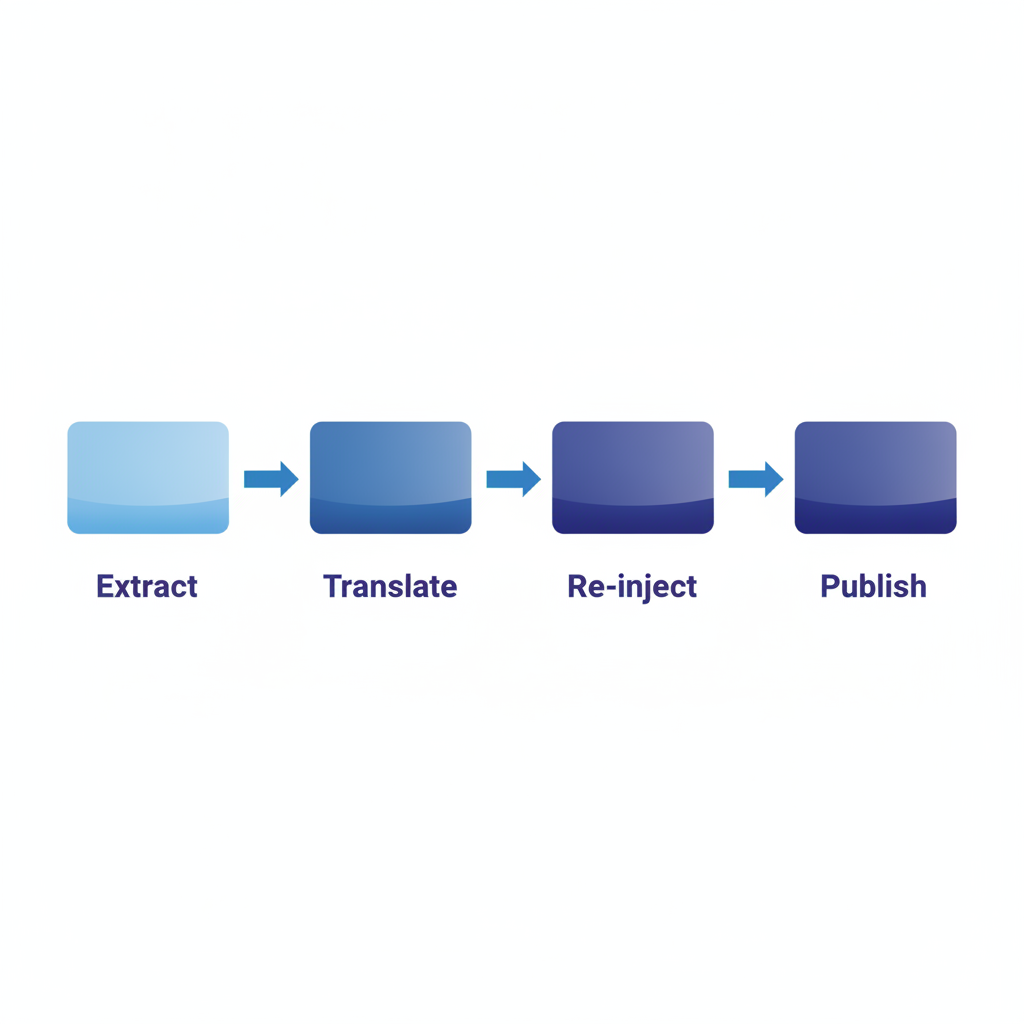
Ad hoc translation (copy, paste into Google Translate, fix manually) breaks down the moment you have more than two locales or a doc set that changes frequently. A repeatable workflow has four phases:
- Extract translatable strings. Write a small script (or use an existing i18n tool like Phrase or Locize) that reads your
.apibsource and outputs a PO or XLIFF file containing only the prose segments. The script skips Blueprint syntax tokens like+ Request, route paths, and method keywords. - Translate. Human translators or a machine-translation post-editing workflow (MTPE) works on the extracted strings file, not the raw
.apib. This protects syntax from accidental modification. - Re-inject and validate. A second script merges the translated strings back into a locale-specific
.apibfile. Run the API Blueprint parser against it to confirm no syntax errors were introduced. Aglio and other Blueprint tools report parse errors clearly. - Publish to Apidoke. Paste or upload the translated
.apibinto the relevant locale project in Apidoke. The live preview confirms rendering before you hit publish. Save the version with a label that matches your source-language version number, for examplev1.4-ja.
Handling code samples for international audiences
Code samples are one of the most used parts of any API reference. Developers copy them and adapt them directly. A few localization decisions worth making deliberately:
Inline comments
Comments inside code blocks (lines starting with // or # depending on the language) are often the clearest place to add a translated explanation. Translating only the comments keeps code executable and culture-adapted at the same time.
Example string values
A request body with "city": "Austin" is subtly confusing to a developer in South Korea who is building an app for Korean users. Swap it for "city": "서울" in the Korean locale. This is a small change that meaningfully reduces cognitive friction.
Phone numbers, postal codes, and currency
If your API accepts a phone field, the English docs might show "+1-415-555-0100". The German locale should show "+49-30-123456". If the API accepts a currency field, keep "USD" as an example only if USD is the primary currency for that audience; otherwise switch to "EUR" or the relevant ISO 4217 code.
The Accept-Language header and localized error responses
Some APIs return human-readable error messages and support the HTTP Accept-Language request header (defined in RFC 9110, section 12.5.4) to select the language of those messages. If your API does this, your documentation should reflect it clearly in every locale.
In API Blueprint, document the header as a named parameter:
### Get User [GET /users/{id}]

+ Parameters
    + id: `u_789` (string, required) - Unique user identifier

+ Request
    + Headers

            Accept-Language: de

+ Response 404 (application/json)

    Der angeforderte Benutzer wurde nicht gefunden.

    + Body

            {
                "error": "user_not_found",
                "message": "Der angeforderte Benutzer wurde nicht gefunden."
            }
In the German locale of your docs, this block makes it immediately clear that the API will respond in German when the header is set. In the English locale, the same block shows Accept-Language: en with an English error body. The API Blueprint structure stays identical across locales; only the prose and example values change.
Version history and keeping translations in sync
The hardest operational problem in API doc localization is drift: the English docs get updated, but the translated versions lag by weeks or months. Developers then get contradictory information depending on which language they read. Apidoke's per-project version history gives you a practical way to measure and manage this gap.
A lightweight process that works:
- When you publish a new English version in Apidoke (for example v1.5), tag the corresponding translated projects with a
needs-update-to-v1.5label in your project name or description field. - Generate a diff between v1.4 and v1.5 of the source file in your version control system. Only send changed segments to translators, not the entire file.
- Once translation is complete, publish the translated project as v1.5 in Apidoke and remove the label.
- If a translation is more than one minor version behind, consider displaying a banner in the translated doc project description noting that the English version is more current. This is more honest than silently serving stale content.
This pattern also connects naturally to broader API versioning strategies for documentation teams: the same discipline you apply to versioning your API surface applies to versioning your translated documentation.
Right-to-left languages and text directionality
Arabic, Hebrew, Persian, and Urdu are written right-to-left (RTL). If you serve developers in these markets, your published doc site needs to support CSS direction: rtl and text-align: right for prose content. Code blocks should remain left-to-right (LTR) because programming syntax is LTR by convention.
Apidoke renders your API Blueprint content as HTML. For RTL locales, the cleanest approach is to wrap translated content in a locale-specific project and add an HTML wrapper or CSS override to the published output. The underlying Blueprint content itself does not change; directionality is a presentation concern, not a content concern.
What about machine translation?
Machine translation quality (from tools like DeepL or Google Cloud Translation) has improved substantially for technical content, but it still makes specific mistakes that matter in API docs:
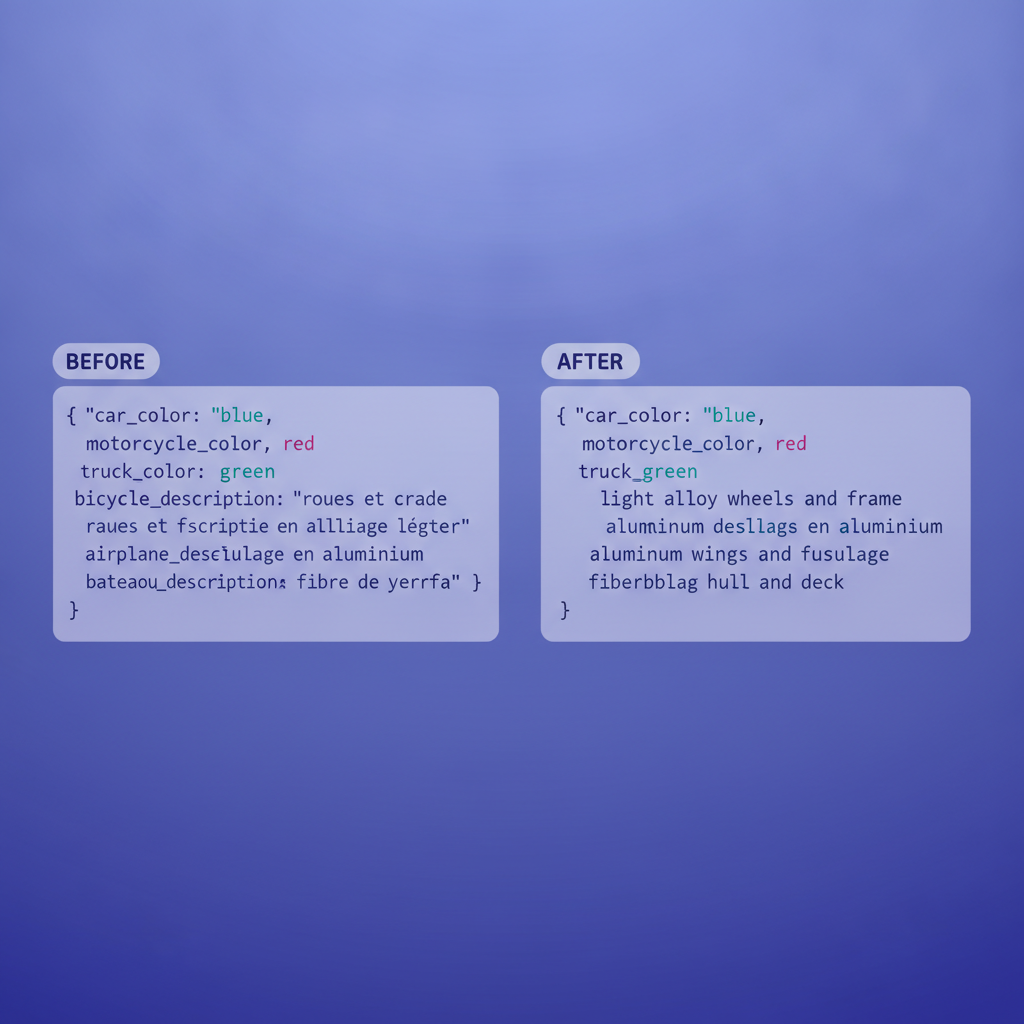
- It translates field names, which it should not (for example
created_atbecomingcreado_enin Spanish). - It paraphrases status code descriptions in ways that change their technical meaning.
- It sometimes translates code comments in a way that breaks code syntax (for example translating a comment delimiter character).
Machine translation post-editing (MTPE), where a human reviewer corrects MT output rather than translating from scratch, is a reasonable middle ground for teams with limited localization budgets. If you use MT, always run the output through a Blueprint parser before publishing. A parse error is a clear signal that the MT tool touched something it should not have.
Localization vs internationalization: the distinction worth knowing
These terms are often conflated. Internationalization (i18n) is the engineering work of building your API and documentation system so that localization is possible: using Unicode throughout, externalizing strings, avoiding hardcoded locale assumptions. Localization (l10n) is the actual work of adapting content for a specific locale. For API doc teams, i18n means keeping your Blueprint source free of hardcoded locale-specific values; l10n means producing the translated files. Both matter, and neither is a substitute for the other.
Frequently asked questions
Do I need to translate the API endpoint paths?
No. Endpoint paths like /payments or /users/{id} are part of your API contract and must match the actual HTTP routes your server exposes. Only translate the surrounding descriptions, parameter explanations, and example prose. Changing paths in the docs without changing them in the API would produce 404 responses for developers who follow the localized docs.
How do I handle localization when my API docs change frequently?
Use a diff-driven translation workflow: only send changed segments to translators when you release a new version, rather than retranslating everything. Apidoke's version history helps you identify exactly what changed between versions, so you can scope translation work precisely and keep translated projects no more than one release cycle behind the English source.
Should error message strings in JSON response bodies be translated?
Translate the human-readable message field if your API returns it, especially if your API supports the Accept-Language header. Leave machine-readable error codes like "error": "invalid_api_key" in English; these are parsed by code, not read by humans, and translating them would break integrations that pattern-match on the error code string.
Can I use Apidoke to publish API docs in multiple languages?
Yes. The recommended approach is to create a separate Apidoke project for each locale, each containing the translated .apib file. Each project gets its own public URL and its own version history. This keeps locales independent: a translation update in the Japanese project does not affect the English or German project.
What is the biggest mistake teams make with API doc localization?
Treating localization as a one-time event rather than an ongoing process. API docs change with every release. Teams that translate once and then stop updating translations end up with localized docs that describe a version of the API that no longer exists. Building a lightweight, diff-based sync workflow from the start is the difference between localization that scales and localization that creates confusion.
If you are ready to publish a cleanly structured, version-tracked API reference that your translation workflow can target reliably, create a free Apidoke account and set up your first project today.
Related reading: API Documentation Accessibility: Writing Docs Developers Can Actually Use
Related reading: What Is API-First Design and How Does Documentation Fit In?