
API Documentation Maintenance: Keeping Docs Healthy Long-Term

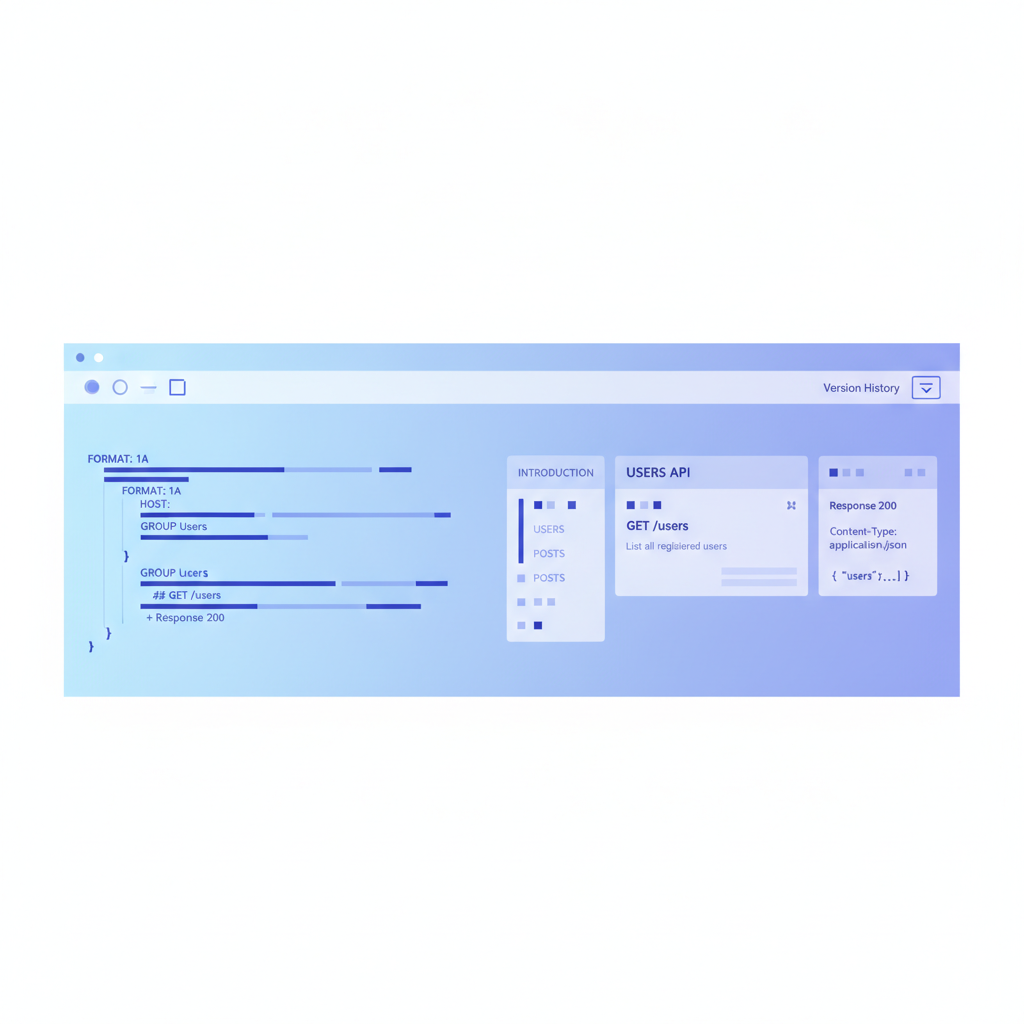
API documentation maintenance is the continuous practice of keeping your API reference, tutorials, and code samples accurate, complete, and consistent with the API as it actually behaves. Unlike a point-in-time audit or a one-time publishing effort, maintenance is a repeatable health program that runs alongside every API release cycle. Apidoke supports this program directly through per-project version history, a live try-it console, and a built-in CodeMirror editor that lets you edit and preview docs without leaving the browser.
- Maintenance is a scheduled, recurring practice; an audit is a diagnostic snapshot you run before building the maintenance schedule.
- The three leading causes of doc rot are: undocumented parameter changes, response body drift (a field appears or disappears without notice), and stale code samples that reference deprecated endpoints.
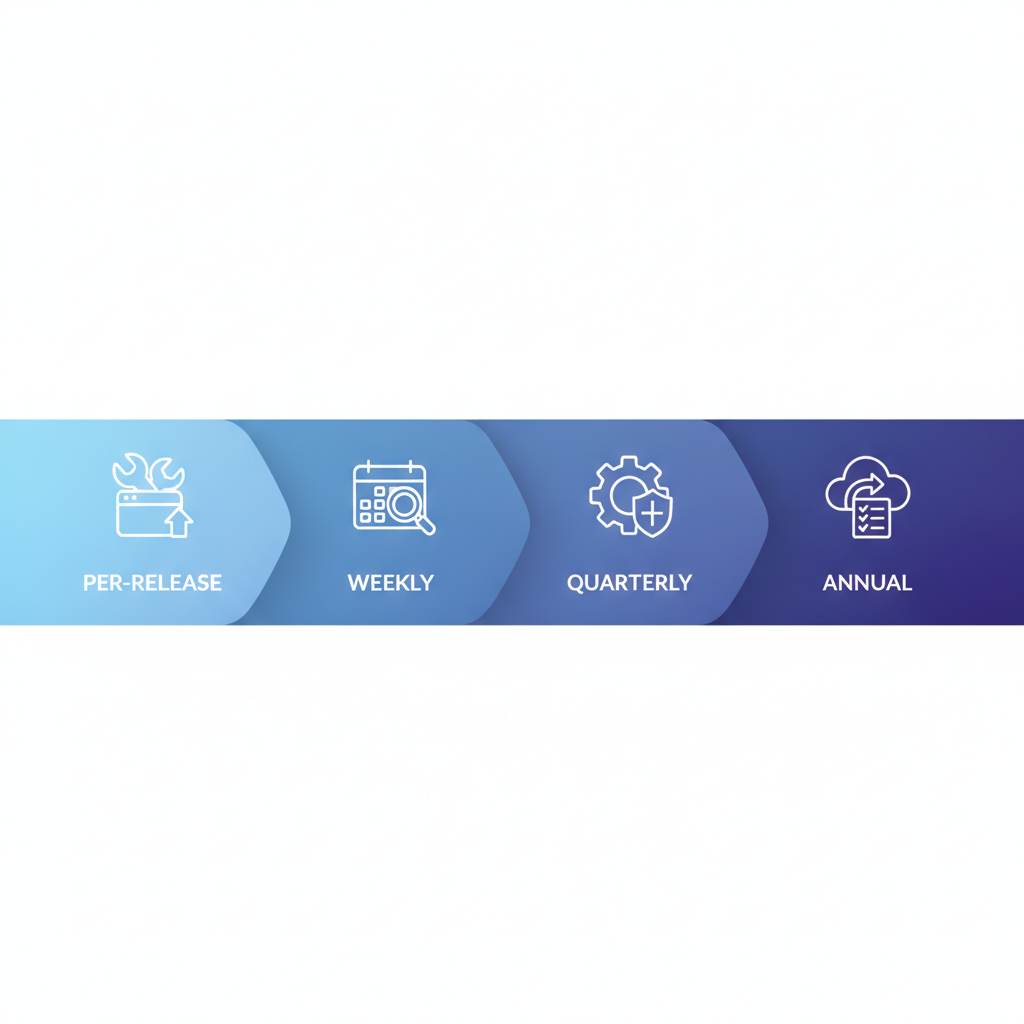
- A healthy maintenance program covers four cadences: per-release, weekly, quarterly, and annually, each targeting a different layer of the docs.
- Apidoke's per-project version history lets you compare any two snapshots of a blueprint and roll back if an edit introduces errors, making maintenance reversible.
Why API docs decay so predictably
API documentation decays because the gap between the people who change code and the people who update docs widens over time. Engineers ship a new query parameter on a GET /orders endpoint, the API starts returning a cursor field in every response, and the docs still show the old flat list. Callers who rely on the docs write code that breaks. When a consumer sends a request without the newly required filter[status] parameter and gets back a 400 Bad Request instead of a 200 OK, the first place they look is the docs. If the docs still show the old shape, trust erodes fast.
This is sometimes called doc rot, by analogy with link rot. According to RFC 9110 (HTTP Semantics), the semantics of status codes are stable by design, but the resource representations they carry are entirely up to the API owner. That means the HTTP layer gives you no automatic signal when a response body changes. Someone has to check.
The four maintenance cadences
A practical maintenance program runs on four rhythms. Each one targets a different layer and requires a different kind of attention.
| Cadence | Trigger | What to check | Who owns it |
|---|---|---|---|
| Per-release | Every API version tag or deploy | New endpoints, changed parameters, new or removed response fields, updated error codes | Engineer shipping the change |
| Weekly | Standing meeting or async review slot | Open doc issues, try-it console failures, broken internal links | Tech writer or DX lead |
| Quarterly | Calendar, independent of release schedule | Code samples, authentication flows, pagination docs, error catalog completeness | Team or rotating owner |
| Annual | Calendar | Information architecture, navigation depth, deprecated endpoint cleanup, style guide alignment | DX lead or product owner |
The per-release cadence is the highest leverage. If you catch a change at the moment it ships, the cost of updating docs is near zero. If you catch it three months later, you have developer bug reports, confused support tickets, and a trust deficit to repair.
What to actually check at each cadence
Per-release: trace every HTTP surface change
When a release ships, walk through the diff of what changed at the HTTP surface level. For each change, ask three questions:
- Is the endpoint documented at all? If a new
POST /invoices/{id}/voidroute was added, does a corresponding API Blueprint resource and action exist? - Do the documented request parameters match what the server actually accepts? Check required vs optional, data types, and allowed values.
- Do the documented response bodies match what the server returns? Pay special attention to new fields and to fields that changed from nullable to required or vice versa.
Here is a concrete API Blueprint snippet showing what a properly maintained action looks like after a field is added to the response:
## Void Invoice [POST /invoices/{id}/void]

Marks an invoice as void. The invoice must be in `open` status.

+ Parameters
    + id: `inv_abc123` (string, required) - The invoice identifier.

+ Request (application/json)
    + Headers

            Authorization: Bearer {token}

+ Response 200 (application/json)
    + Attributes
        + id: `inv_abc123` (string) - Invoice ID.
        + status: `voided` (string) - Always `voided` on success.
        + voided_at: `2025-06-01T12:00:00Z` (string) - ISO 8601 timestamp. Added in v2.4.

+ Response 409 (application/json)
    + Body

            {
              "error": "invalid_status",
              "message": "Invoice must be in open status to be voided."
            }
Notice the inline note Added in v2.4 on the voided_at field. That annotation costs one second to write and saves a developer from filing a confused bug report six weeks later.
Weekly: verify the try-it console returns expected responses
A live try-it console is one of the fastest ways to catch doc drift. If your docs say a GET /products endpoint returns a 200 OK with a data array, but the server now returns a paginated envelope with a results key, the console will show the mismatch immediately. Fire three or four representative requests each week: one happy path, one that should return a 401 Unauthorized (missing or invalid token), one that should return a 404 Not Found (nonexistent resource ID), and one that should return a 422 Unprocessable Entity or 400 Bad Request (malformed body).
Apidoke's try-it console sends requests directly from the browser to your API server. Auth tokens stay in the browser session and are never routed through Apidoke's servers, which means you can safely test production endpoints with real credentials during your weekly check.
Quarterly: audit code samples and authentication docs
Code samples age faster than prose because they include specific field names, header values, and base URLs. A quarterly pass should check:
- Do all curl examples use the current base URL and the current required headers?
- Do authentication code samples reflect the current token endpoint, scopes, and expiry behavior?
- Are rate limit values in the docs still accurate? A common mistake is documenting
100 requests per minuteafter the limit was quietly raised or lowered. - Does the error catalog cover every
4xxand5xxcode the API actually returns?
The quarterly check is also a good moment to compare your docs against your API style guide. Naming conventions drift over time; one engineer documents a new field as createdAt while the rest of the API uses created_at. A quarterly style pass catches inconsistencies before they spread.
Annual: structural review and deprecated endpoint cleanup
Once a year, zoom out. Is the navigation structure still sensible? Does the grouping in your API Blueprint still match how developers think about the product? Are there endpoints marked deprecated in the docs that should now be removed entirely? According to the API Blueprint specification, a # Group is the primary organizational unit; if your groups were defined two years ago for a much smaller API, they may no longer map to how users navigate.
Use Apidoke's version history to pull up a snapshot from 12 months ago and compare it with the current blueprint. The structural differences are often easier to see across a year than across a sprint.
How to catch response body drift before your developers do
Response body drift, where the actual JSON shape diverges from what the docs describe, is the most common and most damaging form of doc rot. You cannot always prevent it, but you can detect it quickly with a simple manual protocol.
- Pick five representative endpoints that cover the main resource types (collection list, single resource, create, update, delete).
- Send a real request to each endpoint using the try-it console or curl.
- Copy the actual response body.
- Open your API Blueprint in Apidoke's editor and compare the documented response body against the real one, field by field.
- For any field that appears in the real response but not in the docs, add it. For any field documented but absent from the real response, investigate before removing (it may be conditionally returned).
Here is what a drift-corrected response section looks like in API Blueprint after you discover the server started returning an updated_by field:
+ Response 200 (application/json)
    + Body

            {
              "id": "prod_789",
              "name": "Widget Pro",
              "price": 4999,
              "currency": "usd",
              "updated_at": "2025-05-20T09:15:00Z",
              "updated_by": "user_456"
            }
Adding that one field takes 30 seconds. Missing it means every developer who reads the docs will build a data model without updated_by, then be confused when it appears in production responses.
Using version history as a maintenance safety net
One reason maintenance feels risky is that a careless edit can introduce new errors while fixing old ones. Apidoke's per-project version history removes that fear. Every time you save a blueprint, the previous state is preserved and can be restored. This means you can make aggressive edits during a quarterly pass without worrying about losing a working baseline.
A good maintenance habit: before any significant editing session, make a mental note of the current version label. After editing, use the live preview to verify the three-column output looks correct. If something breaks, roll back to the previous snapshot and start the edit again with more care. The Apidoke version history feature guide covers exactly how to navigate and restore snapshots.
Maintenance vs audit vs workflow: what is the difference?
These three concepts are related but distinct, and conflating them leads to gaps.
| Concept | Frequency | Purpose | Output |
|---|---|---|---|
| Audit | Point-in-time (before a program starts, or after neglect) | Diagnose the current state of doc health | A prioritized list of issues to fix |
| Workflow | Per publishing event | Move a doc from draft to published reliably | A published, reviewed doc artifact |
| Maintenance | Ongoing, scheduled | Prevent drift and decay between releases | A continuously accurate doc site |
If you have not run an audit yet, that is the right first step. The API documentation audit guide walks through exactly how to assess your current baseline before building a maintenance schedule on top of it. And for context on the broader developer experience these practices serve, the developer experience guide for API teams covers how documentation fits into the full DX picture.
Assigning ownership so checks actually happen
The most common reason maintenance programs fail is not that teams do not know what to check. It is that no one person owns the check. "Everyone is responsible" reliably becomes "no one does it."
A minimal ownership model for a small team:
- Per-release checks: owned by the engineer shipping the change, reviewed by the tech writer or DX lead before the release notes go out.
- Weekly console verification: owned by a rotating slot in the team's existing sync or a Slack reminder with a named assignee.
- Quarterly and annual passes: owned by the DX lead or tech writer, calendared as recurring events, with a shared doc tracking what was checked and what was changed.
For teams with a formal governance model, the quarterly and annual passes often align with the review cycles described in a documentation governance policy. The key is that each cadence has a named owner and a calendar date, not just an intention.
Quick-reference: the maintenance health checklist
Use this list at each cadence as a literal pass/fail checklist.
| Check | Per-release | Weekly | Quarterly | Annual |
|---|---|---|---|---|
| New endpoints documented | Yes | |||
| Changed parameters updated | Yes | |||
| Response bodies match real API | Yes | Spot check | Full pass | |
| Error codes (400, 401, 404, 422, 500) documented | Yes | |||
| Try-it console returns expected status codes | Yes | |||
| Code samples use current base URL and headers | Yes | |||
| Authentication docs reflect current token flow | Yes | |||
| Rate limit values accurate | Yes | |||
| Deprecated endpoints removed or flagged | Yes | |||
| Navigation and group structure reviewed | Yes | |||
| Style guide compliance checked | Yes |
Frequently asked questions
How often should API documentation be updated?
At minimum, every time the API surface changes: new endpoints, changed parameters, updated response fields, or new error codes all require a doc update before or at the moment the change ships. On top of that, a weekly spot-check of the try-it console and a quarterly review of code samples and authentication flows catches the drift that per-release checks miss.
What is the difference between API documentation maintenance and an audit?
An audit is a one-time diagnostic that identifies the current state of doc health and produces a list of issues to fix. Maintenance is the recurring program you run after the audit to prevent those issues from returning. An audit is the starting line; maintenance is the ongoing race.
How do I know when an API response body has changed without being told?
The most reliable method is to fire real requests using your docs' try-it console or curl and compare the actual response body against your documented example, field by field. If a field appears in the real response that is absent from the docs, or vice versa, the docs need updating. Doing this for five representative endpoints each week takes less than 15 minutes.
Who should own API documentation maintenance on a small team?
Per-release checks should be owned by the engineer shipping the change, with a tech writer or DX lead reviewing before release notes go out. Weekly spot-checks and quarterly passes work best with a single named owner per cycle, rotating if needed, rather than shared team responsibility, which tends to mean no one does it.
Can version history help with API documentation maintenance?
Yes. Apidoke's per-project version history stores every saved state of a blueprint, so you can roll back a maintenance edit that introduced errors, compare the current blueprint against a snapshot from three months ago to see what changed, and restore any previous version in a few clicks without losing your current work.
Start your maintenance program today
A healthy API documentation maintenance program does not require a large team or complex tooling. It requires four cadences, named owners, and a platform that makes editing, previewing, and rolling back docs fast and safe. Apidoke is built for exactly that: write in API Blueprint, preview instantly, publish with one click, and keep every version in history. Create your free Apidoke account and set up your first project in minutes, no credit card required.