
API Documentation Review Checklist for Teams

The API documentation review process is the structured workflow a team uses to evaluate draft API docs before and after publication: assigning reviewers by role, collecting actionable feedback, resolving conflicts, and recording decisions in version history. Apidoke supports this workflow directly through its per-project version history, split-pane live preview, and one-click publishing, so teams can review, revise, and ship without juggling external tools.
- Assign at least two reviewers per draft: one technical (checks accuracy of endpoints, status codes, and request/response bodies) and one consumer-facing (checks clarity for the developer reading the docs).
- Use a structured feedback template tied to specific sections, not general comments, so authors know exactly what to fix and where.
- Version every meaningful draft in Apidoke before sending it for review, so each round of feedback maps to a named snapshot rather than an ambiguous "latest" file.
- Close the loop: record the resolution of each review comment in the same version history note, creating an audit trail that future maintainers can read.
Why a formal review process matters for API docs
API documentation is executable. A developer reads a description of POST /orders, copies the example request body, and fires it at your production endpoint. If the documented Content-Type is wrong, or a required field is missing, the call fails with a 400 Bad Request and the developer loses trust immediately. That is a qualitatively different failure mode from a typo in a blog post.
Teams that skip formal review tend to accumulate silent errors: an endpoint that returns 401 Unauthorized when authentication is missing but the docs say nothing about auth headers, a pagination parameter that changed from page to offset two releases ago but the example still shows the old name, or a 404 Not Found case that is never documented even though it fires in practice roughly 15 percent of all calls to that resource.
A review process catches those problems before they reach developers. It also distributes ownership: when two or three people have signed off on a section, no single engineer carries all the blame when something is wrong, and the team builds shared knowledge of the API surface.
Who should be in the review loop?
The right reviewers depend on the type of API and the audience, but the following three roles cover the vast majority of cases.
The technical reviewer
This is the person who built or maintains the endpoint being documented. Their job is narrow and specific: confirm that every HTTP method, path, parameter, status code, and body schema in the draft matches the actual running implementation. They should answer questions like:
- Does
GET /users/{id}really return200 OKwith the documented body, or does it return200with a slightly different field structure? - Is
Authorization: Bearer {token}the correct header, or does this endpoint use a different scheme? - Is the
429 Too Many Requestsresponse documented, and does theRetry-Afterheader appear in the example?
Technical reviewers do not need to be great writers. Give them a narrow brief and a comment template (covered below), and they will be efficient.
The developer experience reviewer
This reviewer reads the draft the way an external developer would: top to bottom, trying to accomplish a specific task. They flag confusion, missing context, and examples that are technically correct but practically unhelpful. A realistic example request body with plausible values (a real order ID, a real currency code) is far more useful than one filled with string and 0 placeholders.
If your team has a developer relations engineer, technical writer, or even a developer from a different squad who did not build this API, they are ideal for this role. The developer experience guide for API teams has more on building this kind of empathy into your doc workflow.
The product or domain reviewer (optional but valuable)
For APIs that expose business logic, a product manager or domain expert can confirm that the described behavior matches what was intended, not just what was implemented. This is especially useful when an endpoint name or field label might be technically accurate but misleading to a consumer who thinks in business terms.
How to structure feedback so it is actionable
Unstructured feedback slows everything down. "This section is confusing" sends the author on a guessing trip. A better format specifies the location, the problem type, and the suggested fix. The template below is short enough that reviewers will actually use it.
The LPTS comment template
LPTS stands for Location, Problem type, Text (or suggestion), Severity. Each comment should cover all four:
- Location: the exact section heading or line in the Blueprint file, for example "## Create Order [POST /orders], + Response 201 body".
- Problem type: one of Technical inaccuracy, Missing information, Clarity, or Example quality.
- Text: the specific issue and, where possible, the suggested replacement text or corrected value.
- Severity: Blocker (must fix before publishing), Major (should fix in this version), or Minor (address in a follow-up pass).
A comment written this way might look like: "Location: GET /products/{id}, + Response 404 body. Problem type: Missing information. Text: The 404 body is documented as empty, but the implementation returns a JSON object with an error string and a code integer. Example needed. Severity: Blocker."
That is something an author can act on in ten minutes. "The 404 section feels incomplete" is not.
Async review workflows: how to run reviews without meetings
Most API documentation reviews do not need a synchronous meeting. A clear process lets reviewers work in their own time, which is especially important for distributed teams across time zones.
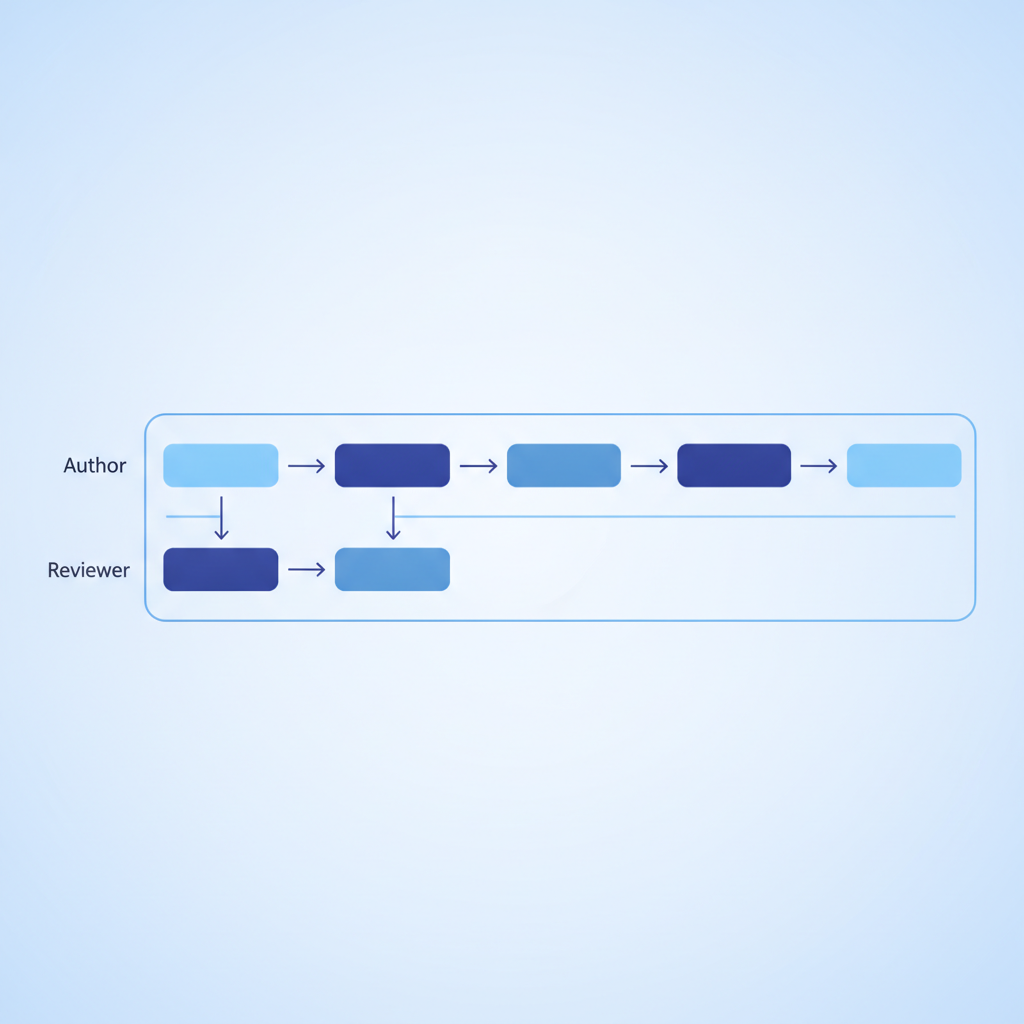
Step-by-step async review cycle
- Author saves a named version. Before sending anything for review, the author saves the current state of the Blueprint file in Apidoke's version history with a descriptive label, for example "v0.4 draft for review 2026-09-15". This gives reviewers a stable reference point that does not change while they are writing comments.
- Author shares the published preview link. Apidoke's one-click public publishing generates a shareable URL for the rendered 3-column view. The author sends this link alongside the LPTS template and a clear deadline, usually 48 to 72 hours for a first review pass.
- Reviewers submit comments against the named version. Comments should reference the version label from step 1 so there is no ambiguity about which draft is being reviewed. Teams typically collect these in whatever async tool they already use: a shared document, a ticketing system, or a simple email thread. The key is that each comment carries the version label.
- Author addresses Blocker and Major comments, then saves a new version. The new version gets a label like "v0.5 post-review 2026-09-17". The author notes in the version history entry which comments were resolved and how, and which Minor items were deferred to a later pass.
- Technical reviewer does a final accuracy pass on the new version. This is shorter than the first pass: the reviewer only needs to confirm that the blocked items were fixed correctly, not re-read the whole document. A single round-trip is usually enough for documentation that had a clean initial draft.
- Author saves the approved version and publishes. The version history now contains a clear record: draft, review comments, resolution, and final approved state.
How version history supports the review audit trail
Version history is not just about rolling back mistakes. When used deliberately, it becomes a record of why decisions were made, which is enormously useful when a new team member asks "why is this parameter documented as optional when it seems required?"
Apidoke's per-project version history stores snapshots of your API Blueprint files as you work. By convention, version labels should carry enough context to answer three questions: what changed, when, and why. A label like "v1.2: added Retry-After to 429 response, per review comment from J.Park 2026-09-15" takes about 20 seconds to write and saves 20 minutes of archaeology six months later.
This pattern also makes it straightforward to compare what the docs said before and after a review cycle, which is useful for demonstrating to stakeholders that the review process is producing real improvements. You can point to concrete version history entries rather than describing the process abstractly.
For teams also managing API changes in parallel, the API versioning strategies guide covers how to coordinate documentation versions with API version releases, which is a closely related but distinct concern from the doc review cycle itself.
What Apidoke's tooling actually contributes to the review process
It is worth being specific about what Apidoke does and does not do here. Apidoke is not a code review tool and does not have inline commenting. What it contributes to the review workflow is:
| Review need | How Apidoke supports it | What you handle elsewhere |
|---|---|---|
| Stable reference point for reviewers | Named version snapshots in per-project version history | Sharing the version label with reviewers |
| Reviewers can see rendered output | One-click published preview link showing the 3-column doc view | Nothing; the link is shareable with no login required |
| Author sees edits in real time | Split-pane CodeMirror editor with live preview | Nothing; preview updates as you type |
| Live request testing during review | Built-in try-it console fires real HTTP requests from the browser | Reviewer supplies a test API key or token; it stays browser-side |
| Inline comments on the Blueprint source | Not a feature | Shared doc, ticket system, or email with LPTS template |
| Approval workflow or sign-off gate | Not a feature | Managed by the team lead through the version naming convention |
The try-it console is particularly useful during review because a technical reviewer can fire a real GET or POST request directly from the rendered doc page and compare the actual response to what the Blueprint documents. If the live call returns a 200 OK with a field called created_at and the docs show createdAt, that is an immediate catch. Authentication tokens used in the console stay in the browser and never pass through Apidoke's servers, so reviewers can test with real credentials without a security concern.
Common failure modes in team doc reviews
Even well-intentioned review processes break down in predictable ways. Knowing these patterns makes it easier to build preventive habits.
The "everything is Minor" trap
When reviewers are reluctant to create friction, they downgrade severity. Blockers become Majors, Majors become Minors, and Minors get deferred forever. The fix is to give reviewers a concrete definition: a Blocker is any error that would cause a developer to get a different HTTP status code or response body than documented. That is an objective criterion, not a matter of opinion, and it is much harder to wave away.
Reviewing the wrong layer
Technical reviewers sometimes spend their time rewriting prose for style, and developer experience reviewers sometimes try to fact-check endpoint behavior they do not know. Brief reviewers explicitly: "Your job in this pass is X, not Y." A well-scoped brief keeps the review focused and fast.
No version saved before review starts
Authors who send a link to a "live" draft that they are still editing create a moving target. Reviewers write comments that are obsolete by the time the author reads them, and nobody can tell which version a given comment refers to. The version-before-you-share rule is the single highest-leverage habit change a team can adopt.
The review loop never closes
A comment that gets acknowledged but never resolved or formally deferred becomes invisible debt. Every review cycle should end with an explicit reconciliation: each comment is either marked resolved (with a note on how), deferred to a named follow-up version, or rejected with a reason. Writing this into the version history note takes three minutes and prevents months of confusion.
API Blueprint specifics: what to check in the source file
If your team writes docs in API Blueprint format (the format Apidoke is built around), there are source-level details worth checking in every review pass, beyond what the rendered view makes obvious.
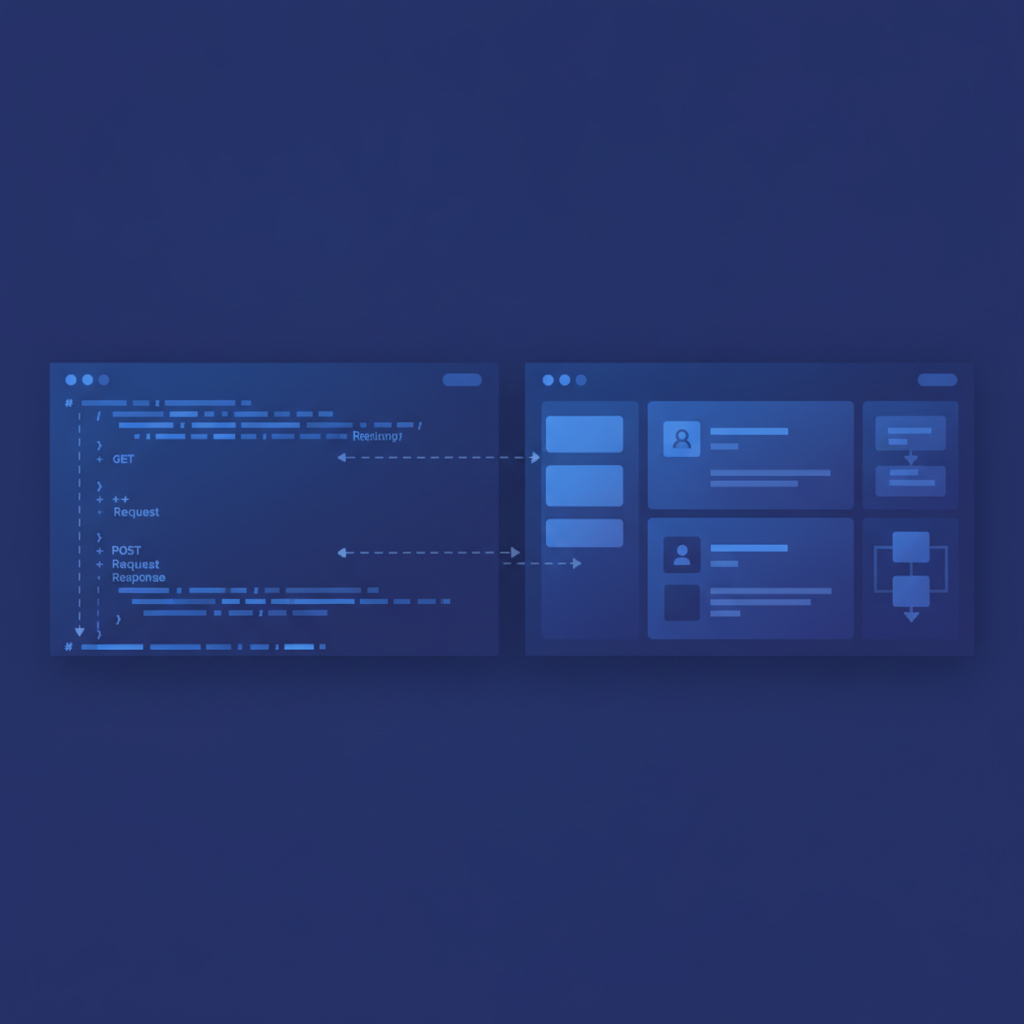
A complete endpoint block in API Blueprint looks like this:
## Create Order [POST /orders]

Create a new order for the authenticated user.

+ Request (application/json)

    + Headers

            Authorization: Bearer {token}

    + Body

            {
                "product_id": "prod_9kx2",
                "quantity": 2,
                "currency": "USD"
            }

+ Response 201 (application/json)

    + Body

            {
                "id": "ord_7abc",
                "status": "pending",
                "created_at": "2026-09-15T14:32:00Z"
            }

+ Response 400 (application/json)

    + Body

            {
                "error": "quantity must be a positive integer",
                "code": 1042
            }

+ Response 401 (application/json)

    + Body

            {
                "error": "missing or invalid authorization header"
            }
During a technical review, check the following for every resource block:
- The HTTP method and path match the implementation exactly, including path parameter names.
- Every documented request body field is present, with the correct type and a realistic value.
- All meaningful response status codes are documented: at minimum the success case, the validation failure (
400), the auth failure (401or403), and the not-found case (404) where applicable. RFC 9110 defines the authoritative semantics for each HTTP status code and is worth bookmarking for reviewers who are uncertain about the difference between401and403. - The
Content-Typeheader in the request and response annotations matches what the API actually negotiates. - Group headings (
# Group) and resource names are consistent with the naming conventions used across the rest of the document.
The API Blueprint syntax cheat sheet is a useful reference to share with reviewers who are less familiar with the format, so they can navigate the source without a steep learning curve.
How often should you run a documentation review?
The right cadence depends on how fast your API changes, but a practical starting point for most teams is:
- Full review before any new version is published publicly, covering every endpoint in the affected group.
- Targeted review whenever a specific endpoint changes: just the affected resource block, not the whole document.
- Quarterly accuracy audit where a technical reviewer reads the entire published doc against the live API, looking for drift that accumulated through small changes that individually did not trigger a review.
The quarterly audit is the one most teams skip, and it is the one that catches the slow drift: fields that were quietly deprecated, error codes that changed meaning, and rate limit values that shifted but were never updated in the docs.
Frequently asked questions
Who should own the API documentation review process?
A team lead or designated technical writer typically owns the process, meaning they enforce the cadence and close the loop on each review cycle. The actual reviewing is distributed: at least one technical subject-matter expert and one developer experience reviewer per draft. No single person should both write and solely approve their own documentation.
How do you handle review feedback when reviewers disagree with each other?
Assign the technical reviewer final authority on factual accuracy and the developer experience reviewer final authority on clarity and examples. When there is genuine overlap, the team lead or doc owner makes the call and records the rationale in the version history note so the decision is traceable.
Can the try-it console in Apidoke be used during a documentation review?
Yes, and it is one of the most efficient review techniques available. A technical reviewer can open the published doc link, enter a real API token in the try-it console (it stays in the browser and never reaches Apidoke's servers), fire a live request, and immediately compare the actual response to the documented one. Discrepancies show up in seconds rather than requiring a separate API client session.
What is the difference between a documentation review and a documentation checklist?
A checklist is a quality gate: a list of conditions a document must meet before it is considered shippable. A review process is the workflow: who participates, how feedback is structured, how decisions are recorded, and how cycles are closed. Both are useful, and the review process is what determines whether the checklist actually gets applied consistently.
How do you document the outcome of a review so future maintainers understand past decisions?
Write the resolution into the version history note when you save the post-review snapshot. A single sentence per resolved comment is enough: "Added 401 and 429 responses to POST /orders per J.Park review 2026-09-15; deferred MSON attribute typing to v1.3 cleanup." Future maintainers can read the history chronologically and understand what changed and why, without needing to find the original review thread.
Ready to build a review process your team can actually follow? Create a free Apidoke account and start versioning your API Blueprint docs with named snapshots today, no credit card required.
Related reading: API Documentation Localization: How to Translate and Adapt API Docs
Related reading: API Documentation Accessibility: Writing Docs Developers Can Actually Use