
API Documentation Tool: Everything You Need to Know

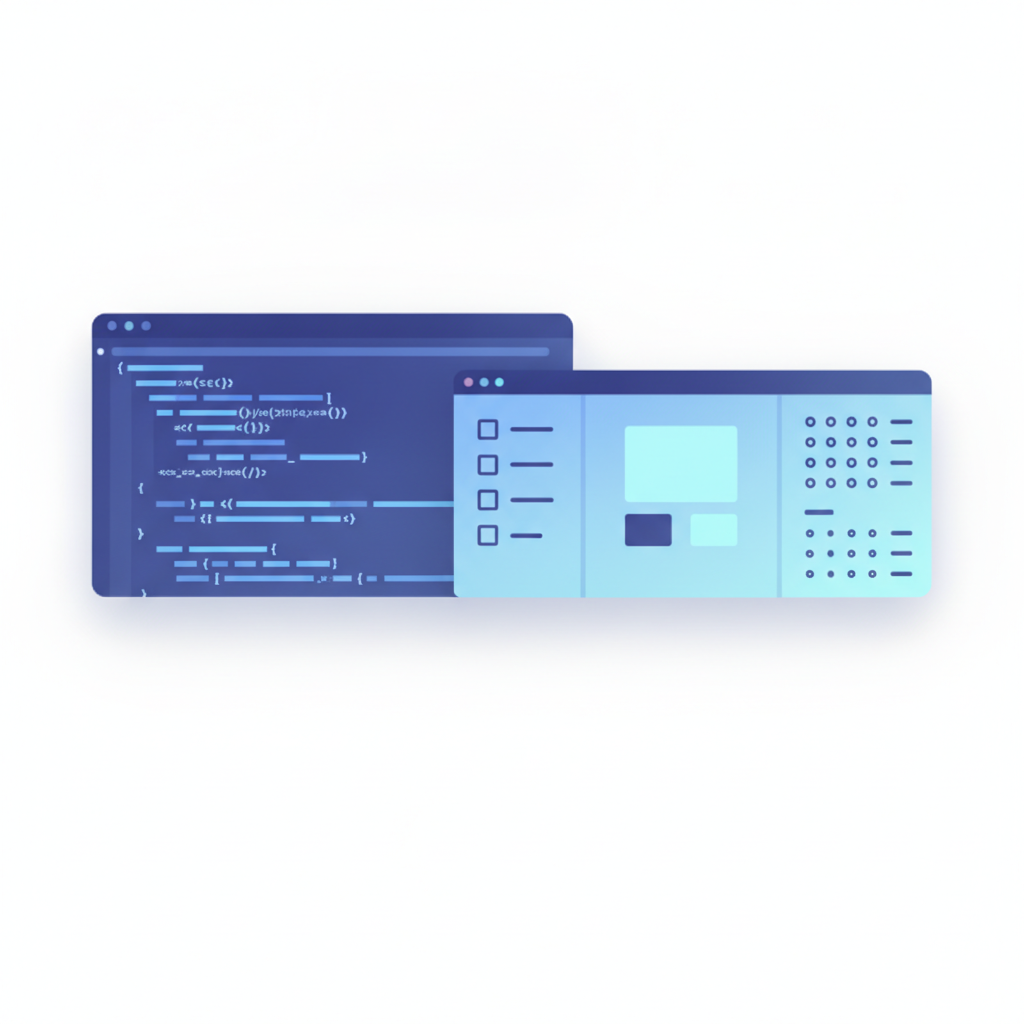
An API documentation tool is software that helps developers write, structure, preview, and publish reference material for an API so that other developers can understand and call it correctly. Apidoke is a self-hosted tool in this category: you write docs in API Blueprint format, see a live preview as you type, and publish a three-column interactive reference (navigation, content, and a browser-based try-it console) with one click and no extra toolchain.
- API documentation tools convert raw endpoint descriptions into a structured, navigable reference that both humans and machines can use.
- Apidoke uses the open API Blueprint plain-text format, so your docs are never locked into a proprietary system.
- The built-in try-it console fires real HTTP requests directly from the browser; your auth tokens never pass through Apidoke's servers.
- Apidoke is free to self-host, requires no credit card, and includes per-project version history out of the box.
What is an API documentation tool, and why does it matter?
An API (Application Programming Interface) lets one piece of software talk to another. Without clear documentation, even a well-designed API becomes unusable. Studies consistently show that poor documentation is the top reason developers abandon an API during evaluation. An API documentation tool solves this by giving authors a structured way to describe every endpoint, parameter, request body, and response code, then rendering that information in a format developers can actually navigate and test.
The output is usually called an API reference: a page (or set of pages) listing every route the API exposes, the HTTP method it accepts (GET, POST, PUT, PATCH, DELETE), the headers and body it expects, and the status codes it can return (200 OK, 201 Created, 400 Bad Request, 401 Unauthorized, 404 Not Found, 500 Internal Server Error). A good tool makes that reference interactive, so a developer can send a real request without leaving the docs page.

Types of API documentation
Not every page in a doc site is a reference page. API documentation generally falls into four types, and most teams need at least the first two:
| Type | Purpose | Typical format |
|---|---|---|
| Reference | List every endpoint, method, parameter, and response exactly | API Blueprint, OpenAPI spec, Postman collection |
| Tutorial | Walk a developer through a specific task from start to finish | Markdown prose with code samples |
| Conceptual / Guide | Explain architecture, authentication flows, rate-limiting rules | Long-form Markdown or HTML |
| Changelog | Communicate what changed between API versions | Dated list, diff-style entries |
Apidoke focuses on the reference layer: you define your API in API Blueprint syntax, and the tool renders it as a navigable three-column doc site. Tutorials and conceptual guides can live alongside it, but the structured spec is the core.
What is API Blueprint, and how does it fit in?
API Blueprint is an open-source, Markdown-based specification language for describing REST APIs. It was originally developed by Apiary and is now governed as an open standard. You write plain text using familiar Markdown conventions plus a set of structured keywords, and a compatible tool renders it into a human-readable (and optionally interactive) reference.
A minimal API Blueprint document looks like this:
FORMAT: 1A

# My API

## Group Users

### List Users [GET /users]

+ Response 200 (application/json)

        [
          { "id": 1, "name": "Ada Lovelace" },
          { "id": 2, "name": "Grace Hopper" }
        ]

### Create User [POST /users]

+ Request (application/json)

        { "name": "Alan Turing", "email": "alan@example.com" }

+ Response 201 (application/json)

        { "id": 3, "name": "Alan Turing" }
The # Group Users keyword creates a navigation section. The ### List Users [GET /users] line registers an endpoint with its HTTP method and path. The + Request and + Response blocks define the expected body and the status code the server returns. Because API Blueprint is plain text, you can store it in any version-control system and diff changes line by line.
API Blueprint is one of several spec formats in use today. The other dominant format is OpenAPI (formerly Swagger), which uses JSON or YAML. Each format has trade-offs:
| Criterion | API Blueprint | OpenAPI (Swagger) |
|---|---|---|
| Syntax | Markdown-like, human-readable prose | JSON or YAML, more machine-readable |
| Learning curve | Low; writers comfortable with Markdown adapt quickly | Moderate to high; YAML indentation errors are common |
| Tooling ecosystem | Smaller but focused | Very large; many code-gen and linting tools |
| Native Apidoke support | Yes, first-class | Not currently supported as an import format |
What does a good API documentation tool actually do?
The features that separate a dedicated API documentation tool from a generic wiki or Markdown site are:
- Structured authoring. The editor understands endpoint structure (method, path, parameters, request body, response codes) rather than treating everything as freeform text.
- Live preview. Changes appear in a rendered view without a separate build step. Apidoke's split-pane CodeMirror editor shows the rendered output as you type.
- Interactive try-it console. Developers can fill in parameters and fire a real HTTP request to a live server without leaving the docs. This is the single biggest productivity boost for API consumers.
- One-click publishing. A finished spec becomes a shareable URL immediately, with no CI pipeline or hosting configuration needed.
- Version history. APIs change. The tool must track which version of the spec produced which version of the docs. Apidoke stores per-project version history so you can always see what changed and when.
- Self-hosting option. For teams with data-residency requirements or tight infrastructure budgets, the ability to run the tool on your own server is essential.
How Apidoke approaches API documentation
Apidoke is built around the idea that generating good API docs should not require a complicated toolchain. The typical flow is:
- Open the Apidoke editor (hosted or self-hosted) and create a new project.
- Write your API spec in the left pane using API Blueprint syntax. The right pane shows a live three-column preview: sidebar navigation, endpoint detail, and the try-it console.
- Add request and response examples. Use realistic bodies with real field names and plausible values, not
stringplaceholders, so consumers understand what the API actually returns. - Click Publish. Apidoke generates a public URL for the rendered reference doc. No build step, no external hosting service, no DNS change needed.
- Iterate. Every time you save a new version of the spec, Apidoke records it in the project's version history. You can compare versions and see exactly what changed between releases.
The try-it console deserves special attention. When a developer fills in an endpoint path, adds a bearer token, and clicks Send, the browser makes the HTTP request directly to your API server using the standard Fetch API. Apidoke's servers are not in that request path. The token, the request body, and the response stay between the developer's browser and your API. This architecture means sensitive credentials are never logged or stored by a third-party documentation service.
How does API documentation fit into the developer experience?
Developer experience (DX) is the sum of everything a developer encounters when integrating your API: onboarding time, clarity of the reference, quality of error messages, and how quickly they can send a successful first request. Poor API documentation directly extends the time-to-first-successful-call, which is the single most predictive metric for whether a developer will continue using your API.
A well-structured reference doc, backed by an interactive try-it console, cuts that time significantly. A developer who can see a real 200 response in the docs browser (with their own test data, against your actual staging server) understands the API faster than one reading a static JSON snippet. That is the practical argument for using a dedicated API documentation tool rather than a plain Markdown repo or a general-purpose wiki.
Learn more about the connection between documentation quality and DX in the Apidoke blog, particularly in the Developer Experience and Best Practices category.
What to look for when choosing an API documentation tool
The right tool depends on team size, infrastructure constraints, and the authoring format you prefer. When evaluating options, these criteria matter most:
| Criterion | Questions to ask |
|---|---|
| Format support | Does it support the spec format your team already uses? Can you migrate easily if you change formats? |
| Authoring experience | Is there a live preview? Does the editor understand your spec format or treat everything as raw text? |
| Interactivity | Can readers send real HTTP requests from the docs page? Where do credentials go when they do? |
| Publishing | How long does it take to go from a finished spec to a shareable URL? Is there a build pipeline to maintain? |
| Version management | Does the tool track doc versions automatically, or do you maintain that separately? |
| Self-hosting | Can you run it on your own infrastructure? What are the data-residency implications if you cannot? |
| Cost | Is there a free tier or a self-hosted option that does not require a paid subscription? |
Apidoke answers several of these directly: it is self-hostable, free to start (no credit card required), supports API Blueprint natively, includes a built-in live preview and try-it console, and stores per-project version history automatically. For a full breakdown of what the platform includes, see the Apidoke features page.
Common mistakes in API documentation
Even teams using good tools make avoidable errors. The most common ones:
- Placeholder examples. Showing
"name": "string"instead of"name": "Ada Lovelace"forces the reader to guess what the field actually contains. Use realistic values that reflect your real data model. - Missing error responses. Documenting only the 200 OK case leaves consumers unprepared for 400, 401, 403, 404, and 422 responses they will inevitably encounter. Document every status code your API can return.
- No authentication documentation. Developers cannot test anything if they do not know how to get a token or API key. Put the auth flow near the top of the reference, before the first endpoint.
- Docs that lag behind the code. The reference says a field exists; the API no longer returns it. Version history and a tight review process help, but the lowest-friction fix is keeping the spec file in the same repository as the API code so changes are reviewed together.
- No try-it console. A static reference with copy-paste curl examples is far better than nothing, but an interactive console reduces the cognitive load of getting a first successful response from hours to minutes.
Frequently asked questions
What is an API documentation tool?
An API documentation tool is software that helps teams write, structure, and publish reference material for an API. It typically provides a structured editor, a rendered output (the API reference), and features like a try-it console that lets developers send real HTTP requests without leaving the docs page.
Is API Blueprint the same as OpenAPI or Swagger?
No. API Blueprint and OpenAPI (formerly Swagger) are separate, competing specification formats. API Blueprint uses a Markdown-like syntax and is designed to be easy for humans to read and write. OpenAPI uses JSON or YAML and has a larger tooling ecosystem. Apidoke supports API Blueprint natively; it does not currently support OpenAPI as an import format.
Are there free API documentation tools?
Yes. Apidoke is free to self-host with no credit card required. The open-source API Blueprint format is also free. Some hosted tools offer limited free tiers, but self-hosting Apidoke gives you the full feature set (live preview, try-it console, version history, one-click publishing) without a subscription.
Does the try-it console send my API tokens to Apidoke's servers?
No. The Apidoke try-it console runs entirely in the browser. When you click Send, the request travels directly from your browser to your API server using the browser's native Fetch API. Apidoke's servers are not in the request path, so your auth tokens and request bodies are never seen or logged by Apidoke.
How do I keep API docs in sync with the API itself?
The most reliable approach is to store your API Blueprint spec file in the same version-control repository as your API code, so documentation changes are reviewed alongside code changes in the same pull request. Apidoke's built-in per-project version history gives you a record of every published state of the spec, making it easy to see what the docs said at any given point in time.
Ready to write and publish your first interactive API reference? Create a free Apidoke account and go from a blank spec to a live, shareable API reference in minutes, with no toolchain and no credit card required.
Related reading: Reference Docs vs Tutorial Docs: Choosing the Right Type of API Documentation
Related reading: What Is an API Reference? (And How to Write One)