
API Versioning Strategies (and How to Document Them)

API versioning is the practice of assigning distinct, stable identifiers to successive releases of an API so that existing consumers keep working while new ones adopt the latest contract. There is no single correct strategy: the right choice depends on your team's constraints, your clients' capabilities, and how you plan to document the differences. Apidoke's per-project version history and API Blueprint authoring make it straightforward to maintain clear, live documentation for every version you ship.
- The four mainstream strategies are URI path versioning, query-parameter versioning, custom request-header versioning, and media-type (content negotiation) versioning.
- URI versioning is the most widely adopted because it is cacheable, visible, and easy to document, but all four strategies are valid depending on context.
- Good versioning documentation specifies exactly which endpoints changed, what the old and new request/response shapes look like, and which versions are deprecated.
- Apidoke lets you author each version in API Blueprint, keep a full history of changes per project, and publish a live try-it console so developers can test the real differences in the browser.
Why API versioning matters for developer experience
Every API eventually needs to change. You add a field, rename a parameter, or redesign an entire resource. Without a versioning contract, any breaking change silently breaks every integration built on top of your API. That is not a documentation problem; it is a trust problem.
From an HTTP perspective, a breaking change is anything that causes a previously valid request to return a different status code or a structurally incompatible response. Common examples include renaming a JSON key, removing a field from a 200 OK response body, tightening validation so that a previously accepted value now returns 400 Bad Request, or changing an endpoint's auth requirement so that an unauthenticated request now gets 401 Unauthorized instead of data.
Versioning gives consumers a stable surface to code against while you evolve the API on your own schedule. It also gives your documentation a natural structure: each version is a self-contained contract you can link to, deprecate, and eventually retire.
The four main API versioning strategies
The table below summarises the practical trade-offs. A deeper look at each strategy follows.
| Strategy | Example | HTTP-cache friendly | Visible to consumers | Documentation effort |
|---|---|---|---|---|
| URI path | GET /v2/orders | Yes | High | Low (separate doc pages per version) |
| Query parameter | GET /orders?version=2 | Yes (varies by CDN) | Medium | Low to medium |
| Custom request header | X-API-Version: 2 | No (header not in cache key by default) | Low | Medium (must document header on every endpoint) |
| Media-type (content negotiation) | Accept: application/vnd.example.v2+json | No | Low | High (non-obvious to new consumers) |
URI path versioning
You prefix every resource path with a version segment: /v1/users, /v2/users. This is the approach used by Stripe, Twilio, GitHub, and the vast majority of public REST APIs. The version is completely explicit in logs, curl commands, and browser address bars. CDN caches work out of the box because the version is part of the URL.
The main criticism is that it technically violates REST's constraint that a URI should identify a single resource regardless of version. In practice, almost nobody loses sleep over this. The developer-experience benefits outweigh the philosophical concern for most teams.
From a documentation standpoint, URI versioning is the easiest to handle. Each version becomes a distinct project or branch in your docs. The navigation is obvious: the reader picks v1 or v2 and reads only what applies to them.
Query-parameter versioning
The version travels as a query string: GET /orders?version=2 or GET /orders?api-version=2024-01-15. Microsoft's Azure REST APIs popularised a date-based variant of this pattern.
Query-parameter versioning keeps URIs shorter and is HTTP-cacheable on most CDNs (because the query string is part of the cache key), though some older proxy configurations strip query strings. It is harder to visualise in API documentation because you cannot simply split pages by URL prefix; you must explicitly call out the parameter on every endpoint or global in a shared section.
Custom request-header versioning
You add a vendor header to every request: X-API-Version: 2. This keeps the URI clean and is popular in internal or partner-facing APIs where clients control request headers easily. The trade-off is that HTTP caches ignore custom headers by default (per RFC 9110), so every version of a given resource shares the same cache slot, which can cause stale-data bugs unless you set Vary: X-API-Version on responses.
Documentation becomes trickier because the version is invisible in the URL. You need to flag the header requirement clearly at the top of your reference, and ideally in every code sample.
Media-type versioning (content negotiation)
The consumer signals which version they want through the Accept header: Accept: application/vnd.myapi.v2+json. The server replies with Content-Type: application/vnd.myapi.v2+json. This is the most REST-pure approach and is used by the GitHub API for some endpoints.
The problem is that most developers do not think about media types first. New consumers routinely send a plain Accept: application/json header, get the default (usually oldest) version, and spend hours debugging why the response shape differs from the docs. Documenting this approach well requires prominent examples and probably a fallback policy.
How to choose a versioning strategy
Three questions narrow the choice quickly:
- Who are your consumers? Public APIs serving third-party developers benefit most from URI versioning because it is the most discoverable and least surprising.
- How important is HTTP caching? If you run a high-traffic read-heavy API behind a CDN, avoid header-based strategies unless you configure
Varyheaders correctly. - How often do you break the contract? Teams that release frequently (weekly or daily) sometimes prefer date-stamped query parameters (like Azure) because they can tie a version to a release date rather than a major-version bump.
There is no wrong answer, but there is a wrong documentation outcome: choosing a strategy and then documenting it inconsistently. That is where most API versioning problems actually live.
Semantic versioning versus calendar versioning for APIs
Semantic versioning (SemVer) borrows from software packaging: MAJOR.MINOR.PATCH where a MAJOR bump signals a breaking change. Many teams expose only the MAJOR in the URI (/v2/) and use MINOR/PATCH changes for additive, backwards-compatible updates.
Calendar versioning (CalVer) uses a date as the version identifier, for example 2024-01-15. Stripe uses date-based versioning for its API, pinning each API key to the version that existed when the key was created. This approach works well when changes are frequent and consumers should opt in to new behaviour explicitly.
Whichever scheme you use, the rule is the same: a backwards-incompatible change must produce a new version identifier, and old version identifiers must keep working for a defined deprecation window.
What counts as a breaking change?
This is where documentation saves you. A change is breaking if any existing valid request returns a different status code or a structurally different response. Concretely:
- Removing a JSON field from a
200 OKresponse body (consumers may be reading that field). - Renaming a request parameter (the old name now returns
400 Bad Request). - Changing a field's type, for example from a string
"123"to an integer123. - Adding a new required request parameter (previously valid requests now fail).
- Changing authentication requirements so that requests without a token now get
401 Unauthorizedinstead of200 OK. - Changing the meaning of a status code (returning
404 Not Foundwhere you used to return200 OKwith an empty body).
Additive changes, adding an optional response field, adding a new endpoint, or relaxing validation, are generally backwards compatible and do not require a new major version.
Documenting API versions with API Blueprint
API Blueprint (the Markdown-based API description format backed by Apiary and now supported natively in Apidoke) is well suited to versioned documentation because each document is a plain text file you can branch, diff, and store in version control. See the complete guide to API Blueprint for a full syntax reference.
Below is a minimal but realistic example showing how to document a version change. Imagine /v1/orders returned a flat customer_name string, and /v2/orders replaced it with a nested customer object.
Version 1 document (v1-orders.apib)
FORMAT: 1A
HOST: https://api.example.com/v1

# Orders API v1

## Orders Collection [/orders]

### List Orders [GET]

+ Response 200 (application/json)

        [
          {
            "id": "ord_001",
            "customer_name": "Alice Chen",
            "total": 49.99,
            "status": "shipped"
          }
        ]
Version 2 document (v2-orders.apib)
FORMAT: 1A
HOST: https://api.example.com/v2

# Orders API v2

> **Breaking change from v1:** The top-level `customer_name` field has been
> replaced by a nested `customer` object. Update your deserialization logic
> before migrating.

## Orders Collection [/orders]

### List Orders [GET]

+ Response 200 (application/json)

        [
          {
            "id": "ord_001",
            "customer": {
              "id": "cus_42",
              "name": "Alice Chen",
              "email": "alice@example.com"
            },
            "total": 49.99,
            "status": "shipped"
          }
        ]
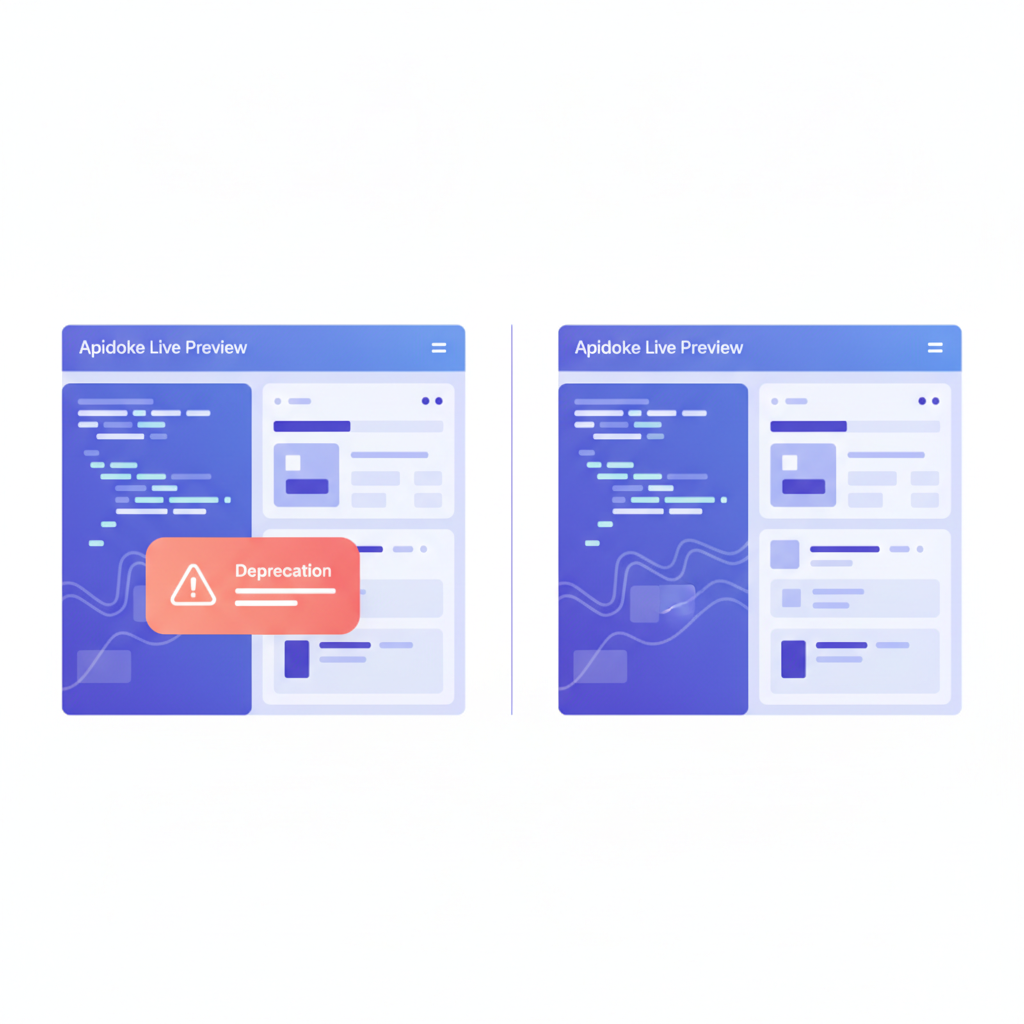
Each .apib file is a separate Apidoke project. Consumers navigate directly to the version they are running. The in-doc deprecation notice is rendered prominently in Apidoke's 3-column viewer, alongside the live try-it console so developers can fire a real GET against both endpoints and compare responses immediately.
Marking deprecated endpoints in API Blueprint
API Blueprint does not have a built-in deprecated keyword (unlike OpenAPI 3.0's deprecated: true), but a simple convention works well. Add a blockquote or a clearly named section at the top of the resource:
## Orders Collection [/orders]

> **Deprecated.** This endpoint will be removed on 2025-03-01.
> Migrate to `/v2/orders`. See the migration guide below.

### List Orders [GET]
In Apidoke's rendered view this blockquote appears as a styled callout directly above the endpoint definition, which is hard to miss. Pair it with a changelog entry dated to the deprecation announcement so consumers have a paper trail.
Using Apidoke's version history to manage API versions
Apidoke stores a full revision history for each project. Every time you save changes to an .apib document, a new snapshot is recorded. This is distinct from API versioning (which is about the API's public contract) but complements it closely.
In practice, the workflow looks like this:
- Create a new Apidoke project named
Orders API v2and paste or write your v2.apibdocument in the CodeMirror editor. - Use the live preview pane to check that the rendered output looks correct before publishing.
- Publish the project. Apidoke generates a public URL for the v2 docs instantly, no build step or deployment pipeline needed.
- Keep the v1 project live. Consumers on v1 continue to read accurate docs; you have not overwritten anything.
- When you deprecate v1, edit its document to add the deprecation notice, save, and the version history captures that change with a timestamp.
- When v1 is fully retired, you can unpublish it or leave it read-only, depending on your sunset policy.
Because Apidoke is self-hostable, this entire workflow runs on your own infrastructure. Auth tokens entered in the try-it console stay in the browser and never reach Apidoke's servers, which matters for teams whose API credentials are sensitive.
Writing a useful API versioning changelog
A versioning strategy without a changelog is like a road sign without distance information. Developers need to know not just that things changed, but what changed, why, and what they must do to migrate.
A minimal but useful changelog entry covers:
- Version identifier and date:
v2.0 released 2024-11-01. - Summary sentence: one line explaining the primary reason for the major version bump.
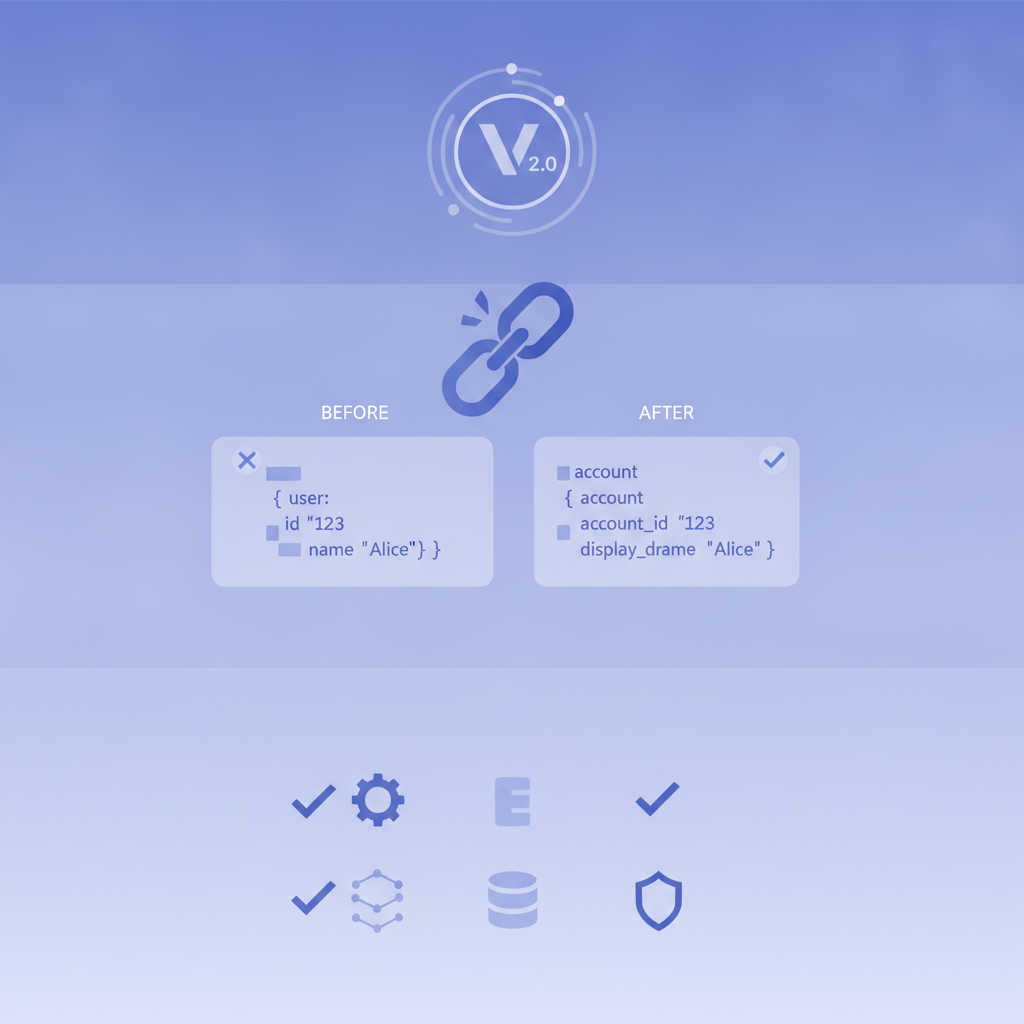
- Breaking changes: an explicit list with before/after examples, including the HTTP method, the endpoint, the field that changed, and the old and new types or shapes.
- Additive changes: new endpoints or fields that are safe to ignore if the consumer is not ready to use them.
- Deprecations: what is going away, and when.
- Migration steps: concrete, numbered instructions. Link to the new version's docs.
For deeper guidance on structuring the complete documentation around an API, the how to write API documentation guide covers reference docs, tutorials, and changelogs as a unified system.
Common versioning mistakes and how to avoid them
Silently breaking clients with a "minor" update
Renaming a field feels trivial during code review. For the client parsing that field, it is a NullPointerException at 2 a.m. Treat every rename as a MAJOR version bump, even if you also keep the old field alive temporarily as a deprecated alias.
Setting an unrealistically short deprecation window
Enterprise consumers often have long release cycles. A 30-day deprecation window is not enough for a team whose release cadence is quarterly. One year is a reasonable default for public APIs; six months is a reasonable minimum for internal APIs with known consumers.
Documenting only the latest version
If you overwrite your v1 docs when v2 ships, any consumer still on v1 loses their reference. Keep old version docs live and clearly marked as deprecated or sunset. The cost of storage is negligible; the cost of abandoning your consumers is not.
Mixing versioning strategies
Some teams version some endpoints by URI and others by header, usually because different teams owned different endpoints. This creates a confusing consumer experience and a documentation nightmare. Pick one strategy per API surface and enforce it consistently.
How versioning connects to broader developer experience
API versioning is one piece of the larger developer experience picture. Predictable versioning, accurate documentation, and a try-it console that lets developers test real requests against real endpoints are the three things that most reliably earn developer trust. For a wider look at how documentation, onboarding, and tooling fit together, see the developer experience best practices hub.
The API Blueprint specification is an open standard, which means your versioned documentation is portable: you are not locked into any particular tool. That portability is a meaningful long-term guarantee for your consumers.
Frequently asked questions
What is the most common API versioning strategy?
URI path versioning (for example /v1/ or /v2/) is the most widely adopted approach for public REST APIs because it is visible in logs and browser tools, HTTP-cache friendly, and easy to document as separate pages per version. Stripe, Twilio, and GitHub all use URI versioning for their core REST surfaces.
When should I create a new API version versus adding a new field?
Create a new major version when the change would break any existing valid request, for example removing or renaming a field, changing a field's type, or adding a required request parameter. Adding an optional field to a response or introducing a new endpoint is additive and backwards compatible, so it does not require a version bump.
How long should I support a deprecated API version?
For public APIs with third-party consumers, a deprecation window of at least six to twelve months is standard practice. Announce the sunset date clearly in your docs, your changelog, and ideally in a response header like Sunset: Sat, 01 Nov 2025 00:00:00 GMT as described in RFC 8594.
Can I document multiple API versions with API Blueprint?
Yes. Each version of your API is a separate .apib document and a separate project in Apidoke. They live at distinct URLs, so consumers on v1 and v2 each see only the docs relevant to them. Apidoke's per-project version history also lets you track every edit to each version's document over time.
Does API versioning require changing documentation every time?
Every change that affects the public contract, whether a new endpoint, a changed field, or a deprecated feature, needs a documentation update. Additive changes are lower urgency but should still be recorded in your changelog with a date so consumers can audit what was available when they integrated.
Ready to document your versioned API clearly, with a live try-it console and full version history? Create your free Apidoke account and publish your first versioned API Blueprint document in minutes, no credit card required.
Related reading: Writing a Good API Changelog
Related reading: Developer Experience: A Practical Guide for API Teams