
How to Use Apidoke's Version History Feature

API documentation version history is a record of every saved state of your docs, letting you revisit, restore, or publish any past snapshot without losing current work. Apidoke builds this capability directly into every project: no external Git repository, no third-party diff tool, and no manual backup process required. Each time you save in the split-pane editor, Apidoke creates a timestamped entry in that project's history log.
- Apidoke stores per-project version history automatically; every save creates a retrievable snapshot.
- You can browse the full history, preview any past version in the live viewer, and restore it with one action.
- Restoring a version does not delete newer snapshots; the full timeline stays intact.
- Publishing always reflects the snapshot you explicitly choose, so readers never see a work-in-progress accidentally.
Why version history matters for API documentation
API documentation changes constantly. A single sprint can add new endpoints, rename parameters, deprecate a response field, or adjust authentication requirements. Without a reliable history, a mistaken edit that breaks a published reference can take hours to diagnose and undo.
Version history (sometimes called "document revision history" or "snapshot history" in other tools) solves three practical problems:
- Rollback safety: If you publish a draft by mistake, you can restore the last clean version in under a minute.
- Parallel API versions: Your v1 and v2 API may coexist. Version history lets you maintain separate snapshots for each without duplicating entire projects.
- Audit trail: Stakeholders and reviewers can see exactly what changed and when, without requiring a dedicated version-control system.
The versioning API documentation workflow guide covers the broader strategy of managing doc sets across multiple API releases. This article focuses specifically on the mechanics inside Apidoke.
How Apidoke's version history works under the hood
Every Apidoke project is backed by an API Blueprint source file, a plain Markdown-derived format. When you save in the editor, Apidoke serialises the current buffer and writes a new snapshot entry attached to that project's ID. Each entry records:
- A timestamp (date and time, stored in UTC)
- The full raw API Blueprint source at that moment
- A short auto-generated label (you can also add your own note)
Because the source is plain text, snapshot storage is compact. Even a project with hundreds of endpoints produces a diff on the order of kilobytes per save, not megabytes.
The live try-it console, which fires real HTTP requests directly from the browser, reads whichever version is currently loaded in the editor session. Auth tokens you enter stay in the browser and never pass through Apidoke's servers, which matters when you are testing against a staging environment that uses real credentials.
Step-by-step: saving a version snapshot
- Open your project in the Apidoke editor. The split-pane view shows your API Blueprint source on the left and the live rendered preview on the right.
- Write or edit your documentation. For example, add a new resource and action:
# Group Orders ## Order Collection [/orders] ### List Orders [GET] + Response 200 (application/json) + Body [ { "id": 1, "status": "pending" }, { "id": 2, "status": "shipped" } ] - Save the snapshot. Click the Save button or use the keyboard shortcut. Apidoke records the timestamp and the full source. Optionally, type a short label such as "Add GET /orders endpoint" into the save dialog.
- Confirm the entry appears in the Version History panel. The newest snapshot always appears at the top of the list.
Save as often as you like. There is no quota on snapshots per project, and saving frequently gives you finer-grained restore points.
Step-by-step: browsing and previewing past versions
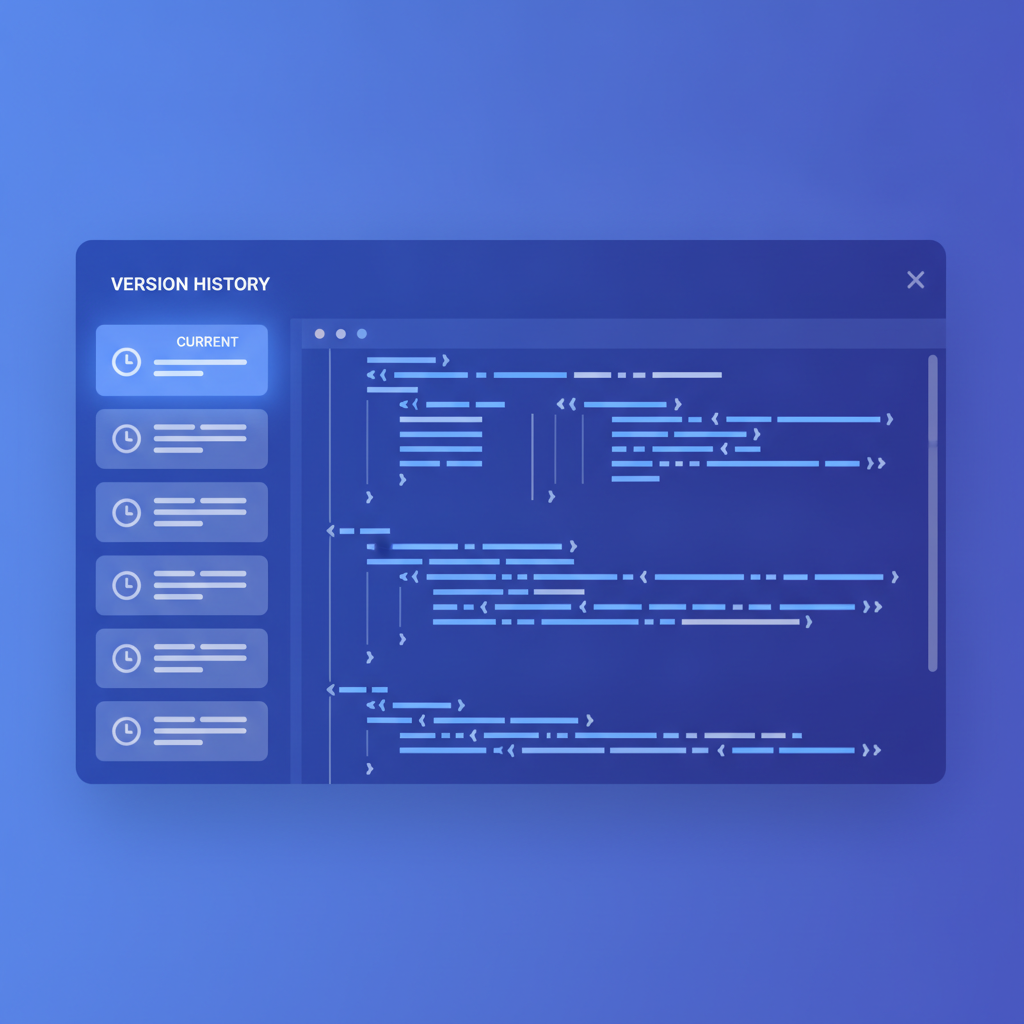
- Open the Version History panel from the project toolbar. You will see a chronological list of every snapshot, newest first.
- Click any entry. The editor loads that snapshot's API Blueprint source into a read-only preview pane. The live rendered view on the right updates immediately so you can read the formatted documentation as it appeared at that moment.
- Scroll through the rendered preview or use the navigation column to jump to any resource group. The try-it console is also active in preview mode, so you can fire a
GETrequest against your API and confirm that the older spec describes the response you expect. - If the version is not what you need, click another entry in the history list. You can browse freely without affecting the current working version.
Step-by-step: restoring a previous version
- In the Version History panel, locate the snapshot you want to restore.
- Click Restore this version. Apidoke copies that snapshot's source into your active editor buffer.
- Before anything is published, Apidoke automatically saves a new snapshot labelled with the restoration event and a timestamp. This means your timeline stays continuous: the versions you restored from and the versions you skipped over are all still in the list.
- Review the restored source in the editor. Make any additional edits if needed, then save again to lock in a clean restore snapshot.
- Publish when you are ready (see the publishing step below).
This non-destructive restore model is important. You will never be in a position where restoring an older version permanently deletes a newer one. The full history is always accessible.
Step-by-step: publishing a specific version
Publishing in Apidoke is a deliberate act, separate from saving. Your readers see only the version you choose to publish, never an auto-saved draft.
- Load the version you want readers to see, either by editing the current buffer or by restoring a past snapshot.
- Click Publish in the toolbar. Apidoke renders the API Blueprint source into the 3-column public viewer: navigation on the left, content in the centre, and the live try-it console on the right.
- Copy the public URL and share it with your API consumers. The URL remains stable; updating the published version later does not change the link.
- If you need to roll back what is publicly visible, restore the correct snapshot, then click Publish again. The public URL immediately reflects the restored version.
For teams working through a structured review before publishing, the API documentation review process guide has a practical checklist you can run against any snapshot before it goes live.
Version history and API Blueprint: how they work together
API Blueprint is a plain-text format defined by the API Blueprint specification. Because each snapshot is stored as raw text, you can copy any historical snapshot out of Apidoke and store it in a Git repository alongside your application code if you want a second source of truth. The two approaches complement each other.
A typical project history might look like this after two weeks of active work:
| Snapshot label | Timestamp (UTC) | Notable change |
|---|---|---|
| Add POST /orders with 201 response | 2026-06-10 14:32 | New create-order action |
| Add GET /orders endpoint | 2026-06-08 09:17 | List orders resource |
| Initial auth scheme draft | 2026-06-05 16:44 | Bearer token header documented |
| Project created | 2026-06-05 11:02 | Blank project baseline |
Each row is independently restorable and publishable. If the POST /orders implementation changed and the 201 response body now includes an order_id field that was missing from the snapshot, you can open that entry, update the source, save a new snapshot, and publish without touching the other entries.
Here is an example of what the POST /orders action might look like in API Blueprint once you add the corrected response body:
### Create Order [POST]

+ Request (application/json)

    + Body

            {
              "product_id": 42,
              "quantity": 3
            }

+ Response 201 (application/json)

    + Body

            {
              "order_id": 1001,
              "status": "pending"
            }

+ Response 400 (application/json)

    + Body

            {
              "error": "invalid_request",
              "message": "quantity must be a positive integer"
            }

+ Response 401 (application/json)

    + Body

            {
              "error": "unauthorized"
            }
Documenting the 400 and 401 alongside the 201 is worth doing from the start. RFC 9110 defines what each HTTP status code means, and consumers of your API will look for all of them when they integrate. Version history makes it easy to add those error responses in a later snapshot rather than getting everything perfect on day one.
Comparing version history across parallel API versions
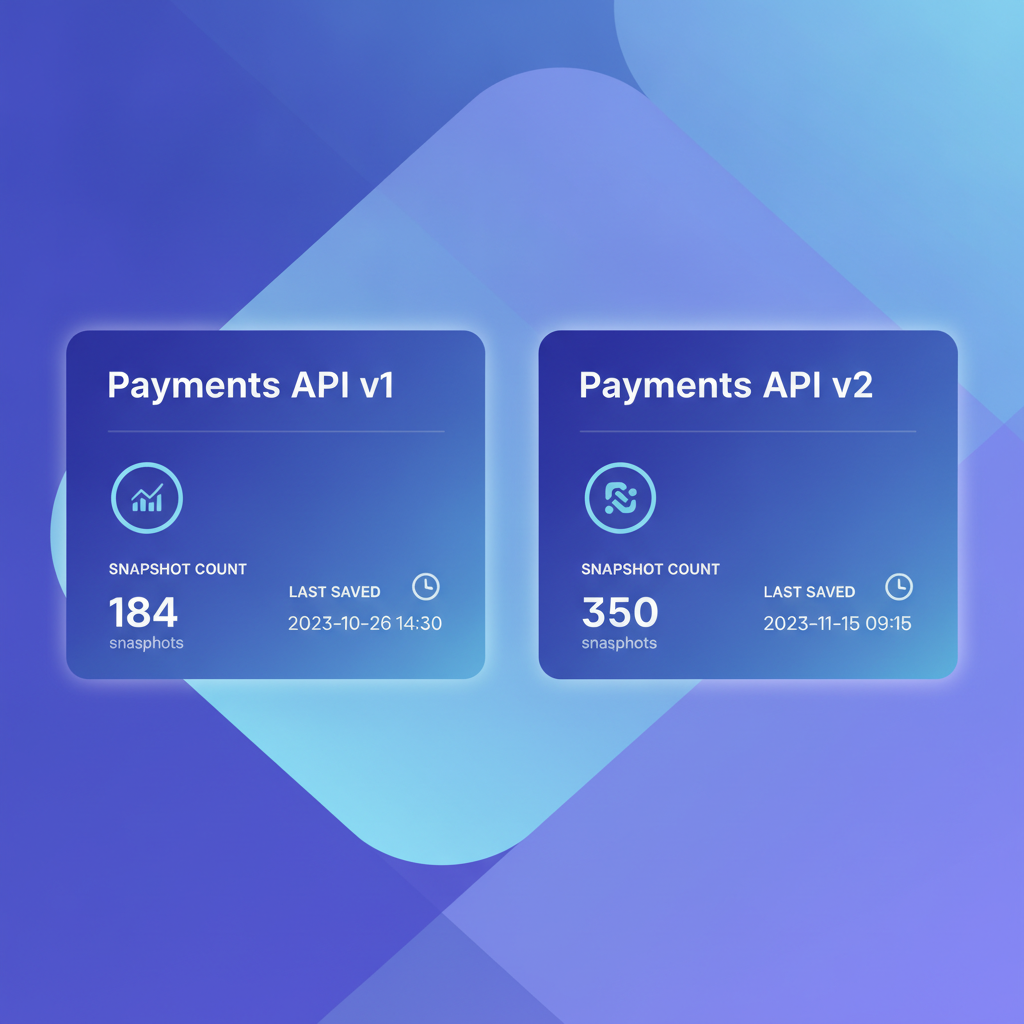
If you maintain a v1 and a v2 API simultaneously, the recommended approach in Apidoke is to keep them as two separate projects, each with its own version history. This avoids any confusion about which snapshot belongs to which API contract.
A lean setup looks like this:
| Project name | Published URL path | Active history entries |
|---|---|---|
| Payments API v1 | your-subdomain/payments-v1 | 12 snapshots |
| Payments API v2 | your-subdomain/payments-v2 | 7 snapshots |
Consumers can bookmark both published URLs. When v1 reaches end-of-life, you publish a final snapshot with a deprecation notice, and the history of that project remains fully intact for your own reference.
Common mistakes and how to avoid them
Saving once at the end of a long session
If you write for two hours and save only at the end, you have one coarse snapshot instead of several fine-grained ones. Save after each logical unit of work: a new endpoint, a corrected response body, or a revised description. The habit costs nothing and gives you much better restore granularity.
Publishing before saving
Apidoke's publish action works on the current editor buffer, not automatically on the last save. If you have unsaved edits when you click Publish, those edits go live. Always save first so the published state matches a labelled snapshot you can refer back to.
Treating version history as a substitute for a changelog
Version history is an internal tool for you and your team. Your API consumers need a human-readable changelog that explains what changed and why. Use version history as the source of truth when writing that changelog, but publish the changelog separately. The guide to writing a good API changelog walks through that process.
Frequently asked questions
How many versions does Apidoke store per project?
Apidoke stores every snapshot you save for a project; there is no hard cap on the number of entries in the version history. Snapshots are compact plain-text records, so even an active project accumulates a manageable amount of storage over time.
Can I delete a specific version from the history?
Version history entries are kept as a continuous, non-destructive record. The design intentionally prevents accidental deletion of historical snapshots, so you always have a complete audit trail of how the documentation evolved.
Does restoring an old version affect the currently published docs?
No. Restoring a snapshot only loads that source into your editor buffer. Your published documentation stays exactly as it was until you explicitly click Publish again. You can restore, review, and edit privately before any reader sees a change.
Is version history available on self-hosted Apidoke installations?
Yes. Per-project version history is a core part of Apidoke and works identically whether you are using the hosted instance or running Apidoke on your own server. No additional configuration is required.
What format are the stored snapshots in?
Every snapshot is stored as raw API Blueprint source text. You can copy the content of any snapshot out of the editor and save it to a file, commit it to Git, or open it in any text editor. There is no proprietary binary format.
Ready to see version history in action for your own API documentation? Create a free Apidoke account and start saving snapshots for your first project today, no credit card required.
Related reading: Embedding API Docs in Your Product: A Developer Guide