
Apidoke vs ReadMe: An Honest Comparison for 2026
Apidoke and ReadMe both publish interactive API reference documentation, but they make opposite bets: ReadMe is a fully managed SaaS platform built around hosted portals, per-seat billing, and proprietary authoring formats, while Apidoke is a self-hostable tool that writes in open-standard API Blueprint format, ships a browser-only live try-it console, and lets you run the entire stack on your own infrastructure at no subscription cost.
- Apidoke is free to self-host, requires no credit card to start, and stores nothing server-side that you did not explicitly publish.
- ReadMe's commercial plans gate features like custom branding, private docs, and API metrics behind per-project or per-seat pricing tiers.
- Apidoke's try-it console fires real HTTP requests directly from the reader's browser, meaning auth tokens never leave their machine and never reach Apidoke servers.
- Both tools render a 3-column API reference layout, but Apidoke's editor is a split-pane CodeMirror environment with live preview, and all version history is built in per project.
What is ReadMe?
ReadMe (readme.com) is a hosted developer documentation platform founded in 2014. It renders API reference pages, guides, changelogs, and custom landing pages from a proprietary web editor. ReadMe is best known for its "API Explorer" (a try-it panel embedded in the reference), its Metrics feature that shows which endpoints developers call most, and its polished out-of-the-box design. Teams upload an OpenAPI or Swagger definition to generate reference docs, then layer guides on top. All of this runs on ReadMe's own servers, under ReadMe's domain unless you pay for a custom domain add-on.
What is Apidoke?
Apidoke is an API documentation tool centered on API Blueprint syntax, a human-readable Markdown-based format maintained by Apiary (now part of Oracle). You author docs in a split-pane CodeMirror editor that shows a live preview as you type. When you publish, Apidoke generates a clean 3-column reference: left navigation, center content, and a right-side try-it console that fires actual HTTP requests from the reader's browser. You can publish publicly in one click, keep projects private, and self-host the entire application on your own servers. Per-project version history is built in, so every saved state is recoverable without any external Git integration.
Apidoke vs ReadMe: feature-by-feature comparison
| Feature | Apidoke | ReadMe |
|---|---|---|
| Authoring format | API Blueprint (open standard, plain Markdown) | Proprietary editor; imports OpenAPI / Swagger JSON or YAML |
| Editor experience | Split-pane CodeMirror with live preview | WYSIWYG GUI editor; no raw-format split pane |
| Live try-it console | Yes, browser-only; auth tokens stay on the reader's device | Yes, hosted API Explorer; requests route through ReadMe servers |
| Self-hosting | Yes, first-class support | No; fully managed SaaS only |
| Pricing model | Free, no credit card required; self-host at no cost | Per-project tiers; free plan is limited; paid plans required for custom domains, private docs, branding removal |
| Version history | Built in per project | Yes, versioned docs are supported on paid plans |
| One-click public publishing | Yes | Yes |
| Custom domain | Not currently built in | Available on paid plans as an add-on |
| API analytics / metrics | Not included | Yes, a flagship feature (Metrics dashboard) |
| Teams and roles | Not currently available | Yes, on higher-tier plans |
| AI doc generation | Not included | Partial; some AI-assisted features on newer plans |
| Vendor lock-in risk | Low; docs are plain-text API Blueprint files you own | Medium; content lives in ReadMe's database; export requires manual effort |
The authoring experience: API Blueprint vs ReadMe's GUI editor
ReadMe's editor is a graphical tool. You fill in forms, click toggles, and ReadMe assembles the reference page. That is fast for non-technical writers but means your documentation lives as structured data inside ReadMe's system, not as a portable file on your machine.
Apidoke uses API Blueprint, which is plain Markdown with a lightweight convention. A real endpoint looks like this:
# Group Users

## User Collection [/users]

### List Users [GET]

+ Response 200 (application/json)

        [
          {
            "id": 1,
            "name": "Alice",
            "email": "alice@example.com"
          }
        ]
Every field, every status code, and every response body is explicit text in a file you control. Copy it into a Git repo, diff it in a pull request, open it in any text editor. The API Blueprint specification is an open community standard, not a proprietary format. That matters if you ever need to move your docs to a different renderer or archive them long term.
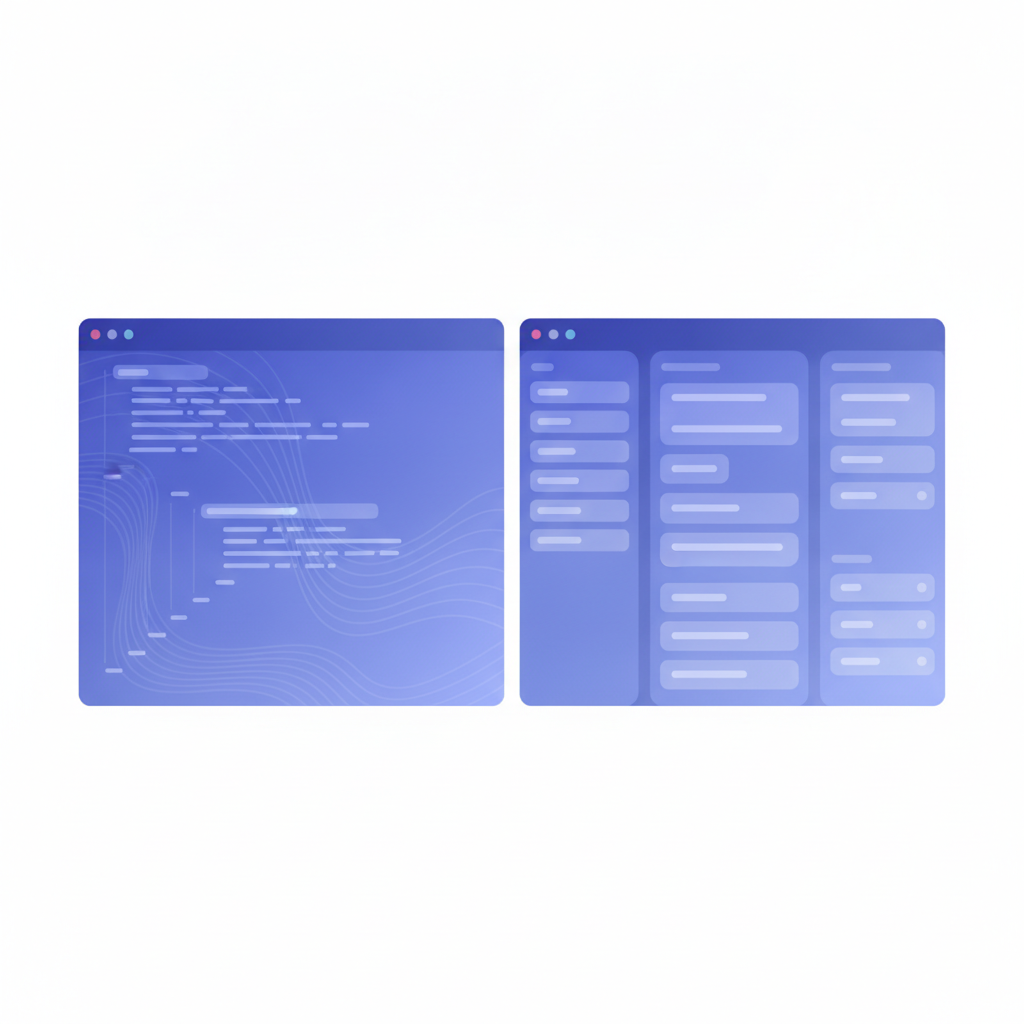
Apidoke's CodeMirror editor gives you the raw format on the left and a rendered preview on the right, updating as you type. Writers who know Markdown are productive immediately. Writers who prefer a GUI may find ReadMe's approach more comfortable, at least until they hit a formatting limitation that requires workarounds in the GUI.
How the try-it consoles actually work
Both tools let readers fire real HTTP requests without leaving the documentation page. The architectural difference is significant from a security standpoint.
ReadMe's API Explorer can log requests as part of its Metrics feature. Depending on your ReadMe plan and configuration, request data including headers may pass through ReadMe's infrastructure before reaching your API server. That is fine for many teams, but some organizations have compliance requirements that prohibit API keys or Bearer tokens from transiting third-party servers.
Apidoke's try-it console runs entirely in the reader's browser. The request is assembled locally in JavaScript and sent directly to your API server. Apidoke's servers are not involved in the HTTP call at all. A reader who pastes a Bearer eyJhbGci... token into the Authorization field is making a direct call to https://your-api.example.com/users, not routing through Apidoke. Auth tokens stay on the reader's device. This is an important practical distinction for teams documenting internal APIs or APIs that handle sensitive credentials.
For a detailed walkthrough of how live consoles work under the hood, see our explainer on interactive API docs and try-it consoles.
Self-hosting: the clearest dividing line
ReadMe does not offer a self-hosted option. Your docs live on ReadMe's infrastructure. If ReadMe has downtime, your docs are down. If ReadMe changes its pricing, your options are to pay or migrate. That is a reasonable tradeoff for teams that want zero infrastructure responsibility, and ReadMe's uptime track record is generally solid.
Apidoke can run on your own server. Your docs live on your infrastructure, behind your firewall if you choose, accessible only to the people you authorize. For teams with strict data residency requirements, regulated industry constraints, or simply a preference for infrastructure ownership, self-hosting is not a nice-to-have: it is a requirement. Our self-hosted API docs guide walks through the deployment process.
Pricing: what you actually pay
ReadMe has a free tier, but it is limited. Private projects, custom branding, custom domains, version history on multiple versions, and Metrics are gated behind paid plans. Costs scale per project and per seat on enterprise tiers. For a team managing several API products, ReadMe costs can reach hundreds or thousands of dollars per month before you have access to all the features you need for professional documentation.
Apidoke is free to start, requires no credit card, and costs nothing to self-host. There is no billing portal to configure. The tradeoff is that features like API analytics, team roles, and custom domains are not currently part of Apidoke. If those specific features are on your shortlist, ReadMe or another tool may be the better fit. If they are not, you are not paying a premium for capabilities you will never use.
Version history and documentation lifecycle
Apidoke stores version history per project. Every time you save, a snapshot is created. You can browse earlier states and restore them. This is built into the core product without requiring an external Git repository or a separate versioning integration. For teams iterating on API design and needing to roll back a documentation change, it works the way you would expect a document editor to work.
ReadMe supports versioned documentation on paid plans, meaning you can maintain a v1 and v2 of your docs separately. That is a different concept from edit history within a single version, and both tools address different needs. ReadMe's approach suits teams that need to publish discrete versioned portals. Apidoke's approach suits teams that want rollback safety within a version without configuring anything external. For a broader discussion of versioning strategies, see our guide on API versioning strategies and how to document them.
When ReadMe is the better choice
ReadMe wins on specific requirements. If your team needs API usage analytics showing which endpoints developers call and what errors they receive, ReadMe's Metrics is a mature, well-designed product that Apidoke simply does not compete with. If you need multi-team roles, a built-in changelog with subscriber notifications, or a fully managed hosting experience where your ops team never thinks about servers, ReadMe is a reasonable fit, provided the pricing is acceptable.
When Apidoke is the better choice
Apidoke makes more sense when one or more of the following is true for your team:
- You want to self-host and keep docs inside your own infrastructure.
- Your try-it console will handle sensitive auth tokens and you need certainty they never transit a third-party server.
- You prefer writing documentation as plain text files in an open format rather than maintaining content inside a vendor's database.
- You need a versioned, interactive API reference without a monthly subscription.
- You are migrating from Apiary and already have API Blueprint files ready to paste in.
For teams coming from Apiary, the migration path to Apidoke is especially direct because both tools use API Blueprint natively. Your existing .apib files work without conversion.
A practical example: the same endpoint in both tools
Suppose you are documenting a POST endpoint that creates a user and returns a 201 with the new resource, or a 422 if validation fails. In Apidoke, you write the API Blueprint directly:
## Users [/users]

### Create a User [POST]

Create a new user account. Returns `201 Created` on success.

+ Request (application/json)

        {
          "name": "Alice",
          "email": "alice@example.com",
          "password": "s3cur3p@ss"
        }

+ Response 201 (application/json)

        {
          "id": 42,
          "name": "Alice",
          "email": "alice@example.com",
          "created_at": "2026-01-15T09:00:00Z"
        }

+ Response 422 (application/json)

        {
          "error": "validation_failed",
          "message": "email is already taken"
        }
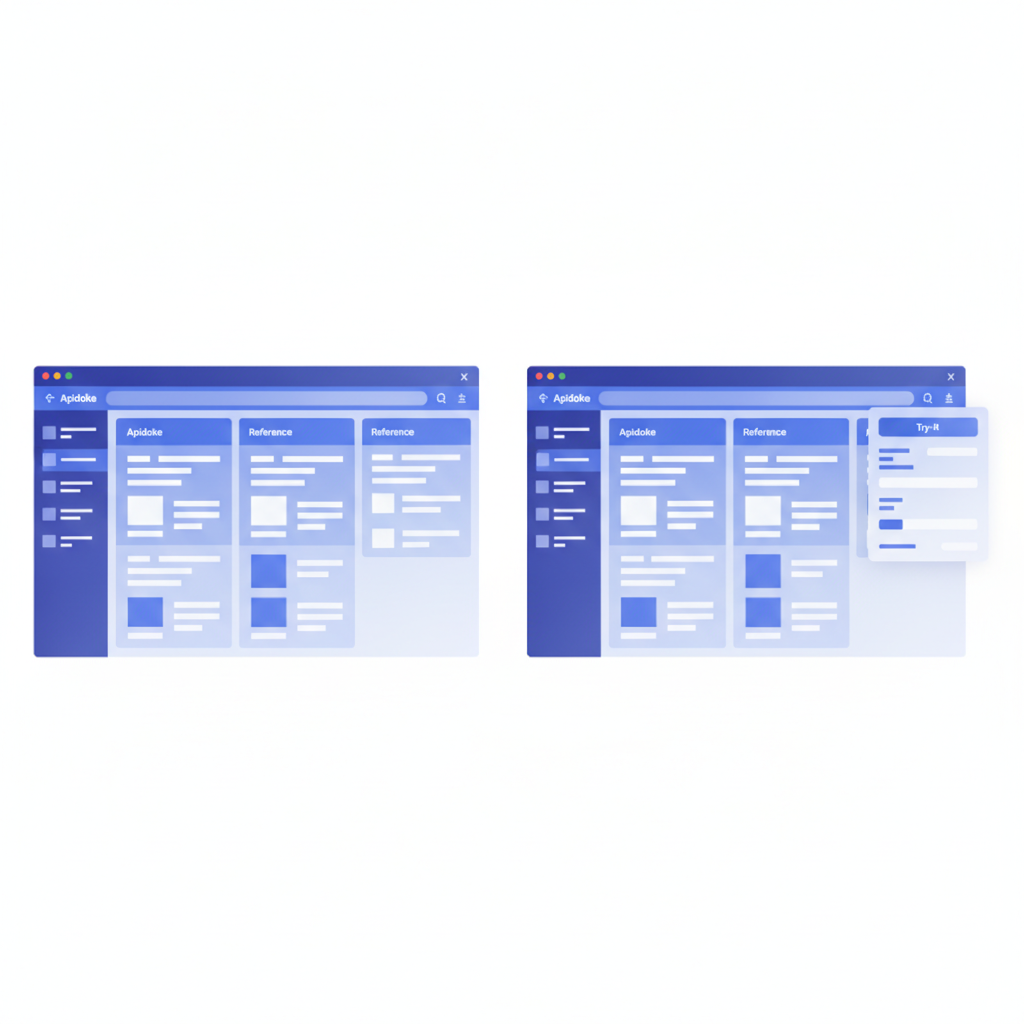
Apidoke renders this immediately in the live preview: a POST request block with the request body shown, two response tabs (201 and 422), and a try-it button that lets any reader fire the real request against your server with their own test credentials. According to RFC 9110, 422 Unprocessable Content is the semantically correct status for validation errors on well-formed requests, and documenting it explicitly is good practice that Apidoke makes straightforward to express.
In ReadMe, you would achieve the same result by either uploading an OpenAPI definition that defines the same schema, or building the endpoint through the GUI editor form by form. The rendered output looks professional, but the source of truth is ReadMe's database, not a file you own.
Frequently asked questions
Is Apidoke a free ReadMe alternative?
Yes. Apidoke is free to use and free to self-host, with no credit card required to start. It covers the core use case of publishing an interactive, versioned API reference. It does not include ReadMe's Metrics analytics or team-management features, so evaluate whether you need those specifically before deciding.
Can I import my existing ReadMe docs into Apidoke?
Apidoke uses API Blueprint as its authoring format, so there is no direct import from ReadMe's proprietary format. You would need to rewrite or convert your content into API Blueprint. If your ReadMe project was generated from an OpenAPI definition, you can use that as a reference while writing the API Blueprint equivalent.
Does Apidoke support OpenAPI or Swagger files?
Apidoke does not currently import OpenAPI or Swagger files. Its authoring format is API Blueprint. If your team is fully invested in OpenAPI, tools like Redocly or Scalar may be a better fit for that workflow.
How does Apidoke handle auth tokens in the try-it console?
Apidoke's try-it console runs entirely client-side in the reader's browser. Any token, API key, or header value the reader enters is used to construct the HTTP request locally and sent directly to your API server. Nothing passes through Apidoke's servers. This is the key security distinction from platforms where the try-it console proxies requests through the vendor's infrastructure.
What kind of teams is Apidoke best suited for?
Apidoke works best for small to medium engineering teams who want a clean, interactive API reference without a complex toolchain or a recurring per-seat subscription. It is especially practical for teams that value self-hosting, prefer writing in plain text formats, or are migrating from Apiary and already have API Blueprint files.
Ready to see whether Apidoke fits your workflow? You can publish a live, interactive API reference in minutes without entering a credit card. Create your free Apidoke account and publish your first API docs today.