
Apidoke vs Stoplight: API Design and Docs Platform Compared
A Stoplight alternative is typically needed by teams who want interactive, published API reference docs without adopting a full API design governance platform. Apidoke fills that gap: you write API Blueprint in a browser-based editor with live preview, publish a clean 3-column reference complete with a live try-it console, and self-host the whole thing if you choose. Stoplight, by contrast, centers on design-first workflows, style guides, and organization-wide API governance.
- Stoplight targets API design governance: style linting, mock servers, and team-wide schema management. Apidoke targets doc publishing: write, preview, publish, and let developers test endpoints in-browser.
- Apidoke is self-hostable with no credit card required; your auth tokens never leave the browser during try-it requests.
- Apidoke uses the open API Blueprint format, a plain-text Markdown-based spec maintained as an open standard.
- If your primary need is a clean, versioned, interactive reference that developers can actually test against, Apidoke is the leaner path. If your primary need is design linting and org-wide schema governance, Stoplight is purpose-built for that.
What is Stoplight?
Stoplight is an API design and governance platform aimed at larger engineering organizations. Its core workflow is design-first: teams define their API in OpenAPI (the format formerly associated with the Swagger project) inside Stoplight Studio, run automated style-guide checks called spectral linting, generate mock servers from the spec, and then publish documentation as a derivative output. Stoplight also offers Stoplight Platform for shared workspaces, role-based access, and git-backed projects.
That is a meaningful set of capabilities, and for teams whose primary pain point is enforcing API design consistency across dozens of services and many contributors, Stoplight addresses it directly. The tradeoff is complexity: you are adopting a workflow platform, not just a docs tool.
What is Apidoke?
Apidoke is a self-hostable API documentation tool built around three things: a split-pane CodeMirror editor with live preview so you see your rendered docs as you type, a 3-column published reference (navigation, content, try-it console) that readers can use to fire real HTTP requests without leaving the page, and per-project version history so you can snapshot every release. The authoring format is API Blueprint, a plain-text Markdown superset. One-click publishing makes the docs publicly accessible immediately.
Apidoke does not provide API design linting, mock server generation, or organization-wide governance tooling. It is deliberately scoped: write docs, publish them, let developers test against the real API.
How do the two platforms compare at a glance?
| Capability | Stoplight | Apidoke |
|---|---|---|
| Primary focus | API design governance and linting | Interactive API doc publishing |
| Authoring format | OpenAPI (YAML/JSON), visual form editor | API Blueprint (Markdown-based plain text) |
| Live try-it console | Yes, via Stoplight docs output | Yes, browser-only; auth tokens never reach Apidoke servers |
| Style and lint rules | Yes (Spectral linting, custom rulesets) | No |
| Mock server | Yes | No |
| Self-hosting | Limited (Stoplight is primarily SaaS) | Yes, first-class self-hosting option |
| Version history | Via git integration | Built-in per-project version history |
| One-click public publishing | Yes (Stoplight hosted docs) | Yes |
| No credit card to start | Free tier available with limits | Yes |
| Spec format open standard | OpenAPI (open standard) | API Blueprint (open standard) |
Authoring experience: visual form editor vs plain-text Markdown
Stoplight Studio provides a visual, form-based editor where you fill in fields for paths, parameters, request bodies, and responses. Many designers appreciate this because it enforces valid OpenAPI structure without requiring knowledge of YAML indentation rules. The downside is that the visual layer adds abstraction: switching to raw YAML to make a precise edit often means bouncing between views.
Apidoke uses API Blueprint, which reads like annotated Markdown. A resource definition looks like this:
## Orders Collection [/orders]

### List Orders [GET]
Returns a paginated list of orders for the authenticated account.

+ Request (application/json)
    + Headers

            Authorization: Bearer eyJhbGciOiJIUzI1NiJ9...

+ Response 200 (application/json)
    + Body

            {
              "orders": [
                { "id": "ord_001", "status": "shipped", "total": 4999 }
              ],
              "page": 1,
              "per_page": 20
            }

+ Response 401 (application/json)
    + Body

            { "error": "Unauthorized", "code": 401 }
That block defines a GET endpoint, its authorization header, a 200 success body, and a 401 error response. Everything is diff-friendly plain text, easy to review in a pull request. Apidoke's split-pane editor renders the published output in real time on the right while you type on the left, so there is no build step between writing and seeing the result.
If your team prefers a form editor, Stoplight wins on that dimension. If your team prefers text files they can version-control and read without a GUI, API Blueprint in Apidoke is the more natural fit. You can learn the full syntax quickly with the API Blueprint syntax cheat-sheet.
API design governance: where Stoplight has no equivalent in Apidoke
Stoplight's Spectral linting engine lets you define custom rules (for example, every GET response must include a 200, every path must use kebab-case, all schemas must have a description). These rules run on save, flag violations, and can block a merge if integrated into CI. For organizations managing 20 or more APIs across multiple teams, that governance layer has real value.
Apidoke has no linting or design governance layer. It is honest about this. If you need API design enforcement, Stoplight (or a standalone Spectral integration) is the appropriate tool. Apidoke is for the next step: once the API exists and you need developers to be able to read and test it.
The try-it console: how each platform handles live requests
Both platforms expose a try-it console in their published docs. The meaningful difference is where the request originates. In Apidoke, the try-it console fires HTTP requests directly from the reader's browser to your API server. The request never passes through Apidoke's servers. That matters for security: a developer can paste a production Bearer token or API key into the console to test a live endpoint, and that credential only travels between their browser and your API. Apidoke never sees it.
This browser-direct approach is important for internal APIs too. If the API is on a private network and the reader's browser is on the same network, the request reaches the server. There is no Apidoke proxy to route around. The try-it console deep-dive covers exactly how this works and why the browser-direct model matters for auth security.
Publishing and self-hosting
Stoplight publishes documentation to Stoplight-hosted URLs. Self-hosting Stoplight is not a standard option for most teams; it is a SaaS platform by design.
Apidoke supports self-hosting as a first-class path. You run Apidoke on your own infrastructure, keep all doc content on your own servers, and publish to whatever domain your infrastructure exposes. For teams with data residency requirements or a preference for keeping internal API docs entirely off third-party servers, self-hosting is a practical choice. The one-click public publishing option is also available if you prefer Apidoke to host the output for you.
Per-project version history is built into Apidoke directly: each saved version of a project is stored and retrievable, so you can point readers to the v1 docs while actively editing v2 in the same project. The versioning API documentation workflow guide explains how to structure this in practice.
Who should choose Stoplight?
Stoplight fits teams where API design consistency is the primary problem. Concretely:
- You have multiple teams contributing to a shared API portfolio and need linting to enforce naming conventions, required fields, and response schemas before code is written.
- You want mock servers generated from your OpenAPI spec so front-end teams can develop against the API before the back end is implemented.
- You are already deep in the OpenAPI ecosystem and want a visual editor that accelerates spec authoring without raw YAML.
Who should choose Apidoke as a Stoplight alternative?
Apidoke fits a genuinely different profile. It makes sense when:
- Your API already exists and your immediate need is a clean, interactive reference that developers can read and test without installing anything.
- You want to write in plain text, commit docs to the same repository as your code, and publish with one click.
- Self-hosting is a requirement, whether for compliance, cost, or a preference for owning your infrastructure.
- You do not need design governance, mock servers, or Spectral linting, and you would rather not pay for or learn a platform built around those features.
A concrete example: documenting a POST endpoint in Apidoke
Here is what a complete POST endpoint looks like in API Blueprint, ready to paste into Apidoke's editor:
# Group Orders

## Create Order [/orders]

### Create a New Order [POST]
Creates an order and returns the new order object. Requires a valid Bearer token.

+ Request (application/json)
    + Headers

            Authorization: Bearer eyJhbGciOiJIUzI1NiJ9...

    + Body

            {
              "product_id": "prod_42",
              "quantity": 3,
              "shipping_address": "10 Downing St, London, SW1A 2AA"
            }

+ Response 201 (application/json)
    + Body

            {
              "id": "ord_002",
              "product_id": "prod_42",
              "quantity": 3,
              "status": "pending",
              "created_at": "2026-01-15T09:23:00Z"
            }

+ Response 400 (application/json)
    + Body

            { "error": "Invalid product_id", "code": 400 }

+ Response 401 (application/json)
    + Body

            { "error": "Unauthorized", "code": 401 }
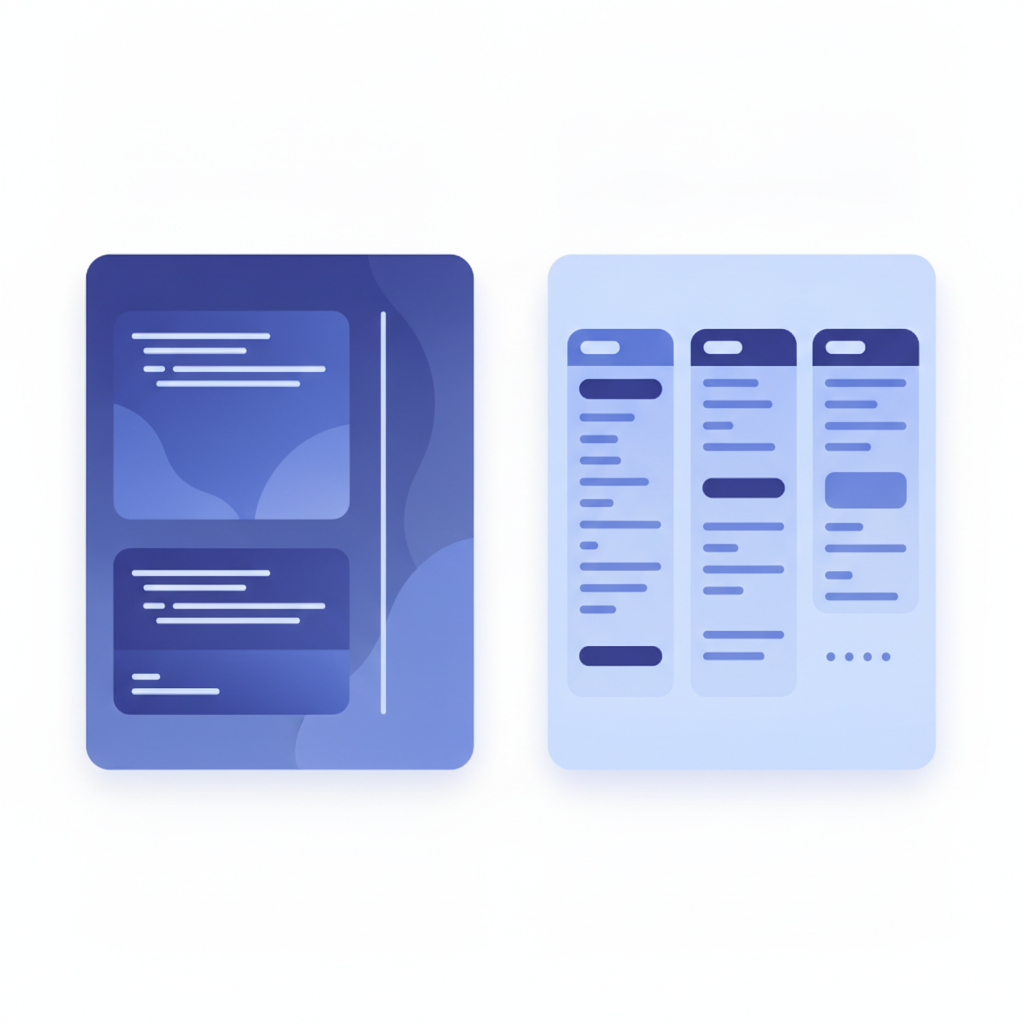
Apidoke renders this into the 3-column layout immediately. The navigation pane lists "Orders" as a group with "Create a New Order" beneath it. The center pane shows the endpoint description, request headers, and body. The right pane shows the try-it console, where a developer pastes their real Bearer token, enters the request body, clicks Send, and sees the live 201 or 400 response from your API. No Postman, no separate tool.
The HTTP status codes 201 (Created), 400 (Bad Request), and 401 (Unauthorized) are defined by RFC 9110, the HTTP Semantics specification. Documenting all realistic response codes in your Blueprint is good practice and Apidoke displays each one in a tabbed interface so readers can see exactly what your API returns in each scenario.
Migration path: coming from Stoplight to Apidoke
If you have existing OpenAPI specs in Stoplight and want to evaluate Apidoke, the practical path is to rewrite the endpoints you want to publish in API Blueprint format. API Blueprint and OpenAPI target the same conceptual model (resources, actions, request/response pairs) but have different syntax. The API Blueprint vs OpenAPI vs Swagger comparison explains the structural differences clearly. For most teams, a handful of core endpoints can be translated in an afternoon.
Apidoke does not import OpenAPI or Swagger files. This is an honest constraint. If importing existing OpenAPI specs is essential without rewriting them, Apidoke is not the right fit today. If you are starting fresh or willing to author a new Blueprint alongside your existing spec, Apidoke gives you a published, interactive result very quickly.
Frequently asked questions
Is Apidoke a direct replacement for Stoplight?
No, and it is honest to say so. Stoplight is an API design governance platform; Apidoke is an API documentation publisher. They solve different problems. If you need design linting and mock servers, Stoplight does that. If you need a clean, self-hostable interactive reference without those features, Apidoke is the leaner choice.
Does Apidoke support OpenAPI or Swagger files?
Apidoke uses API Blueprint as its authoring format and does not import OpenAPI or Swagger files. API Blueprint is an open standard with a similar expressive range for REST APIs; you author docs directly in the Apidoke editor rather than converting from another format.
Can Apidoke handle real HTTP requests in the try-it console?
Yes. The try-it console fires real HTTP requests directly from the reader's browser to your API server. Credentials and request bodies never pass through Apidoke's servers, which makes it safe to test against live or staging endpoints with real auth tokens.
Is Apidoke free to use?
You can start using Apidoke without a credit card. Self-hosting is available for teams who want to run the platform on their own infrastructure. Visit the pricing page for current plan details.
What API Blueprint features does Apidoke render?
Apidoke renders API Blueprint groups (# Group), resources, actions, request and response bodies, headers, HTTP status codes, and multiple response examples per action. The full rendered output appears in the live preview pane as you type, so you see the published result immediately without a separate build step.
Ready to see how Apidoke handles your API docs? Create a free account and publish your first interactive reference in minutes, no toolchain required.