
Documenting Webhooks in API Blueprint

Documenting webhooks in API Blueprint means describing the outbound HTTP POST requests your server sends to a subscriber's URL whenever a specific event occurs. Unlike a REST endpoint that responds to a client request, a webhook is server-initiated. API Blueprint lets you model these event notifications as named resources inside a group, complete with example payloads and expected response codes. You can then publish that documentation with Apidoke so subscribers know exactly what to build against.
- API Blueprint's
# Groupand resource syntax works for webhooks even though webhooks are outbound events, not inbound requests. - You document the payload your server sends and the response code you expect back (typically
200or204), giving subscribers a clear contract. - Apidoke renders your webhook docs in the same 3-column viewer as your REST reference, so subscribers find everything in one place.
- No Apidoke feature sends or receives real webhook calls; this is purely documentation infrastructure.
What is a webhook, and why does documentation matter?
A webhook (sometimes called a reverse API or HTTP callback) is an event-driven HTTP POST request that your API server delivers to a URL your subscriber registers in advance. When the triggering event happens, your server constructs a JSON body and POSTs it to that URL. The subscriber's endpoint should return 200 OK to acknowledge receipt. If you return a 4xx or 5xx, most webhook systems will retry.
Because webhooks invert the usual request-response flow, many developers get confused about what to implement on their side. Good documentation eliminates that confusion. You need to specify the exact HTTP method (POST), the headers your server sends (especially Content-Type and any signature header like X-Signature-256), the full JSON body with every field explained, and the response codes your server treats as success versus failure.
How API Blueprint handles outbound events
API Blueprint was designed for request-response REST documentation, but its resource and action model is flexible enough to describe webhook payloads naturally. The key insight is this: you are documenting the HTTP transaction from the perspective of your server as the sender. You define a resource (the subscriber's callback URL, often expressed as a template), give it a POST action, describe the Request body your server will send, and declare the Response your server expects back.
This is a fully supported pattern in the API Blueprint specification. The spec treats every ## Resource [URI] as a documentation target; nothing forces it to represent an endpoint your server listens on.
The full API Blueprint webhook structure, step by step
- Open your
.apibfile in Apidoke's CodeMirror editor and locate or create the section for event notifications. - Declare a
# Group Webhooksto keep event docs separate from your REST resources. - Create one resource per event type using the subscriber callback URL as the resource URI, for example
## order.created [/webhooks/order-created]. - Add a
### Receive order.created event [POST]action. ThePOSTreflects the method your server uses to deliver the event. - Inside the action, add a
+ Requestblock with all headers your server sends, then the JSON body. - Add a
+ Response 200block to document the acknowledgment your server expects. - Repeat for each event type, then publish or preview instantly in Apidoke's live viewer.
A complete copy-paste example
Below is a full, working API Blueprint snippet covering two webhook event types: order.created and payment.failed. Every field is intentional; adapt the names and schema to your own API.
FORMAT: 1A

# Acme Webhooks

This document describes the outbound HTTP POST events Acme delivers
to your registered callback URL. Return HTTP 200 to acknowledge.

# Group Webhooks

All webhook deliveries use POST and include a JSON body.
Your endpoint must respond within 10 seconds.

## order.created [/your-callback-url]

Fired when a new order is placed and has passed initial validation.

### Receive order.created [POST]

+ Request (application/json)

    + Headers

            Content-Type: application/json
            X-Acme-Event: order.created
            X-Acme-Delivery: 550e8400-e29b-41d4-a716-446655440000
            X-Acme-Signature-256: sha256=abc123def456...

    + Body

            {
              "event": "order.created",
              "created_at": "2026-04-15T09:23:00Z",
              "data": {
                "order_id": "ord_98765",
                "customer_id": "cust_11223",
                "total_cents": 4999,
                "currency": "USD",
                "line_items": [
                  {
                    "sku": "WIDGET-A",
                    "quantity": 2,
                    "unit_price_cents": 2499
                  }
                ],
                "status": "confirmed"
              }
            }

    + Schema

            {
              "$schema": "http://json-schema.org/draft-07/schema#",
              "type": "object",
              "required": ["event", "created_at", "data"],
              "properties": {
                "event": { "type": "string" },
                "created_at": { "type": "string", "format": "date-time" },
                "data": { "type": "object" }
              }
            }

+ Response 200 (application/json)

    + Body

            { "received": true }

## payment.failed [/your-callback-url]

Fired when a payment attempt fails after all retry attempts are exhausted.

### Receive payment.failed [POST]

+ Request (application/json)

    + Headers

            Content-Type: application/json
            X-Acme-Event: payment.failed
            X-Acme-Delivery: 660f9511-f30c-52e5-b827-557766551111
            X-Acme-Signature-256: sha256=xyz789...

    + Body

            {
              "event": "payment.failed",
              "created_at": "2026-04-15T09:45:12Z",
              "data": {
                "order_id": "ord_98766",
                "amount_cents": 9900,
                "currency": "USD",
                "failure_code": "card_declined",
                "failure_message": "Your card was declined.",
                "attempt_count": 3
              }
            }

+ Response 200

+ Response 204
Header fields you should always document
The headers your server sends are part of the subscriber's contract. At minimum, document these:
| Header | Purpose | Example value |
|---|---|---|
Content-Type | Tells the subscriber how to parse the body | application/json |
X-{Brand}-Event | Identifies the event type without parsing the body | order.created |
X-{Brand}-Delivery | Unique delivery ID for deduplication and support queries | A UUID v4 string |
X-{Brand}-Signature-256 | HMAC-SHA256 signature so subscribers can verify authenticity | sha256=abc123... |
User-Agent | Identifies your server as the sender | Acme-Webhooks/1.0 |
Signature verification deserves its own prose explanation alongside the header table. The IETF HTTP semantics specification (RFC 9110) does not define a standard webhook signature header, so every API team invents their own name. Tell subscribers exactly which header to read, what secret to use, and what string to HMAC. Copy-paste the algorithm in pseudocode or a real code snippet directly in your API Blueprint description text.
Documenting expected response codes
Most webhook systems treat only 200 OK and 204 No Content as success. Some also accept 201 Created. Anything in the 4xx or 5xx range triggers a retry. Document all of this clearly so subscribers do not accidentally return 404 from an unrelated routing issue and trigger an avalanche of retries.
In API Blueprint you can add multiple + Response blocks to a single action. The example above already shows both 200 and 204 for payment.failed. You can also add a note in the resource description explaining your retry schedule: for example, three retries at 5 minutes, 30 minutes, and 2 hours.
Grouping and navigation in Apidoke's 3-column viewer
When you use # Group Webhooks in your .apib file, Apidoke renders that group as a collapsible section in the left navigation column. Each event resource becomes a nested entry. This keeps your webhook docs visually separated from your REST endpoints while remaining part of the same project and the same version history.
Because Apidoke stores per-project version history, you can create a new version when your webhook payload schema changes and old subscribers can still reference the previous spec. That matters a lot: a breaking change to a webhook payload (removing a field, changing a type) can silently crash subscriber integrations. Version your webhook docs the same way you version your REST API, and link to the changelog from the description block. The article on API versioning strategies and how to document them covers the mechanics of that workflow in detail.
Where webhook docs fit in your broader API Blueprint file
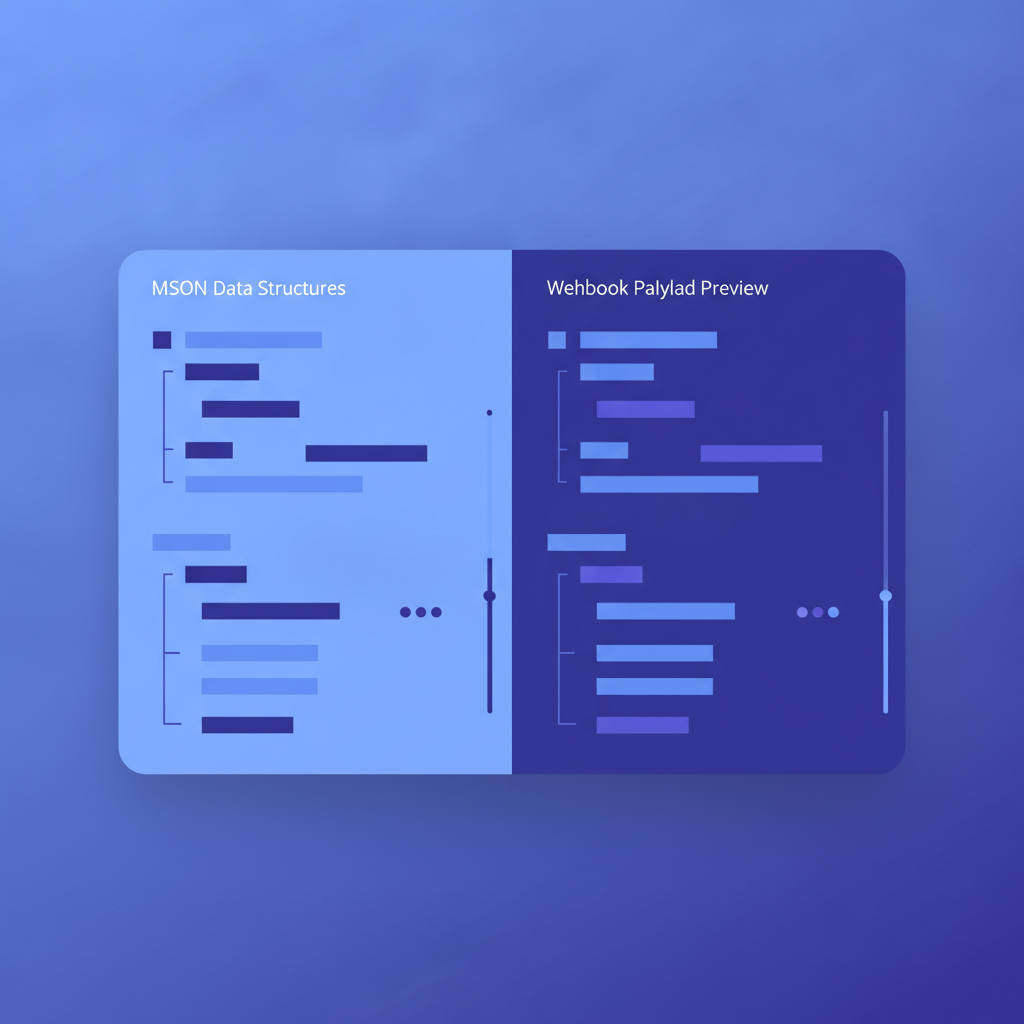
A typical .apib file for a product API might have three or four groups: Core Resources, Authentication, and Webhooks. The API Blueprint and Formats complete hub explains the full file structure, including how # Group headings, MSON data structures, and named parameters combine in one document. Webhook payload types defined with MSON (API Blueprint's Markdown-based type system) can be referenced by name across multiple event resources, which avoids repeating the same order object schema in every event that includes order data.
Here is a minimal MSON type definition you could place at the top of your Webhooks group and then reference in each event action:
# Data Structures

## Order (object)
+ order_id: `ord_98765` (string, required) - Unique order identifier
+ customer_id: `cust_11223` (string, required)
+ total_cents: 4999 (number, required) - Amount in the smallest currency unit
+ currency: `USD` (string, required) - ISO 4217 currency code
+ status: `confirmed` (string, required)
Then inside an event action body you reference it as (Order) instead of repeating all five fields. Apidoke's live preview re-renders immediately when you edit the structure, so you see the resolved schema in the center column without saving or rebuilding.
What to include in the resource description text
Every webhook resource block should carry a plain-English description above the action. That description should answer four questions a subscriber will ask before writing a single line of code:
- What user action or system event triggers this webhook?
- What is the delivery timing (immediate, batch, delayed up to N seconds)?
- What is the retry policy if the subscriber endpoint returns an error?
- How does the subscriber verify the payload has not been tampered with?
If you answer those four questions in prose, a developer integrating your webhook can finish in one session instead of two, because they never have to file a support ticket asking about retry behavior.
Common mistakes when documenting webhooks
| Mistake | Why it hurts | Fix |
|---|---|---|
| Documenting only the happy-path payload | Subscribers cannot handle partial failures or optional fields | Mark every field as required or optional; show a failure-case payload example |
| Omitting the signature header | Subscribers skip verification, creating a security gap | Add the signature header to every Request block and explain the algorithm in prose |
Using a generic /callback URI | Readers cannot tell events apart at a glance | Give each event a descriptive resource name like /webhooks/order-created |
| No version history on webhook docs | Breaking payload changes are invisible to existing subscribers | Use Apidoke's per-project version history and link to your API changelog |
| Describing retry policy only in a FAQ | Subscribers miss it when reading the reference | Put retry behavior directly in the resource description block |
Publishing and sharing webhook docs with Apidoke
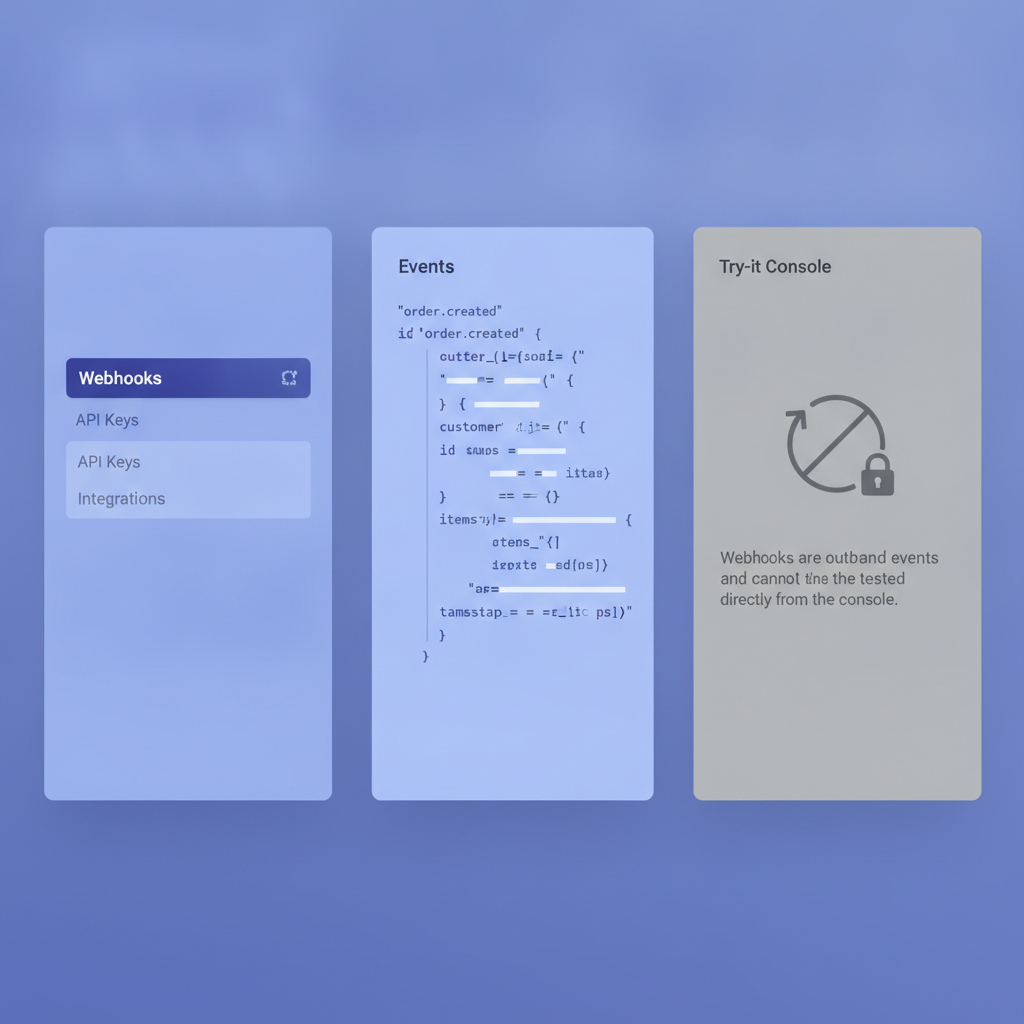
Once your webhook group is written, click publish in Apidoke to generate the public-facing 3-column reference. The left column shows your navigation groups (REST resources and Webhooks side by side), the center column renders your descriptions and example payloads, and the right column shows the try-it console. For webhook actions the try-it console is not particularly useful because the delivery flows from your server to the subscriber, not the other way around. You can note that in the group description to avoid confusing readers.
Sharing is one URL. Paste it in your developer onboarding email, your SDK readme, or your internal wiki. Because Apidoke is self-hostable, the URL can live on your own infrastructure and behind whatever network controls you already have.
Frequently asked questions
Can API Blueprint actually document webhooks, or is it only for REST endpoints?
API Blueprint can document webhooks. You model them as resource-and-action pairs where the Request block describes what your server sends and the Response block describes what your server expects back. The spec does not restrict resources to inbound endpoints, so this pattern works without any workarounds.
What HTTP response code should a webhook subscriber return?
Return 200 OK or 204 No Content to signal successful receipt. Most webhook delivery systems treat any 2xx code as success, but you should document exactly which codes your system accepts so subscribers do not rely on behavior you have not guaranteed.
How do I document webhook payload changes without breaking existing subscribers?
Use version history. In Apidoke you create a new project version for each breaking change, keep the old version published, and link to a changelog entry that explains what changed and when. This gives existing subscribers time to migrate without losing access to the spec they built against.
Should I put webhooks in the same API Blueprint file as my REST endpoints?
Yes, keeping them in one .apib file under a separate # Group Webhooks heading is cleaner than splitting into multiple files. Subscribers can read the full API contract in one place, and shared MSON data structures (like your Order object) can be referenced by both REST actions and webhook events without repetition.
Does Apidoke send or receive actual webhook calls?
No. Apidoke is a documentation platform, not webhook infrastructure. It renders your API Blueprint source as a browsable reference and exposes a try-it console for standard request-response endpoints. Webhook delivery, subscription management, and retry logic are features of your own API backend, not of Apidoke.
Ready to publish your webhook documentation alongside your full API reference? Create a free Apidoke account and start authoring in the browser-based editor today, no credit card required.
Related reading: API Blueprint Action and Resource Model Explained
Related reading: API Blueprint vs RAML: Which Format Fits Your Team?