
How to Document GraphQL APIs (And Why It Differs from REST)

GraphQL API documentation covers the schema types, queries, mutations, subscriptions, and directives that define a GraphQL API, rather than the URLs, HTTP methods, and status codes that define a REST API. Because GraphQL exposes a single endpoint and a self-describing type system, the documentation strategy, format, and tooling differ substantially from REST. Apidoke is built for REST and API Blueprint, so this guide gives you an honest picture of both worlds: how to document GraphQL well, how it compares to documenting REST, and where Apidoke fits if your team runs GraphQL alongside REST endpoints.
- GraphQL APIs are self-describing via introspection, so much of the reference layer can be generated automatically from the schema, unlike REST where you must write every endpoint manually.
- The main documentation artifacts for GraphQL are the schema definition, operation examples (queries and mutations), and authentication/error guidance, not URL-by-URL reference tables.
- Apidoke does not import or render GraphQL schemas natively; it is purpose-built for REST documentation in API Blueprint format.
- If your stack includes both a GraphQL API and REST endpoints, Apidoke is a strong fit for the REST surface, while a dedicated GraphQL tool handles the schema side.
What makes GraphQL documentation different from REST documentation
REST documentation is organized around resources and HTTP verbs. You document GET /users, POST /orders, DELETE /sessions/{id}, each with its own path parameters, request body, and response codes like 200 OK, 201 Created, 401 Unauthorized, and 404 Not Found. A reader can glance at a URL and a method and immediately understand scope and intent.
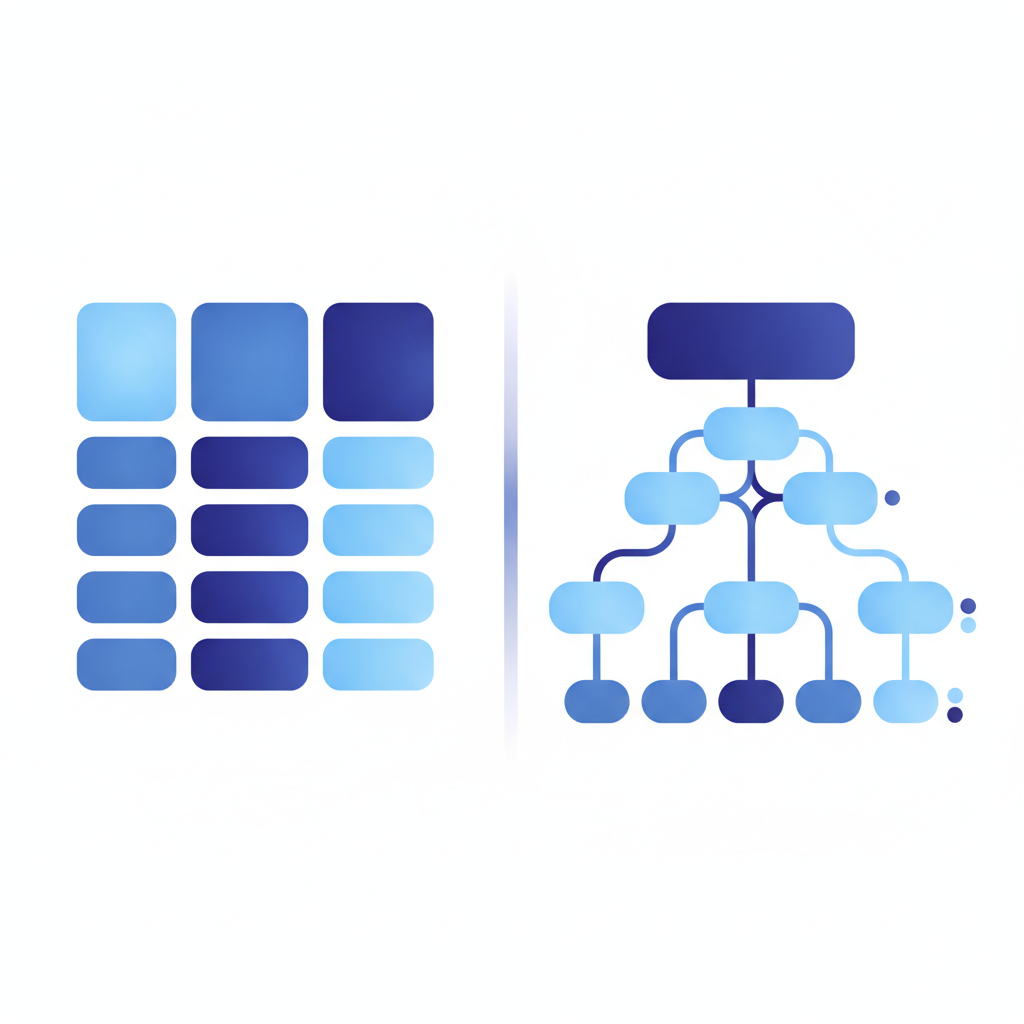
GraphQL flips this model. Every request goes to a single endpoint (typically POST /graphql) and the shape of the request and response is determined entirely by the query document the client sends. There are no distinct URL paths to enumerate. Instead, the surface area is the schema: the types, fields, arguments, and directives declared in GraphQL Schema Definition Language (SDL).
This creates a different documentation challenge. You still need to explain what data is available, how to ask for it, what arguments control filtering or pagination, and what errors to expect. But the structure of that explanation is type-centric, not endpoint-centric.
The self-describing advantage
GraphQL servers expose an introspection system: send a specially crafted query and the server returns a full description of its own schema. Tools like GraphiQL and GraphQL Playground use this to show live autocomplete and inline docs without a separate documentation file. This is a real advantage over REST, where the API and its description are always separate artifacts that can drift out of sync.
The tradeoff is that introspection gives you type signatures, not prose. It tells you a field is called createdAt and returns a DateTime, but it does not tell you the timezone, the format, or what happens when the value is null. Human-written descriptions using the """ SDL block comment syntax fill that gap.
What to include in GraphQL API documentation
A complete GraphQL documentation site typically covers the following areas.
Schema reference
The schema reference is generated from the SDL and presented as a browsable type explorer. Every type, every field, every argument, and every enum value should carry a description written in the SDL itself, using triple-quoted block strings:
type User {
  """Unique identifier assigned at account creation."""
  id: ID!

  """The user's display name, between 1 and 64 characters."""
  displayName: String!

  """
  ISO 8601 timestamp (UTC) of when the account was created.
  Null only for accounts migrated from the legacy system before 2022-01-01.
  """
  createdAt: DateTime
}
Writing good field descriptions inside the SDL means every documentation tool that reads your schema gets the prose automatically. It also means the descriptions stay in version control next to the code, which dramatically reduces drift.
Operation examples
Listing types is necessary but not sufficient. Developers need to see real queries and mutations they can copy and run. A useful example for a user query looks like this:
# Fetch a user by ID with their recent orders
query GetUser($userId: ID!) {
  user(id: $userId) {
    id
    displayName
    createdAt
    orders(last: 5) {
      edges {
        node {
          id
          total
          status
        }
      }
    }
  }
}
Variables object:
{
  "userId": "usr_01HXYZ"
}
Expected response (HTTP 200 OK, even for partial errors in GraphQL):
{
  "data": {
    "user": {
      "id": "usr_01HXYZ",
      "displayName": "Priya Mehta",
      "createdAt": "2024-03-15T09:22:00Z",
      "orders": {
        "edges": [
          { "node": { "id": "ord_88A", "total": 4999, "status": "SHIPPED" } }
        ]
      }
    }
  }
}
Authentication
GraphQL APIs almost always authenticate at the transport layer, not the operation layer. That typically means a Bearer token in the Authorization HTTP header on every POST /graphql request. Document this clearly with an example header and describe what a missing or expired token returns. Most GraphQL servers return HTTP 200 OK even for auth failures, placing the error in the errors array of the response body rather than at the HTTP status level. This surprises developers who come from REST, where 401 Unauthorized is unmistakable.
Error handling
The GraphQL specification defines a standard errors array that appears alongside data in the response. Each error object has a message, an optional locations array pointing to the query position, and an optional extensions object where servers often place machine-readable codes. Document the error codes your server actually emits, for example:
{
  "errors": [
    {
      "message": "Not authorized to view this resource.",
      "extensions": {
        "code": "FORBIDDEN",
        "http": { "status": 403 }
      }
    }
  ],
  "data": null
}
Pagination, rate limits, and subscriptions
If your schema implements Relay-style cursor pagination (the edges / node / pageInfo pattern), document it once at the conceptual level and link every paginated type back to that explanation. Rate limiting in GraphQL is often query-complexity-based rather than request-count-based; document the complexity budget and what error appears when it is exceeded. Subscriptions (real-time events over WebSocket) need their own section covering the transport protocol, typically graphql-ws over WebSocket, and a worked connection and message example.
Tools built specifically for GraphQL documentation
Because GraphQL's schema is machine-readable, the best documentation tools for GraphQL generate the reference layer from the SDL and let you add prose on top. Below is a practical comparison of the most common options.
| Tool | Input format | Hosted or self-hosted | Key strength | Main limitation |
|---|---|---|---|---|
| GraphiQL | Introspection (live server) | Embedded in app | Live IDE built into every GraphQL server | Exploration only, not a publishable doc site |
| GraphQL Playground | Introspection (live server) | Embedded or standalone | Familiar tabbed IDE, shareable queries | No narrative or conceptual docs |
| Magidoc | SDL file or introspection | Self-hosted static site | Clean generated reference with custom pages | Requires build pipeline |
| SpectaQL | SDL + config YAML | Self-hosted static site | Highly customizable HTML output | Steep initial configuration |
| Apidoke | API Blueprint (REST only) | Self-hosted or cloud | 3-column interactive docs for REST APIs, built-in try-it console, per-project version history | Does not support GraphQL schema input |
The honest summary: if your entire surface is GraphQL, Apidoke is not the right primary tool for the schema reference. GraphiQL or a generator like Magidoc fits that job better. Apidoke becomes relevant when your product also exposes REST endpoints, which is far more common than it might seem.
When your stack includes both GraphQL and REST
Many production APIs are not purely one or the other. A team might expose a GraphQL API for its client apps while also maintaining REST webhooks, a REST payment API, or a REST admin surface. In these hybrid architectures, each surface deserves its own documentation strategy.
The REST side of that stack is exactly where Apidoke is useful. You write the REST endpoints in API Blueprint format (a Markdown-based, human-readable spec), and Apidoke renders a 3-column interactive documentation site with a live try-it console where developers can fire real GET, POST, PUT, and DELETE requests directly in the browser. Auth tokens stay in the browser and never pass through Apidoke's servers. Version history is tracked per project, so you can show what the v1 and v2 REST endpoints look like side by side.
A simple API Blueprint block for a REST endpoint in a hybrid stack looks like this:
# Group Orders

## Order Collection [/orders]

### Create an Order [POST]

Creates a new order. Authentication required.

+ Request (application/json)

    + Headers

            Authorization: Bearer eyJhbGci...

    + Body

            {
              "productId": "prod_42",
              "quantity": 3
            }

+ Response 201 (application/json)

        {
          "id": "ord_88A",
          "productId": "prod_42",
          "quantity": 3,
          "status": "PENDING",
          "createdAt": "2026-09-01T14:30:00Z"
        }

+ Response 401 (application/json)

        {
          "error": "Unauthorized",
          "message": "Bearer token missing or expired."
        }
You can read more about this syntax in our guide to what API Blueprint is and how it works. For a broader look at picking the right tool for every part of your stack, our API documentation tool overview walks through the decision criteria.
How to structure GraphQL docs for developer experience
Schema-generated reference is a baseline, not a finished product. Developers hit real walls when docs cover the type system but skip the conceptual layer. Here is a content structure that works in practice.
- Introduction and endpoint. State the single GraphQL endpoint URL, the required HTTP method (
POST), and theContent-Type: application/jsonheader. One paragraph, no more. - Authentication. Show a verbatim request header example. State what a missing token returns (usually an
errorsarray with codeUNAUTHENTICATED). - Concepts. Explain any domain-specific patterns: cursor pagination, soft deletes, optimistic concurrency. This is prose, not generated content.
- Operation cookbook. Curated, copy-paste examples for the 10 most common use cases. Each example includes the query, the variables JSON, and an example response.
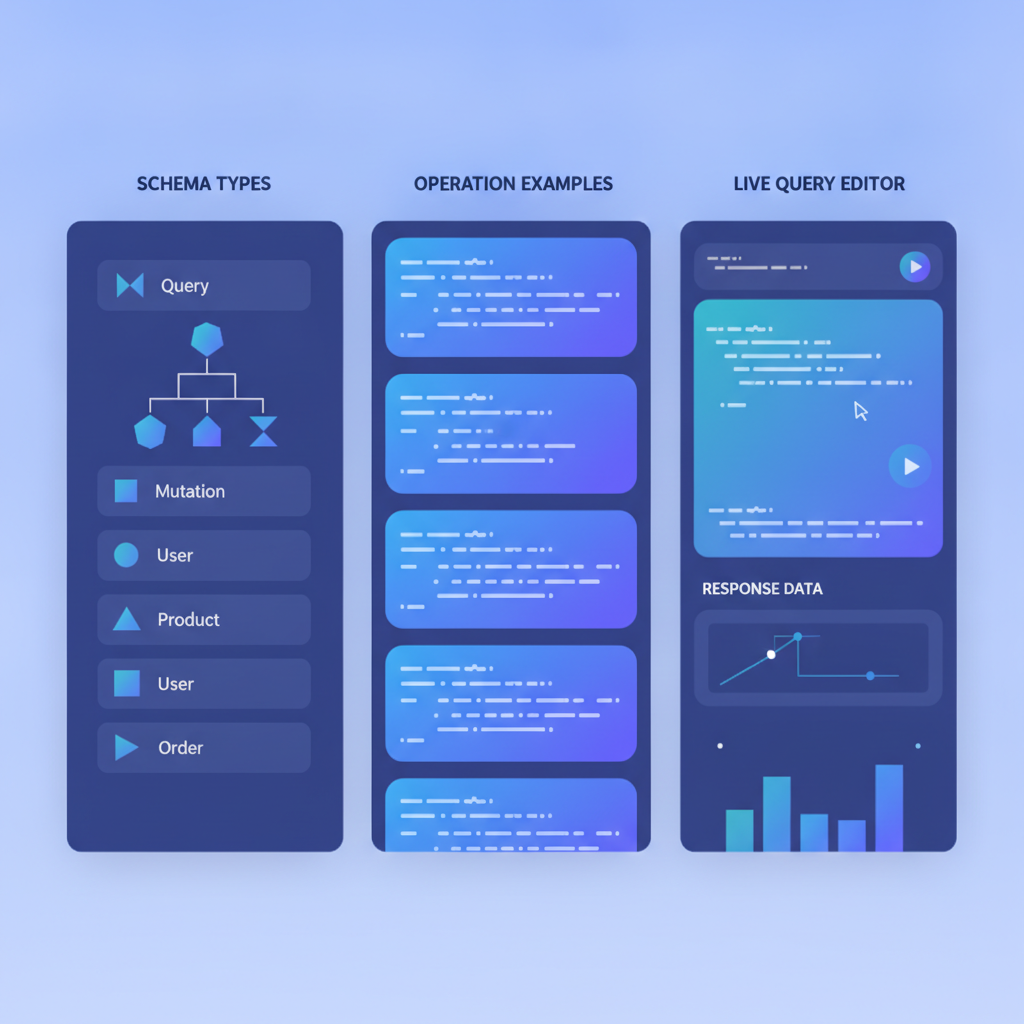
- Schema explorer. The generated, browsable reference for every type, field, and argument. Link specific types back to the relevant concept page.
- Changelog. Schema changes that break clients (removing a field, changing a type) deserve their own changelog entry. Non-nullable fields added to existing types can also be breaking in strict clients.
- Error reference. Every
extensions.codevalue your server emits, with a plain-English explanation and a suggested fix.
GraphQL documentation and the spec: what the standard says
The GraphQL specification (October 2021 edition) defines introspection as a first-class feature of the language: every compliant server must respond to __schema and __type introspection queries. This is why tooling can generate reference docs automatically. The spec also defines the shape of the errors array, which matters when you are writing the error documentation section of your docs.
For REST APIs, the equivalent authoritative source is the HTTP specification. RFC 9110 (HTTP Semantics) defines what GET, POST, PUT, and DELETE mean, what each status code signals, and how headers like Content-Type and Authorization work. Understanding both standards helps you write documentation that is technically precise rather than vague.
Common mistakes in GraphQL documentation
A few patterns come up repeatedly when GraphQL docs fall short.
Publishing introspection output as the docs. Auto-generated type lists without descriptions are nearly useless. Every field your team ships deserves at least one sentence explaining what it contains, when it is null, and what edge cases affect it.
Skipping the HTTP layer. GraphQL developers still need to know about HTTP. Which headers are required? What happens at the transport level if the server is unreachable? Does the server return 429 Too Many Requests at the HTTP level for rate limiting, or does it put a complexity error in the errors array? Document both layers.
Treating mutations like REST POST requests. A mutation can return any shape of data. Show the full return type, not just a success boolean. Callers need to know which fields to read after a mutation to update their local state.
Ignoring subscription documentation. Real-time subscriptions require a separate transport and a separate mental model. Many teams document queries and mutations thoroughly and then leave subscriptions with a one-line mention.
Frequently asked questions
Does Apidoke support GraphQL API documentation?
No. Apidoke is built for REST API documentation written in API Blueprint format. It does not import or render GraphQL schemas. If you have a GraphQL API, use a dedicated tool like Magidoc or SpectaQL for the schema reference, and use Apidoke for any REST endpoints in your stack.
Can I document a GraphQL API without a live server?
Yes. Tools like SpectaQL and Magidoc accept a static SDL file as input, so you can generate documentation from a schema file without a running server. This is useful for documentation-first workflows where the schema is written before the implementation.
Why does GraphQL always return HTTP 200 even for errors?
The GraphQL specification separates application-level errors from transport-level errors. If the server received and processed the request, it returns 200 OK and places any field-level or permission errors in the errors array of the response body. HTTP error codes like 400 Bad Request or 500 Internal Server Error are reserved for malformed requests or server crashes that prevent the response from being formed at all.
What is the difference between a GraphQL query and a mutation?
A query is a read operation intended to have no side effects; a mutation is a write operation that changes server state. The distinction is semantic and conventional: both are sent as HTTP POST requests to the same endpoint. Some servers enforce that queries are idempotent and allow them over GET with a URL-encoded query string, but this is not universal.
How do I document breaking changes in a GraphQL API?
GraphQL breaking changes include removing a field, changing a field's type to a non-compatible type, making an optional argument required, or removing an enum value. Publish a changelog entry for each breaking change with a migration guide showing the old query and the replacement. Deprecation directives (@deprecated(reason: "Use newField instead.")) let you mark fields in the schema itself before removal, giving clients and their documentation a transition window.
Ready to document your REST APIs alongside your GraphQL surface? Apidoke gives you a live 3-column reference, a browser-based try-it console, and per-project version history, with no toolchain to configure. Create your free Apidoke account and publish your first REST API docs today.
Related reading: How to Structure a Large API Documentation Site
Related reading: API Documentation for SaaS Products: Patterns and Pitfalls