
API Documentation for Internal Teams: A Practical Guide

Internal API documentation is a written, versioned record of every endpoint, request format, and expected response that your own engineers, data analysts, or QA team need to call your services reliably. Unlike public-facing reference docs, it lives behind your firewall, gets updated in the same sprint the endpoint ships, and must answer practical questions fast. Apidoke makes this possible without standing up a documentation platform that costs more to maintain than the APIs it describes.
- Internal API docs reduce the time engineers spend hunting Slack threads for endpoint specs; a single source of truth cuts onboarding friction in half.
- API Blueprint, the plain-text format Apidoke uses natively, is version-controllable in any Git repo, so docs travel with code.
- Apidoke's self-hosting option means sensitive internal service details never leave your network; the live try-it console fires requests from the browser, not through a Apidoke proxy.
- Per-project version history in Apidoke lets teammates compare what an endpoint looked like before a breaking change, without needing a separate wiki.
Why internal API documentation is different from public docs
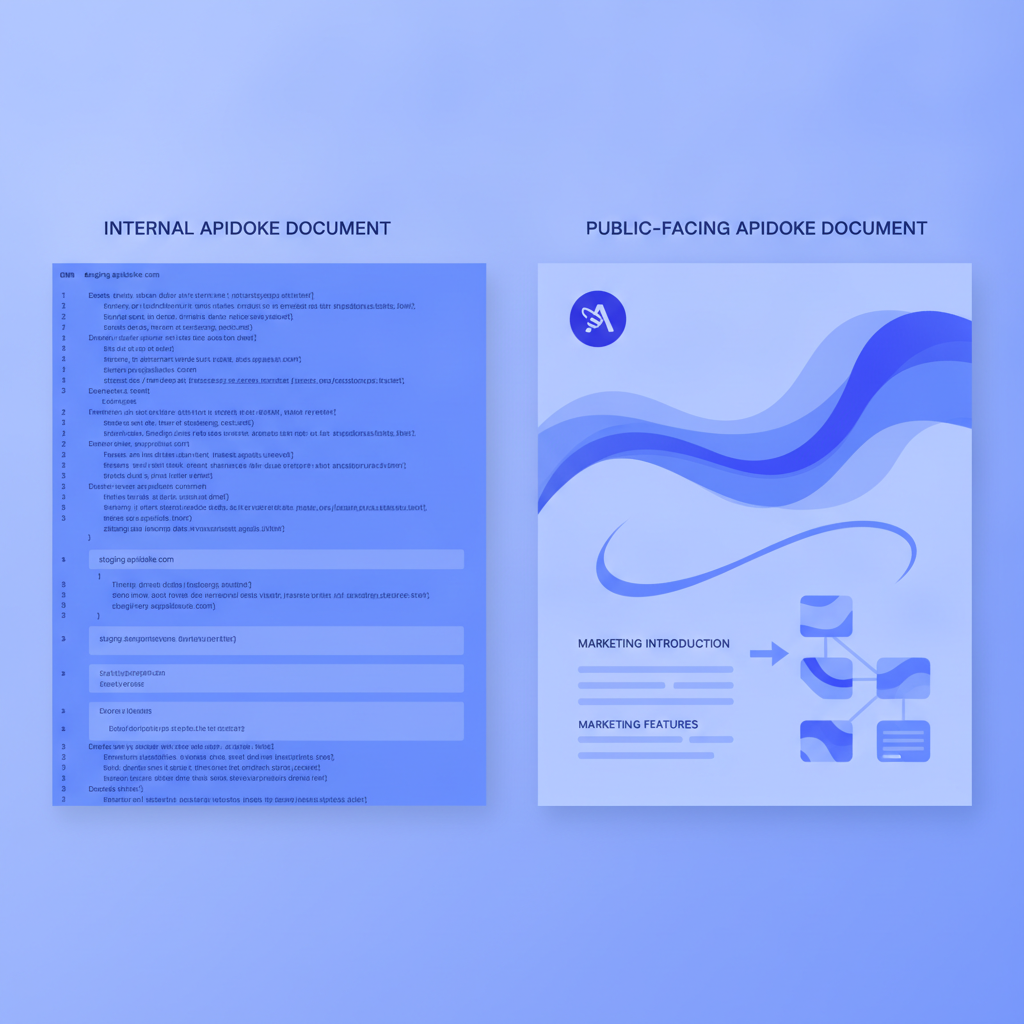
Public API documentation is a sales and onboarding artifact. It needs polish, marketing copy, and careful versioning for external consumers you will never meet in person. Internal documentation has a completely different job: it needs to be accurate today, findable in thirty seconds, and honest about rough edges that you would sand off before publishing externally.
The audience is also different. Your backend engineer knows what a JWT is; they do not need a three-paragraph explanation. What they need is the exact header name (Authorization: Bearer <token>), whether you accept it on every route or only authenticated ones, and what a 401 Unauthorized response body actually contains so they can handle it correctly in code.
Internal docs also have a maintenance problem that external docs do not. External docs fall behind and a customer files a support ticket. Internal docs fall behind and a colleague just asks on Slack, which means the doc stays out of date indefinitely. The fix is not to lecture engineers about documentation hygiene; it is to make updating the doc so cheap that it happens automatically as part of code review.
What should internal API documentation cover?
Every internal service is different, but the following sections appear in nearly every useful internal API doc. Treat this as a checklist, not a rigid template.
Service overview
Two to four sentences explaining what the service does, which team owns it, and how to reach that team. Include the base URL for each environment (development, staging, production) in a table so readers never have to guess.
| Environment | Base URL | Auth required |
|---|---|---|
| Development | http://localhost:4000/api/v1 | No |
| Staging | https://staging.internal.example.com/api/v1 | Yes, Bearer token |
| Production | https://api.internal.example.com/api/v1 | Yes, Bearer token |
Authentication and authorization
Explain how to obtain credentials, what header or query parameter carries them, and what happens when they are missing or wrong. Concretely:
- Missing token:
401 Unauthorizedwith body{"error": "token_missing"} - Expired token:
401 Unauthorizedwith body{"error": "token_expired"} - Insufficient scope:
403 Forbiddenwith body{"error": "insufficient_scope"}
Engineers copy-paste this into their error-handling code. Vague wording like "authentication is required" adds no value and wastes time.
Endpoint reference
One section per logical resource group. For each endpoint, document the HTTP method, path, every query parameter with its type and whether it is required, the request body schema, and at least two response examples: one success and one error. Real HTTP status codes matter here. 200 OK, 201 Created, 204 No Content, 400 Bad Request, 404 Not Found, and 422 Unprocessable Entity each carry distinct semantics defined in RFC 9110 and your colleagues will rely on those semantics in their error-handling logic.
Known limitations and gotchas
This section is what separates documentation written by the people who built the service from documentation written by someone reading the code for the first time. Note rate limits, field-length constraints, pagination quirks, eventual consistency windows, and anything that bit the last three people who integrated with this service.
Changelog
A short dated list of breaking and non-breaking changes. Even two lines per release is enough. If a field was renamed, say what it was called before and when. Engineers debugging a regression need to know whether the API changed under them.
How to write internal API docs in API Blueprint
API Blueprint is a Markdown-based description language designed for REST APIs. Because it is plain text, it lives in a Git repository alongside the code it describes and gets reviewed in the same pull request. That is the single biggest structural reason internal docs stay current: the diff is visible to every reviewer.
Here is a realistic internal endpoint documented in API Blueprint:
FORMAT: 1A
HOST: https://api.internal.example.com/api/v1

# User Service

Internal service for managing authenticated users. Owned by the Identity team.
Slack: #team-identity

## Group Users

### List Users [GET /users{?role,page,per_page}]

Returns a paginated list of users. Requires a valid Bearer token with the
`admin:read` scope.

+ Parameters
    + role (string, optional) - Filter by role. Allowed: `admin`, `member`.
    + page (number, optional, `1`) - Page number, 1-indexed.
    + per_page (number, optional, `20`) - Results per page, max 100.

+ Request (application/json)
    + Headers

            Authorization: Bearer eyJhbGciOiJIUzI1NiJ9...

+ Response 200 (application/json)
    + Body

            {
              "data": [
                { "id": "usr_01", "email": "alice@example.com", "role": "admin" },
                { "id": "usr_02", "email": "bob@example.com", "role": "member" }
              ],
              "meta": { "page": 1, "per_page": 20, "total": 2 }
            }

+ Response 401 (application/json)
    + Body

            { "error": "token_missing" }

+ Response 403 (application/json)
    + Body

            { "error": "insufficient_scope" }

### Create User [POST /users]

Creates a new user account. Returns `201 Created` with the new user object.

+ Request (application/json)
    + Headers

            Authorization: Bearer eyJhbGciOiJIUzI1NiJ9...

    + Body

            {
              "email": "carol@example.com",
              "role": "member",
              "name": "Carol Danvers"
            }

+ Response 201 (application/json)
    + Body

            {
              "id": "usr_03",
              "email": "carol@example.com",
              "role": "member",
              "name": "Carol Danvers",
              "created_at": "2025-06-01T09:00:00Z"
            }

+ Response 422 (application/json)
    + Body

            {
              "error": "validation_failed",
              "fields": { "email": ["is already taken"] }
            }
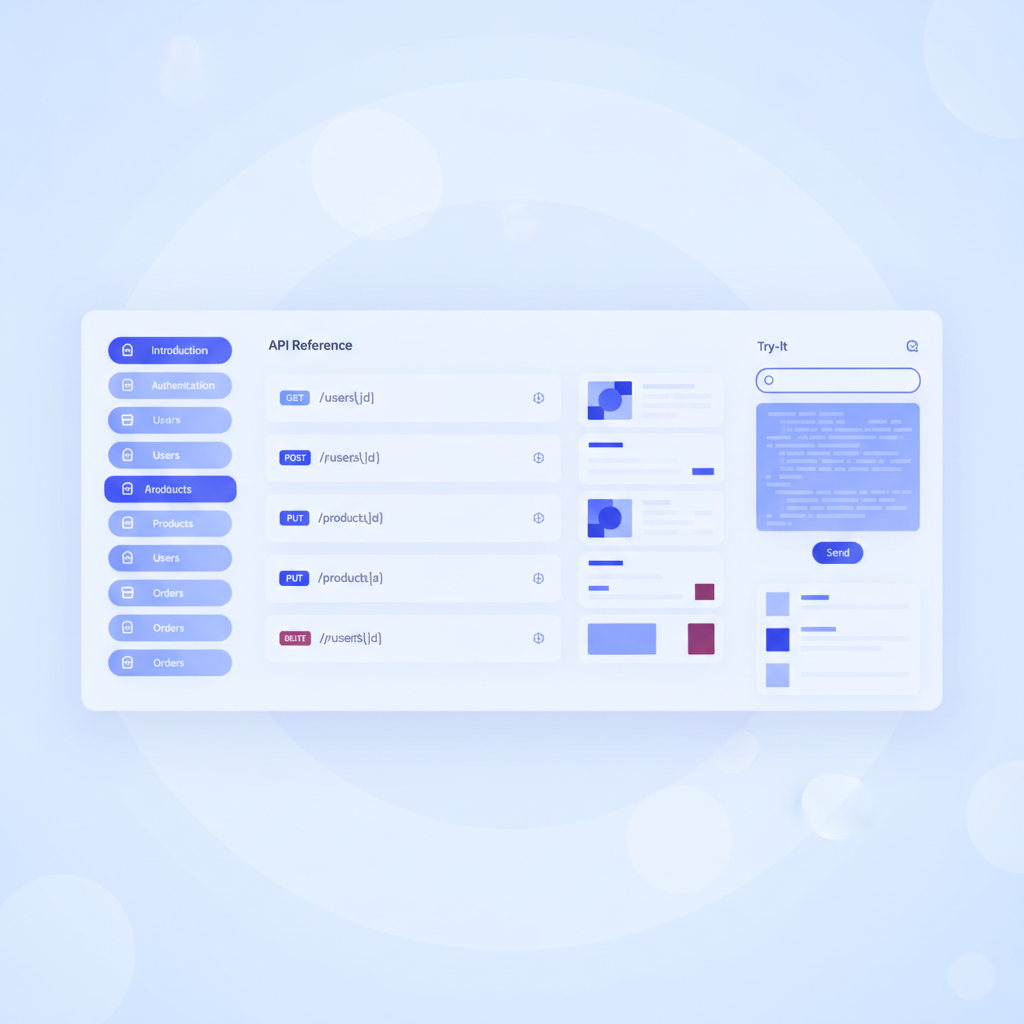
The # Group Users line creates a navigation section. The ## Resource and action lines generate the three-column layout automatically when you paste this into Apidoke. The request and response bodies are copy-pasteable by whoever is calling the endpoint, which is the whole point.
If you are new to this format, the API Blueprint syntax cheat-sheet covers every element you will encounter in a typical internal service doc.
Publishing internal docs with Apidoke
Once you have an .apib file, publishing with Apidoke takes five steps.
- Create a new project in Apidoke and give it the service name (for example, "User Service - Internal").
- Paste your API Blueprint source into the split-pane CodeMirror editor. The live preview panel renders the three-column layout as you type, so you can catch formatting errors before saving.
- Save the draft. Apidoke writes this as version 1 in the project's version history automatically.
- Click "Publish". The doc becomes available at your Apidoke instance URL, accessible only to people who have access to that instance.
- Share the URL with your team in Slack or your internal wiki. Anyone who opens it gets the live try-it console, which sends requests directly from their browser to the target API using credentials they enter locally; those credentials never pass through Apidoke's servers.
Because Apidoke is self-hostable, you can run it entirely inside your VPN or private network. Internal service URLs, staging credentials, and sensitive schema details stay within your infrastructure. This is a meaningful difference from cloud-only tools, where every internal endpoint URL you document is transmitted to and stored on a third-party server.
Keeping internal docs current: a realistic process
Documentation that is not updated is worse than no documentation, because it actively misleads people. The following process adds minimal overhead and has a reasonable chance of surviving contact with a real engineering team.
Treat the .apib file as a required PR artifact
Add the API Blueprint file to the same repository as the service code. In your pull request template, add a checkbox: "Updated docs/api.apib if any endpoint changed." This is not a cultural change; it is a checklist item, which engineers handle mechanically. Reviewers can diff the .apib file in GitHub or GitLab exactly as they would diff any other source file.
Use Apidoke's version history to track breaking changes
Every time you save a new version in Apidoke, it creates a snapshot. When a colleague says "something broke after the deploy on Thursday", you can pull up the version from Wednesday and Thursday side by side and identify exactly what changed in the documented contract. This is not a replacement for proper API versioning (see the developer experience guide for API teams for a full treatment of versioning strategy), but it gives internal teams a lightweight audit trail without any additional tooling.
Link from your internal developer portal or wiki
A doc nobody can find is a doc nobody reads. Add a standard section to your internal wiki for each service, and link directly to the Apidoke-published URL. If you use a service catalog tool, add the doc URL as a metadata field on the service entry. The goal is that searching the service name in your wiki takes you directly to the live reference, not to a two-year-old Confluence page that was copied from a design doc.
Common mistakes internal teams make with API documentation
Writing for the people who built the API, not the people calling it
If you wrote the endpoint, you know what status: 2 means. The engineer in a different team calling your service does not. Always document the meaning of every enumerated value, every non-obvious field name, and every error code. The test: could a new hire in a different team use this doc to make a successful API call on day one without asking you anything?
Documenting happy paths only
Most integration bugs happen at the edges: what does the API return when a required field is missing? When the resource does not exist? When the caller is rate-limited? Document every response your API actually returns, including 400, 404, 429, and 500. Include the exact response body, not just the status code, because that is what the calling code parses.
Storing docs somewhere the code cannot reach
A Google Doc or Confluence page that is not linked from the repository is guaranteed to drift. The API changes; nobody updates the doc because there is no trigger to do so. Keeping the .apib file in the repository and publishing it to Apidoke on merge creates a trigger: the CI pipeline (or a simple manual step) updates the published doc every time code ships.
Skipping the request and response examples
Schema descriptions are useful for understanding structure. Real JSON examples are useful for writing code. Include both. The API Blueprint format shown above makes this natural: the + Request and + Response blocks accept literal JSON bodies, which Apidoke renders in syntax-highlighted panels next to the try-it console.
Internal docs compared to external docs: a quick reference
| Dimension | Internal API docs | External API docs |
|---|---|---|
| Primary audience | Your own engineers, QA, data team | Third-party developers |
| Tone | Direct, assumes domain knowledge | Explanatory, assumes less context |
| Update frequency | Every PR that changes an endpoint | Every versioned release |
| Sensitive details | Can include staging URLs, internal error codes | Scrubbed of internal infrastructure details |
| Hosting | Behind VPN or private network | Public CDN or hosted platform |
| Tooling priority | Low friction to update, self-hostable | Polish, custom branding, search |
Frequently asked questions
What should internal API documentation include?
At minimum: a service overview with environment base URLs, authentication instructions with exact headers and error responses, a complete endpoint reference with real request and response examples including error codes, known limitations, and a changelog. More detail is almost always better than less for internal consumers who are writing production code against your service.
How is internal API documentation different from a public API reference?
Internal docs are written for colleagues who share your tech stack and domain context, so they can be denser and more direct. They can safely include staging URLs, internal error codes, and operational details you would never expose publicly. The biggest practical difference is the update cadence: internal docs should update with every code change, not just major releases.
Can I self-host API documentation for internal use with Apidoke?
Yes. Apidoke is designed to be self-hosted, which means you can run it inside your private network or VPN so that internal service URLs and credentials never leave your infrastructure. The try-it console sends requests from the user's browser directly to your API, so sensitive tokens are not proxied through any Apidoke server.
How do I keep internal API docs from going out of date?
Store the API Blueprint file in the same Git repository as the service code and add a checklist item to your pull request template requiring it to be updated whenever an endpoint changes. Publishing to Apidoke on merge creates a reliable trigger so the live reference stays in sync with what is actually deployed.
Does API Blueprint work for internal APIs that are not public-facing?
API Blueprint works for any HTTP API regardless of whether it is public or internal. The format is plain Markdown, version-controllable in Git, and has no requirement to expose your docs publicly. You can use every feature of the format, including request bodies, response schemas, and named examples, for entirely private internal services.
Start documenting your internal APIs today
The gap between an API that works and an API that your whole team can use confidently is almost always documentation. Apidoke gives internal teams a self-hostable, lightweight path from an .apib file to a live three-column reference with a try-it console, without standing up a documentation platform that demands its own maintenance budget. Create your free Apidoke account and publish your first internal API doc in the time it takes to write the endpoints you already know by heart.
Related reading: Developer Portal vs API Reference: What Your Docs Site Actually Needs
Related reading: How to Write an API Style Guide for Your Team