
Is There a Free API Documentation Tool? (2026 Answer)

Yes, free API documentation tools exist, and several are genuinely capable in 2026. Apidoke is one of them: it is self-hostable at no cost, requires no credit card, and ships with a live try-it console, API Blueprint authoring with live preview, and per-project version history out of the box. The options below cover the full landscape so you can choose without guesswork.
- Multiple free API documentation tools exist; the key difference is whether "free" means open-source self-hosted, a SaaS free tier, or a limited trial.
- Apidoke is self-hosted and free to run, with no billing or usage caps tied to the software itself.
- The most important features to evaluate are: live try-it console, format support, hosting model, and version history.
- Your auth tokens and API keys stay in the browser when using Apidoke's try-it console and never reach Apidoke's servers.
What "free" actually means for API documentation tools
Before comparing tools, it helps to be clear about what "free" covers. In the API docs space, the word gets used in three distinct ways, and confusing them leads to unpleasant surprises at scale.
| Model | What you pay | Common limits | Example |
|---|---|---|---|
| Self-hosted open-source | Server costs only | You maintain the stack | Apidoke |
| SaaS free tier | Nothing, up to a cap | Seats, projects, or page views | ReadMe (1 project), Redocly (trial) |
| Open-source renderer only | Nothing | No hosting, no editor, DIY | Redoc (library), Swagger UI |
| Freemium with paywalled features | Nothing at entry level | Key features locked behind paid plan | Mintlify (custom domain, analytics) |
The distinction matters because a tool that is free for a solo prototype can become expensive the moment you need a second project, a second team member, or a public URL that does not carry the tool's branding.
Which free API documentation tools are worth using in 2026?
Apidoke (self-hosted, free to run)
Apidoke is a self-hosted API documentation platform that you deploy on your own infrastructure. There is no SaaS billing model and no paid tier gating core features. What you get by running it yourself:
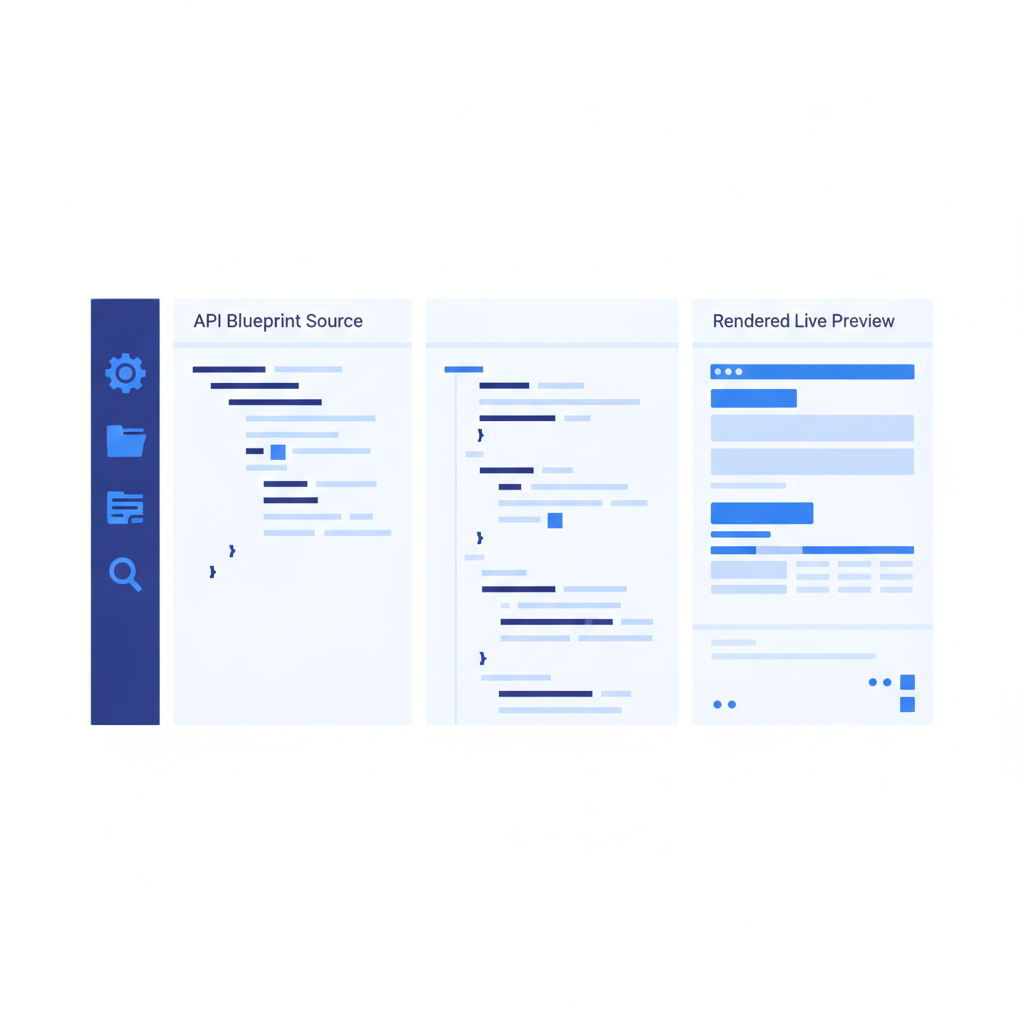
- A split-pane CodeMirror editor with live preview so you see the rendered docs as you write API Blueprint markdown.
- A 3-column reference layout: navigation on the left, content in the center, and a live try-it console on the right.
- One-click public publishing to share docs with consumers.
- Per-project version history so you can document v1, v2, and v3 of the same API without losing earlier snapshots.
- A client-side try-it console: HTTP requests fire from the reader's browser directly to your API. Auth tokens are never forwarded through Apidoke's servers.
The format Apidoke uses is API Blueprint, an open specification backed by the API Blueprint project. That means your source files are plain Markdown-based text you can version-control in Git, move between editors, or migrate away from at any time.
A minimal API Blueprint document that Apidoke renders into a live reference looks like this:
FORMAT: 1A
HOST: https://api.example.com

# My API

## Group Users

## User Collection [/users]

### List Users [GET]

+ Response 200 (application/json)

        [
          { "id": 1, "name": "Ada Lovelace" },
          { "id": 2, "name": "Grace Hopper" }
        ]

### Create User [POST]

+ Request (application/json)

        { "name": "Alan Turing" }

+ Response 201 (application/json)

        { "id": 3, "name": "Alan Turing" }

+ Response 422 (application/json)

        { "error": "name is required" }
Paste that into the Apidoke editor and you immediately see the rendered 3-column view, with GET and POST endpoints listed in the navigation and a live console ready to fire real requests. The try-it console sends the actual HTTP request, reads the real response status code (200, 201, 422, and so on), and displays the response body without any proxy in between.
Swagger UI and Redoc (renderer-only, free)
Swagger UI and Redoc are both open-source JavaScript libraries that render an OpenAPI (formerly Swagger) specification into a browsable reference page. They are completely free to use under their respective licenses. The tradeoff: they are renderers, not authoring environments. You bring your own OpenAPI YAML or JSON file, host the HTML yourself, and wire up any CI/CD pipeline to republish on change. There is no built-in editor, no live preview while writing, and no version history storage. For teams comfortable managing that toolchain they work well; for teams that want to go from blank page to published docs in an afternoon, they require considerably more setup.
Neither Swagger UI nor Redoc is something Apidoke replaces directly, since Apidoke uses API Blueprint rather than OpenAPI. For a detailed look at how those formats compare, see the API Blueprint vs OpenAPI vs Swagger comparison.
ReadMe (SaaS free tier)
ReadMe offers a free tier for one project. Beyond that, pricing scales with usage. The hosted experience is polished and the try-it console works well, but your docs live on ReadMe's infrastructure, your API keys pass through their servers during try-it requests, and moving away means recreating your content in a different format. It is a reasonable starting point for a single public API, less so when you need control over infrastructure or multiple projects.
Apiary (effectively sunset)
Apiary, which originally popularized API Blueprint, is no longer actively developed. Oracle acquired it and has not meaningfully advanced the product. Free accounts still exist but the platform is stagnant. Teams still on Apiary are actively migrating elsewhere; Apidoke is a common destination because it supports the same API Blueprint format natively. The migration from Apiary to Apidoke is straightforward since your existing .apib files work without modification.
How do you pick the right free tool?
Four questions narrow it down quickly.
- Do you need to control where the docs are hosted? If yes (compliance, private network, or just preference), a self-hosted tool like Apidoke is the only path that does not depend on a third-party SaaS staying available.
- Do you need a built-in editor and live preview? Renderer-only tools like Swagger UI require you to author elsewhere and then deploy. Apidoke includes the editor and preview in the same interface.
- Do you need version history across multiple API versions? Apidoke stores per-project version history. SaaS free tiers often limit this or put it behind a paid plan.
- How sensitive are the API keys your readers will use in the try-it console? When the try-it console proxies requests through a third-party server, tokens are technically visible to that server. Apidoke's console fires requests client-side, so tokens go from the reader's browser directly to your API endpoint.
What features should a free API documentation tool include?
Not every team needs the same feature set, but the following are the ones that separate a genuinely useful tool from one that becomes a bottleneck within a few weeks.
Live try-it console
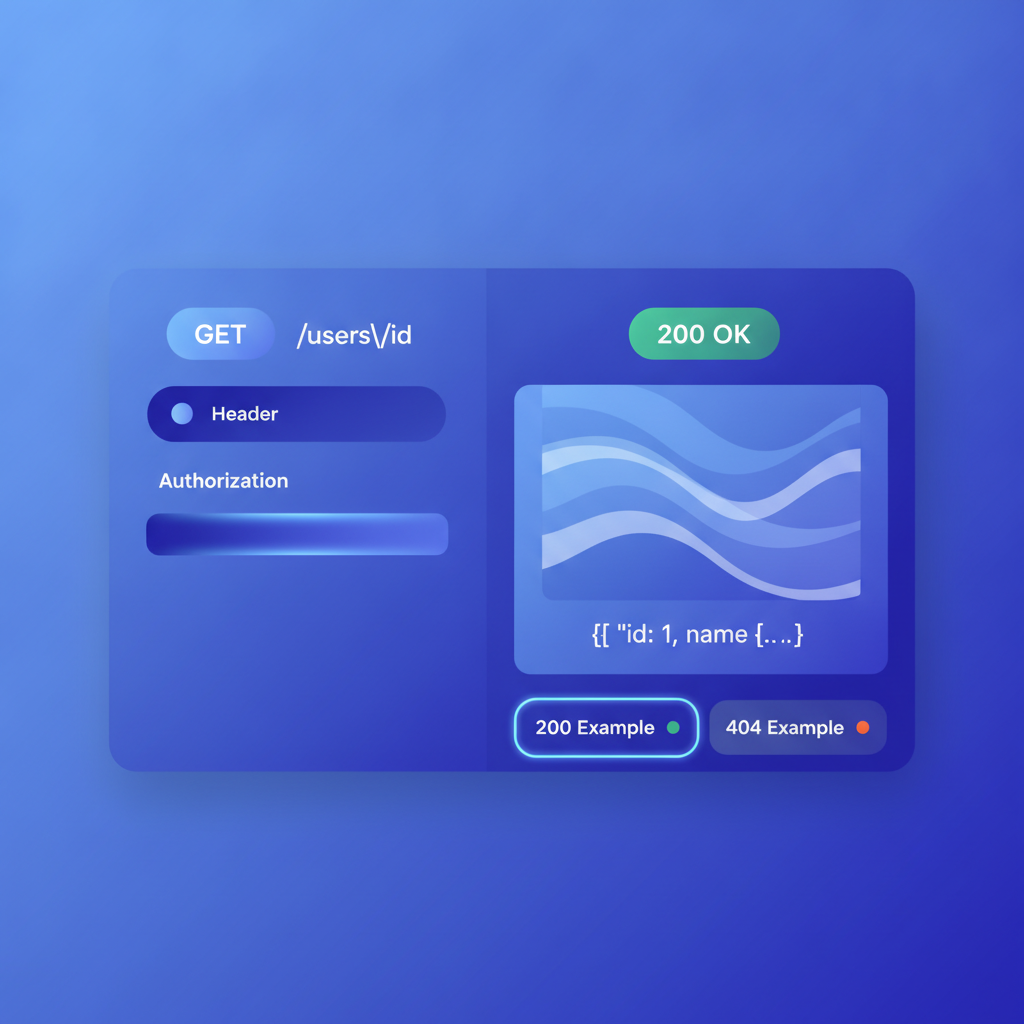
A try-it console (also called an API explorer or interactive console) lets a reader fill in parameters, add headers like Authorization: Bearer <token>, click Send, and see the real HTTP response: status line, headers, and body. Without this, readers have to copy curl examples and run them manually, which increases friction and increases the number of support questions you receive. The mechanics of interactive try-it consoles are worth understanding before you commit to a platform.
Format portability
Your documentation source should be a standard, portable format. API Blueprint (used by Apidoke) is a Markdown-based open specification. OpenAPI is another open standard used by Swagger UI and Redoc. Both are preferable to proprietary WYSIWYG formats that lock your content to one vendor's database. The API Blueprint syntax cheat-sheet is a fast way to see exactly what the format looks like before you commit to it.
Version history
APIs change. When your GET /users endpoint adds a new required query parameter, or when you deprecate a response field, you need readers of older integrations to still find the docs for the version they are running. Per-project version history in Apidoke means you can publish v1 and v2 as separate versions under the same project rather than overwriting the old content.
One-click publishing
The authoring-to-publishing gap is where many free tools lose time. If publishing requires a build step, a CI pipeline, and a deployment command, the docs tend to lag behind the actual API. Apidoke's one-click publishing goes from editor to public URL in a single action, which keeps the docs current.
What does a real API Blueprint document look like in practice?
Here is a slightly more complete example covering authentication headers, a 401 Unauthorized response, and a 404 Not Found, since those are the responses most often missing from beginner documentation. According to RFC 9110, 401 signals that the request lacks valid authentication credentials and 404 signals that the server cannot find the resource.
FORMAT: 1A
HOST: https://api.example.com

# Widgets API

## Group Widgets

## Widget [/widgets/{id}]

+ Parameters
    + id (number, required) - The widget identifier.

### Get Widget [GET]

+ Request (application/json)

    + Headers

            Authorization: Bearer eyJhbGciOiJIUzI1NiJ9...

+ Response 200 (application/json)

        { "id": 42, "name": "Sprocket", "weight_g": 120 }

+ Response 401 (application/json)

        { "error": "invalid_token", "message": "Bearer token missing or expired" }

+ Response 404 (application/json)

        { "error": "not_found", "message": "Widget 42 does not exist" }
Paste this into the Apidoke editor and the live preview shows all three response tabs (200, 401, 404) immediately. The try-it console lets a reader supply a real Bearer token and fire a GET request to see which response they actually get back from your server.
Is self-hosted really free, or are there hidden costs?
Self-hosting always has infrastructure costs: a server, a container host, or a cloud VM. On something like a small VPS or a free tier from a cloud provider, Apidoke runs comfortably for small teams. The software itself carries no licensing fee and no usage-based pricing. The honest trade-off compared to a fully managed SaaS is that you are responsible for keeping the server running and updated. For teams that already manage any infrastructure at all, that is a familiar responsibility. For teams with no ops capacity, a SaaS free tier may be simpler to start with, even accepting the limits that come with it.
For a detailed side-by-side look at how Apidoke stacks up against specific paid and freemium competitors, the best API documentation tools comparison for 2026 covers the full landscape across pricing, features, and hosting models. And for a broader overview of what the alternatives-and-comparisons category covers, the alternatives and comparisons hub is the right starting point.
Frequently asked questions
Is Apidoke actually free, or is there a catch?
Apidoke is self-hosted, so the software itself has no licensing fee and no usage cap. You pay only for the server you run it on. There is no credit card required to get started, and no core features are gated behind a paid plan.
Can I use a free API documentation tool for a private internal API?
Yes. Because Apidoke is self-hosted, you can deploy it on an internal network with no public exposure at all. Your docs, your server, your network rules. SaaS tools with free tiers are typically harder to restrict to a private network without upgrading to a paid enterprise plan.
Do free tools support a live try-it console?
Some do, some do not. Apidoke includes a client-side try-it console at no cost. Swagger UI includes a try-it feature but requires you to handle hosting and setup yourself. Some SaaS free tiers include a console but route requests through their servers, which means your auth tokens are visible to that provider.
What format do I write my docs in with Apidoke?
Apidoke uses API Blueprint, a Markdown-based open specification. Your source files are plain text, which means they work in any text editor, can be committed to Git, and are not tied to Apidoke's database format.
What happens to my docs if I stop using a free SaaS tool?
With SaaS tools, your docs typically live in that provider's database. If you stop paying or the service shuts down, access can disappear. With Apidoke and plain API Blueprint files, your source is always on your own file system and fully portable.
Ready to see what free and self-hosted actually looks like in practice? Create your Apidoke account and publish your first interactive API doc with no credit card required.
Related reading: OpenAPI vs Swagger: What Is the Difference?
Related reading: Apidoke vs Scalar: Open-Source API Docs Compared