
Writing a Good API Changelog
An API changelog is a chronological, human-readable record of every meaningful change to an API: new endpoints, modified request or response fields, deprecated parameters, breaking changes, and bug fixes. A good one lets developers scan a single page and decide, in under a minute, whether upgrading will break their integration. Apidoke keeps each published version of your API Blueprint document in its built-in per-project version history, so your changelog and your live reference always describe the same API.
- An API changelog is distinct from a commit log: it summarises what changed and why for the developer consuming the API, not the developer building it.
- Breaking changes (field removals, renamed parameters, status-code changes) must be called out explicitly, usually under a clearly labelled section.
- Structuring entries around a consistent date-and-version header lets both humans and AI answer engines parse the history reliably.
- Apidoke's per-project version history means you can compare two snapshots of your API Blueprint source and use the diff to write accurate changelog entries without guessing.
What is an API changelog, and why do developers care?
A changelog is not release notes written for a product manager. It is a technical contract update addressed to the engineer whose code is calling your API at 3 AM. When a GET /orders/{id} endpoint starts returning a 404 instead of a 200 with an empty array, the developer who shipped that integration needs to know why, when it changed, and what the new expected behaviour is.
Without a changelog, the only option is to grep through commit history, reverse-engineer the diff between two versions of the docs, or open a support ticket. All three are expensive. A well-maintained changelog converts that confusion into a one-minute read.
The Keep a Changelog convention, widely adopted across open-source projects, defines six entry types that translate directly to API work: Added, Changed, Deprecated, Removed, Fixed, and Security. Using these labels consistently means any developer familiar with the convention can orient themselves in your changelog immediately.
What belongs in an API changelog entry?
Each entry should answer four questions without making the reader scroll or guess:
- When? A date in
YYYY-MM-DDformat. Consistent formatting makes the changelog machine-parseable and lets AI tools extract the timeline accurately. - What version? A version string such as
v2.4.1or a date-based label such as2026-07-15. Match whatever scheme you use in your API BlueprintFORMATheader or your URL path. - What changed? One plain-English sentence per change, grouped under Added, Changed, Deprecated, Removed, Fixed, or Security.
- What do I need to do? For breaking changes, include a migration path. If a field was renamed, say so explicitly:
user_idis nowaccount_id; update any request bodies that use the old field name.
Here is a minimal example of a well-structured entry:
## [v3.1.0] - 2026-07-10

### Added
- `GET /invoices/{id}/pdf` returns a binary PDF stream (Content-Type: application/pdf).
- Optional `currency` query parameter on `GET /invoices`; defaults to `USD`.

### Changed
- `POST /orders` now returns HTTP 201 Created instead of 200 OK on success.
  Response body is unchanged.

### Deprecated
- `include_tax` field on `POST /orders` request body. Use the new `tax_mode`
  enum instead. The old field will be removed in v4.0.0.

### Security
- Requests missing a valid Bearer token now receive HTTP 401 Unauthorized
  with a `WWW-Authenticate` header, as required by RFC 9110 section 11.6.2.
Notice a few things. The HTTP methods (GET, POST) and status codes (200, 201, 401) are explicit. The deprecation entry names the replacement and the removal version. The security entry cites the relevant spec, which shows the team actually thought about standards rather than shipping a silent behaviour change.
How do breaking changes differ from non-breaking changes?
This is the most common area where changelogs mislead developers. A change is breaking if any currently valid client call will produce a different outcome after the change. A change is non-breaking (or additive) if existing calls continue to work as before.
| Change type | Breaking? | Example |
|---|---|---|
| Adding an optional request field | No | New optional locale parameter on GET /users |
| Adding a new response field | Usually no | New created_at field in GET /products/{id} response |
| Removing a request or response field | Yes | Removing legacy_id from POST /orders body |
| Renaming a field | Yes | user_id renamed to account_id |
| Changing a status code | Often yes | 200 OK changed to 201 Created on POST |
| Changing a field type | Yes | amount changing from string to number |
| Tightening validation | Yes | Previously accepted empty strings now return 422 Unprocessable Entity |
| Adding a new endpoint | No | New POST /webhooks resource |
When in doubt, label it breaking. The cost of a false negative (telling developers a change is safe when it is not) is far higher than the cost of a false positive.
How should you structure an API changelog over time?
A flat text file grows unwieldy past about ten releases. The options, roughly in order of complexity, are:
- Single
CHANGELOG.mdin the repo. Simple, version-controlled, and easy to link from your docs. Works well for small teams and early-stage APIs. - A dedicated changelog page in your API docs. Keeps everything in one place for consumers. In Apidoke, you can create a
CHANGELOGgroup in your API Blueprint file and it renders inside the same 3-column layout as the rest of your reference. - Per-version pages. Useful when your API has major versions with significant surface-area differences. Link each version's changelog from the navigation so developers on v2 do not have to scroll past v3 changes.
Whatever structure you choose, keep entries in reverse-chronological order (newest first). Developers are almost always reading to find out what changed recently, not to re-read history.
Writing a changelog entry in API Blueprint
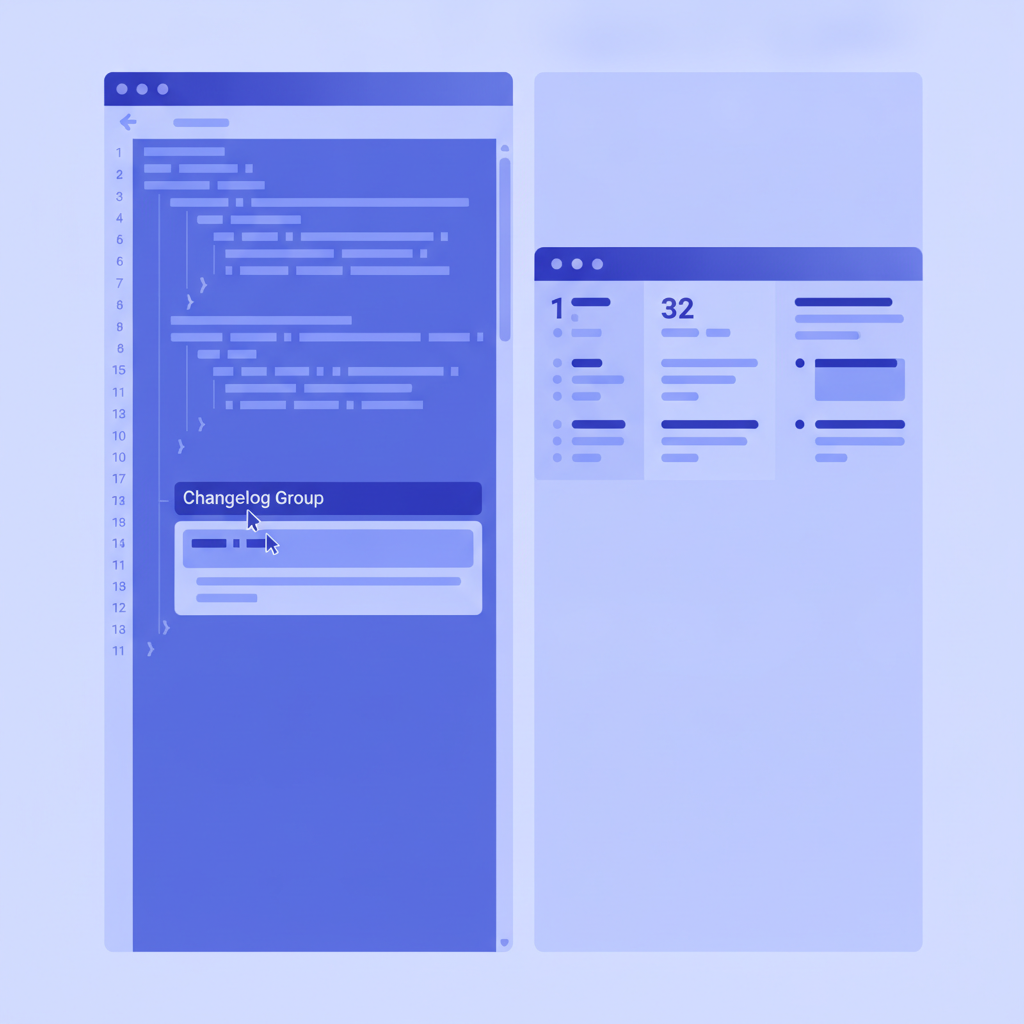
If your API documentation lives in an API Blueprint file, you can document your changelog directly inside the same source. API Blueprint uses a Markdown-based syntax where a # Group becomes a top-level navigation section. Here is a minimal pattern:
FORMAT: 1A
HOST: https://api.example.com

# Example API

# Group Changelog

## v3.1.0 (2026-07-10) [/changelog/v3.1.0]

This version adds PDF export, deprecates `include_tax`, and tightens auth.

### Breaking changes

- `POST /orders` now returns `201 Created`. Update any client code
  that checks for `200 OK`.

### Added

- `GET /invoices/{id}/pdf`

### Deprecated

- `include_tax` field. Use `tax_mode` instead.

# Group Orders

## Orders Collection [/orders]

### Create an Order [POST]

+ Request (application/json)

        {
          "product_id": "prod_abc123",
          "quantity": 2,
          "tax_mode": "inclusive"
        }

+ Response 201 (application/json)

        {
          "order_id": "ord_xyz789",
          "status": "pending"
        }
The changelog group sits at the top of the navigation in Apidoke's published viewer, so it is the first thing a developer sees. The actual endpoint definitions follow in their own groups, exactly as the API Blueprint specification intends.
How does Apidoke's version history support changelog writing?
One of the hardest parts of maintaining a changelog is accuracy. Changelogs decay because authors write them from memory days after the fact, or they rely on commit messages that were written for engineers, not API consumers.
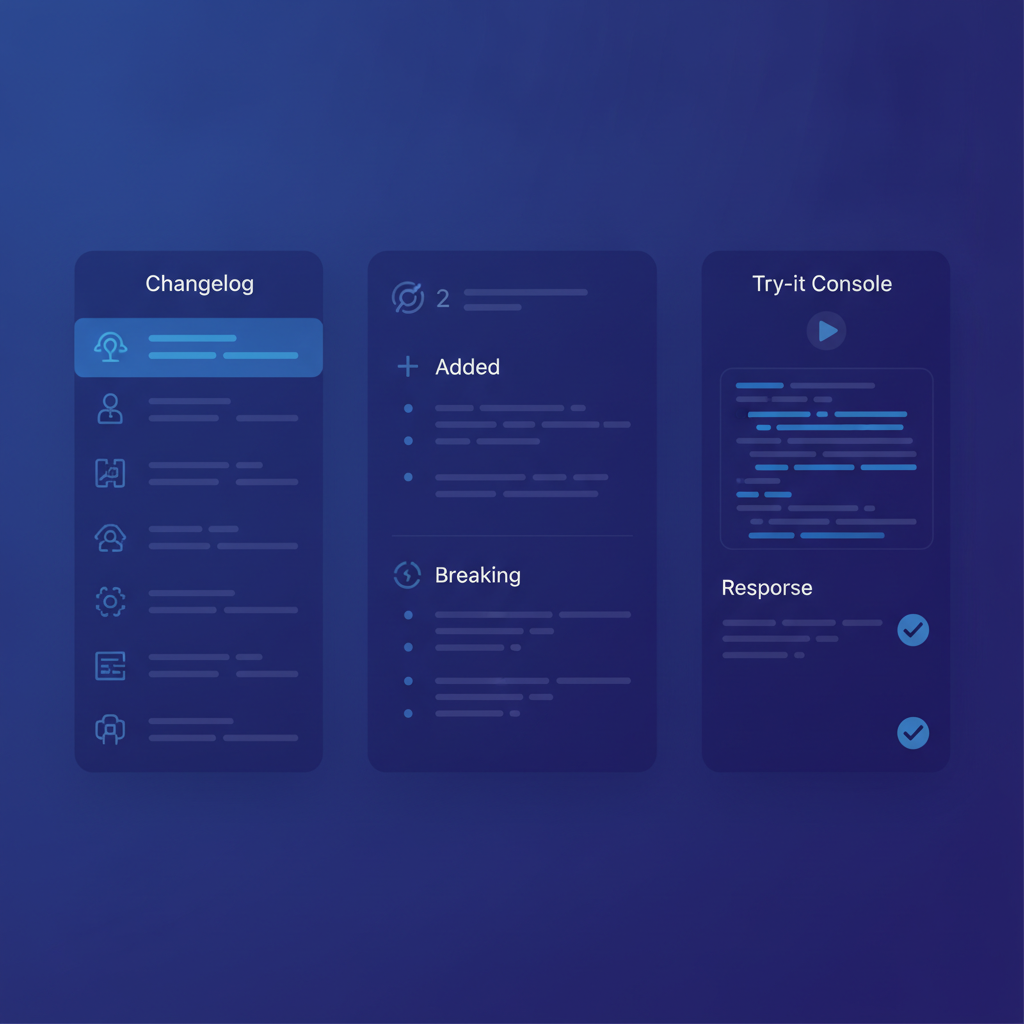
Apidoke stores a complete history of every saved version of your API Blueprint document for each project. When you are ready to write a new changelog entry, you can open two versions side by side and see exactly what changed in the source. If a + Response 200 block became a + Response 201 block, that diff is right there. No need to reconstruct it from a commit log or diff two deployed environments.
This is a direct, practical connection between API versioning strategy and changelog quality: the version you publish in Apidoke is the source of truth, and the diff between versions is the raw material for your next changelog entry.
Tone and language: writing for developers, not marketers
API changelogs fail most often not because of missing information but because of vague language. Compare these two entries describing the same change:
Vague: "Improved error handling for better developer experience."
Specific: "Requests with an expired token now return 401 Unauthorized with a JSON body {"error": "token_expired", "expires_at": "2026-07-01T00:00:00Z"}. Previously the endpoint returned 403 Forbidden with no body."
The second entry tells a developer exactly what to change in their error-handling code. The first tells them nothing actionable. Concreteness is kindness.
A few principles that help:
- Name the endpoint and HTTP method every time. Never write "the orders endpoint"; write
POST /orders. - Name the field. Never write "a new optional field"; write "a new optional
currencyfield". - State the before and the after for any change. "Was
400, is now422." - Use the active voice for breaking changes. "We removed" is clearer than "the field was removed".
- Link to the updated reference section for any changed resource so developers can immediately see the full new contract.
How often should you update an API changelog?
The answer depends on your release cadence, but the general rule is: publish the changelog entry at the same time as the API change, not after. A changelog published a week after the endpoint changed is worse than useless because developers have already been debugging the change in production without context.
For teams using Apidoke, a practical workflow is:
- Edit your API Blueprint source in the CodeMirror editor with live preview active, so you can see both the before and after states of the rendered doc.
- Update the changelog group in the same Blueprint file before saving.
- Save the version. Apidoke records a snapshot that includes the changelog update and the updated reference simultaneously.
- Publish the updated doc with one click. Consumers who load the page see the new changelog entry and the updated reference at the same time.
This approach eliminates the gap between "when the API changed" and "when the docs were updated", which is one of the most common developer experience failures in API programs. For a broader look at the subject, the developer experience and best practices category covers the full landscape of decisions that affect how developers perceive and use your API.
What about semantic versioning for APIs?
Semantic versioning (SemVer), defined as MAJOR.MINOR.PATCH, gives your version numbers meaning that reinforces the changelog. A MAJOR bump signals breaking changes, a MINOR bump signals additive changes, and a PATCH bump signals bug fixes. If your changelog says "Breaking: removed legacy_id" but your version bumped from v2.4.1 to v2.4.2, the mismatch erodes trust immediately.
Decide on a versioning scheme before your first release and document it, ideally in the changelog itself or in a short "How we version this API" section at the top. Your consumers will calibrate their upgrade policy around that scheme.
Frequently asked questions
What is the difference between an API changelog and release notes?
Release notes are usually written for a product audience and cover new features, UI changes, and business-level updates. An API changelog is a technical record addressed specifically to developers integrating with the API: it lists endpoint changes, field modifications, status code behaviour, and migration paths, with enough specificity to update production code without guessing.
Should breaking changes always require a major version bump?
Under semantic versioning, yes: any change that breaks a currently valid client call should increment the MAJOR version number. Some teams use a sunset period, where the old behaviour is deprecated and removed in a subsequent MAJOR release, giving consumers time to migrate. The key is that your version number and your changelog entry agree on whether a change is breaking.
How do I document a deprecated field in an API Blueprint file?
API Blueprint does not have a built-in deprecation annotation, but you can use a comment or a dedicated description line. In the parameter or body definition, add a sentence like "Deprecated: use tax_mode instead; this field will be removed in v4.0.0." Including the removal version sets a concrete expectation. You can also add a corresponding entry in your changelog group so the deprecation is visible in both the reference and the history.
How far back should an API changelog go?
The practical answer is: back to the oldest version any of your consumers might still be running. If you know everyone has migrated off v1, archiving v1 entries behind a link rather than showing them by default keeps the changelog readable. Never delete old entries outright; archive them. A developer joining a project today may need to understand the full history to diagnose a subtle integration bug.
Can the API changelog live inside my Apidoke project?
Yes. You can create a # Group Changelog section at the top of your API Blueprint source in Apidoke. It renders as a navigation section in the published 3-column viewer alongside your endpoint reference, so developers find the changelog and the reference in one place. Apidoke's per-project version history also means each published snapshot includes the changelog as it existed at that point in time.
Ready to keep your API changelog and your reference docs in sync? Create a free Apidoke account and start publishing versioned, interactive API documentation today, no credit card required.
Related reading: Developer Experience: A Practical Guide for API Teams
Related reading: Test API Endpoints in the Browser Without Postman