
API Blueprint Cheat-Sheet: Request and Response Bodies (Deep Dive)
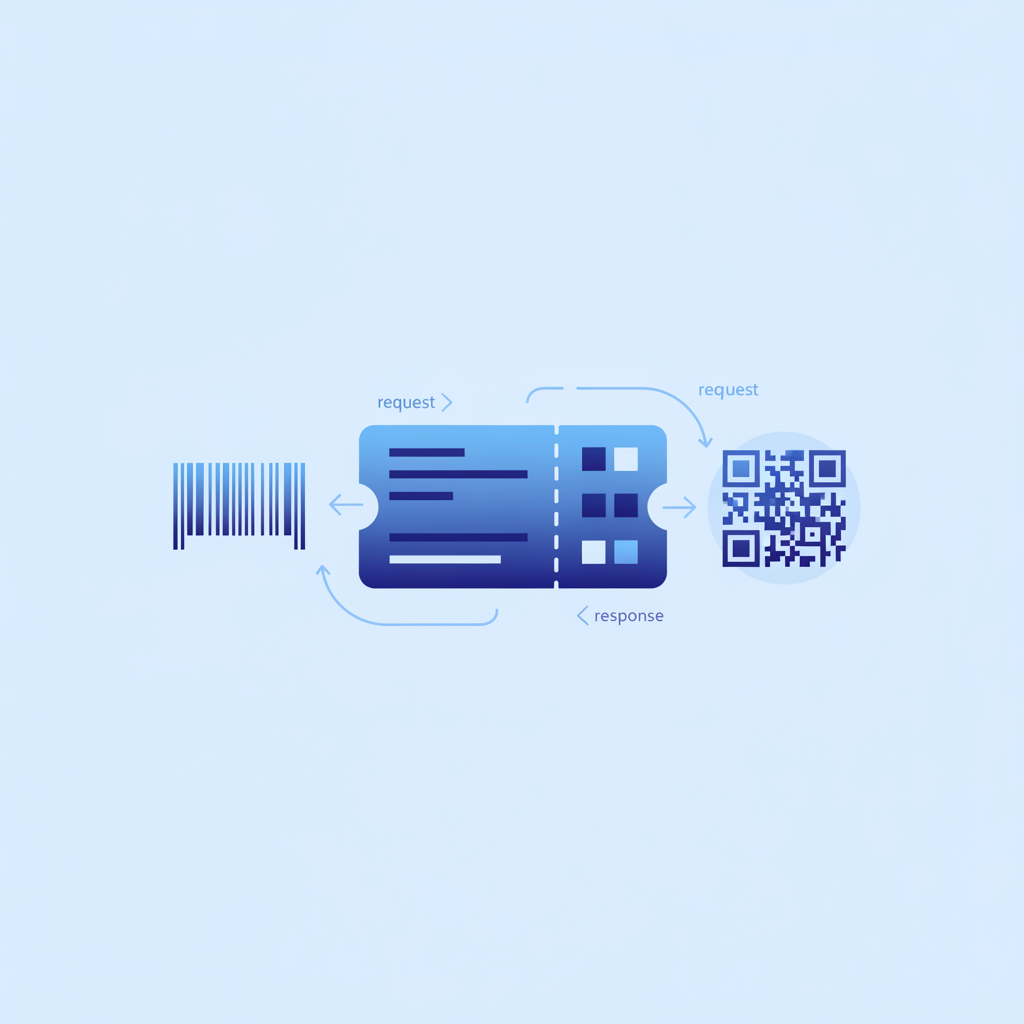
An API Blueprint request and response body is the Markdown-based block inside an API Blueprint document that describes exactly what data a client sends to an endpoint and what the server sends back. In Apidoke, every + Request and + Response block you write is parsed in real time and rendered in the three-column viewer, so readers can read the schema, copy an example body, and fire a live HTTP request without leaving the page.
- API Blueprint uses indented
+ Requestand+ Responselist items inside an Action to define payloads; each block can carry headers, a body, attributes, and a JSON Schema. - HTTP status codes (200, 201, 400, 401, 404, 422) are declared on the same line as
+ Response, and you can define multiple responses for the same action to document every realistic outcome. - Apidoke renders
+ Attributesblocks as a typed parameter table and makes the raw body available in the live try-it console, so developers never have to reconstruct an example payload manually. - All try-it requests run entirely in the browser; tokens you enter in the console never reach Apidoke servers.
What is the structure of an API Blueprint action?
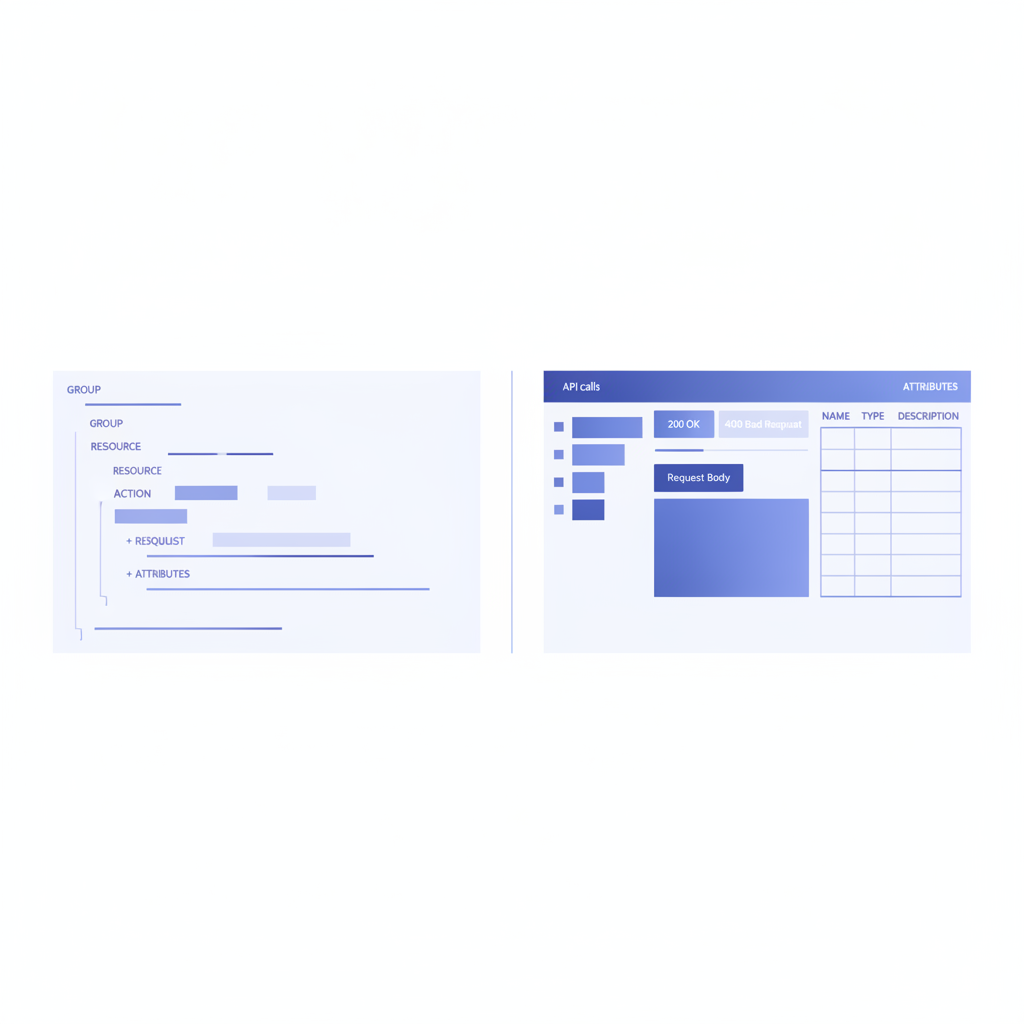
Before digging into bodies, it helps to know where bodies live in the document hierarchy. API Blueprint organizes content in four nested layers:
- API Name and Metadata at the top of the file (the
FORMAT: 1Aline and the single H1). - Resource Groups, introduced with
# Group <Name>, that gather related endpoints together. - Resources, declared as H2 headings with a URI template, for example
## Users [/users]. - Actions, declared as H3 headings with an HTTP method, for example
### Create a User [POST].
Request and response bodies live inside an Action. Every Action can have one or more + Request blocks (what the client sends) and one or more + Response blocks (what the server sends back). Getting that nesting right is the single most common source of parse errors for new users.
How do you write a basic request body?
The simplest form names the request, declares a Content-Type header, and provides a literal JSON body indented by twelve spaces (eight for the + Body keyword, four more for the content).
# Group Users

## User Collection [/users]

### Create a User [POST]

+ Request (application/json)

    + Headers

            Authorization: Bearer eyJhbGciOiJIUzI1NiJ9...
            X-Request-ID: a3f9c12d

    + Body

            {
              "name": "Alice Nguyen",
              "email": "alice@example.com",
              "role": "editor"
            }
A few things to notice. The (application/json) immediately after + Request is the MIME type shorthand; it sets Content-Type implicitly. The + Headers sub-block lets you add any header the real endpoint requires, including Authorization, X-Request-ID, or custom headers your API defines. The + Body block contains a literal example that Apidoke pre-fills into the try-it console body field.
How do you write response bodies with status codes?
The + Response keyword always takes a three-digit HTTP status code. You should document every status code a client might realistically receive, not just the happy path. The IETF HTTP Semantics specification (RFC 9110) defines the full range; the ones you will use most often in REST API documentation are 200, 201, 204, 400, 401, 403, 404, 409, and 422.
### Create a User [POST]

+ Request (application/json)

    + Body

            {
              "name": "Alice Nguyen",
              "email": "alice@example.com",
              "role": "editor"
            }

+ Response 201 (application/json)

    + Headers

            Location: /users/42

    + Body

            {
              "id": 42,
              "name": "Alice Nguyen",
              "email": "alice@example.com",
              "role": "editor",
              "createdAt": "2025-06-15T09:00:00Z"
            }

+ Response 400 (application/json)

    + Body

            {
              "error": "validation_failed",
              "details": [
                { "field": "email", "message": "Invalid email format" }
              ]
            }

+ Response 401 (application/json)

    + Body

            {
              "error": "unauthorized",
              "message": "A valid Bearer token is required."
            }
Apidoke displays each status code as a tab in the response panel, so readers can compare what a 201 looks like versus a 400 or 401 without hunting through the text. Documenting 4xx responses is often what separates a helpful reference from an incomplete one.
What is the difference between + Body, + Attributes, and + Schema?
API Blueprint provides three complementary ways to describe a payload. Most production documents use all three together.
| Block | What it contains | Best for |
|---|---|---|
+ Body | A literal JSON (or other format) example | Pre-filling the try-it console; giving developers a copy-paste starting point |
+ Attributes | Named, typed, and described fields using MSON (Markdown Structured Object Notation) | Generating a human-readable parameter table with types, defaults, and field-level descriptions |
+ Schema | A literal JSON Schema object | Machine-readable validation; useful when consumers generate client code or run contract tests |
Using + Attributes (MSON)
MSON (Markdown Structured Object Notation) lets you describe each field inline without writing a full JSON Schema by hand. Each property gets a name, a type, an optional required or optional marker, and a prose description.
+ Response 200 (application/json)

    + Attributes (object)
        + id: 42 (number, required) - Unique numeric identifier for the user.
        + name: Alice Nguyen (string, required) - Full display name, 1 to 120 characters.
        + email: alice@example.com (string, required) - Primary email address.
        + role: editor (enum[string], required)
            + Members
                + viewer
                + editor
                + admin
        + createdAt: `2025-06-15T09:00:00Z` (string, optional) - ISO 8601 creation timestamp.

    + Body

            {
              "id": 42,
              "name": "Alice Nguyen",
              "email": "alice@example.com",
              "role": "editor",
              "createdAt": "2025-06-15T09:00:00Z"
            }
The enum[string] type with a Members sub-list is one of the more useful MSON patterns. It tells readers exactly which string values are valid without requiring them to read between the lines of a prose description.
Using + Schema for contract-level validation
When your consumers run automated contract tests or generate client SDKs, a + Schema block gives them a machine-readable definition they can use directly.
+ Response 200 (application/json)

    + Schema

            {
              "$schema": "http://json-schema.org/draft-07/schema#",
              "type": "object",
              "required": ["id", "name", "email", "role"],
              "properties": {
                "id":        { "type": "integer" },
                "name":      { "type": "string", "maxLength": 120 },
                "email":     { "type": "string", "format": "email" },
                "role":      { "type": "string", "enum": ["viewer", "editor", "admin"] },
                "createdAt": { "type": "string", "format": "date-time" }
              }
            }
How do you document multiple request variations?
Some endpoints accept more than one request format or authentication method. API Blueprint lets you give each + Request a name so they appear as distinct tabs in the documentation viewer.
### Update a User [PATCH]

+ Request Full Update (application/json)

    + Body

            {
              "name": "Alice N.",
              "email": "alice.n@example.com",
              "role": "admin"
            }

+ Request Name Only (application/json)

    + Body

            {
              "name": "Alice N."
            }

+ Response 200 (application/json)

    + Body

            {
              "id": 42,
              "name": "Alice N.",
              "email": "alice.n@example.com",
              "role": "admin",
              "updatedAt": "2025-06-15T10:30:00Z"
            }

+ Response 404 (application/json)

    + Body

            {
              "error": "not_found",
              "message": "No user with id 42 exists."
            }
Named requests are especially valuable when you document a PATCH endpoint that accepts partial updates, because the example payloads look very different depending on what fields the caller wants to change.
How do you handle binary, form, and non-JSON bodies?
Not every API exchanges JSON. You might need to document a file upload (multipart), a URL-encoded form submission, or a plain-text body. API Blueprint handles these by changing the MIME type and adjusting the body content accordingly.
### Upload an Avatar [POST]

+ Request (multipart/form-data; boundary=----Boundary7MA4YWxkTrZu0gW)

    + Body

            ------Boundary7MA4YWxkTrZu0gW
            Content-Disposition: form-data; name="file"; filename="avatar.png"
            Content-Type: image/png

            (binary content)
            ------Boundary7MA4YWxkTrZu0gW--

+ Response 200 (application/json)

    + Body

            {
              "avatarUrl": "https://cdn.example.com/avatars/42.png"
            }
For URL-encoded forms, swap the MIME type to application/x-www-form-urlencoded and write the body as a standard query-string-style payload: name=Alice+Nguyen&role=editor. The try-it console in Apidoke will pass whatever you type in the body field directly to the endpoint, so these non-JSON examples are genuinely runnable.
How do you reuse body definitions across multiple actions?
Repeating the same user object in every response creates maintenance pain. API Blueprint's Data Structures section lets you define a named MSON structure once and reference it anywhere in the document.
# Data Structures

## User (object)
+ id: 42 (number, required) - Unique numeric identifier.
+ name: Alice Nguyen (string, required) - Full display name.
+ email: alice@example.com (string, required) - Primary email address.
+ role: editor (enum[string], required)
    + Members
        + viewer
        + editor
        + admin
+ createdAt: `2025-06-15T09:00:00Z` (string, optional)

## UserList (array[User])
Once defined, reference the structure by name inside any + Attributes block:
### Get a User [GET]

+ Response 200 (application/json)

    + Attributes (User)
And for a collection endpoint that returns an array:
### List Users [GET]

+ Response 200 (application/json)

    + Attributes (UserList)
Data Structures are one of the most underused features in API Blueprint. When a field definition changes, you update it in one place and every response that references it stays consistent.
What are the most common mistakes in request and response body syntax?
Parse errors in API Blueprint almost always come down to indentation or keyword placement. Here are the patterns that trip up even experienced writers.
| Mistake | Symptom | Fix |
|---|---|---|
| Body content indented by fewer than 12 spaces total | JSON appears as prose text, not a code block | Indent 8 spaces for + Body, then 4 more for the JSON content (12 total) |
Missing blank line before + Body | Parser fails to recognize the sub-item | Always put one blank line between + Headers and + Body |
Status code missing from + Response | Parse error or response rendered without a status badge | Write + Response 200 (application/json), never + Response (application/json) |
| Action defined outside a Resource heading | Responses attach to the wrong resource or disappear entirely | Every action H3 must sit beneath a resource H2 with a URI template |
| Tabs mixed with spaces in indentation | Unpredictable parse results across editors | Use spaces only; configure your editor to convert tabs to 4-space indentation |
MSON enum without a + Members sub-list | Attributes table shows the raw type string, not the valid values | Always add + Members with each allowed value indented beneath |
How does Apidoke render request and response bodies?
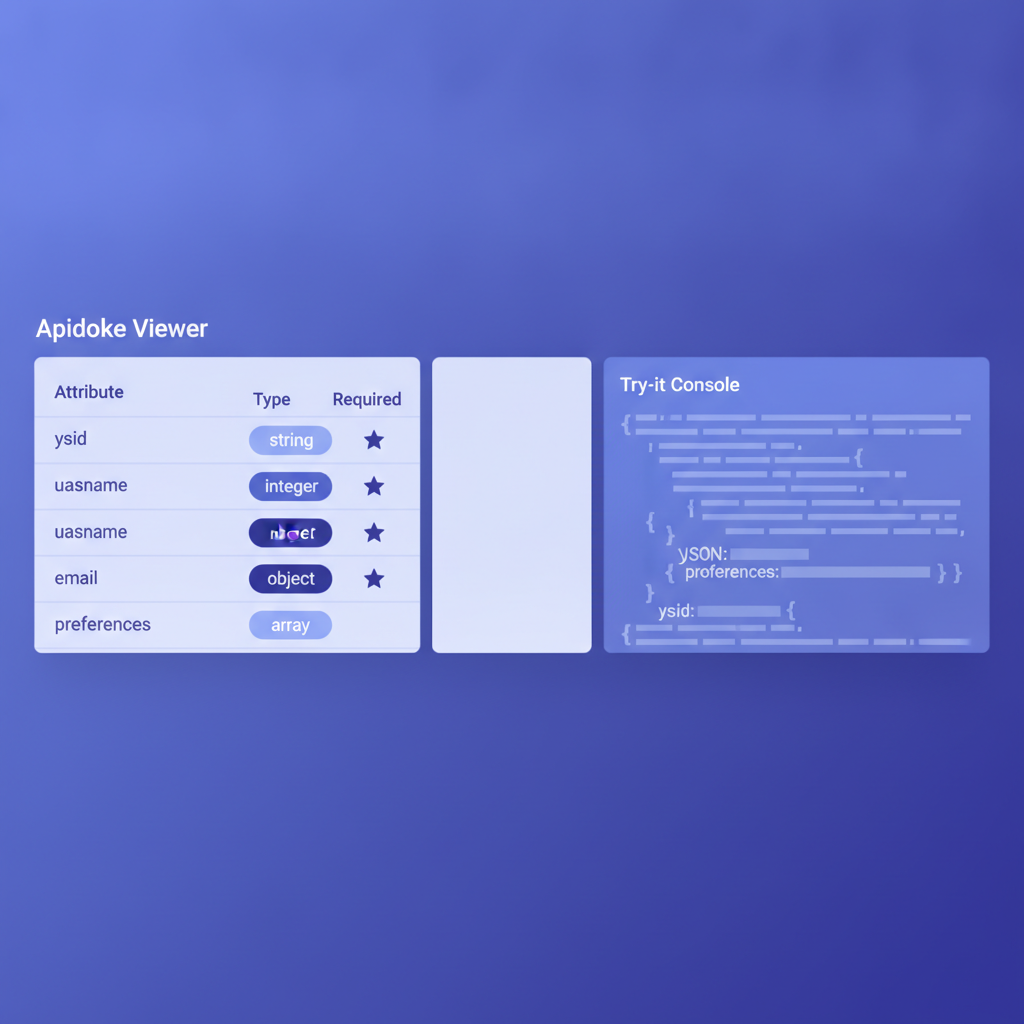
When you paste a valid API Blueprint document into Apidoke's CodeMirror editor, the live preview column updates as you type. Each Action block becomes a row in the left navigation. Clicking a row scrolls the center column to that endpoint and opens the right column's try-it console pre-loaded with the + Body example you wrote.
The attributes table, derived from the + Attributes block, shows field names, types, required or optional status, and your prose descriptions. Response tabs are labeled with the status code (200, 201, 400, and so on), so a reader can see the full range of outcomes in one click. If you include a + Schema block, it appears as a collapsible JSON panel beneath the attributes table.
Because the try-it console runs entirely client-side, any Authorization header value a developer enters stays in their browser tab. Apidoke's servers only serve the static document; they never proxy or log the actual API requests. That matters when your internal endpoints sit behind a VPN or when testers are working with production tokens.
For more on how the live console works under the hood, see what makes API docs interactive: try-it consoles explained.
Putting it all together: a complete annotated example
Below is a small but production-realistic API Blueprint document fragment covering a single resource with two actions, multiple response codes, reusable data structures, and both + Attributes and + Body blocks. Copy and paste it directly into Apidoke to see the rendered output.
FORMAT: 1A
HOST: https://api.example.com

# Example API

# Data Structures

## User (object)
+ id: 42 (number, required) - Auto-assigned integer identifier.
+ name: Alice Nguyen (string, required) - Display name, max 120 characters.
+ email: alice@example.com (string, required) - Unique email address.
+ role: editor (enum[string], required)
    + Members
        + viewer
        + editor
        + admin
+ createdAt: `2025-06-15T09:00:00Z` (string, optional) - ISO 8601 timestamp.

## ErrorResponse (object)
+ error: validation_failed (string, required) - Machine-readable error code.
+ message: One or more fields failed validation. (string, required) - Human-readable summary.

# Group Users

## User Collection [/users]

### List Users [GET]
Returns an array of all users. Requires a valid Bearer token.

+ Request (application/json)

    + Headers

            Authorization: Bearer {your-token}

+ Response 200 (application/json)

    + Attributes (array[User])

    + Body

            [
              {
                "id": 42,
                "name": "Alice Nguyen",
                "email": "alice@example.com",
                "role": "editor",
                "createdAt": "2025-06-15T09:00:00Z"
              }
            ]

+ Response 401 (application/json)

    + Attributes (ErrorResponse)

    + Body

            {
              "error": "unauthorized",
              "message": "A valid Bearer token is required."
            }

### Create a User [POST]
Creates a new user. Returns 201 with the created resource and a Location header.

+ Request (application/json)

    + Headers

            Authorization: Bearer {your-token}

    + Attributes (object)
        + name: Alice Nguyen (string, required) - Full name.
        + email: alice@example.com (string, required) - Must be unique.
        + role: editor (enum[string], required)
            + Members
                + viewer
                + editor
                + admin

    + Body

            {
              "name": "Alice Nguyen",
              "email": "alice@example.com",
              "role": "editor"
            }

+ Response 201 (application/json)

    + Headers

            Location: /users/42

    + Attributes (User)

    + Body

            {
              "id": 42,
              "name": "Alice Nguyen",
              "email": "alice@example.com",
              "role": "editor",
              "createdAt": "2025-06-15T09:00:00Z"
            }

+ Response 400 (application/json)

    + Attributes (ErrorResponse)

    + Body

            {
              "error": "validation_failed",
              "message": "One or more fields failed validation."
            }

+ Response 409 (application/json)

    + Body

            {
              "error": "conflict",
              "message": "A user with that email already exists."
            }
This covers the full lifecycle of a write operation: the request body with attributes, the success response with a Location header, and three distinct error cases (400, 401, 409) that a real client actually needs to handle.
For a broader look at where request and response bodies fit inside the full format landscape, the API Blueprint and Formats complete category hub maps out every major syntax area and links to dedicated deep-dives like this one.
Frequently asked questions
Can I document a response with no body in API Blueprint?
Yes. A 204 No Content response is written as + Response 204 with no + Body or + Attributes sub-block at all. Apidoke renders it as a status-only tab with no body panel, which accurately reflects what the server sends.
What is the correct indentation for a JSON body in API Blueprint?
The + Body keyword sits at 8 spaces of indentation inside a + Request or + Response block. The JSON content itself needs 4 additional spaces, so 12 spaces total from the left margin. Mixing tabs and spaces is the fastest way to break the parser.
Can I reference a Data Structure in both the request and the response?
You can reference any named Data Structure in any + Attributes block, whether it is on a request or a response. A common pattern is to define a UserInput structure (without id and createdAt) for the request and a full User structure for the response.
How do I document a paginated list response?
Define a wrapper structure with a data array field and a pagination object field in your Data Structures section, then reference it in + Attributes. Include a literal + Body example showing one or two items in the array plus a realistic pagination object with page, perPage, and total fields.
Does Apidoke validate my JSON body examples against the schema I provide?
Apidoke renders the + Body example and the + Schema block side by side, but the consistency check between them is your responsibility as the author. Keeping both in sync is easiest when you define a Data Structure first and derive the body example from it, because a change to the Data Structure is immediately visible in the attributes table.
Ready to write your first production-quality API Blueprint document and publish it with a live try-it console? Create a free Apidoke account and have your API reference online in minutes, no credit card required.
Related reading: API Documentation Templates: Ready-to-Use API Blueprint Examples
Related reading: Documenting Webhooks in API Blueprint