
API Blueprint vs OpenAPI vs Swagger: Which Format Should You Use?

API Blueprint, OpenAPI, and Swagger are three distinct formats for describing REST APIs. API Blueprint uses a Markdown-based, human-readable syntax designed for writing docs first. OpenAPI (the current specification, formerly called Swagger) uses JSON or YAML and targets machine-readable contract definitions. Swagger is the older name for what became OpenAPI 3.x. Apidoke natively supports API Blueprint authoring, giving you a live three-column doc viewer and try-it console without extra tooling.
- API Blueprint is a Markdown-based format; OpenAPI is JSON or YAML; Swagger is the legacy name for OpenAPI 2.0.
- API Blueprint prioritizes human readability and narrative documentation; OpenAPI prioritizes machine-readable contracts and code generation.
- Apidoke publishes API Blueprint docs as a live interactive reference, including a browser-based try-it console, with no external toolchain required.
- Neither format is universally superior; the right choice depends on whether you are optimizing for readable docs or automated tooling pipelines.
What exactly is each format?
API Blueprint
API Blueprint is an open specification maintained at apiblueprint.org. You write it in a superset of Markdown, and each file is a plain .apib text document. A minimal but realistic example looks like this:
FORMAT: 1A
HOST: https://api.example.com

# Bookstore API

## Group Books

### Book Collection [/books]

#### List All Books [GET]

+ Response 200 (application/json)

        [
          { "id": 1, "title": "Dune", "author": "Frank Herbert" },
          { "id": 2, "title": "Neuromancer", "author": "William Gibson" }
        ]

#### Create a Book [POST]

+ Request (application/json)

        { "title": "Foundation", "author": "Isaac Asimov" }

+ Response 201 (application/json)

        { "id": 3, "title": "Foundation", "author": "Isaac Asimov" }

+ Response 422 (application/json)

        { "error": "title is required" }
The # Group Books heading creates a navigation section. + Request and + Response are list keywords in API Blueprint syntax. Indented JSON under those keywords becomes the documented request or response body. The format reads almost like prose, which is why writers and small teams reach for it first.
OpenAPI (formerly Swagger 2.0)
OpenAPI is a JSON or YAML specification maintained by the OpenAPI Initiative, a Linux Foundation project. The current version is OpenAPI 3.1. The equivalent endpoint described above, in OpenAPI YAML, looks like this:
openapi: "3.1.0"
info:
  title: Bookstore API
  version: "1.0"
paths:
  /books:
    get:
      summary: List all books
      responses:
        "200":
          description: OK
          content:
            application/json:
              schema:
                type: array
                items:
                  $ref: "#/components/schemas/Book"
    post:
      summary: Create a book
      requestBody:
        content:
          application/json:
            schema:
              $ref: "#/components/schemas/BookInput"
      responses:
        "201":
          description: Created
        "422":
          description: Unprocessable Entity
components:
  schemas:
    Book:
      type: object
      properties:
        id:
          type: integer
        title:
          type: string
        author:
          type: string
    BookInput:
      type: object
      required: [title]
      properties:
        title:
          type: string
        author:
          type: string
Notice the $ref pointers and the components/schemas section. OpenAPI is intentionally structured so parsers, validators, code generators, and mock servers can consume it programmatically without any human interpretation.
What is Swagger, exactly?
Swagger was the original name for the specification created by Wordnik around 2011. When SmartBear donated it to the OpenAPI Initiative in 2016, the specification was renamed OpenAPI starting at version 3.0. Swagger 2.0 is therefore the same thing as OpenAPI 2.0, and the Swagger brand now refers primarily to the suite of open-source tools (Swagger UI, Swagger Editor, Swagger Codegen) rather than the specification itself. When someone says they use Swagger today, they almost always mean they are using OpenAPI 3.x and displaying it with Swagger UI.
How do the three formats compare?
| Dimension | API Blueprint | OpenAPI 3.x | Swagger 2.0 |
|---|---|---|---|
| Syntax | Markdown (.apib) | YAML or JSON | YAML or JSON |
| Primary goal | Human-readable documentation | Machine-readable contract | Machine-readable contract (older) |
| Learning curve | Low (reads like text) | Medium (JSON Schema, $ref) | Medium to high (more limited) |
| Code generation | Limited ecosystem | Very broad (OpenAPI Generator) | Broad (Swagger Codegen) |
| Schema validation | Limited | Full JSON Schema (OAS 3.1) | Subset of JSON Schema |
| Response examples | Inline in the doc, simple | Structured under examples key | Single example per response |
| Status codes modeled | Any (200, 201, 401, 404, 422, etc.) | Any, with full schema per status | Any, with basic schema per status |
| Best for | Docs-first teams, small APIs | Contract-first, large ecosystems | Legacy projects |
| Apidoke support | Native authoring and publishing | Not imported (author in Blueprint) | Not imported (author in Blueprint) |
When does API Blueprint win?
API Blueprint is the better choice when your team prioritizes writing clear, readable documentation over generating server stubs or client SDKs. A few concrete situations where it fits well:
- You want non-engineers (technical writers, product managers) to contribute to docs without learning YAML indentation rules.
- You are building a public-facing API reference and care more about the reader experience than about toolchain automation.
- You want to publish docs immediately, with a live try-it console, without wiring up a separate renderer. Apidoke reads your
.apibfile and produces the full three-column reference view in one step. - Your API is relatively small (under a few dozen endpoints) and does not need the heavy schema-validation or code-generation pipeline that OpenAPI provides.
Because API Blueprint is plain text, it versions cleanly. You can commit every change to Git, diff it like any source file, and restore any previous state. Apidoke adds per-project version history on top of that, so you can browse earlier snapshots directly in the tool without touching the command line.
When does OpenAPI win?
OpenAPI is the better choice when the specification needs to drive more than documentation. Specific situations:
- You need to generate server skeletons or typed client SDKs in multiple languages using OpenAPI Generator or similar tools.
- Your CI pipeline validates request and response bodies against a schema at test time.
- You are integrating with API gateways (AWS API Gateway, Kong, Azure APIM) that consume OpenAPI natively for routing and policy configuration.
- Your API is large enough that
$refcomponent reuse prevents copy-pasting schema definitions across dozens of endpoints.
OpenAPI 3.1 aligns fully with JSON Schema Draft 2020-12, which means you get proper oneOf, anyOf, and nullable types without the workarounds that Swagger 2.0 required. If schema correctness across a large surface area matters, OpenAPI is simply the more powerful instrument.
What about Swagger UI specifically?
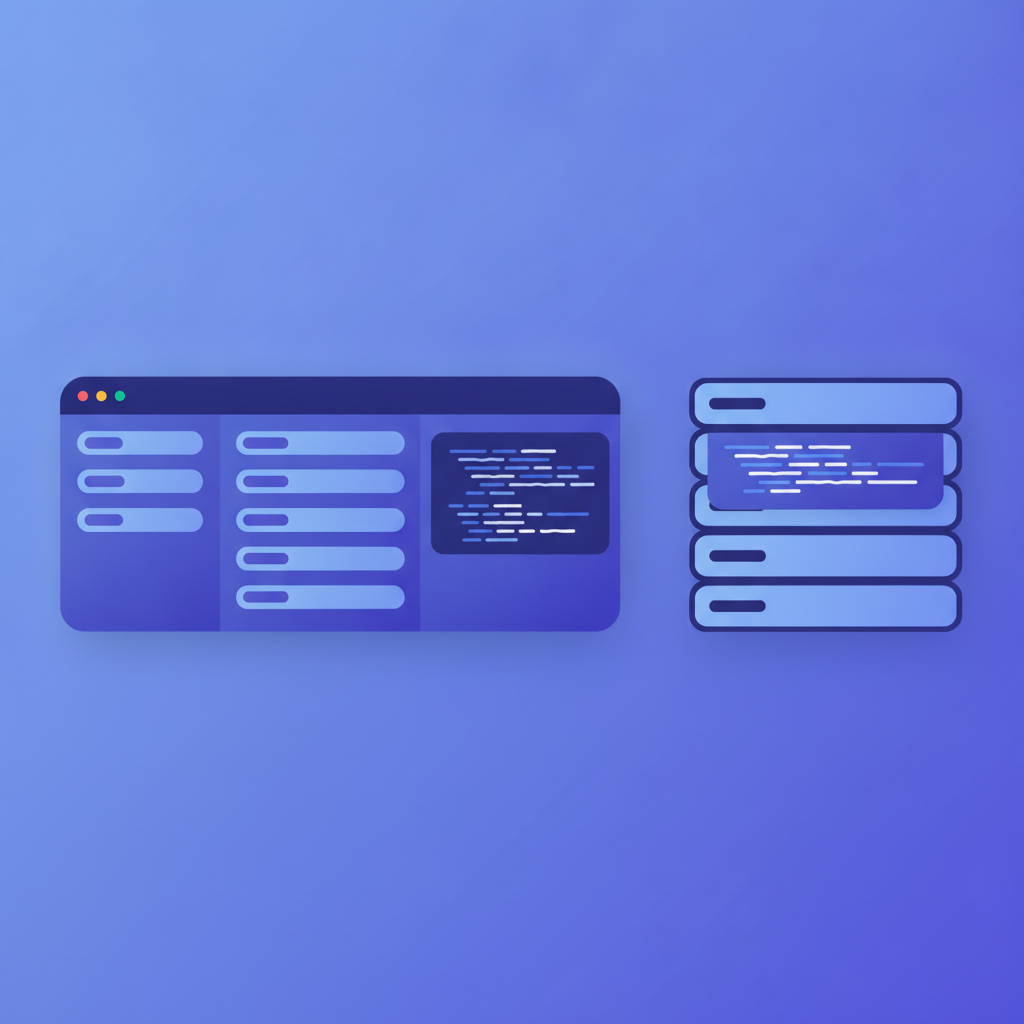
Swagger UI is a popular open-source renderer for OpenAPI documents. It produces a single-column page where each endpoint collapses into an accordion. The try-it functionality works, but the layout puts navigation, content, and the console in the same column, which can feel cramped on wide monitors. It also requires you to host the HTML bundle and feed it a valid OpenAPI JSON or YAML file.
Apidoke renders the same three sections (navigation, content, try-it console) as separate panes in a proper three-column layout. The console fires real HTTP requests directly from the browser; credentials and authorization tokens never pass through Apidoke's servers, so there is no server-side token exposure. The trade-off is that Apidoke requires API Blueprint as the input format rather than OpenAPI.
Can you convert between API Blueprint and OpenAPI?
Yes, conversion tools exist, though no conversion is lossless. Tools like apib2swagger on npm attempt a direct translation to OpenAPI 2.0. The limitations are real: API Blueprint's narrative prose sections, named examples, and certain multi-response patterns do not have clean OpenAPI equivalents. Conversely, OpenAPI's deeply nested $ref schemas flatten into simpler inline bodies in Blueprint.
In practice, conversion is most useful as a one-time migration step rather than an ongoing pipeline. If your source of truth is already API Blueprint and you publish with Apidoke, there is no need to maintain a parallel OpenAPI file just to get a rendered reference.
How to write your first API Blueprint document for Apidoke
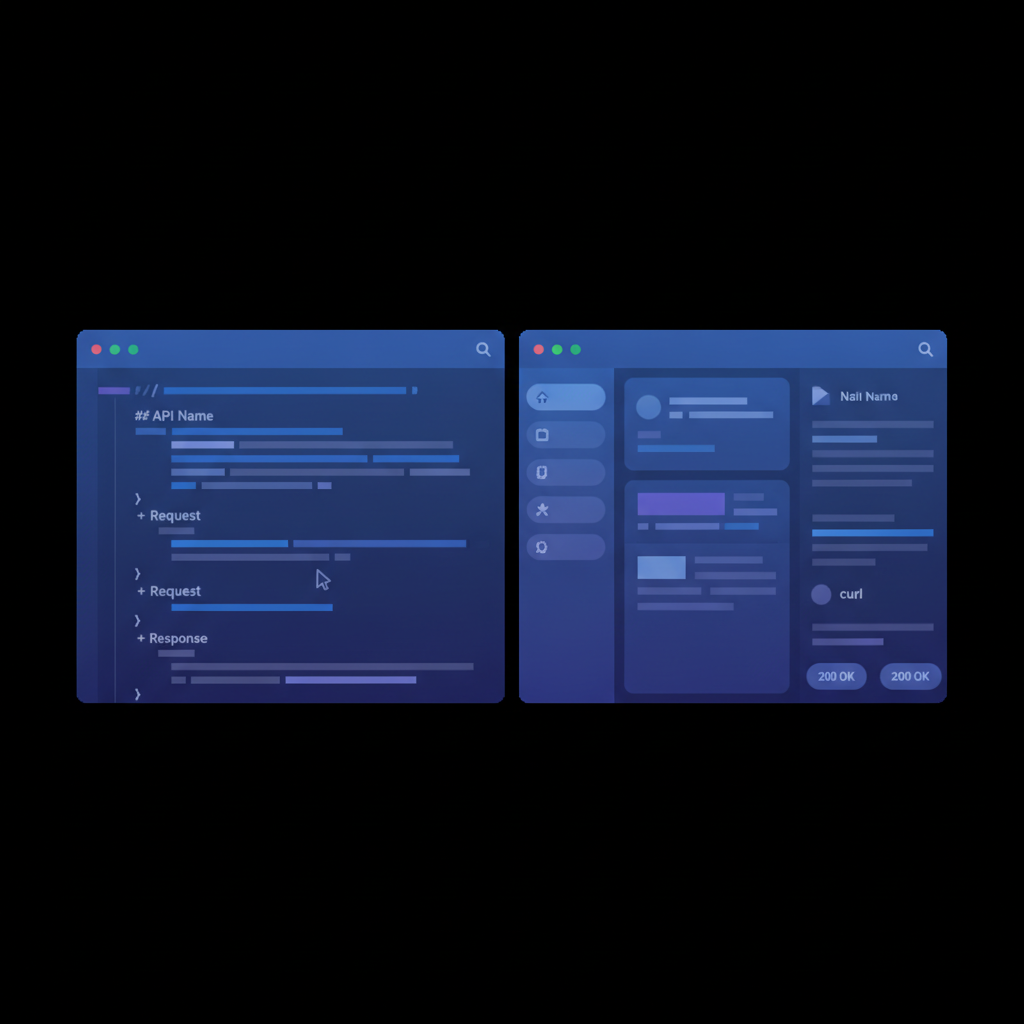
- Create a new project in Apidoke and open the split-pane CodeMirror editor. The left pane is your
.apibsource; the right pane is the live preview that updates as you type. - Start the file with the format declaration and a host:
FORMAT: 1Aon line one, thenHOST: https://api.yourservice.comon line two. - Add an H1 heading for your API name, then use
# Groupheadings to organize endpoints into navigation sections (for example,# Group Usersor# Group Orders). - Under each group, add a resource heading with its URL template:
## User [/users/{id}]. The URL parameter in curly braces is automatically parsed. - Beneath the resource, add action headings for each HTTP method:
### Get a User [GET]. - Add a
+ Response 200 (application/json)list item, then indent your JSON body by eight spaces beneath it. Add additional response blocks for error cases (401 for unauthorized, 404 for not found, 422 for validation failures) so consumers know exactly what to expect. - Click the publish button to generate a public URL for the three-column reference view.
For a deeper walkthrough of API Blueprint syntax, see the complete API Blueprint guide on this site. For how this format fits into the broader landscape of documentation approaches, the API Blueprint and formats hub covers each option in full.
Which format should you actually choose?
Start with the question your format needs to answer. If it needs to answer the question "what does this API do, and how do I call it?" for a human reader, API Blueprint is faster to write and easier to maintain. If it needs to answer "what is the exact schema contract that tools can validate against, generate code from, and configure a gateway with?" then OpenAPI is the right foundation.
Many teams end up with both: an API Blueprint file that drives their public documentation in Apidoke, and an OpenAPI file that lives in the repository alongside generated types. These serve different audiences and do not need to be kept perfectly in sync, as long as you treat one as the authoritative source for its own purpose.
Frequently asked questions
Is Swagger the same as OpenAPI?
Almost. Swagger was the original name for the specification. When it was donated to the OpenAPI Initiative in 2016, version 3.0 was released under the OpenAPI name. Swagger 2.0 is technically OpenAPI 2.0, and the two terms are often used interchangeably. Today, "Swagger" more precisely refers to the tooling suite (Swagger UI, Swagger Editor) rather than the specification itself.
Can Apidoke render OpenAPI or Swagger files?
No. Apidoke uses API Blueprint as its authoring format. If you have an existing OpenAPI or Swagger document, you would write the equivalent description in API Blueprint syntax inside Apidoke's editor. Conversion tools like apib2swagger can help if you need to go the other direction.
What HTTP status codes should I document in API Blueprint?
Document every status code your API actually returns. At minimum, cover 200 (OK) or 201 (Created) for success, 400 (Bad Request) or 422 (Unprocessable Entity) for client validation errors, 401 (Unauthorized) for missing or invalid credentials, 404 (Not Found) for missing resources, and 500 (Internal Server Error) as a general error case. Each additional response block in API Blueprint adds a real tab in Apidoke's viewer, making error handling visible to consumers.
Is API Blueprint still actively maintained?
The API Blueprint specification is stable and publicly available. Active tooling development has slowed compared to the OpenAPI ecosystem, which has broader industry backing. For writing and publishing human-readable API documentation, the format is complete and production-ready, and Apidoke is built specifically around it.
Does using API Blueprint prevent me from adopting OpenAPI later?
No. The two formats serve different goals and can coexist. You can maintain an API Blueprint file in Apidoke for your public-facing reference docs and keep a separate OpenAPI file for code generation or gateway configuration. A one-time conversion with apib2swagger is also possible if you need to migrate entirely, though some detail is lost in translation.
Ready to publish your first API Blueprint reference with a live try-it console? Create a free Apidoke account and have your docs live in minutes, no credit card required.
Related reading: Apidoke vs Mintlify: An Honest Comparison for 2026
Related reading: The Best Apiary Alternatives in 2026