
API Documentation Best Practices for 2026

API documentation best practices are the concrete standards, structural patterns, and authoring habits that make a REST API usable by a developer who has never spoken to your team. In 2026, those practices cluster around four pillars: machine-readable source format, accurate and runnable examples, version control tied to your release cycle, and a live try-it experience that removes friction. Apidoke supports all four out of the box, without requiring a custom toolchain.
- Write in a structured, human-readable format (API Blueprint is the open standard Apidoke uses) so docs and code stay in sync through normal pull-request workflows.
- Every endpoint needs a real request and a real response, including error codes, not just the happy path.
- Version your docs alongside your API: Apidoke stores per-project version history so consumers can always read the docs that match the version they are integrating against.
- A live try-it console reduces time-to-first-successful-call from hours to minutes, and browser-side execution means auth tokens never leave the developer's machine.
Why documentation quality is a product decision, not a writing task
Developers form an opinion about an API within the first ten minutes of reading its docs. If they hit a missing parameter, an undocumented 401, or a request body example that does not match what the server actually accepts, many will abandon the integration entirely. Stripe's engineering team documented this friction pattern publicly, and it has become a widely cited reason why API adoption stalls even when the underlying service is technically sound.
Treating documentation as a product means applying the same definition-of-done standards you apply to code: it ships with the feature, it is tested (by running the examples), and it is versioned. The best practices below follow that framing.

Best practice 1: Choose a structured source format and commit to it
Unstructured documentation (a PDF, a Confluence page, a README with curl commands) cannot be rendered into a navigable reference, cannot drive a live console, and cannot be diffed in a pull request. A structured format solves all three.
API Blueprint is an open, Markdown-based standard maintained by Apiary and the open-source community. It expresses resources, actions, request bodies, and responses in plain text that both humans and tooling can parse. A minimal but complete endpoint block looks like this:
# Group Users

## User Collection [/users]

### Create a User [POST]

Creates a new user account. Returns the created resource with a server-assigned `id`.

+ Request (application/json)

    + Body

            {
              "email": "ada@example.com",
              "name": "Ada Lovelace"
            }

+ Response 201 (application/json)

    + Body

            {
              "id": "usr_01HX9",
              "email": "ada@example.com",
              "name": "Ada Lovelace",
              "created_at": "2026-01-15T09:41:00Z"
            }

+ Response 422 (application/json)

    + Body

            {
              "error": "validation_failed",
              "fields": ["email"]
            }
Notice that the snippet documents both the 201 success and the 422 validation error. That is the minimum bar. For a deeper look at the syntax, the API Blueprint syntax cheat sheet covers every block type with copy-paste examples.
Best practice 2: Document every HTTP method, status code, and header your API actually returns
The most common gap in API docs is the error surface. Teams document GET /users returning 200, but omit what a consumer receives when they send a malformed payload (400 or 422), when their token is expired (401), when they lack permission (403), or when they hit rate limits (429). Each of those codes needs a documented response body because the consuming developer's error-handling code depends on it.
RFC 9110, the current HTTP semantics specification, defines the authoritative meaning of each status code. Your documentation should align to that spec so developers can predict behavior without reading your source code.
| Status code | When to document it | What the response body should include |
|---|---|---|
| 200 OK | Every GET and PUT that succeeds | Full resource representation with all fields |
| 201 Created | Every POST that creates a resource | Created resource, Location header if applicable |
| 204 No Content | DELETE and some PUT endpoints | Empty body, document explicitly so consumers don't parse |
| 400 Bad Request | Any endpoint that validates input | Error code, human-readable message, field path if relevant |
| 401 Unauthorized | All authenticated endpoints | Error code, hint that the token is missing or expired |
| 403 Forbidden | Role-scoped endpoints | Error code, which permission is required |
| 404 Not Found | Any endpoint with a path parameter ID | Error code, resource type that was not found |
| 422 Unprocessable | Endpoints with complex validation rules | List of failed fields with per-field error messages |
| 429 Too Many Requests | Any rate-limited endpoint | Retry-After header value, limit and remaining counts |
| 500 Internal Server Error | All endpoints (as a catch-all) | Generic error object, support contact or request ID |
Best practice 3: Use real, runnable examples, not placeholders
An example that uses string as a value for an email field, or 1234 as an ID that does not exist in any environment, trains developers to ignore examples. Real examples:
- Use syntactically valid values for every field type (valid ISO 8601 timestamps, realistic-looking UUIDs, properly formatted email addresses).
- Are consistent across related endpoints. If
POST /usersreturns"id": "usr_01HX9", thenGET /users/usr_01HX9should use that exact ID in its path example. - Can be copied and run. In Apidoke's live try-it console, the request body from your API Blueprint source pre-populates the console editor, so a developer can click Send without editing anything if the endpoint accepts unauthenticated requests.
- Cover at least one error case with a realistic error payload, not just
{"error": "something went wrong"}.
Runnable examples are the bridge between documentation and trust. When a developer fires a request and gets back the exact response the docs predicted, you have demonstrated that your docs are accurate, which is a stronger signal than any prose assurance.
Best practice 4: Structure your reference around resources, not internal concepts
API Blueprint's # Group directive maps naturally to this practice. Group endpoints by the resource they operate on (Users, Orders, Invoices) rather than by the internal service or team boundary. A consumer does not care that your users endpoint is owned by the identity squad; they care that all user-related operations are in one navigable section.
A well-structured table of contents for a payments API might look like:
- Authentication
- Customers
- Payment Methods
- Charges
- Refunds
- Webhooks (if applicable)
- Errors
The Errors section deserves its own group. Document your error object schema once, in a dedicated section, and link to it from every endpoint rather than repeating the schema inline. That keeps the reference DRY (Don't Repeat Yourself) and makes it easier to update when the error format changes.
Best practice 5: Version your documentation alongside your API
When an API releases a breaking change, consumers on the old version need to keep integrating against the old contract while they plan a migration. If your docs only reflect the latest version, those consumers are left without a reference.
Apidoke stores per-project version history automatically. Each time you save a new version of your API Blueprint source, the previous version is preserved and remains accessible. That means you can publish v2 of your API while keeping v1 docs live, without maintaining a separate project or a separate subdomain. For a deeper treatment of how versioning strategies intersect with documentation, see API versioning strategies and how to document them.
At the source level, the simplest versioning approach is a URL prefix (/v1/users, /v2/users) documented as separate resource blocks within the same Blueprint file, or as separate Blueprint files per major version. Either approach works in Apidoke; the version selector in the published viewer lets consumers switch between them.
Best practice 6: Provide a live try-it console
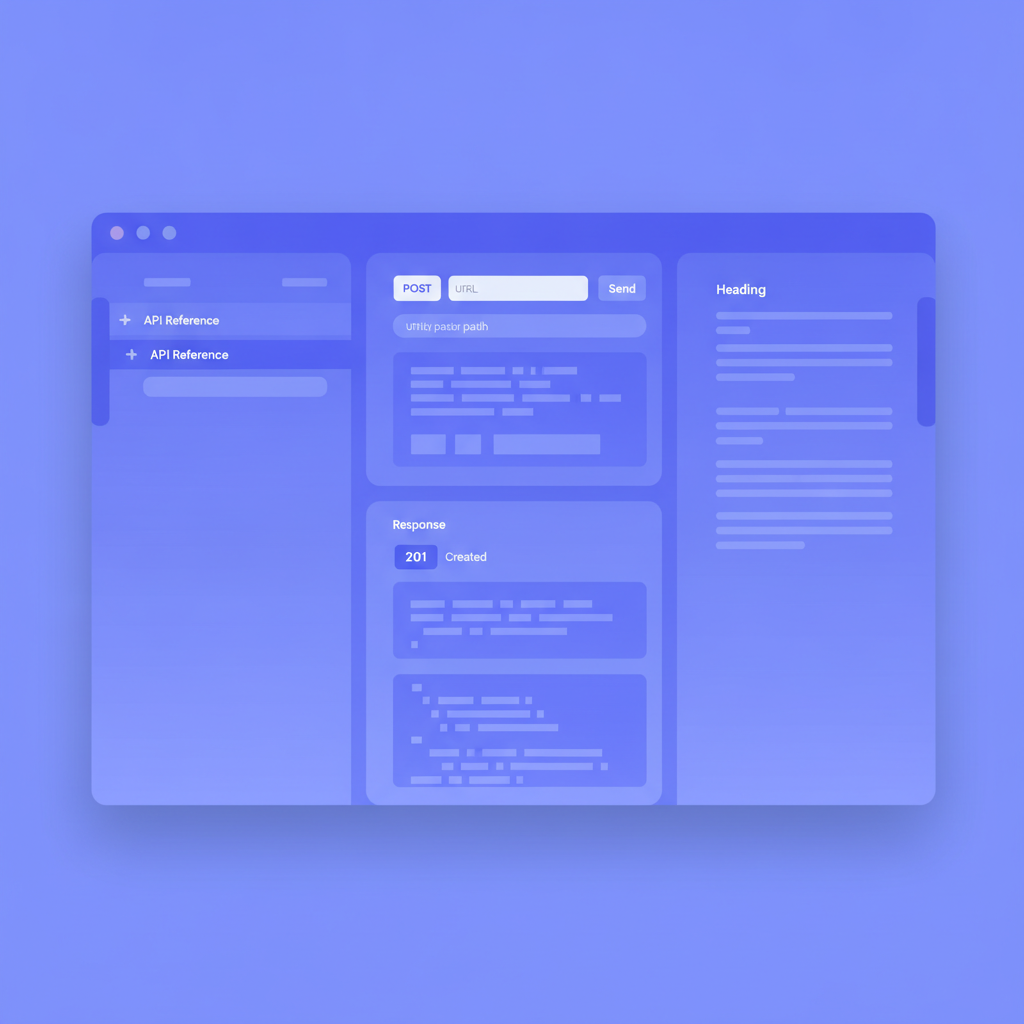
Reading about an endpoint is fundamentally different from calling it. A try-it console (sometimes called an API explorer or an embedded API client) lets a developer send a real HTTP request from inside the documentation page and see the real response. That reduces time-to-first-successful-call by removing the context switch to Postman, Insomnia, or a terminal.
Security matters here. Apidoke's try-it console executes requests directly from the developer's browser. Auth tokens and API keys are never proxied through Apidoke's servers; they travel from the browser to your API and nowhere else. That means developers at security-conscious organizations can use the console without raising a third-party data-handling concern.
For more detail on how the console works and what it fires under the hood, the article on what makes API docs interactive walks through the mechanics.
Best practice 7: Write for the consumer's task, not the server's implementation
A description like "Calls the UserCreationService and persists the entity to the primary replica" is an implementation detail. A consumer cannot act on it. Prefer: "Creates a user account. The returned id is the permanent identifier for this account; store it on your side before proceeding."
Each endpoint description should answer three questions in order:
- What does this endpoint do, stated as an outcome for the consumer?
- What are the required inputs, and what are the constraints on each?
- What will the consumer receive, and what should they do with it next?
Parameter descriptions follow the same rule. Instead of "The user ID", write "The unique identifier for the user, returned by POST /users or GET /users. Format: usr_ prefix followed by 5 alphanumeric characters." The second version tells a developer exactly what to put in the field without guessing.
Best practice 8: Maintain an API changelog alongside your reference docs
Developers who are already integrated need to know what changed, not just what the current state is. A changelog is a separate document, written in reverse chronological order, that records every addition, change, deprecation, and removal with the release date and, for breaking changes, a migration note.
The minimum entry for a breaking change looks like this:
## 2026-03-01

### Changed
- `POST /users` now returns a 422 instead of 400 for validation errors.
  **Migration**: Update your error-handling logic to check for both 400 and 422
  if you are on an older client, or update to the v2 client library which handles
  both transparently.

### Added
- `GET /users/{id}/sessions` lists active sessions for a user.
Apidoke's version history complements the changelog: the history gives you a diff of what the Blueprint source looked like before and after, which is the raw material for writing changelog entries accurately.
Best practice 9: Apply an authoring checklist before every publish
Checklists prevent the small omissions that erode trust over time. Before publishing or merging a documentation change, verify each item:
- Every endpoint has a plain-English description written for the consumer's task.
- Every path parameter, query parameter, and request body field has a type, whether it is required or optional, and any format or range constraints.
- Every success response is documented with a real example body.
- At minimum 401, 404, and one validation error are documented for each endpoint that can produce them.
- Request and response examples are consistent across related endpoints (the same ID appears in the right places).
- The changelog has an entry if the change is visible to consumers.
- The version number in the Blueprint metadata matches the API version being deployed.
- At least one team member has run the try-it console against the staging environment and confirmed the example request returns the documented response.
Best practice 10: Self-host to stay in control of uptime and data
Hosted documentation services can go down, change pricing, or deprecate features on their own schedule. Self-hosting puts uptime, data residency, and the publication pipeline under your control. Apidoke is self-hostable: you run the application on your own infrastructure, and your API Blueprint files and version history stay on your servers.
For teams evaluating the trade-offs between hosted and self-hosted documentation, hosted API documentation: pros, cons, and how to choose covers the decision criteria in detail.
What the API Blueprint specification says about structure
The API Blueprint specification defines a formal grammar for resource groups, resource descriptions, action descriptions, and message bodies. Following the spec precisely (rather than inventing ad hoc conventions) means your source file is portable: any spec-compliant tool can parse and render it. Apidoke parses spec-compliant Blueprint files directly, so there is no custom extension layer to learn.
Frequently asked questions
What is the most important thing to include in API documentation?
Real, runnable request and response examples for every endpoint, including error responses, are the single most impactful element. A developer needs to see exactly what to send and exactly what to expect back before they can write integration code with confidence.
How often should API documentation be updated?
Documentation should update with every API change, ideally in the same pull request or deployment pipeline step as the code change. Docs that lag behind the API by even one release cycle begin to accumulate inaccuracies that are hard to track down later.
Should I document deprecated endpoints?
Yes, until the endpoint is removed entirely. Mark deprecated endpoints clearly (a "Deprecated" label and a sunset date), keep the response documentation accurate, and add a migration note pointing to the replacement. Removing docs before the endpoint is gone strands developers who are mid-migration.
What is the difference between API reference documentation and a tutorial?
Reference documentation describes every endpoint, parameter, and response exhaustively, written for developers who know what they want to do and need the exact contract. Tutorials guide a developer through a specific task step by step, written for developers who are oriented but need a path. Good API documentation includes both, and they serve different stages of the developer journey.
Do I need a separate tool for a try-it console, or can my documentation tool include it?
Modern documentation tools, including Apidoke, include a try-it console natively. You do not need a separate API client tool if your documentation platform fires real HTTP requests from the browser. The advantage of a built-in console is that the request is pre-populated from your documented examples, so developers start from a working baseline rather than building the request from scratch.
Ready to apply these practices without configuring a toolchain? Create a free Apidoke account and publish your first interactive API reference in minutes, with version history and a live try-it console included by default.
Related reading: How to Write API Documentation for Multiple Audiences
Related reading: API Reference Documentation: A Complete Writing Guide