
Apidoke vs GitBook: API Docs Platform vs Wiki-Style Publishing
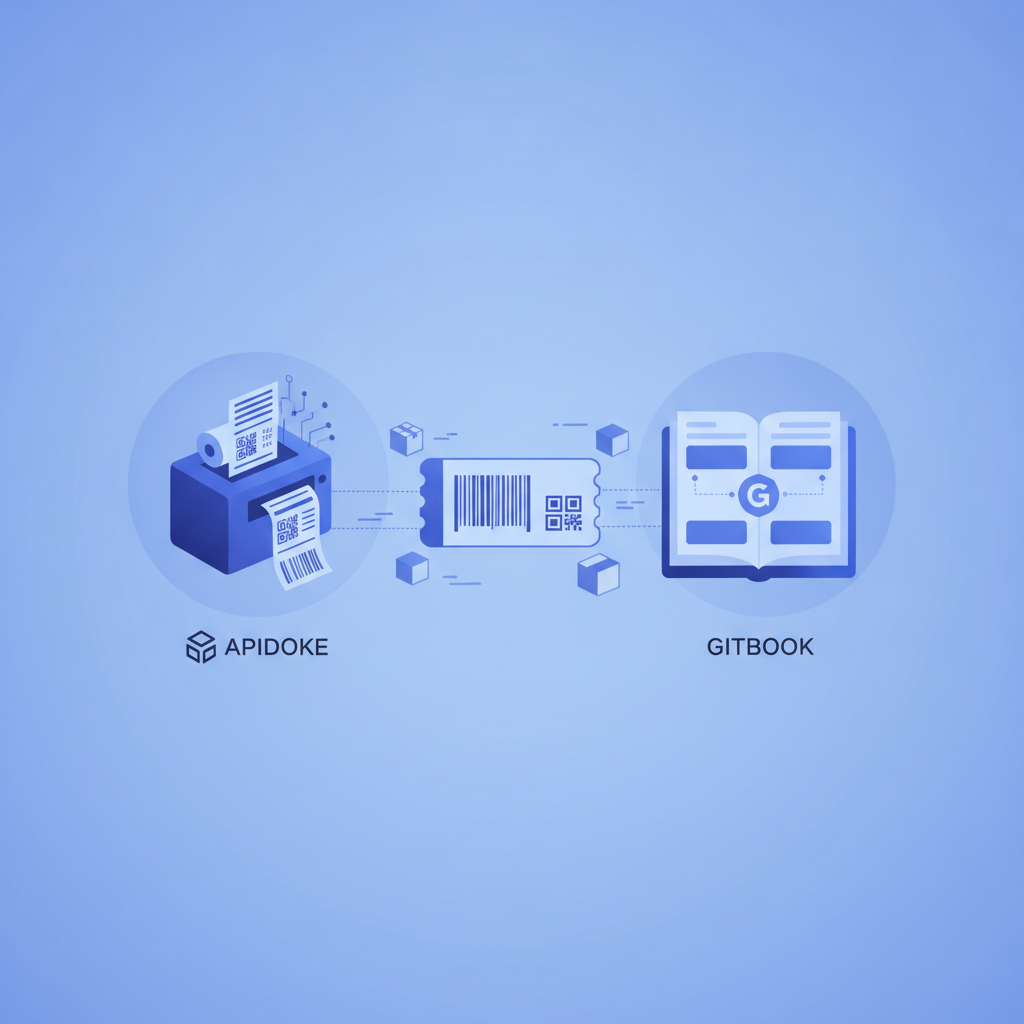
Apidoke and GitBook solve different problems. Apidoke is a purpose-built API documentation platform: you write in API Blueprint format, publish a structured three-column reference with a live try-it console, and optionally self-host the whole thing with per-project version history. GitBook is a wiki-style knowledge-base tool that handles code blocks and developer content well, but it has no native API request execution, no API Blueprint authoring, and no built-in API versioning model. If your primary output is an API reference that developers need to call from, Apidoke is the more direct choice.
- Apidoke is API-reference-first: the three-column layout (navigation, content, live console) and API Blueprint editor are built specifically for REST API documentation, not general knowledge bases.
- GitBook is wiki-first: it excels at guides, handbooks, and internal knowledge bases, but it does not execute real HTTP requests inside the docs.
- Self-hosting and privacy: Apidoke can be self-hosted so your API docs and any auth tokens used in the try-it console never leave your infrastructure; GitBook is a managed SaaS product.
- Format portability: Apidoke uses the open API Blueprint specification, a plain-text Markdown-based standard you own; GitBook stores content in its own proprietary format.
What is each tool actually designed to do?
Before comparing features head-to-head, it helps to understand the design intent behind each product, because the mismatch between intent and use-case is where most teams end up frustrated.
Apidoke: structured API reference publishing
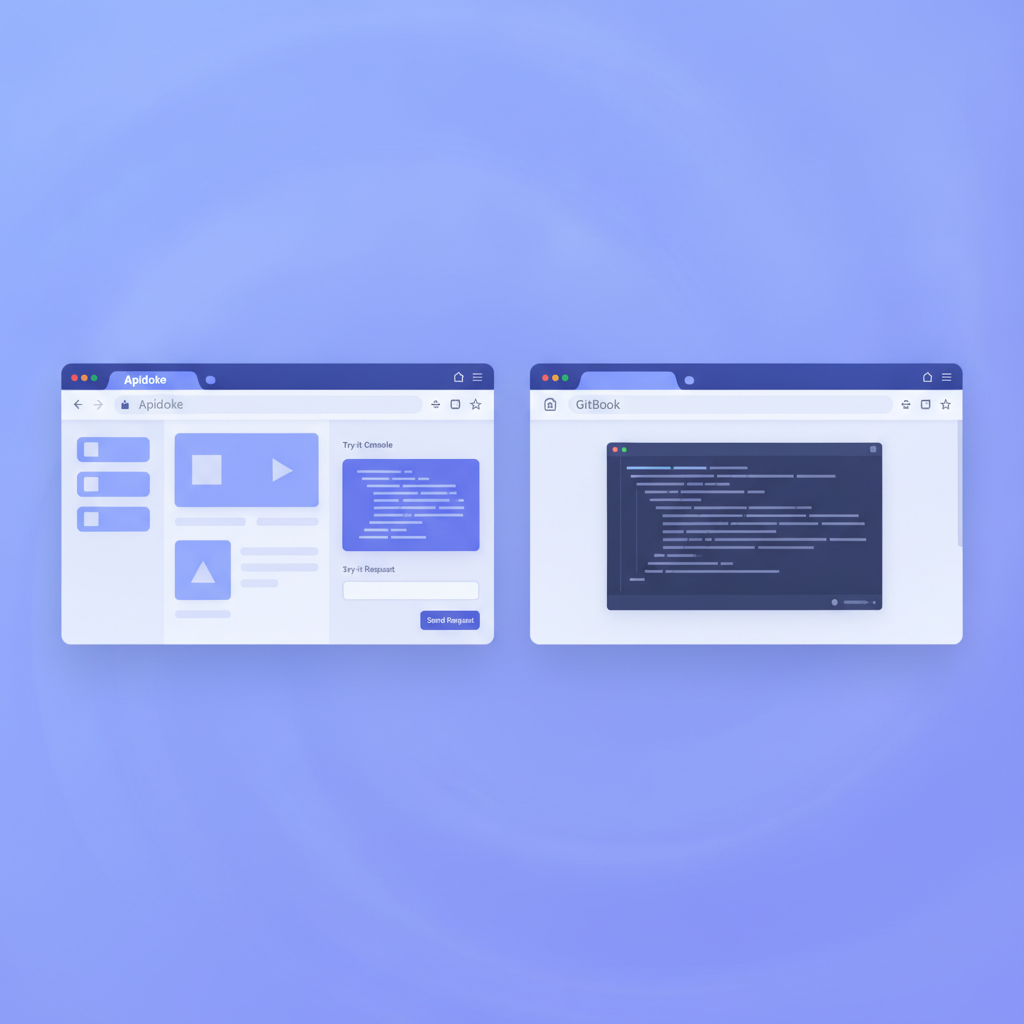
Apidoke follows the Apiary-style three-column model. The left column is navigation generated from your API Blueprint groups and resources. The center column shows your human-readable documentation: descriptions, parameters, request and response examples. The right column is a live try-it console where developers can fire real HTTP requests against your API without leaving the docs page.
Content is written in API Blueprint, an open Markdown-derived format. A minimal endpoint definition looks like this:
## User Collection [/users]

### List Users [GET]
Returns all active users.

+ Response 200 (application/json)

        [
          { "id": 1, "name": "Ada Lovelace", "email": "ada@example.com" },
          { "id": 2, "name": "Grace Hopper", "email": "grace@example.com" }
        ]
That single block produces navigation, rendered documentation, and a console target simultaneously. The editor in Apidoke is a split-pane CodeMirror interface: you type on the left, the rendered three-column preview updates on the right in real time. No build step, no CLI, no pipeline.
GitBook: wiki-style knowledge publishing
GitBook is built around pages and spaces: think of it as a polished online book or internal wiki. Writers use a block-based WYSIWYG editor or Markdown import. It is excellent for onboarding guides, company handbooks, architecture decision records, and tutorial-style developer content. Many teams use it for the prose around an API: the conceptual guide, the authentication overview, the quickstart narrative.
What it does not do is parse an API description format, render a structured endpoint reference with verb badges and parameter tables, or execute HTTP requests inside the page. A developer using GitBook-hosted API docs still needs to open Postman, curl, or another tool to actually call the API.
Feature-by-feature comparison
| Feature | Apidoke | GitBook |
|---|---|---|
| Primary format | API Blueprint (open standard) | Proprietary block format / Markdown import |
| Three-column API reference layout | Yes, built-in | No |
| Live try-it console (real HTTP requests) | Yes, client-side; tokens stay in the browser | No |
| In-browser editor with live preview | Yes, split-pane CodeMirror | Yes, WYSIWYG block editor |
| Per-project version history | Yes, built-in | Change history via Git sync (paid tiers) |
| Self-hostable | Yes | No (managed SaaS only) |
| One-click public publishing | Yes | Yes |
| Wiki / knowledge-base content | Not the primary use case | Yes, core feature |
| Pricing model | Free to self-host, no credit card required | Free tier, then paid plans |
| Format portability | High (plain .apib text files) | Low (proprietary blocks; export is approximate) |
The try-it console: why it matters for API docs specifically
The single biggest functional gap between the two tools is request execution. When a developer is reading an API reference, the first thing they want to do is call the endpoint. Every context-switch to Postman or curl adds friction and slows down the time-to-first-successful-call, which is the metric that most directly predicts whether a developer adopts your API.
Apidoke's try-it console fires real HTTP requests from the browser. A developer sets a base URL, adds an Authorization header (for example, Bearer eyJhbGci...), fills in any path or query parameters, and clicks Send. The actual HTTP response, including status code (200 OK, 401 Unauthorized, 404 Not Found), headers, and body, appears in the console panel immediately.
Because the request is made client-side from the developer's own browser, the auth token never reaches Apidoke's servers. That is a meaningful privacy and security property for teams with sensitive internal APIs. For more detail on how this works in practice, see testing API endpoints in the browser without Postman.
GitBook has no equivalent. You can add a code block showing a curl example, but the developer has to copy it, open a terminal, and run it themselves. That is fine for a quickstart guide; it is a real limitation for an API reference.
API Blueprint vs proprietary format: the portability question
API Blueprint is a plain-text, Markdown-superset specification maintained as an open standard. Your documentation lives in .apib files you can version in Git, review in pull requests, or move to any tool that supports the format. You are never locked into Apidoke specifically.
GitBook content lives in GitBook's block format. There is a Markdown export, but it is lossy for complex content: tables, embedded content, and block-level formatting often do not survive cleanly. Teams that have tried to migrate large GitBook spaces to other platforms frequently report significant cleanup work.
If your concern is long-term portability of your API documentation, the open-format approach wins on principle. The API Blueprint vs OpenAPI vs Swagger comparison covers the broader format landscape for teams weighing their options.
Self-hosting: the infrastructure control argument
GitBook is managed SaaS. Your docs live on GitBook's servers, under GitBook's availability guarantees, and subject to GitBook's pricing changes over time. That is a reasonable trade-off for many teams, especially those who want zero infrastructure to maintain.
Apidoke can be self-hosted. This matters in a few specific situations:
- Your API is internal and you do not want any documentation content on a third-party server.
- Your organization has data-residency requirements that preclude using external SaaS for technical documentation.
- You want to keep infrastructure costs predictable and not tied to a per-seat pricing model.
- You are building API docs for an air-gapped or on-premises deployment.
For a full walkthrough of the self-hosting setup, see self-hosting your API documentation with Apidoke.
Version history: how each tool handles API evolution
APIs change. A v1 endpoint gets deprecated. A new v2 resource gets added. Parameters change type. Response shapes gain or lose fields. Documentation that does not track those changes becomes a liability: developers hit a 422 Unprocessable Entity because they were reading stale docs.
Apidoke has per-project version history built directly into the platform. You can keep a separate versioned snapshot of your docs for each API version, switch between them from the navigation, and let developers self-select the version they are integrating against. No external Git repo required, though you can certainly use one alongside Apidoke if you prefer.
GitBook has a change history feature, but it is tied to Git sync on paid plans. For teams already using Git, that may be fine. For teams who want versioning without configuring a Git sync, it adds a prerequisite step.
When should you use GitBook instead?
This comparison would not be honest without saying clearly: GitBook is a better tool than Apidoke for some things.
Use GitBook when your primary output is a knowledge base or developer guide, not an API reference. If you are writing an architecture handbook, an onboarding guide for new engineers, or a product FAQ that happens to include some API examples, GitBook's editor experience and page structure are genuinely good. It handles long-form prose, embedded images, nested navigation, and collaborative editing well.
Use Apidoke when your primary output is an API reference that developers need to call from. The three-column layout, the live try-it console, and the API Blueprint authoring model are all purpose-built for that specific output. Trying to produce a proper API reference in GitBook requires significant manual layout work and still produces a static result.
Some teams end up using both: GitBook for conceptual guides and onboarding, Apidoke for the endpoint reference. The two are not mutually exclusive, and linking between them is straightforward.
A concrete scenario: documenting a POST /orders endpoint
Here is what documenting a single endpoint looks like in each tool, to make the difference tangible.
In Apidoke (API Blueprint)
- Open the split-pane editor. Your existing blueprint is on the left; the live three-column preview is on the right.
- Add the resource and action under the relevant Group:
# Group Orders

## Orders [/orders]

### Create Order [POST]
Creates a new order. Requires a valid bearer token.

+ Request (application/json)

    + Headers

            Authorization: Bearer {token}

    + Body

            {
              "product_id": 42,
              "quantity": 3
            }

+ Response 201 (application/json)

        {
          "id": 1001,
          "status": "pending",
          "product_id": 42,
          "quantity": 3
        }

+ Response 401 (application/json)

        { "error": "Unauthorized" }

+ Response 422 (application/json)

        { "error": "quantity must be a positive integer" }
- The preview updates immediately. Navigation now shows "Orders" under the "Orders" group. The center column shows the description, parameter table, and example bodies. The right column shows the try-it console pre-filled with the request shape.
- Click Publish. The three-column page goes live at your public URL with no additional configuration.
In GitBook
- Create a new page titled "Create Order."
- Write a description in the WYSIWYG editor.
- Add a code block and paste the curl equivalent or the request body manually.
- Add another code block for each response example. No status code rendering, no parameter table, no console.
- The result is readable prose with static code blocks. A developer wanting to test it must copy the curl command and run it externally.
Neither approach is wrong. The Apidoke output is more useful for a developer consuming an API; the GitBook output is more flexible for narrative content.
Frequently asked questions
Can GitBook render an API reference with a try-it console?
No. GitBook does not parse API description formats or execute HTTP requests. It renders static pages with code blocks. For a live try-it console where developers can fire real API requests from within the documentation, you need a dedicated API docs tool like Apidoke.
Is Apidoke free to use?
Apidoke is free to self-host with no credit card required. You download and run it on your own infrastructure, and there is no metered usage for core features including the try-it console, per-project version history, and one-click publishing.
Does Apidoke support OpenAPI or Swagger import?
No. Apidoke uses API Blueprint as its authoring format. If your existing docs are in OpenAPI or Swagger, you would need to re-author them in API Blueprint to use Apidoke. The API Blueprint vs OpenAPI comparison covers the differences between formats in detail.
Can I use GitBook and Apidoke together?
Yes. A common pattern is to use GitBook for conceptual guides, onboarding docs, and architecture notes, then link out to Apidoke for the live API reference. The two tools serve different outputs and are not mutually exclusive.
What format does Apidoke use and can I export my docs?
Apidoke uses API Blueprint, a plain-text Markdown-derived open standard. Your documentation is stored as .apib files, which you can open in any text editor, commit to Git, and use with other API Blueprint-compatible tools. There is no proprietary lock-in at the format level.
If your team needs an API documentation platform that goes beyond wiki-style pages and gives developers a live console to call your API from directly inside the docs, try Apidoke free with no credit card required. The three-column reference, split-pane editor, and built-in version history are all available from the moment you sign up.