
Embedding API Docs in Your Product: A Developer Guide

To embed API documentation in your product, publish your API Blueprint project on Apidoke and drop the resulting public URL into an <iframe> inside your dashboard or developer console. Apidoke renders a full 3-column interactive viewer, including navigation, reference content, and a live try-it console, so your users get a complete, browsable API reference without you building a separate docs site from scratch.
- Apidoke's one-click publish generates a stable public URL you can embed or deep-link to from anywhere inside your product.
- An
<iframe>embed takes under 10 lines of HTML and works in any modern product dashboard or developer console. - The try-it console fires real HTTP requests from the user's browser; auth tokens never reach Apidoke servers, so embedding does not create a new security surface.
- Deep-linking to a specific endpoint anchor (for example
/docs#get-users) lets you surface exactly the right reference at the right moment in your UI.
Why teams embed API docs instead of linking away
A standalone docs site works well for external discovery, but once a developer is already inside your product, sending them to a different domain breaks their flow. They lose context, sometimes lose session state, and frequently never come back. Embedding the API reference directly inside a settings panel, a developer console, or an onboarding wizard keeps the whole loop inside your product.
There is a meaningful difference between embedding and just linking. A link is a redirect; an embed is an integration. When the API reference lives inside your product shell, you control the surrounding chrome, you can pre-scroll to the relevant endpoint, and you can pair docs with live data from your own backend. That combination is what most teams mean when they say they want a developer portal experience rather than a plain docs page.
How Apidoke's published viewer works
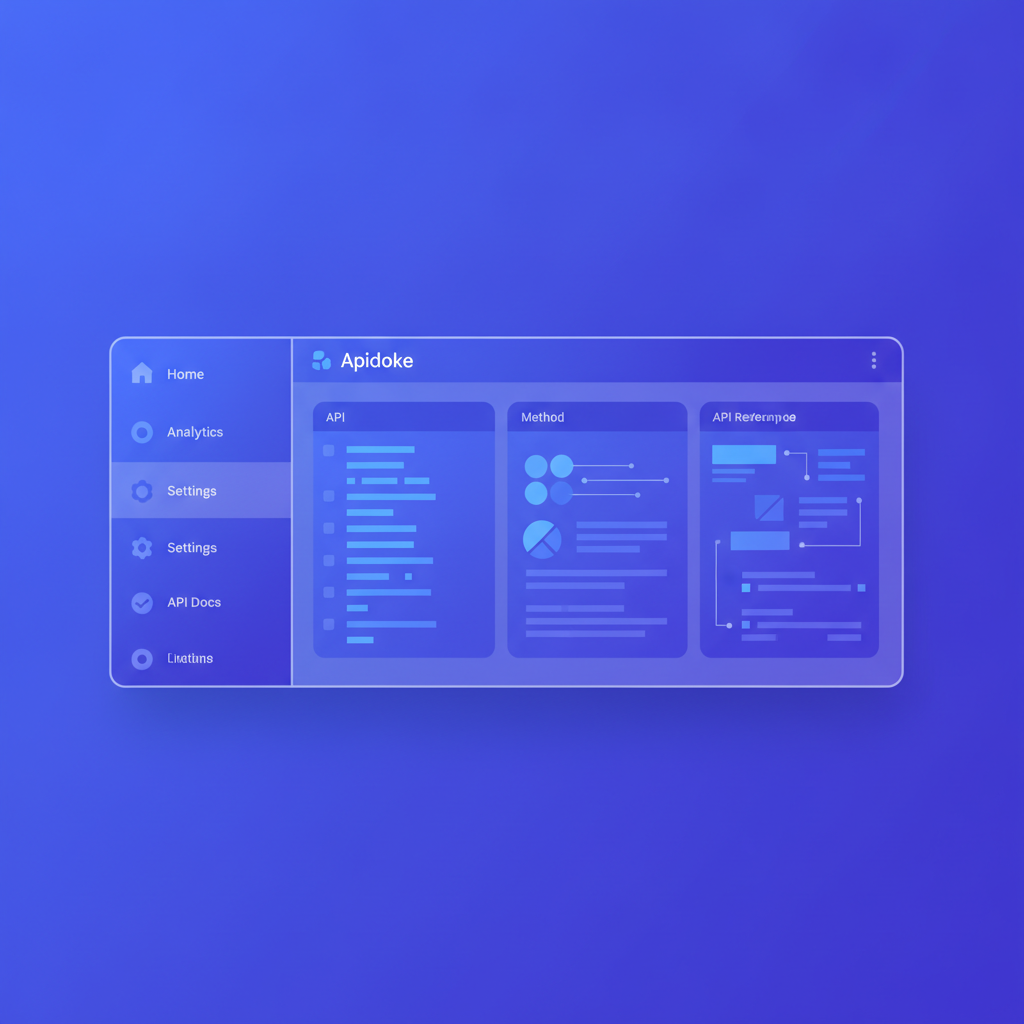
When you publish a project in Apidoke, the platform generates a public URL that renders a 3-column layout: a left navigation panel built from your API Blueprint's # Group and ## Resource headings, a centre content column with all request and response details, and a right-side try-it console. The whole viewer is a static page served from that URL, so it loads fast and has no server-side session to manage.
Because the viewer is a single self-contained page, it responds well to <iframe> embedding. The navigation is keyboard-accessible, anchor links are stable, and the try-it console works exactly as it does standalone since it makes HTTP requests from the user's browser, not from a proxy on Apidoke's infrastructure.
Each project also carries its own per-project version history, so when you publish a new version your embed automatically reflects the latest content at the same URL. You do not need to update your iframe src every release cycle.
Option 1: iframe embed
When to use it
An iframe is the right choice when you want the full interactive viewer, including the try-it console, inside your product shell. It requires almost no code and no server infrastructure. The trade-off is that the iframe renders inside a box; you cannot directly style the content inside it, and very narrow viewports can feel cramped if you do not constrain the outer container thoughtfully.
Basic iframe snippet
After publishing your project, copy the public URL from the Apidoke dashboard. Then drop this into your product's HTML:
<iframe
  src="https://yourworkspace.apidoke.com/projects/my-api/docs"
  width="100%"
  height="100%"
  style="border: none; min-height: 600px;"
  title="My API Reference"
  loading="lazy"
></iframe>
A few points worth noting:
- Set
width="100%"and let the parent container control width. Most product dashboards use a CSS grid or flex layout, so the iframe will fill whatever column you place it in. - The
titleattribute is required for screen-reader accessibility. Use a descriptive value like"Payments API Reference". loading="lazy"defers the iframe load until it is near the viewport, which helps page performance if the docs panel is below the fold or behind a tab.- Avoid
sandboxattributes that block scripts or same-origin navigation. The try-it console needs to firefetch()calls, which require scripts to run.
Sizing and layout patterns
The most common layouts teams use in practice:
| Layout pattern | CSS approach | Best for |
|---|---|---|
| Full-height side panel | height: calc(100vh - 64px) (subtract your top nav height) | Developer consoles with a persistent sidebar |
| Tab content area | height: 80vh; overflow-y: auto | Settings pages with a "API Reference" tab |
| Modal overlay | Fixed-position container, z-index above main content | Contextual help triggered by a button click |
| Dedicated route/page | iframe takes 100vw / 100vh with your shell header above | Products that want docs to feel like a native page |
Deep-linking to a specific endpoint inside the iframe
Apidoke's viewer uses URL fragments (hash anchors) for individual endpoints. If your project has an endpoint documented like this in API Blueprint:
## Users Collection [/users]

### List Users [GET]

+ Response 200 (application/json)

        [
          { "id": 1, "name": "Ada Lovelace" },
          { "id": 2, "name": "Grace Hopper" }
        ]
Apidoke generates an anchor like #list-users or #get-users-collection (derived from the action heading). You can deep-link directly to it:
<iframe
  src="https://yourworkspace.apidoke.com/projects/my-api/docs#list-users"
  ...
></iframe>
This is powerful in onboarding flows. If a user just created their first webhook subscription in your product, you can open the iframe pre-scrolled to the POST /subscriptions endpoint so the reference is right there, not three scrolls away.
Option 2: deep-link strategy (open in a new tab or route)
When to use it instead of an iframe
Some product shells restrict iframes via Content Security Policy (CSP) headers that disallow frame-src from external origins. Others simply prefer not to nest a full interactive viewer inside a modal. In those situations, a well-structured deep link is a good alternative.
A deep link opens the Apidoke viewer in a new tab at exactly the right endpoint. It is one line of HTML and zero maintenance:
<a
  href="https://yourworkspace.apidoke.com/projects/my-api/docs#create-order"
  target="_blank"
  rel="noopener noreferrer"
>
  View API reference for POST /orders
</a>
Because the viewer URL is stable, you can scatter these links throughout your product: next to form fields, inside error messages, in tooltips, or in your SDK's inline comments.
Option 3: self-hosted embed with full control
If you self-host Apidoke (which the platform fully supports; read the self-hosted API docs guide for setup steps), you control the origin domain. This removes the cross-origin iframe restriction entirely, meaning you can host Apidoke at docs.yourproduct.com or even a sub-path like yourproduct.com/docs, and embed the viewer as if it were a first-party page.
With self-hosting, your CSP can whitelist your own domain, the try-it console still runs client-side, and version history still works per-project. You gain full control over HTTP headers and deployment environment. Nothing changes about how you author or publish docs; the difference is purely where the viewer is served from.
Making the try-it console work when embedded
How the try-it console fires requests
The try-it console sends HTTP requests directly from the user's browser using the fetch API. When a user enters a bearer token or API key and clicks "Send", the request goes from their browser to your API server. It does not pass through Apidoke. This matters for two reasons:
- Credentials (Authorization headers, API keys) are never transmitted to or logged by Apidoke servers.
- Your API server needs to send a correct
Access-Control-Allow-OriginCORS header to permit browser-originated requests from the Apidoke viewer's origin.
CORS requirements for the try-it console
If your API server currently only accepts requests from your product's frontend domain, you need to add Apidoke's viewer origin (or your self-hosted docs origin) to the allowed list. A minimal example for an Express server:
const cors = require('cors');

app.use(cors({
  origin: [
    'https://yourproduct.com',
    'https://yourworkspace.apidoke.com'
  ],
  methods: ['GET', 'POST', 'PUT', 'PATCH', 'DELETE', 'OPTIONS'],
  allowedHeaders: ['Authorization', 'Content-Type']
}));
The browser will first send an OPTIONS preflight request; make sure your server returns 200 or 204 for OPTIONS on all API routes. Without this, the try-it console will show a CORS error rather than your actual 401, 404, or 200 response, which confuses developers using the embedded docs.
For a detailed walkthrough of testing live endpoints from the browser, the test API endpoints in the browser guide covers CORS, auth headers, and reading response bodies in depth.
Structuring your API Blueprint for embedded use
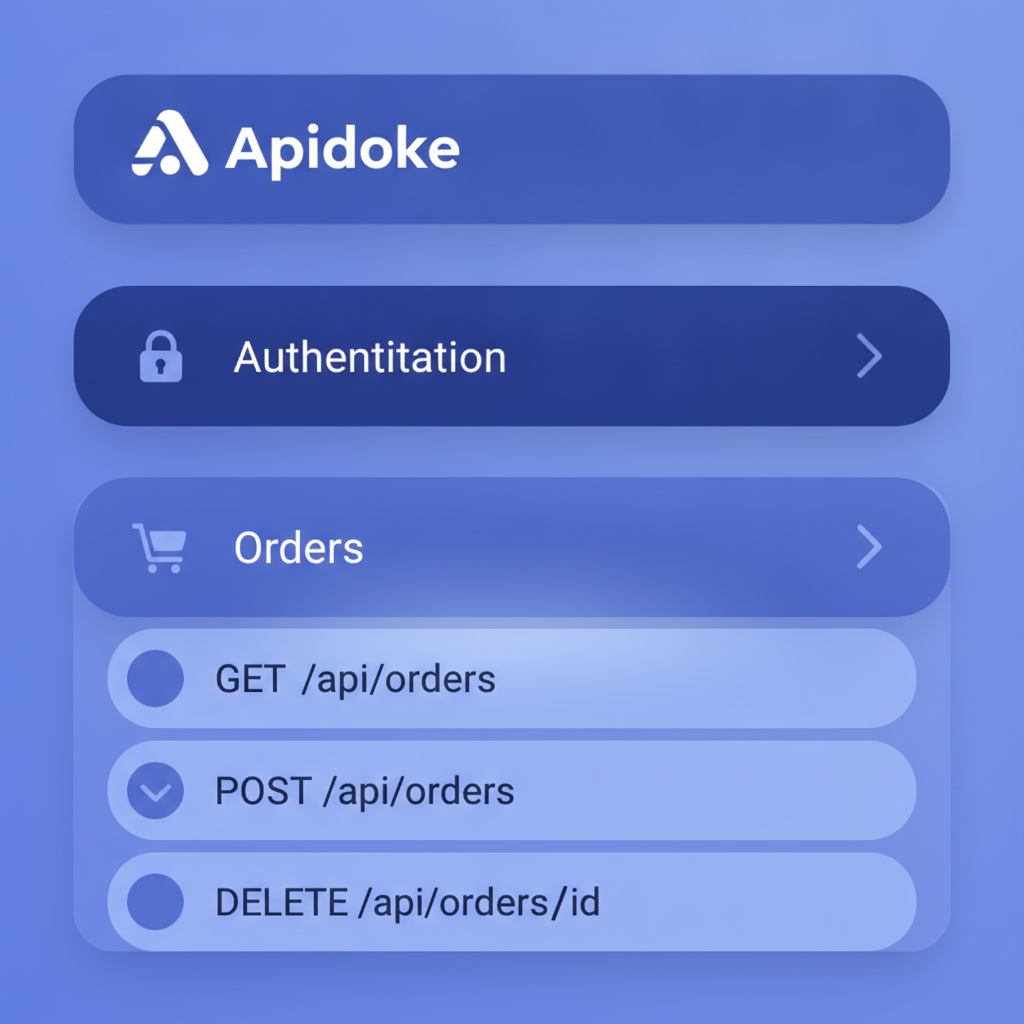
An embedded viewer benefits from a tightly organized API Blueprint because the left-nav becomes the user's primary orientation tool inside your product. If the nav is a flat list of 40 endpoints with no grouping, users will not find what they need. Group endpoints by feature area using the # Group keyword:
FORMAT: 1A
HOST: https://api.yourproduct.com

# My Product API

# Group Authentication

## Token [/auth/token]

### Request Token [POST]

+ Request (application/json)

        { "client_id": "abc", "client_secret": "xyz" }

+ Response 200 (application/json)

        { "access_token": "eyJ...", "expires_in": 3600 }

+ Response 401 (application/json)

        { "error": "invalid_client", "message": "Client credentials are invalid." }

# Group Orders

## Orders Collection [/orders]

### List Orders [GET]

+ Request
    + Headers

            Authorization: Bearer eyJ...

+ Response 200 (application/json)

        [ { "id": "ord_001", "status": "pending" } ]

+ Response 401 (application/json)

        { "error": "unauthorized" }
When embedded, each # Group becomes a collapsible section in the left nav. Users can open "Orders" without wading through authentication endpoints, and vice versa. This also makes your deep-link anchors more predictable and stable across versions.
Version history and keeping the embed current
Every project in Apidoke maintains per-project version history. When you publish a revised spec, the viewer at your public URL updates automatically. If you want to pin an embed to a specific version (for example, to give a legacy API consumer their own stable reference), Apidoke stores previous versions so you can link to them separately.
For teams that ship API changes on a schedule, this pairs naturally with a documented API documentation workflow: update the Blueprint in the editor, preview the change in the split-pane live preview, publish, and the iframe embed is current. No rebuild step, no CDN cache invalidation, no redeployment of your product.
Common problems and how to fix them
| Problem | Cause | Fix |
|---|---|---|
| Iframe shows a blank white page | Your product's CSP blocks external frame-src | Add the Apidoke origin to frame-src in your CSP header, or self-host Apidoke on your own domain |
| Try-it console returns a CORS error | Your API server does not allow the viewer origin | Add the Apidoke viewer URL (or your self-hosted docs origin) to your API server's CORS Access-Control-Allow-Origin list |
| Deep-link anchor scrolls to the wrong endpoint | Anchor is auto-generated from headings; a heading rename changes the anchor | Keep endpoint headings stable; treat them like public API surface |
| Iframe is too small on mobile | Fixed pixel height on the iframe container | Use height: 100svh or calc(100vh - Npx) and test at 375 px viewport width |
| Try-it responses show 401 every time | Users do not know where to enter their token | Add a brief instructional note above the iframe pointing users to the "Auth" field in the try-it panel |
Security considerations for embedded docs
The main security question teams ask is whether embedding docs exposes their API to unauthorized users. The short answer is no, for the same reason a public Postman collection does not: knowing an endpoint's URL and schema does not bypass authentication. Your API still validates every request and returns 401 Unauthorized if credentials are missing or wrong, exactly as the HTTP/1.1 semantics defined in RFC 9110 specify.
What you should think through:
- If the Apidoke project is published publicly, anyone who finds the URL can read the reference. That is fine for external APIs and intentional for most teams. If the docs are internal-only, use Apidoke's self-hosted option behind your own auth layer.
- Do not document credentials (API keys, client secrets) in example request bodies. Use placeholder values like
YOUR_API_KEY. The API Blueprint spec does not enforce this, but it is good practice. - The try-it console stores any token the user types in browser memory for that session. It is not persisted. Users should treat it like any browser-based API client.
Frequently asked questions
Can I restrict who can see the embedded docs?
If you self-host Apidoke, you can place the docs instance behind any auth middleware your infrastructure supports, including session cookies or header-based access control. Requests to the docs URL then require authentication at the server level, so only your logged-in users see the content. The iframe embed simply inherits whatever access control you apply to the docs origin.
Will the try-it console work when the docs are embedded in an iframe?
Yes. The try-it console uses the browser's native fetch API, which works inside iframes. The only requirement is that your API server returns the correct CORS headers to permit requests from the iframe's origin. If you self-host Apidoke on your own domain, the origin matches and CORS is a non-issue.
What happens to the embed when I publish a new version of my API docs?
The public URL Apidoke generates for your project always serves the latest published version. When you publish an update, the embed automatically reflects the new content the next time a user loads the page. You do not need to change the iframe src or redeploy your product.
Is it possible to embed only one specific endpoint, not the full docs?
There is no way to render a single endpoint in isolation through the Apidoke viewer. The full 3-column viewer loads at the project URL. You can, however, deep-link to a specific endpoint anchor so the viewer scrolls directly to that section on load, which gives users a focused starting point even if the full navigation is available.
Does embedding Apidoke docs add cookies or tracking to my product?
Apidoke does not inject advertising trackers or third-party analytics into its viewer. If you self-host, you control the entire server environment and can audit every asset served. For cloud-hosted projects, no cross-site cookies from Apidoke should affect your product's own cookie policy, since the iframe content is a separate browsing context.
Ready to publish your first embeddable API reference? Create a free Apidoke account and have a live, embeddable doc viewer ready in minutes, no toolchain, no credit card required.