
How to Document API Pagination

To document API pagination, you describe the query parameters, response envelope fields, and linking conventions that tell callers how to request successive pages of data. The three patterns you will almost always encounter are page-and-limit (offset by page number), offset-and-limit (offset by integer row count), and cursor-based (opaque token pointing to a position in the result set). Apidoke lets you write each pattern in API Blueprint format and publish a live, interactive reference in minutes.
- Pagination documentation must cover request parameters, response envelope fields, and the exact shape of the next-page signal for every pattern your API uses.
- Cursor-based pagination is the most reliable pattern for large or frequently changing datasets; offset-based patterns are simpler but drift under concurrent writes.
- API Blueprint gives you a concise, human-readable syntax to capture all three pagination patterns alongside real request and response bodies.
- Apidoke renders your Blueprint as a 3-column live reference with a try-it console so readers can fire real paginated requests without leaving the docs.
Why pagination deserves its own documentation section
Pagination is not a footnote. A developer who misunderstands your pagination contract will either hammer your API for every record on every call, or silently drop the last page and never know. Both outcomes produce real bugs. Good pagination documentation is the contract that prevents them.
The three patterns also have meaningfully different failure modes. Page-and-limit pagination is simple to implement but returns inconsistent results when records are inserted or deleted mid-traversal. Cursor-based pagination is stable under concurrent writes because the cursor encodes a deterministic position. Offset-and-limit sits in between: it uses an integer byte or row offset rather than a page multiplier, which gives finer control but still drifts if the underlying dataset changes. Your docs should explain whichever of these your API uses, not just list the parameter names.
The anatomy of a paginated response
Before writing a single line of Blueprint, agree on what your response envelope looks like. Most paginated APIs return a wrapper object that contains both the data array and the pagination metadata. A typical JSON envelope for a page-based response looks like this:
{
  "data": [ ... ],
  "pagination": {
    "page": 2,
    "limit": 25,
    "total": 312,
    "total_pages": 13
  }
}
A cursor-based response replaces the numeric fields with opaque tokens:
{
  "data": [ ... ],
  "pagination": {
    "next_cursor": "eyJpZCI6MTAwfQ==",
    "prev_cursor": "eyJpZCI6NzZ9",
    "has_more": true
  }
}
The next_cursor value is an opaque string (often Base64-encoded). Callers must treat it as a black box and pass it back verbatim in the next request. Document that explicitly, because many developers will try to decode it.
For Link header-based pagination (used by GitHub and described in RFC 8288 Web Linking), the envelope stays clean but you must document the response headers instead of body fields.
Documenting page-based pagination in API Blueprint
API Blueprint (the open plain-text format backed by the API Blueprint specification) lets you declare query parameters with types, defaults, and examples right inside the endpoint definition. Here is a complete, copy-paste example for a page-based list endpoint:
## List Articles [GET /articles{?page,limit}]

Returns a paginated list of published articles.
Default page size is 25. Maximum is 100.

+ Parameters
    + page (number, optional) - Page number to retrieve, starting at 1.
        + Default: `1`
    + limit (number, optional) - Number of results per page.
        + Default: `25`

+ Request (application/json)
    + Headers

            Authorization: Bearer {token}

+ Response 200 (application/json)
    + Body

            {
              "data": [
                { "id": 51, "title": "Getting started", "published_at": "2026-01-15" },
                { "id": 52, "title": "Advanced patterns", "published_at": "2026-01-18" }
              ],
              "pagination": {
                "page": 2,
                "limit": 25,
                "total": 312,
                "total_pages": 13
              }
            }

+ Response 400 (application/json)
    + Body

            {
              "error": "invalid_parameter",
              "message": "'limit' must not exceed 100."
            }
Notice the {?page,limit} URI template in the resource line. This follows RFC 6570 URI Template syntax and is what API Blueprint uses to generate the parameter table in the rendered output. Apidoke picks up those parameter names and prefills them in the try-it console so readers can change page=2 to page=3 and fire the request immediately.
Documenting offset-and-limit pagination in API Blueprint
Offset-and-limit uses an integer byte or row offset rather than a page multiplier. The parameter is usually named offset (or sometimes skip). The pattern is popular with SQL-backed APIs where LIMIT and OFFSET map directly to query clauses.
## List Orders [GET /orders{?offset,limit}]

Returns orders starting from `offset`. Combine with `limit` to page through results.

+ Parameters
    + offset (number, optional) - Zero-based row offset.
        + Default: `0`
    + limit (number, optional) - Maximum number of orders to return.
        + Default: `20`

+ Request (application/json)
    + Headers

            Authorization: Bearer {token}

+ Response 200 (application/json)
    + Body

            {
              "data": [
                { "id": "ord_881", "status": "shipped", "total": 59.99 }
              ],
              "pagination": {
                "offset": 40,
                "limit": 20,
                "total": 134
              }
            }

+ Response 400 (application/json)
    + Body

            {
              "error": "invalid_parameter",
              "message": "'offset' must be a non-negative integer."
            }
A practical note worth adding to your docs prose: if the total record count is not available (expensive to compute on large tables), omit total from the response and document that the field is conditionally absent rather than leaving readers confused by its disappearance in production.
Documenting cursor-based pagination in API Blueprint
Cursor-based pagination is the right choice for high-volume feeds, real-time data, and anything where records are frequently inserted or deleted. The cursor encodes a deterministic bookmark (a timestamp, an ID, or a compound key), so page results stay consistent even while the dataset changes underneath.
## List Events [GET /events{?cursor,limit}]

Returns up to `limit` events. Pass the `next_cursor` from a previous response
to retrieve the following page. Cursors are opaque; do not parse or modify them.

+ Parameters
    + cursor (string, optional) - Opaque pagination cursor from a previous response.
    + limit (number, optional) - Number of events per page. Max 50.
        + Default: `20`

+ Request (application/json)
    + Headers

            Authorization: Bearer {token}

+ Response 200 (application/json)
    + Body

            {
              "data": [
                { "id": "evt_1001", "type": "user.created", "created_at": "2026-09-01T10:00:00Z" },
                { "id": "evt_1002", "type": "order.placed",  "created_at": "2026-09-01T10:01:33Z" }
              ],
              "pagination": {
                "next_cursor": "eyJpZCI6MTAwMn0=",
                "has_more": true
              }
            }

+ Response 200 (application/json)
    + Body

            {
              "data": [
                { "id": "evt_1099", "type": "user.deleted", "created_at": "2026-09-01T11:44:02Z" }
              ],
              "pagination": {
                "next_cursor": null,
                "has_more": false
              }
            }

+ Response 401 (application/json)
    + Body

            {
              "error": "unauthorized",
              "message": "A valid Bearer token is required."
            }
Two response bodies in one endpoint definition is perfectly valid Blueprint. The second body shows the last-page state where has_more is false and next_cursor is null. Document that explicitly. Developers will iterate in a loop on has_more === true, and if you never show the termination condition, you invite infinite loops in production code.
Comparing the three pagination patterns
| Pattern | Key parameters | Best for | Main drawback |
|---|---|---|---|
| Page-and-limit | page, limit | Simple UIs with page number controls | Results drift on concurrent writes |
| Offset-and-limit | offset, limit | SQL-backed APIs, fine-grained seeking | Expensive on large offsets; still drifts |
| Cursor-based | cursor, limit | Feeds, real-time data, large datasets | Cannot jump to an arbitrary page number |
Structuring pagination docs inside a Blueprint file
Use API Blueprint's # Group keyword to keep pagination-heavy resource families together. A group named Pagination at the top of your file can hold a plain-prose introduction before any resource definition, which is the right place for cross-cutting rules (maximum page size, cursor lifetime, error codes).
# Group Pagination

All list endpoints in this API support cursor-based pagination.
Cursors expire after 10 minutes. Expired cursors return HTTP 410 Gone.
The maximum `limit` across all endpoints is 100.

## List Articles [GET /articles{?cursor,limit}]
...

## List Orders [GET /orders{?cursor,limit}]
...
That introductory paragraph renders as styled prose in Apidoke's center column, directly above the resource definitions. Readers see the rules before they see the parameters, which is exactly the order they need.
How to document pagination error responses
Pagination introduces a small but distinct set of error conditions that belong in your docs:
- 400 Bad Request: the caller passed a non-integer
page, a negativeoffset, or alimitabove the maximum. Document the exact constraint violated. - 404 Not Found: useful when
page=999exceedstotal_pagesand you want to signal the page does not exist rather than returning an empty array. - 410 Gone: cursor has expired. This is the right status code per RFC 9110 section 15.5.11 when a previously valid resource is no longer available.
- 422 Unprocessable Content: the cursor string is syntactically valid but cannot be decoded. Distinguish this from 400 if your API does so.
Each of these deserves its own + Response block in Blueprint so the try-it console can show the exact error body, not just the status code.
How to publish paginated API docs with Apidoke
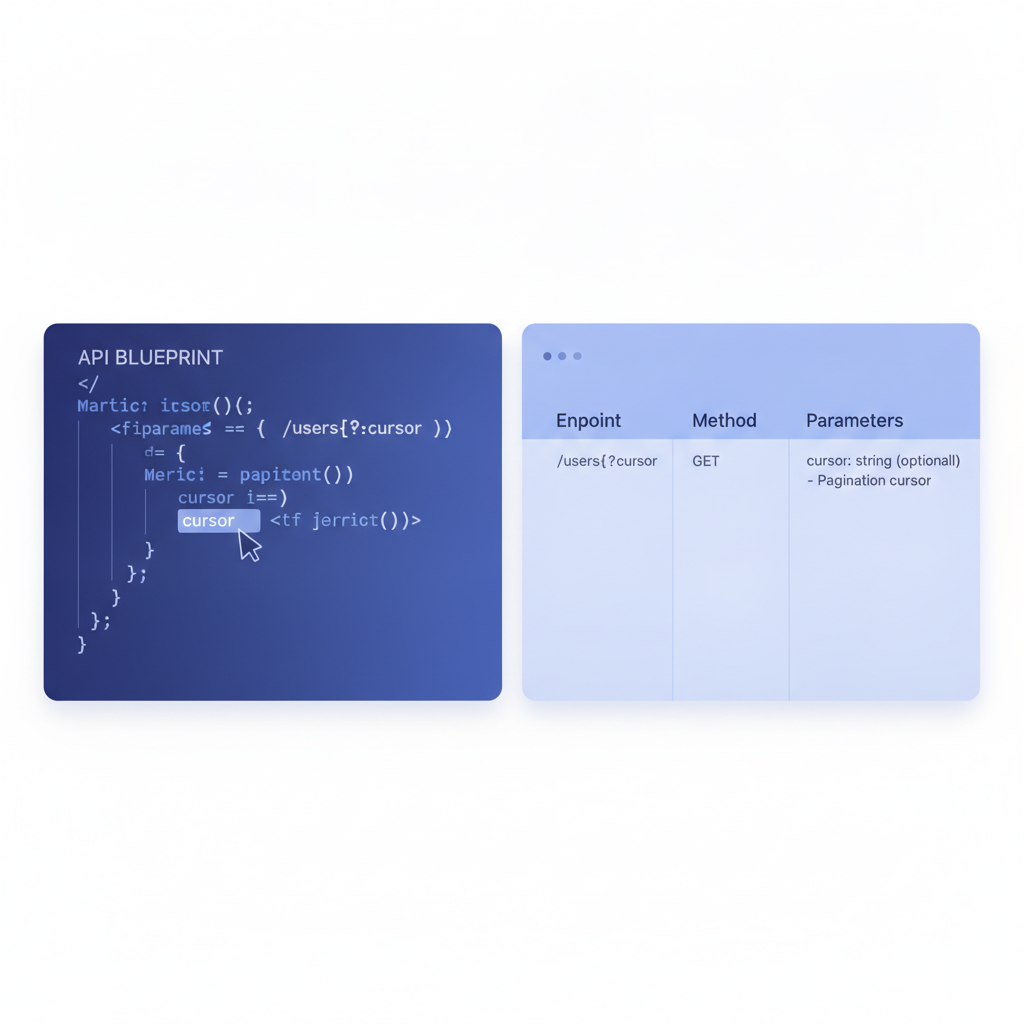
- Open Apidoke's split-pane CodeMirror editor. Paste your API Blueprint source into the left pane. The right pane renders a live 3-column preview as you type.
- Add a
# Group Paginationsection with an introductory paragraph followed by your paginated resource definitions. - Save the file. Apidoke snapshots the current state as a version entry so you can diff it against earlier iterations.
- Click the one-click publish button to generate a public URL for the rendered reference.
- Open the published page and use the try-it console to send a real GET request to your API. Your Bearer token stays in the browser; it never touches Apidoke's servers.
- When you update the pagination contract (for example, adding a
prev_cursorfield), edit the Blueprint, save again, and the new version appears in the version history alongside the previous one.
Common mistakes to avoid in pagination documentation
A few patterns come up repeatedly when pagination docs fall short:
Documenting only the happy path. If you show has_more: true but never show has_more: false, developers write loops that never terminate on the last page. Always include the termination state as a second response body.
Leaving the cursor type vague. Write explicitly that the cursor is a string, that it is opaque, and that its lifetime is (for example) 10 minutes. If you say nothing, someone will decode it, hardcode the timestamp, and file a bug when it breaks.
Skipping the maximum limit. Every API has one. Document it. A caller who passes limit=10000 and gets silently clamped to 100 will think your API is broken.
Not documenting what happens when total is omitted. Some APIs compute total only for the first page, or only when a query parameter requests it. If your API does this, say so in the parameter description or you will get support tickets from developers building progress bars.
For a broader look at structuring the rest of your reference, the step-by-step REST API documentation tutorial covers authentication, error handling, and endpoint organization alongside pagination.
Pagination documentation and the try-it console
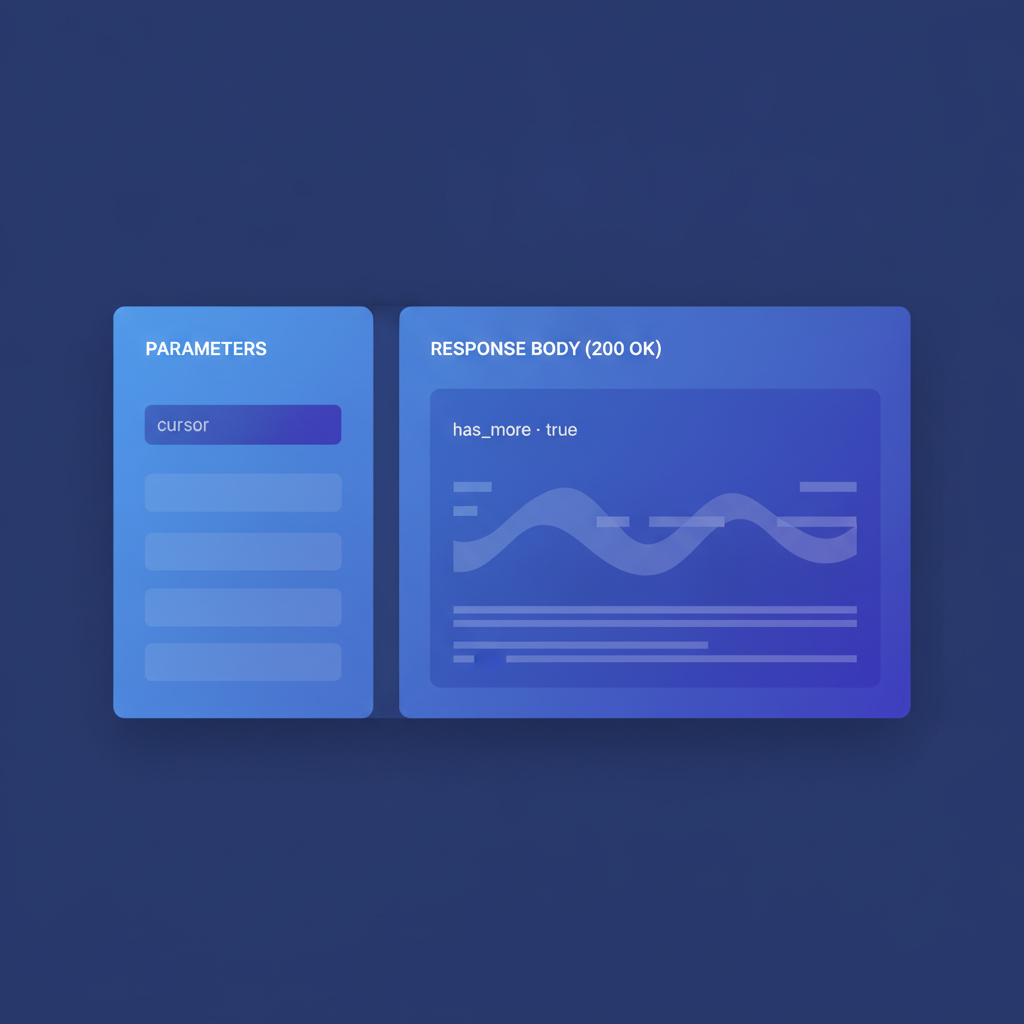
One of the real advantages of publishing in Apidoke is that the try-it console prefills query parameters from your Blueprint definitions. A reader looking at your cursor-based endpoint sees cursor and limit fields already present in the console. They paste in a token from a previous response and fire the next request without switching tools.
This matters specifically for pagination because the multi-step nature of traversal (request page 1, copy cursor, request page 2) is exactly where static docs fail. A reader with a live console can complete the full traversal within the documentation page, which builds confidence far faster than reading a prose description. If you want to understand more about how interactive consoles work in practice, the try-it console explainer goes deeper on how requests are dispatched and why auth credentials remain client-side.
Frequently asked questions
What is the difference between cursor-based and offset-based pagination?
Offset-based pagination uses a numeric row count or page number to skip records. Cursor-based pagination uses an opaque token that encodes a deterministic position in the result set. Cursor-based is more reliable when records are added or deleted between requests because the cursor points to a stable position rather than a row index that can shift.
How do I document the next_cursor field in API Blueprint?
Include it in the response body JSON inside a + Response 200 (application/json) block, then add a prose note in the endpoint description stating that the field is opaque, must not be decoded, and expires after a defined duration. Show both the case where has_more is true and where it is false as separate response examples.
Should I document pagination parameters in the path or as query parameters?
Almost always as query parameters. Path-based pagination (for example /articles/page/2) was common in early REST APIs but is rarely the right choice for new APIs because it makes constructing the next-page URL more complex for clients. Document them with the {?page,limit} URI template syntax in API Blueprint.
What HTTP status code should an expired cursor return?
HTTP 410 Gone is the correct code. It signals that the resource previously existed (the cursor was valid) but is no longer available, which is semantically accurate for an expired pagination token. Return a clear error body with an error field and a human-readable message so callers know to restart pagination from the beginning.
Can I document multiple pagination patterns in the same API Blueprint file?
Yes. Different resource groups can use different patterns. Use the # Group keyword to separate them and add an introductory prose paragraph to each group explaining which pattern that group uses. This keeps the rules close to the endpoints they apply to rather than buried in a separate concepts page.
Ready to publish your pagination docs as a live, interactive reference? Create your free Apidoke account and have your first paginated API Blueprint rendered and published in under ten minutes, no credit card required.
Related reading: Versioning API Documentation: A Practical Workflow
Related reading: API Documentation Workflow: From Draft to Published