
Self-Hosting Your API Documentation
Self-hosted API docs are API reference sites you run on your own infrastructure rather than paying a third-party platform to host them for you. With Apidoke, you clone the open-source server, drop in your API Blueprint files, and serve a full three-column interactive reference, including a live try-it console, entirely from hardware you control. No vendor lock-in, no per-seat fees, no data leaving your network.
- Apidoke is self-hostable at no cost: spin it up on any Linux server, container, or internal network in under ten minutes.
- Auth tokens typed into the try-it console never reach Apidoke servers; all HTTP requests fire directly from the reader's browser.
- Per-project version history is built in, so you keep a full audit trail of every doc change without a third-party service.
- You write docs in API Blueprint, an open IETF-era plain-text standard, meaning your source files are portable regardless of which tool you use to render them.
Why self-host API documentation at all?
For many teams, the decision comes down to three pressures arriving at the same time: rising platform costs, stricter data-residency requirements, and the frustration of fighting a hosted tool's opinions about structure and styling.
Hosted documentation platforms can be convenient when a project is small, but pricing tends to scale with seats, page views, or both. A growing engineering team can easily find itself paying hundreds of dollars a month for something that is, at its core, a rendered text file and a proxy request handler. Self-hosting shifts that recurring cost to whatever compute you already have.
Data residency is the other driver. If your API handles health information, financial records, or anything subject to GDPR or CCPA, even the metadata visible in your documentation, such as endpoint paths, parameter names, and example payloads, may need to stay within a defined boundary. A self-hosted setup makes compliance conversations much shorter because you can point to an IP address inside your own perimeter.
What does "self-hosted" actually mean in this context?
When people say self-hosted API docs, they usually mean one of two things. The first is a static site generator output that you push to a CDN or internal file server. The second, and more capable, approach is a server application that reads your source files, builds a dynamic interface, and exposes features like the try-it console at runtime. Apidoke falls into the second category.
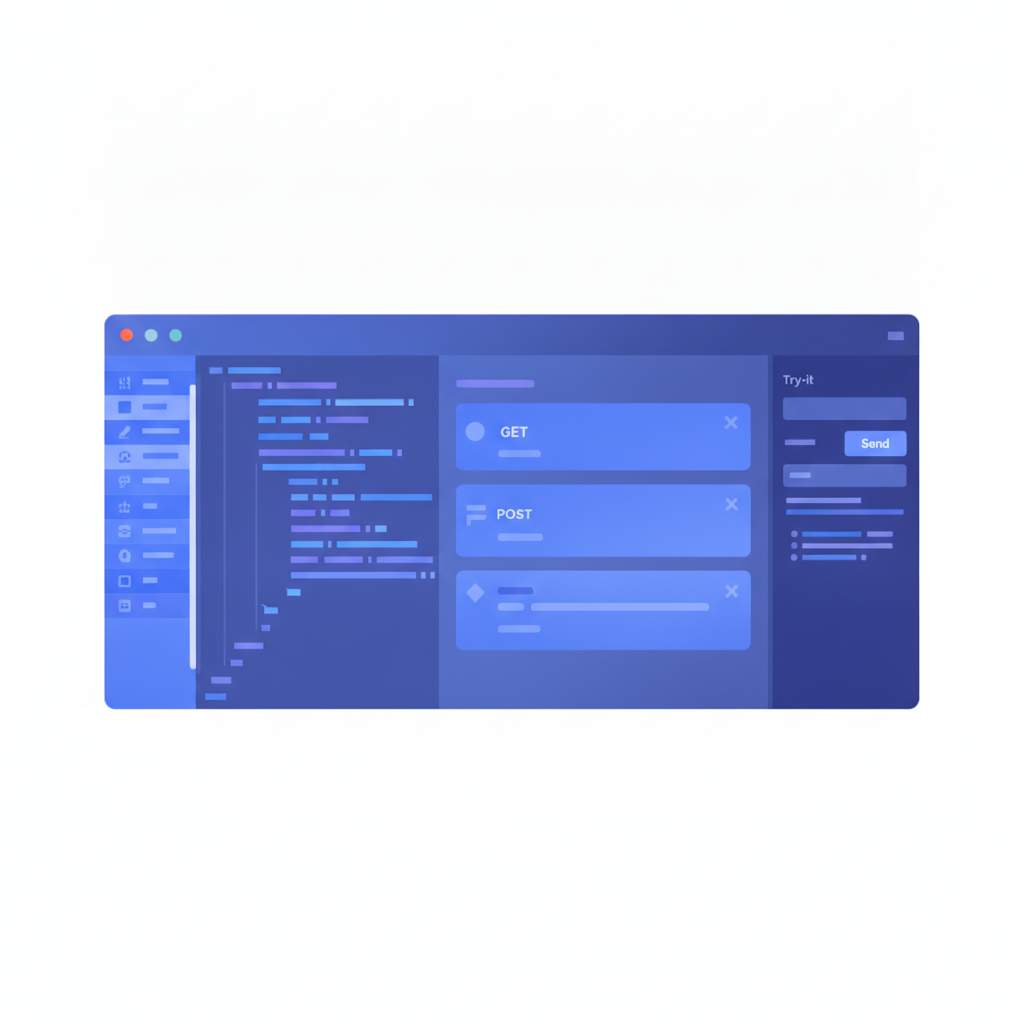
The Apidoke server process reads your API Blueprint markdown files, parses them, and serves a three-column viewer: a left-column navigation tree, a center-column rendered reference, and a right-column live HTTP console. The console lets a reader fill in parameters and send real requests directly to the API being documented. Because the request originates in the reader's browser, any Authorization header or Bearer token the reader types stays entirely client-side.
How does Apidoke's try-it console work without sending tokens to your servers?
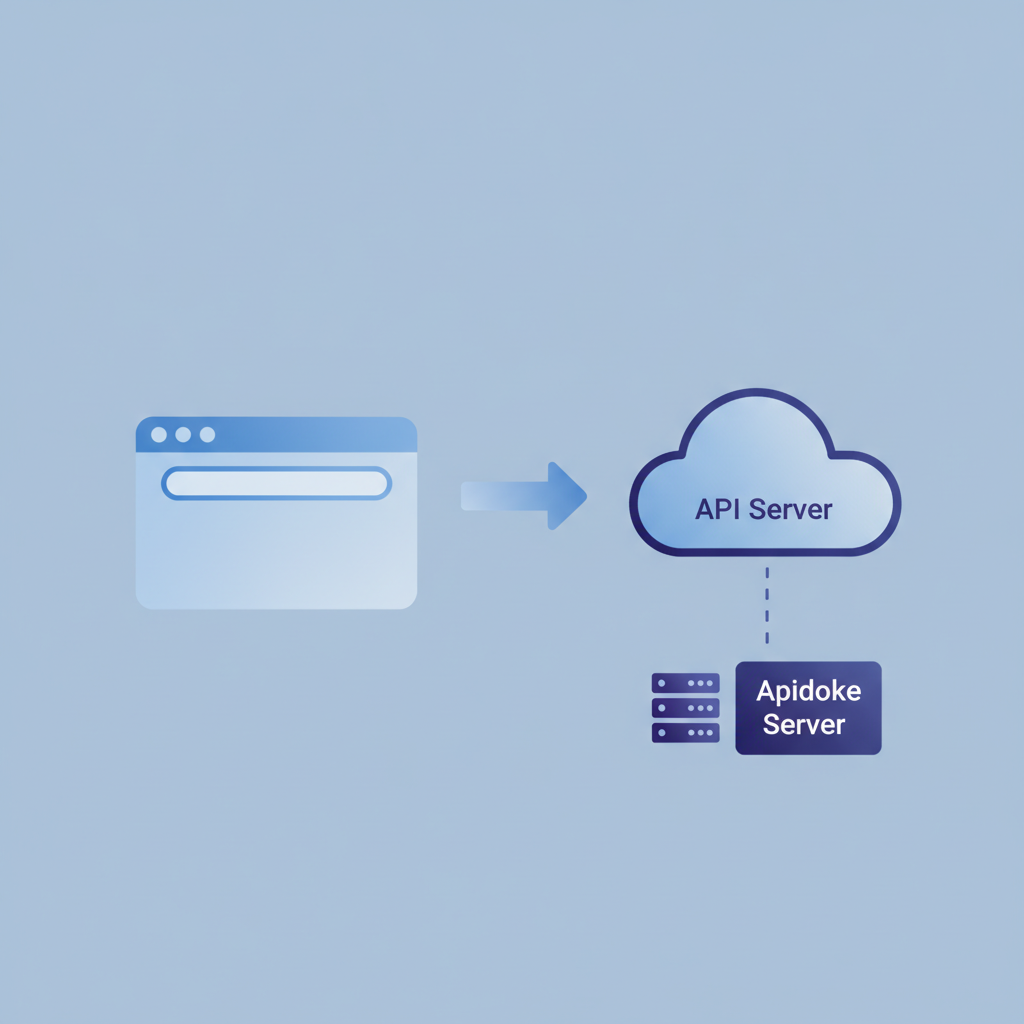
This is worth explaining precisely because it is a genuine architectural difference from proxy-based tools. In a proxy approach, the documentation platform receives the request from the browser, attaches auth credentials on the server, and forwards the call to the real API. The platform therefore sees your token.
Apidoke's console works differently. The rendered page is just HTML and JavaScript running in the reader's browser. When the reader clicks "Send," the browser's fetch() call goes directly to the URL defined in the API Blueprint. The Apidoke server is not in that network path at all. This is easy to verify: open browser DevTools, go to the Network tab, and watch for the outbound request. You will see it go to your API's hostname, not to any Apidoke domain.
The relevant HTTP mechanics: a successful authenticated call returns a 200 OK. A missing or expired token returns 401 Unauthorized. A valid token calling a resource the user lacks permission for returns 403 Forbidden. A path that does not exist returns 404 Not Found. The console surfaces all of these status codes in the response pane so readers can debug against real behavior, which is the core value of any interactive API reference. (For the authoritative definition of these status codes, see RFC 9110.)
Step-by-step: spinning up self-hosted API docs with Apidoke
The following procedure assumes a Linux host with Node.js installed. Adjust paths for your environment.
- Clone and install. Pull the Apidoke repository and run the dependency install. This takes about two minutes on a modest VPS.
- Create a project. In the Apidoke dashboard (served locally on port 3000 by default), click "New Project" and give it a name. Each project maps to one API and maintains its own independent version history.
- Write your first API Blueprint file. Open the split-pane CodeMirror editor. The left pane accepts raw API Blueprint markdown; the right pane renders the three-column viewer in real time. A minimal working document looks like this:
FORMAT: 1A
HOST: https://api.example.com

# My API

## Group Users

## User Collection [/users]

### List Users [GET]

+ Response 200 (application/json)

        [
          { "id": 1, "name": "Alice" },
          { "id": 2, "name": "Bob" }
        ]

### Create User [POST]

+ Request (application/json)

        { "name": "Carol" }

+ Response 201 (application/json)

        { "id": 3, "name": "Carol" }
A few syntax notes worth internalizing. FORMAT: 1A is the API Blueprint version declaration, required at the top of every document. HOST sets the base URL the try-it console sends requests to. # Group Users creates a navigation section. ## User Collection [/users] declares a resource with its path. ### List Users [GET] defines an action. The + Response 200 block holds an example response body indented by exactly eight spaces (or two tab stops). Indentation is structural in API Blueprint, so a misaligned block will fail to parse. You can read the full specification at the official API Blueprint specification.
- Check the live preview. The right pane updates as you type. Verify that your
GET /usersaction appears in the navigation tree and that the example response body renders correctly. - Save a version. Click "Save Version" and add a short label like
v1.0 initial. Apidoke stores this snapshot. You can restore any prior version from the version history panel without touching your file system. - Publish. Click "Publish" to make the project's viewer accessible at its public URL on your server. Because you are self-hosting, that URL is whatever domain or IP you have assigned to your Apidoke instance. You can place Nginx or Caddy in front of it to add TLS.
- Test the try-it console. Navigate to the published viewer, open the
GET /usersaction, and click "Send Request." If your API server is running at the HOST you declared, you will see the raw response body and the HTTP status code appear in the right column within milliseconds.
How does self-hosting compare to popular hosted alternatives?
Teams typically shortlist Apidoke alongside Mintlify, ReadMe, and (historically) Apiary. The comparison below covers the dimensions that matter most at the bottom of the evaluation funnel.
| Capability | Apidoke (self-hosted) | Mintlify (hosted) | ReadMe (hosted) |
|---|---|---|---|
| Hosting model | Your servers | Mintlify cloud | ReadMe cloud |
| Cost structure | Compute only, no per-seat fee | Tiered subscription | Tiered subscription |
| Auth token handling | Browser only, never touches Apidoke | Platform proxy | Platform proxy |
| Source format | API Blueprint (plain text) | MDX / OpenAPI | OpenAPI / proprietary |
| Version history | Built in, per-project | Via Git integration | Paid tiers |
| Live try-it console | Yes, client-side | Yes, proxy-based | Yes, proxy-based |
| Data residency control | Full | None | None |
The comparison above reflects the publicly documented architectures of each platform as of mid-2026. If any detail has changed, check each vendor's current documentation before making a purchasing decision. For a deeper side-by-side of tools across more dimensions, see the best API documentation tools in 2026 roundup.
What about version history when you self-host?
This is one of the more practical concerns for teams switching away from a hosted platform. With a SaaS tool, version history is someone else's database problem. When you self-host, you need to be deliberate about it.
Apidoke handles this at the application layer rather than delegating to Git. Every time you click "Save Version" in the editor, Apidoke stores a snapshot of the current document state in its local database, labeled with a timestamp and whatever description you provide. You can browse the full history from the project dashboard, diff any two versions, and restore a previous state with one click. The database itself lives on your server, so it follows your own backup schedule.
This is distinct from, but compatible with, keeping your .apib source files in a Git repository. Many teams do both: Git for developer-facing source control and Apidoke's versioning for the rendered published states that non-developer stakeholders actually read.
Common mistakes when self-hosting API documentation
After going through the setup, teams sometimes hit a handful of predictable issues.
Forgetting CORS on the API server. The try-it console fires fetch() from the browser, which means the target API must return the right Access-Control-Allow-Origin headers or the browser will block the response. A GET to a CORS-restricted endpoint will succeed in curl but fail silently in the console. Add the documentation origin to your API's allowed origins, or use a permissive policy for development environments.
Indentation errors in API Blueprint. API Blueprint is whitespace-sensitive. Response bodies must be indented by eight spaces (or two indentation levels). A body at four spaces will parse as narrative text rather than a code block, and the try-it console will have no example to pre-populate.
Serving over HTTP in production. If the published viewer loads over plain HTTP and the API it documents is HTTPS, the browser will block mixed-content requests from the try-it console. Put a reverse proxy with a valid TLS certificate in front of your Apidoke instance before sharing the URL externally.
Not setting the HOST value. If you omit the HOST: declaration at the top of your blueprint, the try-it console has no base URL to prepend to resource paths, and the "Send Request" button will produce a malformed URL. Always declare a concrete host, including the scheme.
Is self-hosting right for every team?
Honestly, no. If your team has no existing server infrastructure and no one comfortable running a Node.js process behind a reverse proxy, a hosted solution will be faster to launch. The operational overhead of self-hosting is real, even if it is small.
Self-hosting becomes the obvious choice when at least one of the following is true: you need data residency guarantees, your team is cost-sensitive and already pays for compute, you want to serve docs on an internal network not reachable from the public internet, or you have had bad experiences with hosted tools deprecating features or raising prices mid-contract.
For teams that want to evaluate the approach without committing to a server setup first, Apidoke also supports one-click public publishing from the editor itself, which lets you test the full workflow before deciding whether to move to a self-hosted deployment. The getting started guide for publishing your first interactive API doc covers that path in detail.
Frequently asked questions
What does it cost to self-host API documentation with Apidoke?
Apidoke itself has no licensing fee for self-hosting. You pay only for the compute you run it on, which can be as little as a shared VPS. There is no credit card required to get started, and no per-seat charge as your team grows.
Do I need to know API Blueprint to use Apidoke?
A basic understanding helps, but the learning curve is shallow. API Blueprint is plain Markdown with a small set of conventions for resources, actions, and responses. The live preview in Apidoke's editor gives you instant feedback so you can learn by doing rather than reading the full specification first.
Can I use Apidoke to document a private internal API?
Yes. Because you control the server, you can place Apidoke entirely inside a private network with no public route. Access can be restricted at the network level, so only team members on a VPN or internal network can reach the documentation viewer.
How do I handle multiple API versions in a self-hosted setup?
Apidoke maintains per-project version history through its built-in snapshot system. For distinct major versions that need to coexist as separate navigable docs, you can create separate projects within the same Apidoke instance, one per major version, each with its own published URL and independent version history.
Will self-hosting break the try-it console if my API requires authentication?
No, but you need to make sure your API server accepts requests from the browser origin serving your docs (see the CORS note above). The console lets readers enter an Authorization header manually before sending. The token stays in the browser session and is never stored or forwarded through Apidoke's server.
Ready to run your own API documentation without paying a platform tax? Create your free Apidoke account and have a self-hosted, versioned, interactive API reference live on your own server today.
Related reading: How to Document a REST API: A Step-by-Step Tutorial
Related reading: How to Make API Docs Interactive (Without a Toolchain)