
Reference Docs vs Tutorial Docs: Choosing the Right Type of API Documentation

The main types of API documentation are reference documentation, tutorial documentation, conceptual guides, and quick-start guides. Each serves a different reader at a different moment. Reference docs describe every endpoint, parameter, and status code precisely. Tutorials walk a developer through building something real. Apidoke lets you write and publish all of these formats using API Blueprint syntax and serve them from a single live, self-hosted viewer.
- Reference docs (also called API reference) answer "what does this do?"; tutorials answer "how do I accomplish this task?"
- Most APIs need both: developers skim reference docs daily but rely on tutorials when they first integrate.
- Getting the type wrong wastes writer time and frustrates developers, because a how-to guide buried in a parameter table is hard to find and use.
- Apidoke's 3-column viewer and live try-it console are especially suited to reference docs, while its CodeMirror editor handles tutorial prose equally well.
Why the type of API documentation matters
Developers arrive at your docs in two very different mental states. The first time they integrate, they want a path: show me what to install, show me the first request, show me a working response. After that first integration, they return dozens of times asking narrow questions: what is the exact shape of the created_at field? Does this endpoint accept PUT or PATCH? What does a 401 mean here versus a 403?
Writing one type of content and calling it "the docs" fails both groups. The new developer drowns in parameter tables. The experienced developer digs through a narrative to find a single field name. Choosing the right type before you start writing is one of the highest-leverage decisions in developer experience.
The four main types of API documentation
These categories are widely accepted in technical writing practice. The Diátaxis framework formalizes a similar split, but even without a framework the distinction below maps to how developers actually search and read.
1. Reference documentation
Reference documentation (API reference) is a complete, accurate, and minimal description of every resource, endpoint, method, request parameter, response field, and error code. It does not explain why something exists. It describes exactly what it does. Think of it as a dictionary entry: precise, terse, and exhaustive.
A reference doc entry for a single endpoint should answer:
- HTTP method and path (for example
GET /users/{id}) - Required and optional request parameters, with data types and constraints
- Every possible response status code (
200 OK,401 Unauthorized,404 Not Found) and the shape of each response body - Authentication requirements
- Rate limits or side effects, if any
Here is a minimal API Blueprint snippet for a reference entry:
## Retrieve a User [GET /users/{id}]

Returns a single user object by ID.

+ Parameters
    + id (required, string) - The unique user identifier.

+ Request (application/json)
    + Headers

            Authorization: Bearer <token>

+ Response 200 (application/json)
    + Body

            {
              "id": "usr_01HXZ9",
              "email": "alex@example.com",
              "created_at": "2025-03-14T08:00:00Z"
            }

+ Response 401 (application/json)
    + Body

            { "error": "unauthorized", "message": "Missing or invalid token" }

+ Response 404 (application/json)
    + Body

            { "error": "not_found", "message": "No user with that ID exists" }
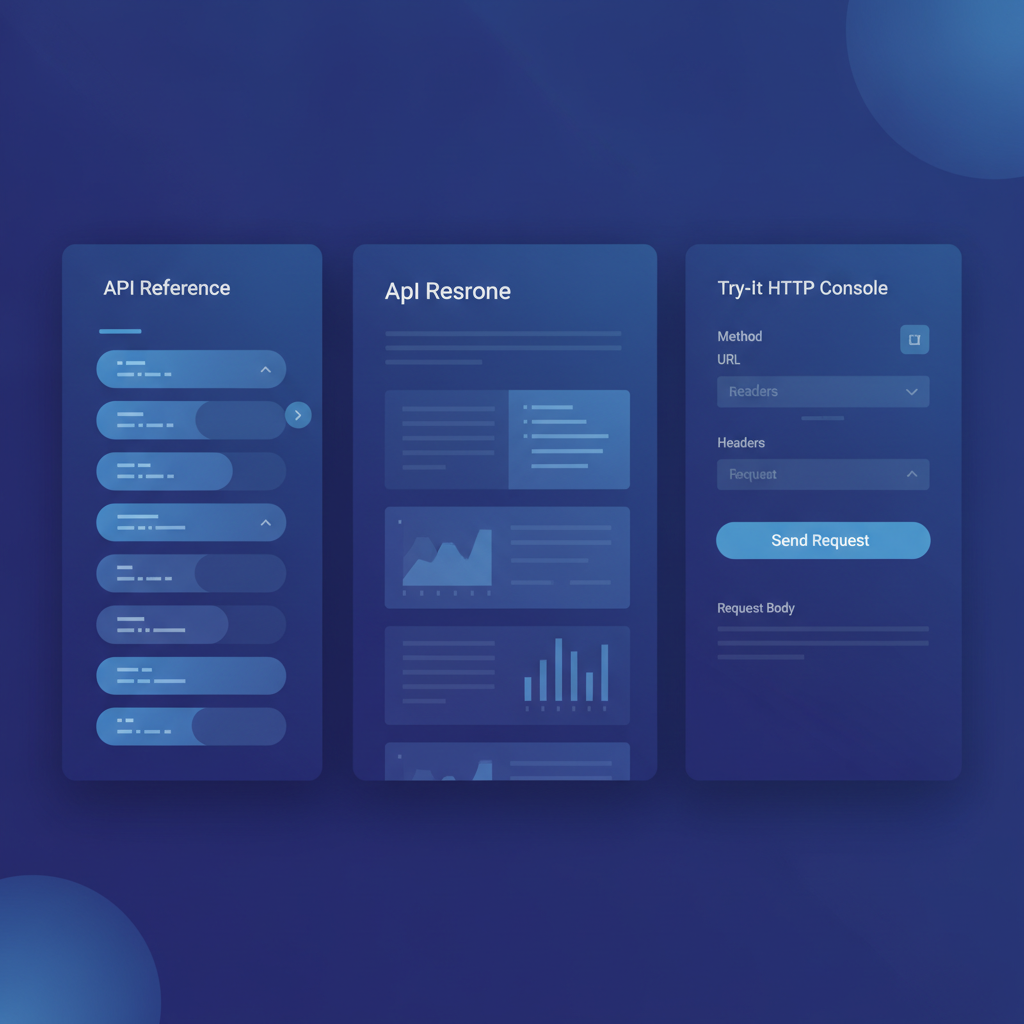
When a developer pastes that into Apidoke's editor, the viewer renders the navigation, the content panel, and a try-it console so they can fire a real GET request in the browser without leaving the docs page. Their auth token stays entirely in the browser and never passes through Apidoke's servers.
2. Tutorial documentation
A tutorial is a learning-oriented document. It takes a developer who knows nothing about your API and produces a working result by the end. Tutorials are opinionated: they make choices for the reader (use this library, send this exact payload) so the reader can focus on understanding the system rather than making decisions.
A good tutorial has three parts:
- A concrete goal stated up front ("By the end of this tutorial, you will have sent your first authenticated POST request and received a response with a
201 Createdstatus.") - Numbered steps with copy-paste code and exact expected output
- A clear stopping point where the reader has something real to show
Tutorials fail when they try to cover every option. Reserve variations for reference docs. The tutorial should always pick one path and follow it.
3. Conceptual guides (background reading)
Conceptual guides explain how something works, not how to use it. They answer questions like: why does this API use cursor-based pagination instead of offset? What is the difference between a webhook event and a polling endpoint? How does our authentication model work?
Conceptual guides do not include step-by-step instructions. They build the mental model a developer needs before the tutorial or reference doc makes full sense. They are often the most neglected type because they feel hard to measure, but they dramatically reduce support questions about non-obvious design decisions.
4. Quick-start guides
A quick-start guide sits between a tutorial and a reference doc. It is shorter than a tutorial (one page maximum), opinionated about setup, and designed to produce a working integration in under ten minutes. Where a tutorial explains concepts as it goes, a quick-start guide just moves. Developers who already know REST well prefer quick-starts; developers new to your domain prefer full tutorials.
How the types compare
| Type | Primary question answered | Reader state | Tone | Code examples |
|---|---|---|---|---|
| Reference | What does this endpoint/field/code do? | Returning developer, specific lookup | Terse, precise | Exact request and response bodies |
| Tutorial | How do I build this specific thing? | First integration, learning | Encouraging, step-by-step | Full working code, copy-paste safe |
| Conceptual guide | Why does it work this way? | Developer building mental model | Explanatory, no jargon assumed | Diagrams, minimal or none |
| Quick-start | What is the fastest path to a working call? | Experienced developer, first use | Direct, minimal explanation | One complete example, no variants |
How do you decide which types your API needs?
Start with these three questions.
- Who is your audience and how experienced are they with REST APIs in general? A public API serving thousands of developers at all skill levels needs all four types. An internal API used by one team that already knows REST can start with reference docs alone.
- How complex is the initial integration? If a developer can make a working call in two minutes just by reading the reference, a quick-start is enough. If the integration requires OAuth, a webhook setup, and three sequential requests, write a full tutorial.
- What are your most common support questions? Support tickets are a direct signal of documentation gaps. Questions like "why am I getting a
403?" often mean the reference entry for authentication is incomplete. Questions like "where do I even start?" mean a tutorial or quick-start is missing.
Common mistakes when mixing types
The most frequent mistake is writing a tutorial disguised as a reference. This happens when a team adds sentences like "typically you would use this endpoint when..." inside a parameter table. The reference reader wants the data type and the constraints; they do not want a paragraph of context. Save that context for the conceptual guide.
The opposite mistake is writing a reference doc and calling it a tutorial. Long tables of endpoints with no working example and no goal leave new developers unable to take the first step. According to RFC 9110, HTTP defines a uniform interface, but that uniformity does not mean every API works the same way in practice. A tutorial bridges the gap between the HTTP spec and your specific API's behavior.
Where API Blueprint fits into each type
API Blueprint, the Markdown-based format Apidoke is built around, was designed primarily for reference documentation. Its formal syntax for # Group, ## Resource, + Request, and + Response blocks maps cleanly to the structure of a reference entry. But nothing stops you from using API Blueprint's free-form Markdown sections to write tutorial prose, conceptual explanations, and quick-start narratives in the same file.
A single API Blueprint document can open with a quick-start section written in plain Markdown paragraphs, move into a conceptual section explaining authentication, and then transition into the full reference group structure. Apidoke renders all of it in one consistent viewer. You can learn more about structuring a document in the complete API Blueprint guide.
Here is how a quick-start section looks in API Blueprint alongside reference content in the same file:
FORMAT: 1A

# Payments API

## Quick Start

Make your first charge in three steps:

1. Obtain your API key from the dashboard.
2. Send a `POST /charges` request with an `amount` and `currency`.
3. Receive a `201 Created` response with a `charge_id` you can store.

## Authentication

All requests require a Bearer token in the `Authorization` header.
Tokens are scoped to a single environment (test or live).

# Group Charges

## Create a Charge [POST /charges]

+ Request (application/json)
    + Headers

            Authorization: Bearer sk_test_abc123

    + Body

            { "amount": 2000, "currency": "usd" }

+ Response 201 (application/json)
    + Body

            { "charge_id": "ch_001", "status": "pending" }
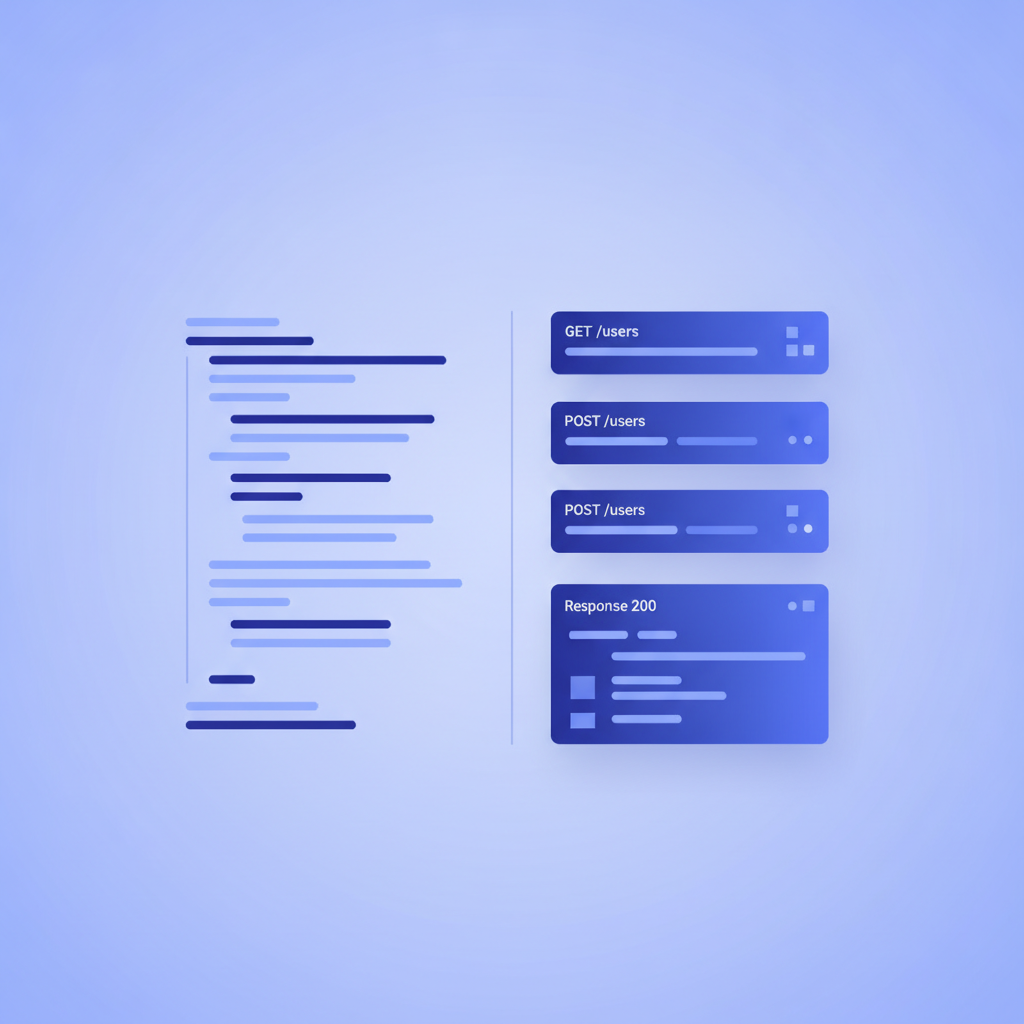
The quick-start prose sits above the formal reference group. Both render clearly in Apidoke's navigation and content panels.
How to audit your existing documentation by type
- List every page or section in your current docs.
- Label each one: reference, tutorial, conceptual, quick-start, or mixed.
- Find every "mixed" entry and split it into separate sections or separate pages.
- Check whether each type exists at all. Missing tutorial? Write one. No conceptual guide for authentication? Add one.
- Validate the reference section: every endpoint should have at least
200and one error response documented. The complete guide to writing API documentation covers the full reference checklist.
Versioning across documentation types
Reference docs change every time an endpoint signature changes: a new required field, a deprecated response property, a new error code. Tutorials change less often, but they do break when the underlying API changes a step in the flow. Conceptual guides are the most stable but still need updates when architectural decisions change.
Apidoke stores per-project version history, so you can tag a version of your docs at the point of each API release. If a consumer is on v1 of your API and v2 introduced a new required idempotency_key header, they can view the v1 reference and tutorial without confusion about what applies to their integration.
Frequently asked questions
What is the difference between reference documentation and a tutorial?
Reference documentation describes exactly what each endpoint, parameter, and response code does, without guiding the reader through a task. A tutorial walks a developer through building a specific outcome step by step. Most APIs need both: developers use reference docs for daily lookups and tutorials when they first integrate.
What are the main types of API documentation?
The four main types are reference documentation (endpoint and parameter specs), tutorial documentation (step-by-step learning guides), conceptual guides (background on how and why the API works), and quick-start guides (fastest path to a working call for experienced developers).
How do I know which type of API documentation to write first?
Write the reference documentation first, because it is the source of truth for everything else. Then add a quick-start guide so new developers can make a first call quickly. Add a full tutorial when your support queue shows developers struggling with the initial integration.
Can I write all types in API Blueprint?
Yes. API Blueprint is a Markdown-based format that supports both formal endpoint syntax (for reference docs) and free-form Markdown prose (for tutorials and conceptual sections) in the same file. Apidoke renders all of it together in one viewer.
Does mixing documentation types in one file cause problems?
Mixing types in one unorganized file causes problems because readers have to hunt for what they need. Mixing types in a well-structured file with clear headings is fine and is how most professional API docs work. Use section headings to signal clearly when you are switching from tutorial prose to reference entries.
Start publishing all your API documentation types with Apidoke
Whether you are writing a terse reference entry, a step-by-step tutorial, or a conceptual guide explaining your authentication model, Apidoke gives you a CodeMirror editor with live preview, a 3-column published viewer, a try-it console that keeps auth tokens in the browser, and per-project version history. No toolchain setup, no credit card required. Create a free Apidoke account and publish your first API docs today.
Related reading: What Is an API Reference? (And How to Write One)
Related reading: Hosted API Documentation: Pros, Cons, and How to Choose