
Versioning API Documentation: A Practical Workflow

Versioning API documentation means maintaining a distinct, browsable doc set for each major release of your API so that consumers of v1 and v2 can both find accurate, current information without confusion. In Apidoke, this is handled through per-project version history built directly into the editor, so you never need a separate branch strategy or a third-party versioning layer.
- Each Apidoke project stores a full version history; you can snapshot the current doc state before shipping a breaking change.
- Older doc versions remain publicly accessible, which prevents 404s for teams still on a previous API release.
- The workflow covered here is distinct from API versioning strategy (URL path vs. header vs. query-string); it focuses purely on the documentation side.
- API Blueprint's plain-text format makes diffing versions in any Git client trivial, even without Apidoke's built-in history.
Why doc versioning deserves its own workflow
Most teams treat versioning API documentation as an afterthought. They ship v2, edit the same Markdown file, and leave v1 consumers staring at endpoints that no longer exist. The cost is real: a developer hitting a deprecated GET /users/{id}/profile endpoint that returns 410 Gone because the docs quietly changed is a support ticket waiting to happen.
The documentation versioning problem is also subtly different from the API versioning problem. API versioning strategies answer the question of how your API signals a version to callers (URI path, Accept header, query parameter). Documentation versioning answers a different question: how do you keep the written reference accurate, discoverable, and archived for every release your consumers might be running?
A good doc-versioning workflow has three phases: knowing when to cut a new version, maintaining the active version correctly, and archiving old versions gracefully.
When should you cut a new documentation version?
Not every API change needs a new doc version. The trigger should match what the IETF HTTP semantics specification (RFC 9110) implicitly reinforces: a change is breaking if it alters the contract a caller relies on. Use that as the threshold for documentation versioning too.
| Change type | Example | New doc version needed? |
|---|---|---|
| Breaking change | Removing a field from a 200 response body | Yes |
| Breaking change | Changing a POST /orders required field to a new name | Yes |
| Breaking change | Moving auth from API key to Bearer token | Yes |
| Additive change | Adding an optional response field to GET /products | No (update in place, note in changelog) |
| Additive change | New endpoint POST /v2/shipments alongside v1 | Depends on whether v1 endpoint is deprecated |
| Editorial fix | Correcting a typo or clarifying a parameter description | No |
| Deprecation notice | Marking GET /users/legacy as deprecated, still functional | No (add deprecation note in-place) |
A simple rule: if the change would cause a correctly written client to stop working, cut a new doc version before you ship the API change.
How Apidoke's version history works in practice
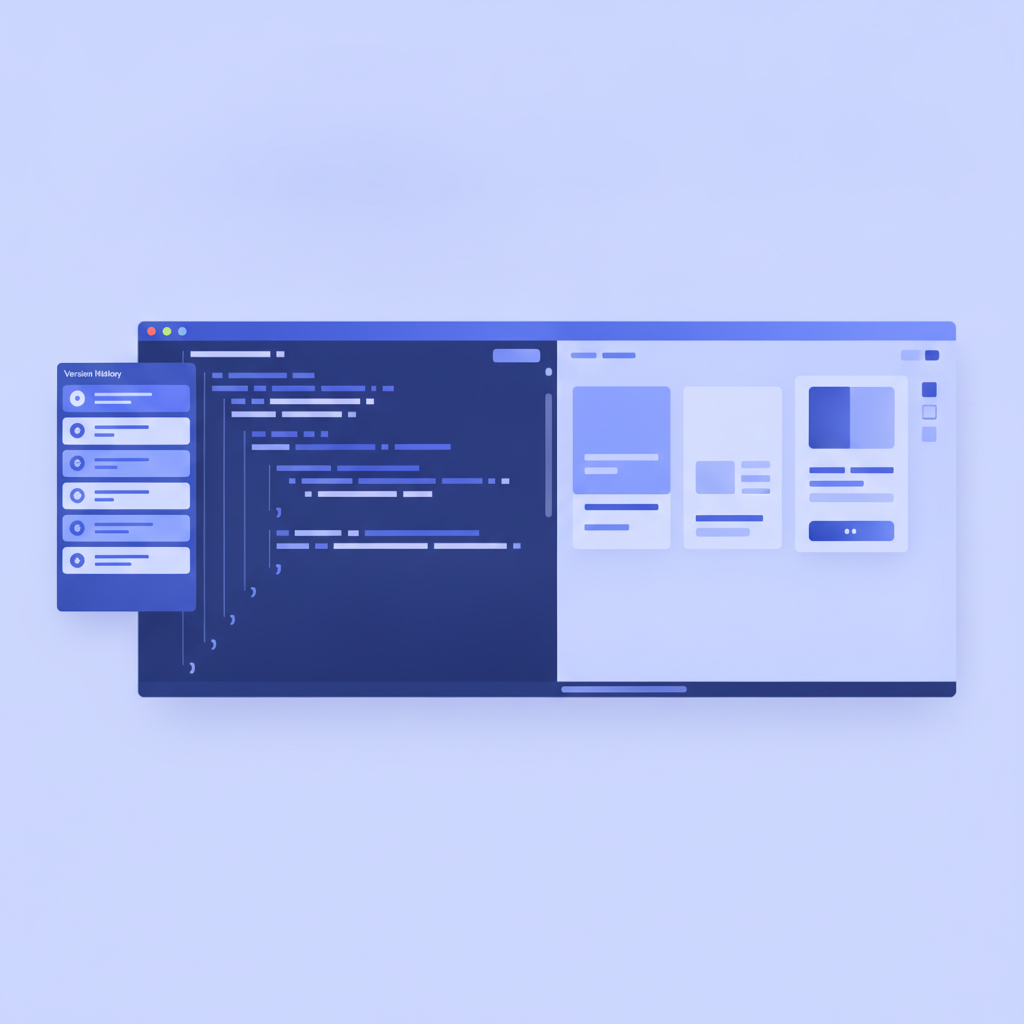
Apidoke stores version history per project. Every time you save a snapshot, the current state of your API Blueprint source is preserved with a timestamp and an optional label (for example, v1.4 stable). You can view, restore, or compare any snapshot from the version history panel in the editor.
This is not a Git replacement; it is a lightweight checkpoint system that lives inside Apidoke itself. For teams who also keep their .apib files in Git, the two complement each other: Git tracks changes over time, and Apidoke's version history tracks which snapshot was published at each point.
Step-by-step: snapshotting before a breaking release
- Open your project in Apidoke's split-pane editor. Confirm the current Blueprint reflects your live, stable API (the one you are about to break).
- Save a named snapshot. Label it clearly:
v1 finalor2026-09 pre-v2. That label appears in the version history list and makes audits easier later. - Note the snapshot ID or timestamp. If you also maintain a Git repo, tag the corresponding commit with the same label for traceability.
- Begin editing the Blueprint in the live editor to reflect the v2 contract. The split-pane live preview updates as you type, so you can verify the rendered output before publishing.
- When the v2 Blueprint is correct, publish. The old snapshot is preserved in version history and remains accessible to you; if your API gateway still serves v1, you can restore and republish the v1 snapshot to a separate Apidoke project dedicated to v1 docs.
Structuring your API Blueprint for multi-version docs
The cleanest approach to multi-version documentation in API Blueprint is one project per major version. Each project has its own URL (Apidoke generates a public link on one-click publish), its own version history, and its own try-it console. Consumers of v1 bookmark the v1 project URL; v2 consumers get a different URL.
Within a single Blueprint file, you can signal version scope at the top using the API name and a version marker in the metadata block:
FORMAT: 1A
HOST: https://api.example.com/v2

# Orders API v2

This is the v2 reference. For v1 documentation, see [Orders API v1](https://apidoke.example.com/your-v1-project-link).

## Group Orders

### Create an Order [POST /orders]

Creates a new order. In v2, `customer_id` replaces the deprecated `user_id` field from v1.

+ Request (application/json)

    + Body

            {
              "customer_id": "cust_8821",
              "items": [
                { "sku": "WIDGET-XL", "quantity": 2 }
              ]
            }

+ Response 201 (application/json)

    + Body

            {
              "order_id": "ord_4492",
              "status": "pending",
              "created_at": "2026-09-15T10:22:00Z"
            }

+ Response 422 (application/json)

    + Body

            {
              "error": "validation_failed",
              "detail": "customer_id is required"
            }
The HOST metadata field is important for multi-version setups. Apidoke's try-it console uses the HOST value as the base URL when firing real HTTP requests. Setting it to https://api.example.com/v2 means every try-it request in the v2 project automatically targets the v2 base, preventing accidental cross-version calls during testing.
For a full reference on Blueprint structure including # Group, ## Resource, + Request, and + Response blocks, see the API Blueprint syntax cheat-sheet.
Maintaining the active version: what to update in-place
Between major releases, your docs still need maintenance. Additive changes, editorial corrections, and deprecation notices should be applied directly to the current published Blueprint without cutting a new version snapshot. Save a version history checkpoint before any significant in-place edit anyway; it costs nothing and gives you a rollback point.
Deprecation notices deserve special attention. When an endpoint is deprecated but still functional (returning 200 but scheduled for removal), add a deprecation warning inside the resource description block:
### Get Legacy User Profile [GET /users/{id}/profile]

**Deprecated.** This endpoint will return `410 Gone` after 2027-03-01. Use `GET /users/{id}` instead.

+ Parameters
    + id: `usr_9901` (string, required) - The user identifier.

+ Response 200 (application/json)

    + Body

            {
              "id": "usr_9901",
              "display_name": "Alex Kim"
            }
This keeps the endpoint documented (so current callers are not blindsided) while signaling the migration path clearly. Pair this with a changelog entry. For guidance on writing those entries well, the API changelog guide covers format, tone, and what level of detail actually helps developers.
Archiving old versions: when and how
Archiving is distinct from deleting. An archived doc version is still publicly accessible at its URL, but it carries a visible banner that marks it as archived and links to the current version. Deletion should only happen when the underlying API has been completely decommissioned and the endpoint returns 410 Gone for every path.
A practical archiving timeline: keep a major version's doc actively maintained (errors corrected, deprecation notices updated) for the full support window you promised users. After that window closes, mark the project as archived in Apidoke by adding a clear notice at the top of the Blueprint:
FORMAT: 1A
HOST: https://api.example.com/v1

# Orders API v1 (Archived)

> **This version is archived.** v1 reached end-of-life on 2027-01-01 and the API now returns `410 Gone` for all v1 paths. See the [Orders API v2 documentation](https://apidoke.example.com/your-v2-project-link) for current reference.
Republish after adding that banner. The project remains at its public URL, but any developer who lands there immediately understands the status and where to go next. Search engines also index the archived page, which means developers searching for the v1 endpoint find your archived reference rather than a dead link.
Using version history to recover from a bad publish
One underused benefit of per-project version history is rollback. If you publish a Blueprint with a syntax error that breaks the rendered output, or if an incomplete edit goes live accidentally, you can restore the previous snapshot from the version history panel and republish within seconds. No Git revert, no redeployment pipeline.
The API Blueprint specification is strict about syntax, so even small formatting mistakes (a missing blank line above a + Request block, for example) can cause the parser to skip a section. Having a named checkpoint from five minutes before the bad edit makes recovery immediate.
Keeping version history clean: a naming convention
Without a naming convention, version history panels fill with timestamps and become hard to navigate. Agree on a format before your first snapshot. One approach that works well in practice:
| Label format | Example | When to use |
|---|---|---|
vMAJOR.MINOR stable | v2.0 stable | Before publishing a major or minor release |
pre-FEATURE | pre-oauth-migration | Before a significant in-place change |
YYYY-MM-DD editorial | 2026-10-04 editorial | After a batch of editorial corrections |
archive-candidate | v1 archive-candidate | Final snapshot before marking a version archived |
How the try-it console behaves across versions
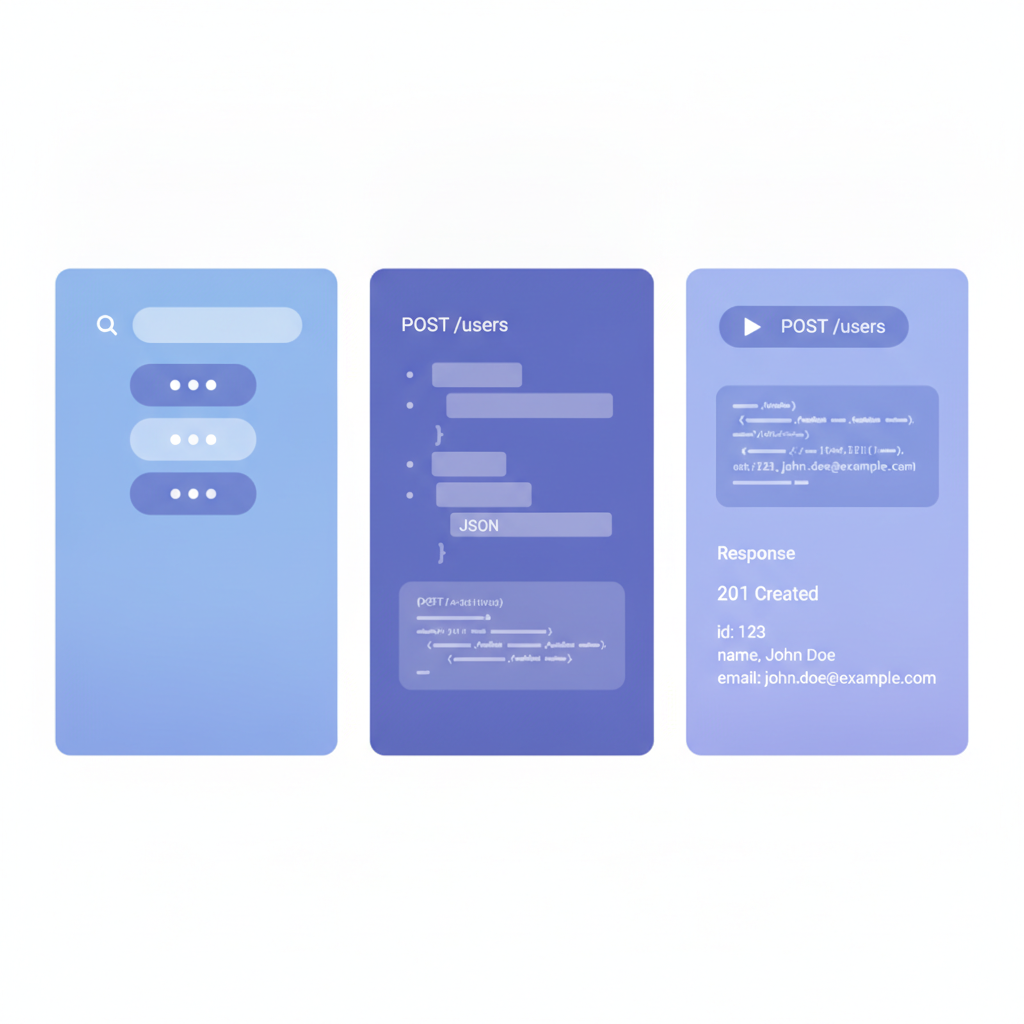
Apidoke's try-it console fires real HTTP requests directly from the browser to the HOST you specified in the Blueprint. Because each version is a separate project with its own HOST value, a developer testing in the v1 project hits https://api.example.com/v1 and a developer testing in the v2 project hits https://api.example.com/v2. There is no cross-contamination.
Auth tokens entered in the try-it console stay in the browser. They are never sent to Apidoke's servers, only directly to your API's HOST. This matters for versioned internal or staging environments where you might test with real credentials without wanting them logged anywhere outside your own infrastructure. For more on how the try-it console works technically, see what makes API docs interactive.
Frequently asked questions
How is versioning API documentation different from versioning the API itself?
API versioning is about signaling a version to callers at the protocol level, using URI paths like /v2/, request headers, or query parameters. Documentation versioning is about maintaining a separate, accurate written reference for each API version so consumers on any version find correct information. Both are necessary, but they are managed separately.
Should I keep one Apidoke project per API version or use a single project?
One project per major version is the cleaner approach. Each project gets its own public URL, its own HOST value (so the try-it console targets the right base URL), and its own version history. A single project trying to document v1 and v2 simultaneously becomes hard to navigate and breaks the try-it console's base URL logic.
When should I delete old API documentation instead of archiving it?
Delete only when the underlying API endpoints return 410 Gone for every path and your support window has fully closed. Until then, keep the archived doc at its public URL with a clear banner pointing to the current version; some consumers will still find it via search or bookmarks.
Can I use Apidoke's version history as a substitute for Git?
No, and it is not designed to be. Apidoke's per-project version history is a checkpoint system for quick rollback and audit within the doc tool. Git gives you full branching, pull requests, and long-term source history. For most teams, both are useful: Git for source control of the .apib file, Apidoke version history for publish-state rollback.
How do I tell search engines which version is the canonical one?
Make your current version's project the one you link from your main documentation index. For archived versions, the archived banner and a clear internal link to the current version help search engines understand the relationship. Apidoke's one-click public publishing gives each project a stable URL that search engines can index consistently.
Ready to build a versioned doc set that your API consumers can rely on? Create a free Apidoke account and publish your first versioned API reference in minutes, no credit card required.
Related reading: API Documentation Workflow: From Draft to Published
Related reading: How to Write a REST API Tutorial for Developers