
What Is a Developer Portal and Do You Need One?

A developer portal is a self-contained, publicly accessible website that gives external or internal developers everything they need to integrate with an API: reference documentation, conceptual guides, authentication instructions, code samples, and often a live console to fire test requests. Apidoke covers the documentation and interactive-testing layer of a developer portal out of the box, so smaller teams can ship a polished portal without assembling a toolchain from scratch.
- A developer portal bundles an API reference, narrative guides, and a try-it console into one place developers can visit without asking for help.
- The term is often used interchangeably with "API docs site," but a true portal adds onboarding flows, authentication context, and sample code on top of raw reference material.
- Not every API needs a full portal: an API reference alone is enough for many internal or early-stage projects.
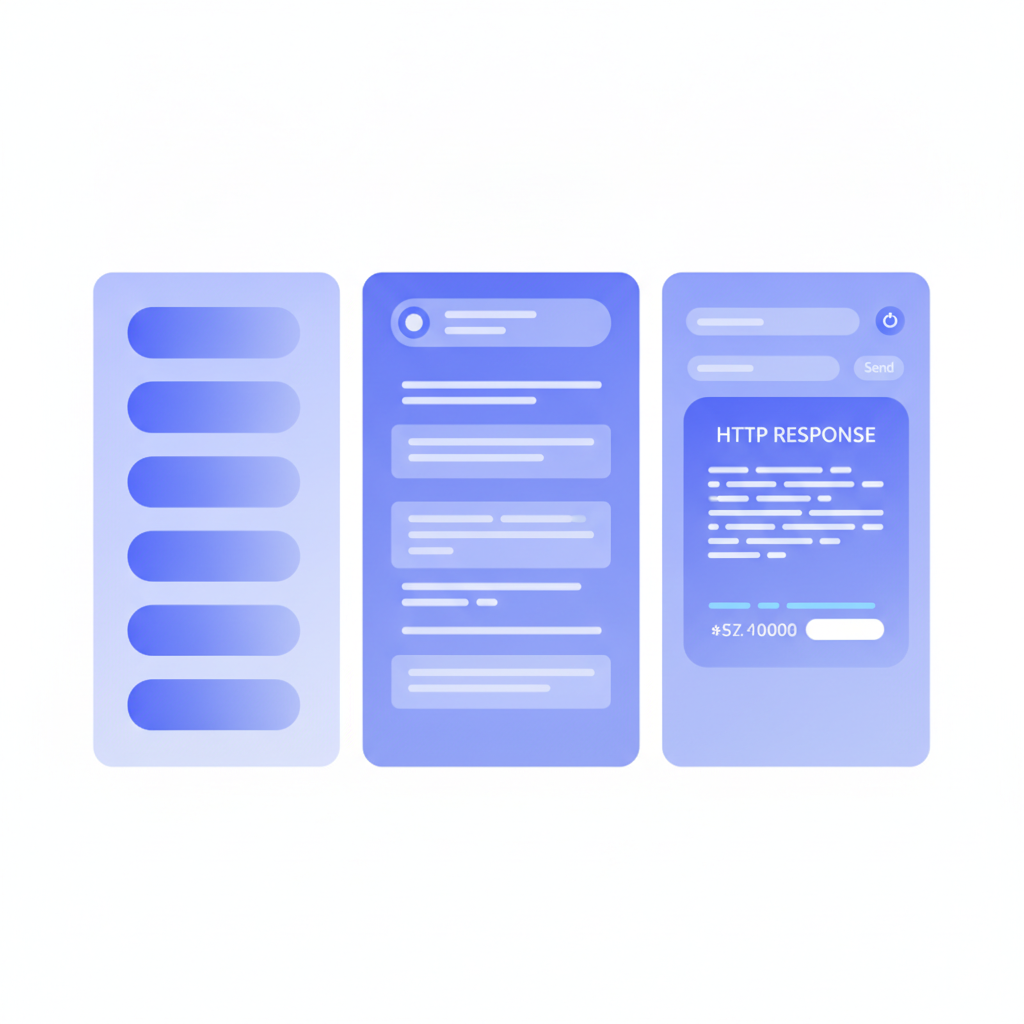
- Apidoke publishes a 3-column interactive doc site (navigation, content, live console) with one click, giving you the core of a developer portal without custom infrastructure.
What exactly is a developer portal?
The phrase "developer portal" has no single governing specification, which is part of why it confuses people. In practice, the term describes a category of website rather than a precise feature set. Think of it as the public face of your API program.
At a minimum, a developer portal contains:
- An API reference: machine-precise documentation of every endpoint, parameter, request body, and response code. If the portal is for a REST API, that means documenting HTTP methods (GET, POST, PUT, DELETE, PATCH), URL templates, headers, and status codes such as 200 OK, 201 Created, 400 Bad Request, 401 Unauthorized, and 404 Not Found.
- Getting-started content: a short, opinionated path that takes a brand-new developer from zero to their first successful API call, usually in under 15 minutes.
- Authentication documentation: step-by-step instructions for obtaining and sending credentials, whether that is an API key in a header, a Bearer token via OAuth 2.0, or a session cookie.
- Code samples: working snippets in the languages your audience actually uses, not pseudocode.
Larger portals add things like SDKs, a changelog, error code glossaries, rate-limit guidance, sandbox environments, and community forums. But those are additions, not requirements.
Developer portal vs API reference: what is the difference?
An API reference is one component inside a developer portal, the same way a product manual is one section of a company support site. The reference lists every endpoint, its parameters, and its possible responses. The portal wraps the reference with context that helps someone decide whether to integrate, how to start, and where to go when something breaks.
The post on developer portal vs API reference compares the two structures directly if you want a side-by-side breakdown. This article focuses on the foundational question of what a portal is, so you can decide what to build first.
| Dimension | API Reference | Developer Portal |
|---|---|---|
| Primary audience | Developers already integrating | Developers evaluating AND integrating |
| Content type | Endpoint-by-endpoint reference | Reference + guides + samples + onboarding |
| Navigation model | Flat or grouped endpoint list | Hierarchical: getting started, concepts, reference, support |
| Interactive tooling | Optional | Expected (try-it console or sandbox) |
| Time to build | Hours to days | Days to weeks (or ongoing) |
| When you need it | Any API, any stage | When external adoption or DX quality is a priority |
What does a developer portal typically contain?
The sections below reflect what mature portals actually ship. You do not need all of them on day one.
Getting-started guide
A short, task-oriented walkthrough. The goal is a real API response in the developer's terminal within ten minutes. The guide should show exactly one path: create an account, get a key, make a GET request, read the response. Avoid covering every option; save that for the reference.
API reference
The core of any portal. Each endpoint entry documents the HTTP method, the full URL template (for example /v1/orders/{orderId}), all path parameters, query parameters, request headers, a sample request body, and every possible response with its status code and body shape. The API Blueprint specification defines a plain-text format for writing exactly this kind of structured reference, which Apidoke renders into the 3-column viewer. A minimal API Blueprint endpoint block looks like this:
## Order [/v1/orders/{orderId}]

### Get an order [GET]

+ Parameters
    + orderId: `ord_9f4a` (string, required) - Unique order identifier

+ Response 200 (application/json)

        {
          "id": "ord_9f4a",
          "status": "shipped",
          "total": 4999
        }

+ Response 404 (application/json)

        {
          "error": "order_not_found",
          "message": "No order with that ID exists."
        }
Authentication docs
Authentication is the single most common place new integrators get stuck. Good portal auth docs show the literal HTTP header a developer must send, not just the concept. For a Bearer token, that means:
GET /v1/orders HTTP/1.1
Host: api.example.com
Authorization: Bearer eyJhbGciOiJIUzI1NiJ9...
Then document what a 401 Unauthorized response looks like so developers recognize the problem immediately when they see it.
Code samples
Samples reduce time-to-first-call. A cURL example is table stakes; adding Python, JavaScript, and Ruby covers the majority of audiences. For more on writing samples that actually get used, see the guide on writing effective code samples for API documentation.
Interactive try-it console
A browser-based console lets a developer send a real HTTP request without leaving the docs. The developer fills in parameters, pastes their API key, and sees the actual response body, status code, and latency. Apidoke's built-in try-it console fires requests directly from the browser; credentials never pass through Apidoke's servers, which matters for teams with security requirements.
Changelog and versioning
A changelog tells integrators what changed between v1.0 and v1.1 so they can update their code before their app breaks. Apidoke stores per-project version history, so you can snapshot a working v1 blueprint before shipping v2 and link to both from the same portal.
Error reference
List every non-2xx status code your API returns, paired with the JSON error body shape and a plain-English reason. A table of 400, 401, 403, 404, 409, 422, 429, and 500 codes with descriptions takes about an hour to write and saves integrators days of debugging. The IETF HTTP semantics are defined in RFC 9110 if you need a reference for what each code is supposed to mean.
Do you actually need a developer portal?
This depends almost entirely on who is integrating and how many of them there are. Work through these questions:
- Is your API public or partner-facing? If external developers find and evaluate your API on their own, a portal is not optional. First impressions matter, and the docs are the product before the product.
- Is your API internal only? An internal reference site is usually enough. A small team of engineers who already know the context do not need getting-started guides aimed at strangers. The internal API documentation guide covers the right scope for that situation.
- Do you have more than one API or version? Multiple APIs or active v1/v2 migrations justify the extra navigation structure a portal provides.
- Is adoption a business metric? If the number of active integrators affects revenue, a portal reduces friction enough to move that metric meaningfully.
- How early-stage is the API? An API that changes every week does not need a polished portal. A good API reference updated frequently is more valuable than an elaborate portal that is always out of date.
If you answered "public," "multiple APIs," and "adoption matters," build a portal. If you answered "internal" and "one API," start with a clean reference and add structure as you grow.
How do teams build developer portals?
The approaches range from fully custom to fully hosted, with self-hosted tools sitting in the middle.
| Approach | Examples | Trade-offs |
|---|---|---|
| Custom-built | Static site generator (Next.js, Docusaurus) + hand-written MDX | Full control; high engineering cost; you maintain everything |
| Hosted SaaS | ReadMe, Mintlify, Redocly | Fast to launch; vendor lock-in; subscription cost; data on their servers |
| Self-hosted tool | Apidoke | You own the infrastructure; built-in authoring, live preview, versioning, and try-it console; no per-seat pricing |
Apidoke's approach is worth describing concretely. You write your API spec in API Blueprint format inside the split-pane CodeMirror editor, which shows a live preview of the rendered 3-column doc as you type. When you are ready, one-click publishing generates the public URL. The try-it console is client-side: the browser sends requests directly to your API server, so no request payload or API key ever routes through Apidoke infrastructure. Per-project version history means you can snapshot v1 before shipping v2.
What is the minimum viable developer portal?
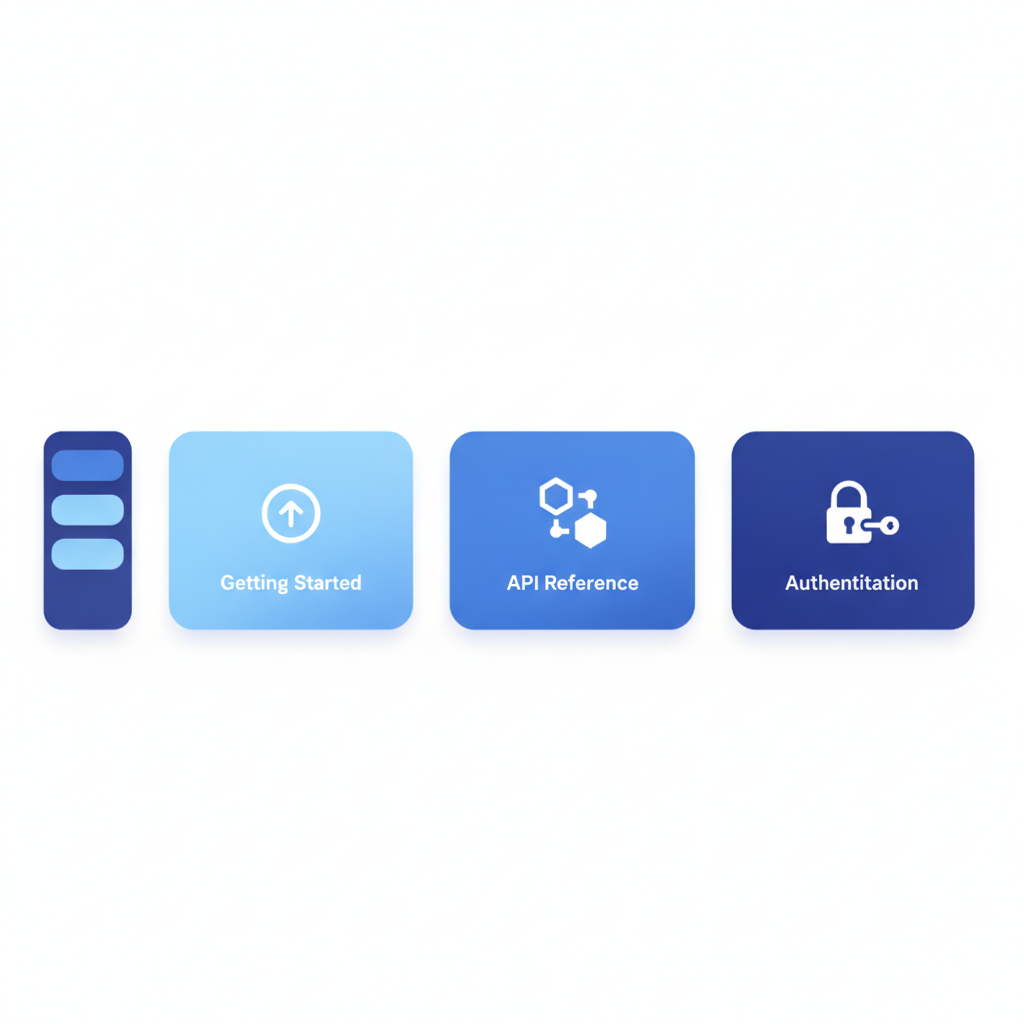
If you are starting today and want to ship something real this week, a minimum viable portal has exactly three things:
- A getting-started page with a working cURL example that returns a 200 response.
- An API reference covering every endpoint, with request and response examples for the happy path and at least the 401 and 404 error cases.
- An authentication section that shows the exact header format, where to get credentials, and what a failed-auth response looks like.
That is a complete, usable developer portal. Everything else, the changelog, the SDK gallery, the community forum, is additive. Build the core first and expand based on actual developer questions.
Frequently asked questions
What is the difference between a developer portal and API documentation?
API documentation is the written content that explains how an API works. A developer portal is the website that hosts that documentation along with additional resources like getting-started guides, code samples, and a try-it console. All developer portals contain API documentation, but not all API documentation lives inside a developer portal.
Do I need a developer portal for an internal API?
Usually no, at least not at first. Internal teams benefit most from a clean, searchable API reference they can trust to be current. The extra structure of a full portal, onboarding flows, SDK downloads, community pages, adds overhead that rarely pays off for an audience of five to fifty engineers who can ask questions in Slack.
Can I build a developer portal without a dedicated engineering team?
Yes. Tools like Apidoke let a single developer or technical writer write docs in API Blueprint format and publish a 3-column reference site with a live try-it console without setting up a build pipeline, a CDN, or a custom domain configuration. The authoring environment is entirely browser-based.
Is a try-it console required in a developer portal?
Required is too strong a word, but it is expected by developers evaluating modern APIs. A try-it console cuts time-to-first-call dramatically because the developer can test an endpoint before writing a line of integration code. If your API requires authentication, a good console lets the developer paste their token and see a real response, not a mocked one.
What format should I use to write developer portal API reference docs?
The two main options are API Blueprint and OpenAPI (formerly Swagger). API Blueprint uses plain Markdown-like syntax and is the format Apidoke is built around. OpenAPI uses YAML or JSON and has a large ecosystem of tooling. The right choice depends on your team's existing workflow; see the comparison of API Blueprint vs OpenAPI vs Swagger for a detailed breakdown.
Ready to publish the API reference layer of your developer portal today, without setting up infrastructure? Create a free Apidoke account and have a live, interactive 3-column doc site running in minutes.