
API Blueprint Response Codes: Documenting HTTP Status Codes and Error Bodies
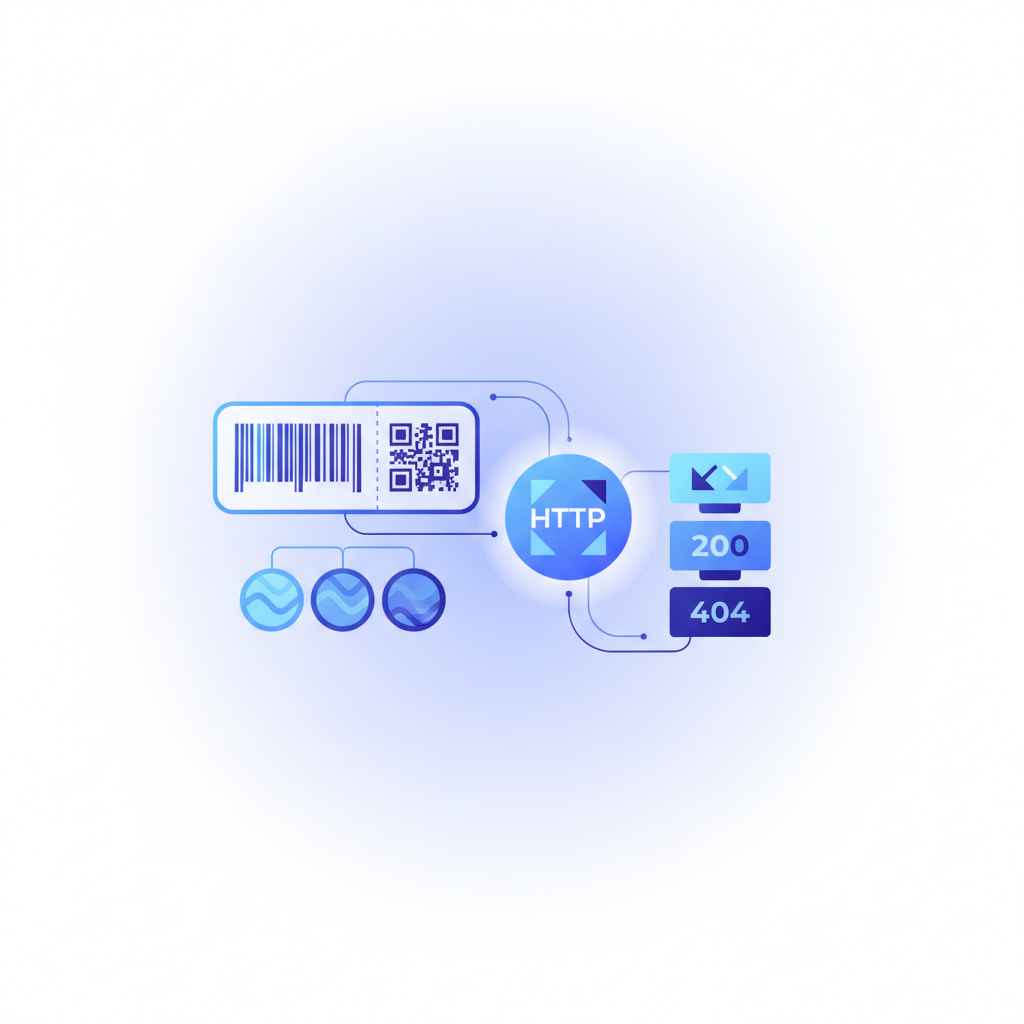
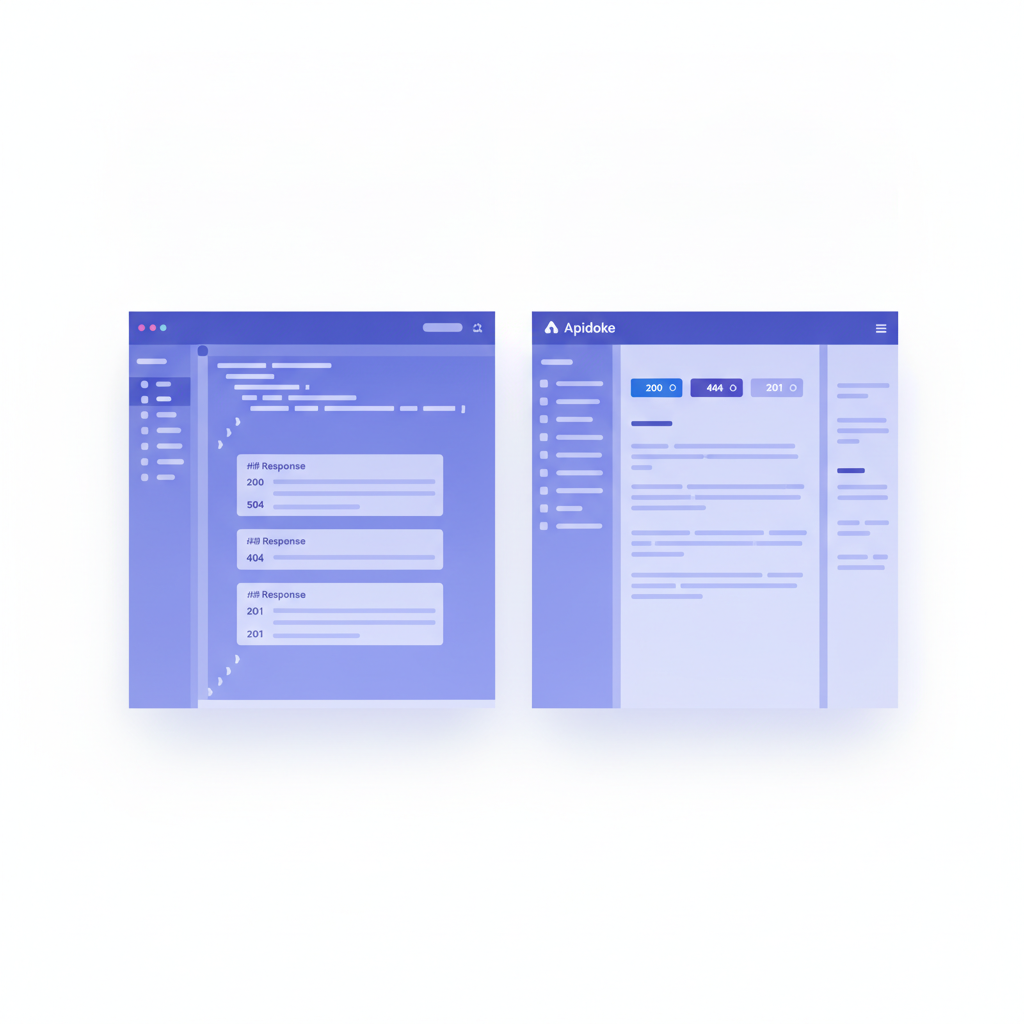
In API Blueprint, response codes are documented using a + Response keyword followed by a three-digit HTTP status number, an optional media type, and a body block. Apidoke renders each response as a labeled tab in its three-column reference view, so developers can inspect every possible outcome, including structured error payloads, without leaving the page. You can attach multiple + Response blocks to a single action to cover success, client errors, and server errors together.
- Every API Blueprint action can carry one or more
+ Response NNN (media/type)blocks, each with its own headers and body. - Structured error bodies (not just bare status codes) belong inside those blocks; this is what tells consumers exactly what a 400 or 422 looks like in production.
- Apidoke's live try-it console displays real HTTP status codes returned by your server, so documented responses and actual behavior can be compared side by side.
- The API Blueprint specification treats response status codes as simple integers; all meaning comes from the HTTP standard, so RFC 9110 is your authoritative companion.
What is a response in API Blueprint syntax?
An action in API Blueprint (defined with the HTTP method and URL under a resource heading) describes what a client sends and what the server returns. Each return scenario is a response. The minimal form looks like this:
## Retrieve User [GET /users/{id}]

+ Response 200 (application/json)

        {
          "id": "u_8f3k",
          "email": "ada@example.com",
          "created_at": "2025-01-15T09:00:00Z"
        }
The indented block after the blank line is the response body. The media type in parentheses becomes the Content-Type header. That is the entire minimum viable response definition.
What most real-world blueprints need, though, is coverage of the failure paths too: 400 Bad Request when validation fails, 401 Unauthorized when a token is missing, 404 Not Found when the resource does not exist, and 422 Unprocessable Entity when input is structurally valid but semantically wrong. Skipping those is the most common documentation gap teams hit in production.
How do you attach multiple responses to one action?
Simply list additional + Response blocks in sequence under the same action. Blueprint parsers (and Apidoke) treat each one as a distinct outcome tab in the rendered output.
## Retrieve User [GET /users/{id}]

+ Response 200 (application/json)

        {
          "id": "u_8f3k",
          "email": "ada@example.com",
          "created_at": "2025-01-15T09:00:00Z"
        }

+ Response 401 (application/json)

        {
          "error": "unauthorized",
          "message": "A valid Bearer token is required.",
          "docs_url": "https://docs.example.com/auth"
        }

+ Response 404 (application/json)

        {
          "error": "not_found",
          "message": "No user with id u_8f3k exists."
        }
Apidoke's three-column viewer shows each response code as a clickable tab in the right-hand column, so a developer reading your docs can jump straight to the error shape they need to handle in their client code.
Which HTTP status codes should you document, and when?
The table below maps the codes you will encounter most often to the scenarios that trigger them and what a good error body includes. Status code semantics follow RFC 9110 (HTTP Semantics), the IETF standard that superseded RFC 7231.
| Status code | Meaning | When to document it | Key error body fields |
|---|---|---|---|
| 200 OK | Successful GET, PUT, or PATCH | Every read or update action | Resource representation |
| 201 Created | Resource successfully created | Every POST that creates a resource | Newly created resource; Location header |
| 204 No Content | Success with no body | DELETE or PUT when no body is returned | None (empty body) |
| 400 Bad Request | Malformed or invalid request | Any endpoint with a request body or query params | error, message, details[] |
| 401 Unauthorized | Missing or invalid credentials | Every authenticated endpoint | error, message, docs_url |
| 403 Forbidden | Authenticated but not permitted | Role-scoped endpoints | error, required_scope |
| 404 Not Found | Resource does not exist | Any endpoint with a path parameter | error, message |
| 409 Conflict | State conflict (duplicate, version mismatch) | POST that may create duplicates; optimistic locking | error, conflicting_id |
| 422 Unprocessable Entity | Structurally valid but semantically wrong | Validation errors with field-level detail | error, fields[] with name and reason |
| 429 Too Many Requests | Rate limit exceeded | Any rate-limited endpoint | error, retry_after |
| 500 Internal Server Error | Unexpected server failure | All endpoints (as a catch-all) | error, request_id |
Documenting a structured error body step by step
Structured error bodies are what separate useful API docs from useless ones. A consumer who gets a 422 and sees only a status number has to guess what went wrong. A consumer who gets a 422 with a detailed fields array can fix their request immediately. Here is how to write that in Blueprint:
- Identify the action that can fail and add the corresponding
+ Responseblock directly underneath the success response. - Choose a consistent error shape you will use across your whole API. The example below uses
error(a machine-readable code),message(a human-readable string), andfields(an array for field-level problems). - Write the JSON body indented by eight spaces (or one tab per the Blueprint spec) so the parser treats it as a body literal.
- Add a
+ Headerssub-list when headers matter to the consumer, for exampleRetry-Afteron a 429. - Paste it into Apidoke's CodeMirror editor and confirm the live preview renders the tab correctly before publishing.
## Create Order [POST /orders]

+ Request (application/json)

        {
          "product_id": "prod_99",
          "quantity": 0
        }

+ Response 201 (application/json)

    + Headers

            Location: /orders/ord_441

    + Body

            {
              "id": "ord_441",
              "status": "pending",
              "created_at": "2025-06-01T14:22:00Z"
            }

+ Response 422 (application/json)

        {
          "error": "validation_failed",
          "message": "One or more fields did not pass validation.",
          "fields": [
            {
              "name": "quantity",
              "reason": "Must be a positive integer greater than zero."
            }
          ]
        }

+ Response 400 (application/json)

        {
          "error": "malformed_json",
          "message": "Request body could not be parsed as valid JSON."
        }

+ Response 401 (application/json)

        {
          "error": "unauthorized",
          "message": "Authorization header is missing or token is expired."
        }

+ Response 429 (application/json)

    + Headers

            Retry-After: 30

    + Body

            {
              "error": "rate_limit_exceeded",
              "message": "Too many requests. Retry after 30 seconds.",
              "retry_after": 30
            }

+ Response 500 (application/json)

        {
          "error": "internal_error",
          "message": "An unexpected error occurred.",
          "request_id": "req_abc123"
        }
Notice the two patterns here. When a response has both custom headers and a body, you need the explicit + Headers and + Body sub-lists (each indented four spaces relative to the + Response line, with the content indented four more). When there are no custom headers, you can skip those sub-lists and indent the JSON directly by eight spaces. Mixing the patterns in the same action is fine as long as each response block is consistent internally.
How do you handle a 204 response with no body?
A 204 No Content is the one case where you intentionally omit the body block. Many developers accidentally add an empty JSON object ({}), which is semantically wrong because a 204 tells the client there is no content to parse. In Blueprint, the correct form is simply:
## Delete User [DELETE /users/{id}]

+ Response 204

+ Response 404 (application/json)

        {
          "error": "not_found",
          "message": "User not found."
        }
No media type annotation, no body block. The parser and Apidoke both render this as an empty response, which is exactly what the HTTP spec requires.
Can you reuse error shapes across multiple actions?
Yes, and you should. API Blueprint supports Named Examples (defined in a # Data Structures section using MSON, the Markdown Syntax for Object Notation) so you can define an error shape once and reference it from every response that uses it. This is covered in detail in the guide to API Blueprint named examples and data structures. For teams with many endpoints, the combination of named error structures and the + Include directive (covered in the API Blueprint include directive guide) makes large blueprints much easier to maintain.
For the full format picture, including how resources, groups, and actions relate to each other, the API Blueprint and Formats category hub is the right starting point.
How does Apidoke render response codes in the try-it console?
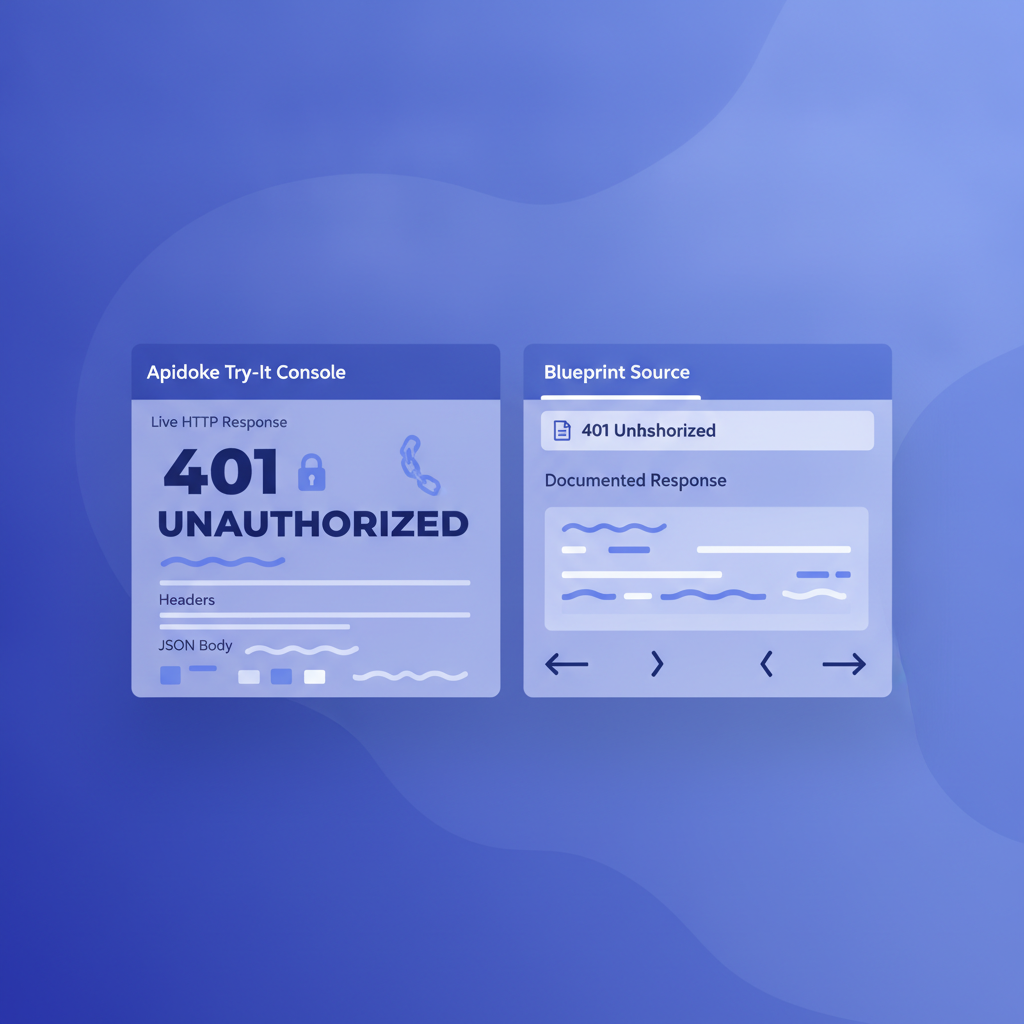
When a reader clicks "Try it" in Apidoke, the console fires a real HTTP request from the browser directly to your API server. The actual status code returned by the server appears in the console response panel, and Apidoke highlights it. If the server returns a 401 when your documentation says it should return a 200, that discrepancy is immediately visible. Auth tokens and credentials entered into the console stay in the browser and never pass through Apidoke's servers, which matters for teams using real staging credentials during testing.
The documented responses you wrote in Blueprint appear as labeled example tabs above the live response panel, so a developer can compare the shape they just received against the shape you said they would receive. This is one of the most practical reasons to document all your error codes thoroughly: the live console turns your documentation into a lightweight contract-verification tool.
What about the 201 Created response and the Location header?
When a POST creates a resource, best practice per RFC 9110 section 10.2.2 is to return 201 with a Location header pointing to the new resource URL. Blueprint makes this explicit with the + Headers sub-list:
+ Response 201 (application/json)

    + Headers

            Location: /users/u_9x2m

    + Body

            {
              "id": "u_9x2m",
              "email": "ada@example.com"
            }
Documenting the Location header here is important because client libraries and consumers writing automation often rely on it to avoid a second lookup for the new resource URL.
Common mistakes when documenting response codes in API Blueprint
- Documenting only the happy path. A blueprint with only 200 responses leaves consumers guessing about every failure scenario. The 401, 404, and 422 blocks are as important as the 200.
- Inconsistent error shapes. If some endpoints return
{"error": "...", "message": "..."}and others return{"code": "...", "description": "..."}, consumers have to write different error-handling logic per endpoint. Pick one structure and use it everywhere. - Wrong indentation. API Blueprint is indentation-sensitive. Body content inside a plain response block needs eight spaces of indentation. If you mix tabs and spaces, or use four spaces where eight are required, the parser will not recognize the content as a body literal.
- Using 200 for errors. Some older APIs returned 200 with an error flag in the body. Document what your API actually does, but if you are designing a new API, using the correct HTTP status code is strongly preferred; it allows HTTP-aware infrastructure (proxies, caches, monitoring tools) to react correctly without parsing the body.
- Omitting the request_id. A 500 response body that includes a unique
request_idfield lets consumers file useful bug reports. Add it to your internal server error body and document it.
Frequently asked questions
How many response blocks can one API Blueprint action have?
There is no enforced limit. You can add as many + Response blocks as your API actually returns. In practice, most actions need between three and six: one or two success codes plus a set of common errors. Apidoke renders each as a separate tab so none are hidden from the reader.
Do I have to include a body for every response code?
No. A 204 No Content response should have no body block at all. For other codes, omitting the body is syntactically valid but unhelpful to consumers; they will have no documented schema to match against. Always include at least a representative JSON example for any response that your server actually sends a body with.
Can I document a response header like Retry-After or X-Request-Id in API Blueprint?
Yes. Use the + Headers sub-list inside the + Response block. Each header goes on its own indented line in the form HeaderName: value. This works for both standard headers like Retry-After and custom headers like X-Request-Id.
What is the difference between a 400 and a 422 in API documentation?
A 400 Bad Request signals that the server could not understand the request at all, typically because the JSON is malformed or a required parameter is entirely missing. A 422 Unprocessable Entity signals that the request was syntactically correct but failed semantic validation, for example a quantity field that is present but set to zero when it must be positive. Documenting both with distinct error shapes helps clients distinguish parse errors from validation errors and handle them appropriately.
How do I reference a shared error schema instead of repeating it in every response block?
Define the error schema once in a # Data Structures section at the top or bottom of your blueprint file using MSON, then reference it by name inside each response block with [ErrorBody][] syntax. The named examples and data structures guide walks through this pattern in full detail.
Ready to write and publish response-complete API docs without setting up a build pipeline? Create a free Apidoke account and start editing your Blueprint file in the browser with live preview and version history included from day one.