
API Documentation for Product Managers: What You Need to Know

API documentation for product managers means understanding what your API docs must contain, how to judge their quality, and how to get them shipped without becoming a technical writer yourself. As a PM, you own the developer experience your API creates, and Apidoke gives you a self-hosted, browser-based publishing tool that goes from a plain-text Blueprint file to a live, interactive reference in minutes, no engineering sprint required.
- API docs are a product surface, not a side task. Poor docs directly reduce adoption, increase support load, and slow developer onboarding.
- PMs do not need to write every line of documentation, but they do need to define standards, review for clarity, and own the publishing workflow.
- A three-part structure covers almost every API: a getting-started guide, a full endpoint reference, and code samples for common tasks.
- Apidoke lets you publish interactive, versioned API docs from an API Blueprint file with a built-in try-it console, all self-hosted and free to start.
Why API documentation is a product decision, not a writing task
Most PMs treat documentation as something that happens after a feature ships. In practice, the docs are the feature for any developer integrating your API. A developer who cannot find a 401 response example, or who cannot tell whether a field is required or optional, will abandon the integration or file a support ticket. Both outcomes cost you.
The IETF HTTP semantics specification (RFC 9110) formalizes HTTP status codes because predictable, documented behavior is the foundation of interoperable software. When your docs omit what a 404 means for your specific endpoint (resource not found vs. incorrect API key scope?), you break that contract with developers.
Owning API docs as a PM means treating them the same way you treat onboarding flows: measurable, iterable, and tied to activation metrics. Time-to-first-successful-call is a real KPI. Docs are what move it.
What should API documentation contain? A PM's checklist
You do not need to write all of this yourself, but you do need to be the person who notices when any piece is missing. The table below maps the core documentation types to what a developer actually needs from each.
| Documentation type | What it answers | Priority |
|---|---|---|
| Getting-started guide | How do I make my first successful API call? | Critical |
| Authentication reference | How do I get and send credentials? What happens on a 401? | Critical |
| Endpoint reference | What URL, method, parameters, headers, and status codes apply? | Critical |
| Request and response examples | What does a real request body look like? What will I receive? | Critical |
| Error code reference | What does each error mean and how do I fix it? | High |
| Rate limit documentation | How many calls per minute? What header tells me my remaining quota? | High |
| Code samples | How would I call this endpoint in Python, JavaScript, or curl? | High |
| Changelog | What changed, when, and does it break my integration? | Medium |
The API documentation best practices guide goes deeper on each of these areas if you need to build a team brief around them.
How to read an API Blueprint file without being a developer
API Blueprint is a plain-text, Markdown-based format for describing REST APIs. You do not need to run any tools to read it. Open it in any text editor or in Apidoke's split-pane CodeMirror editor and you will see a human-readable description of every endpoint.
Here is a minimal, real example of what an endpoint looks like in API Blueprint:
FORMAT: 1A

# Orders API

## Group Orders

### Create an Order [POST /orders]

Creates a new order for the authenticated user.

+ Request (application/json)

    + Body

            {
              "product_id": "prod_abc123",
              "quantity": 2
            }

+ Response 201 (application/json)

    + Body

            {
              "id": "ord_xyz789",
              "status": "pending",
              "product_id": "prod_abc123",
              "quantity": 2,
              "created_at": "2026-01-15T09:30:00Z"
            }

+ Response 400 (application/json)

    + Body

            {
              "error": "invalid_quantity",
              "message": "quantity must be a positive integer"
            }

+ Response 401 (application/json)

    + Body

            {
              "error": "unauthorized",
              "message": "Bearer token missing or expired"
            }
As a PM, reading this tells you several things immediately. The endpoint uses a POST method. A successful creation returns a 201 status code (not 200, which matters). A bad request returns 400 with a machine-readable error code. An authentication failure returns 401. If any of those response shapes are missing from your current docs, you have found a gap that costs developer time.
The # Group keyword organizes endpoints into navigation sections. ## Resource describes the URL path. + Request and + Response describe the payload shapes. That is the entire mental model you need to audit a Blueprint file for completeness.

What is developer experience, and why do PMs own it?
Developer experience (DX) is the sum of all interactions a developer has with your API: the onboarding flow, the quality of docs, the predictability of responses, the time to get a working integration. PMs own DX for the same reason they own user experience: it determines whether people succeed with your product.
Good documentation is the highest-leverage DX investment most API teams can make. It works at scale, is available at any hour, and can be improved without touching the API itself. The developer experience guide for API teams covers the full picture, including how docs fit into onboarding, changelogs, and error messaging.
The three most common PM mistakes in API documentation
Treating documentation as a one-time deliverable
APIs change. Every new field, deprecated parameter, or changed status code is a documentation event. If your release process does not include a docs update step, developers will hit outdated examples and assume your API is broken. Build a changelog habit from day one.
Leaving error documentation as an afterthought
The 200 OK path is almost always documented. The 400, 401, 403, 404, 422, and 429 paths rarely are. Developers spend more time debugging errors than they spend on the happy path. Listing every error code with a description and a remediation hint is one of the highest-value documentation improvements a PM can prioritize. A 429 response, for example, should say what the rate limit is, what header carries the reset time (typically X-RateLimit-Reset), and what the developer should do next.
Publishing docs that cannot be tested in context
Static HTML docs that show a request body but provide no way to try it force developers to copy-paste into a separate tool, lose context, and slow down. An interactive try-it console, where the developer fills in parameters and fires a real HTTP request from inside the docs, cuts the integration feedback loop significantly. Apidoke's built-in try-it console runs entirely in the browser; credentials and tokens never leave the user's machine and never reach Apidoke's servers, which matters when your API handles sensitive data.
How to evaluate your current API documentation
Before choosing any tool or format, audit what you have. These five questions give you a fast baseline:
- Can a new developer make a successful API call within 15 minutes using only your docs? If not, the getting-started guide needs work.
- Does every endpoint document all possible status codes, including 400, 401, 403, and 404?
- Are request and response body examples present, complete, and accurate for the current API version?
- Is there a changelog that tells developers what changed and when, in plain language?
- Can developers try a real API call without leaving the documentation page?
Score each question yes or no. Three or more nos is a strong signal that your docs are actively costing you developer adoption.
How Apidoke fits into a PM's documentation workflow
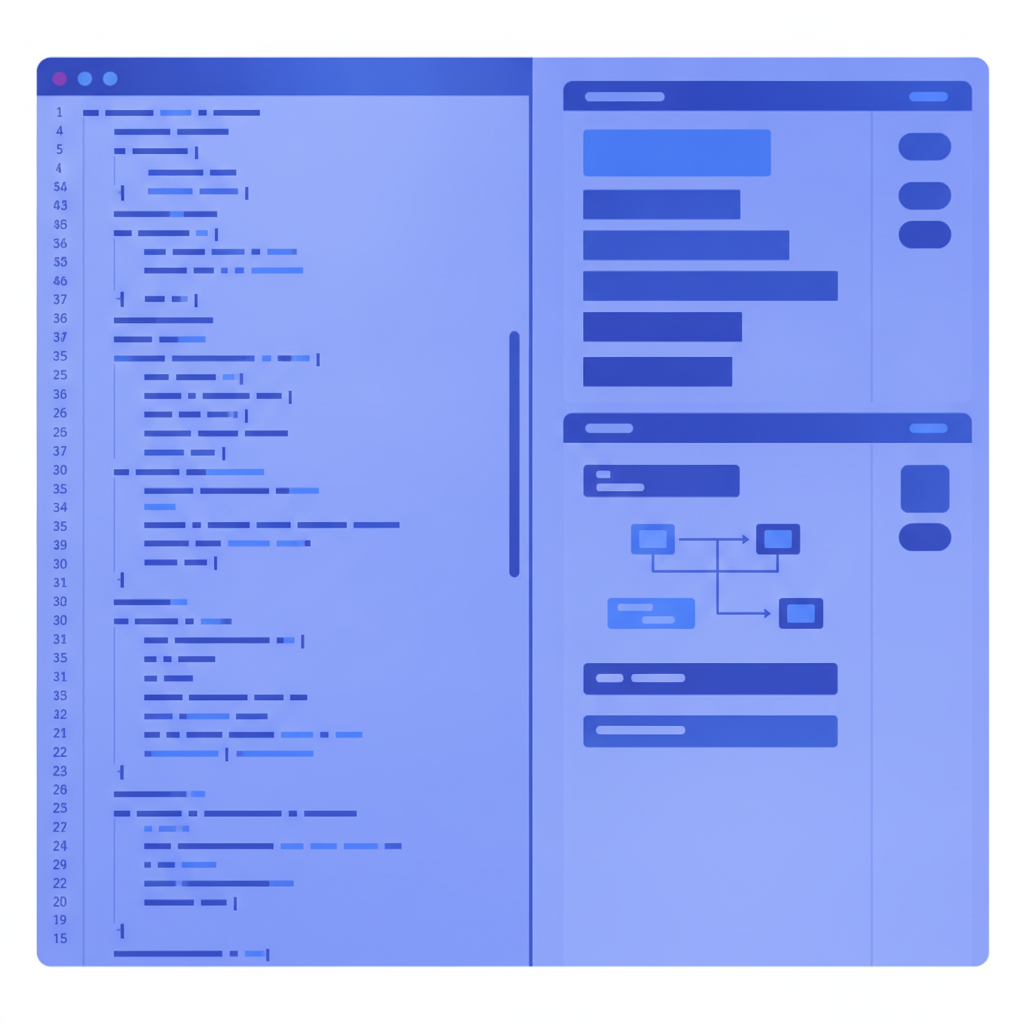
Apidoke is built around a specific, opinionated workflow: write your API description in API Blueprint format, preview it live in a split-pane editor, and publish a clean three-column reference (navigation, content, and try-it console) with one click. The whole thing is self-hosted, which means your docs live on your infrastructure, not on a third-party service that could change pricing or terms.
As a PM, the features that matter most to your day-to-day:
- Per-project version history. Every published version is stored. When you release v2 of an endpoint, v1 docs remain accessible. Developers on older integrations are not stranded.
- Live preview. Writers and engineers can see the rendered output as they type. This shortens the review cycle from days to minutes because you can comment on the rendered doc, not the raw Blueprint syntax.
- Public publishing in one click. There is no toolchain to configure, no CI pipeline to wire up, and no staging environment to manage. The PM or any team member can hit publish.
- Try-it console, client-side. Developers test real endpoints from the docs page without leaving. Because the console runs in the browser, auth tokens are never transmitted to Apidoke's servers.
API Blueprint: what PMs need to know about the format
API Blueprint is an open, community-maintained specification for describing REST APIs in Markdown. Because it is plain text, it lives naturally in version control alongside your code. It is readable without any special tools, which means non-engineers on your team (PMs, technical writers, support leads) can read, review, and comment on it directly in a pull request or a shared editor.
You do not need to know every detail of the format to manage documentation quality. The key structural units are groups (navigation sections), resources (URL paths), actions (HTTP methods on those paths), and request/response pairs. Understanding those four concepts is enough to review a Blueprint file for completeness and flag gaps.
Structuring a PM-owned documentation process
The most practical model is a shared responsibility: engineers describe what the API does in Blueprint syntax, and the PM owns the review gate before publishing. That review gate should check for the following, in this order:
- Every endpoint has at least one documented success response (200 or 201) with a real body example.
- Every endpoint has documented error responses for at least 400, 401, and 404 where applicable.
- Authentication requirements are stated explicitly at the top of the file or per-endpoint.
- Required vs. optional fields are clearly distinguished in request body descriptions.
- The changelog reflects the most recent changes in plain language.
- The try-it console works for at least one endpoint in the staging environment before going live.
This process works whether your team has a dedicated technical writer or not. The PM does not write the docs; the PM ensures they meet the bar before a developer ever sees them.
Public vs. private API documentation: what PMs need to decide
API documentation can be public (accessible to any internet user), private (accessible only to authenticated users or internal teams), or gated (public overview, authenticated full reference). The right choice depends on your API's business model and security posture.
| Documentation visibility | Best for | Tradeoffs |
|---|---|---|
| Fully public | Developer-facing APIs, third-party integrations, open platforms | Maximum discoverability; schema details are exposed to competitors |
| Internal only | Internal microservices, partner-only APIs | Safe for sensitive endpoints; no organic developer discovery |
| Gated reference | Freemium APIs, partner programs with tiered access | Balances discoverability and access control; more complex to manage |
Apidoke supports one-click public publishing for externally facing documentation. For internal documentation, self-hosting gives you control over network access without requiring any third-party authentication layer.
Frequently asked questions
Do product managers need to write API documentation themselves?
No. PMs should define documentation standards, run the review gate before publishing, and own the workflow, but the actual writing typically comes from engineers, technical writers, or a combination of both. The PM's job is to ensure the output meets the standard, not to produce every word.
How do I know if my API documentation is actually good?
The most reliable signal is time-to-first-successful-call: how long does it take a new developer to make a working API request using only your docs? Anything over 30 minutes points to a getting-started or authentication gap. Support ticket volume and the types of questions in those tickets also reveal specific documentation holes.
What is the difference between an API reference and an API guide?
An API reference is the exhaustive technical description of every endpoint, parameter, status code, and response shape. An API guide (sometimes called a tutorial or quickstart) is a narrative walkthrough that teaches a developer how to accomplish a specific task. Both are necessary: the guide gets developers to their first working call; the reference answers every question after that.
Does Apidoke require a developer to set up or maintain?
No engineering sprint is needed to start. Apidoke is a self-hosted tool with a browser-based editor, live preview, and one-click publishing. A PM or technical writer can author a Blueprint file, preview it in the split-pane editor, and publish it without touching a command line. Version history and project management are built in.
What happens to existing docs when an API changes?
In Apidoke, per-project version history means older published versions remain accessible after you publish an update. Developers on previous API versions can still read the docs that match what they integrated against, while new developers see the current version by default. You should always keep at least the previous major version of your docs live.
Ready to publish interactive, versioned API docs that your developers will actually use? Create a free Apidoke account and ship your first reference in minutes, no toolchain, no credit card required.
Related reading: How to Write API Documentation for Non-Technical Stakeholders
Related reading: API Documentation Lifecycle: From Design to Deprecation