
API Documentation Git Workflow: Treating Docs Like Code
An API documentation git workflow means storing your API Blueprint .apib files in the same repository as your source code, managing changes through branches, and merging documentation updates through pull requests with the same review standards you apply to code. With Apidoke, you push the finished Blueprint file and publish the live, interactive reference in one step, so the review and shipping workflow is identical to any other source file.
Key takeaways
- Store
.apibfiles alongside source code in git so every API change has a paired doc change in the same commit history. - Use short-lived feature branches, one per endpoint group or breaking change, and open pull requests for peer review before merging.
- Apidoke's built-in per-project version history gives you a doc-level audit trail on top of git's commit log.
- No build pipeline is required: paste or upload the Blueprint file to Apidoke's editor and publish with one click.
Why docs belong in git in the first place
When API documentation lives outside version control, it drifts. An engineer adds a filter query parameter to GET /orders, the code ships on a Friday, and the docs never catch up. Consumers hit a 400 Bad Request because they are sending a body the endpoint no longer accepts, and there is no record of when the contract changed.
Putting your API Blueprint files in git solves four concrete problems at once. First, you get an auditable history of every contract change with author, timestamp, and commit message. Second, you can require that a doc change is present in the same pull request as the code change, enforced through a branch protection rule or a simple PR checklist item. Third, reviewers can leave line-level comments on the .apib file exactly as they would on any source file. Fourth, if a release goes wrong you can git revert both the code and the documentation together.
This approach is sometimes called docs-as-code, a practice the Write the Docs community defines as applying the same tools and processes to documentation that engineers use for software: version control, branching, code review, and automated checking.
What you need before you start
You need three things: a git repository (GitHub, GitLab, Bitbucket, or any self-hosted option), at least one API Blueprint file, and an Apidoke account to publish the result. You do not need a build server, a CI runner, or any local toolchain to get interactive docs live. If you want to add pipeline automation later, the continuous documentation with CI/CD guide covers that separately; this article focuses entirely on the human-facing branching and review workflow.
How to structure API Blueprint files in a repository
Small projects can keep a single docs/api.apib file. Larger projects benefit from splitting the Blueprint using the directive, so each resource group lives in its own file. A common layout looks like this:
my-api/
  src/
    orders/
      handler.go
  docs/
    api.apib          # root file, assembles includes
    orders.apib       # ORDER resource group
    products.apib     # PRODUCT resource group
    auth.apib         # authentication docs
The root api.apib assembles the parts:
FORMAT: 1A
HOST: https://api.example.com

# My API

<!-- include(auth.apib) -->
<!-- include(orders.apib) -->
<!-- include(products.apib) -->
Each included file is a normal Blueprint fragment starting with a # Group header. This layout means a developer working on the Orders service only touches orders.apib and src/orders/, keeping pull request diffs small and review focused. For a full look at the include directive syntax, see the API Blueprint Include Directive guide.
A practical branching strategy for API Blueprint files
The right branching model depends on how your team ships, but the following pattern works for the vast majority of REST API projects regardless of team size.
Main branch: always publishable
Treat main (or master) as the single source of truth for what is currently live in production. Whenever a merge happens to main, the assembled docs/api.apib should be valid and ready to publish. A branch protection rule that requires at least one reviewer approval before merge enforces this automatically.
Feature branches: one per logical change
Name branches to mirror the change they contain. Some practical conventions:
| Change type | Branch name example | Typical doc files touched |
|---|---|---|
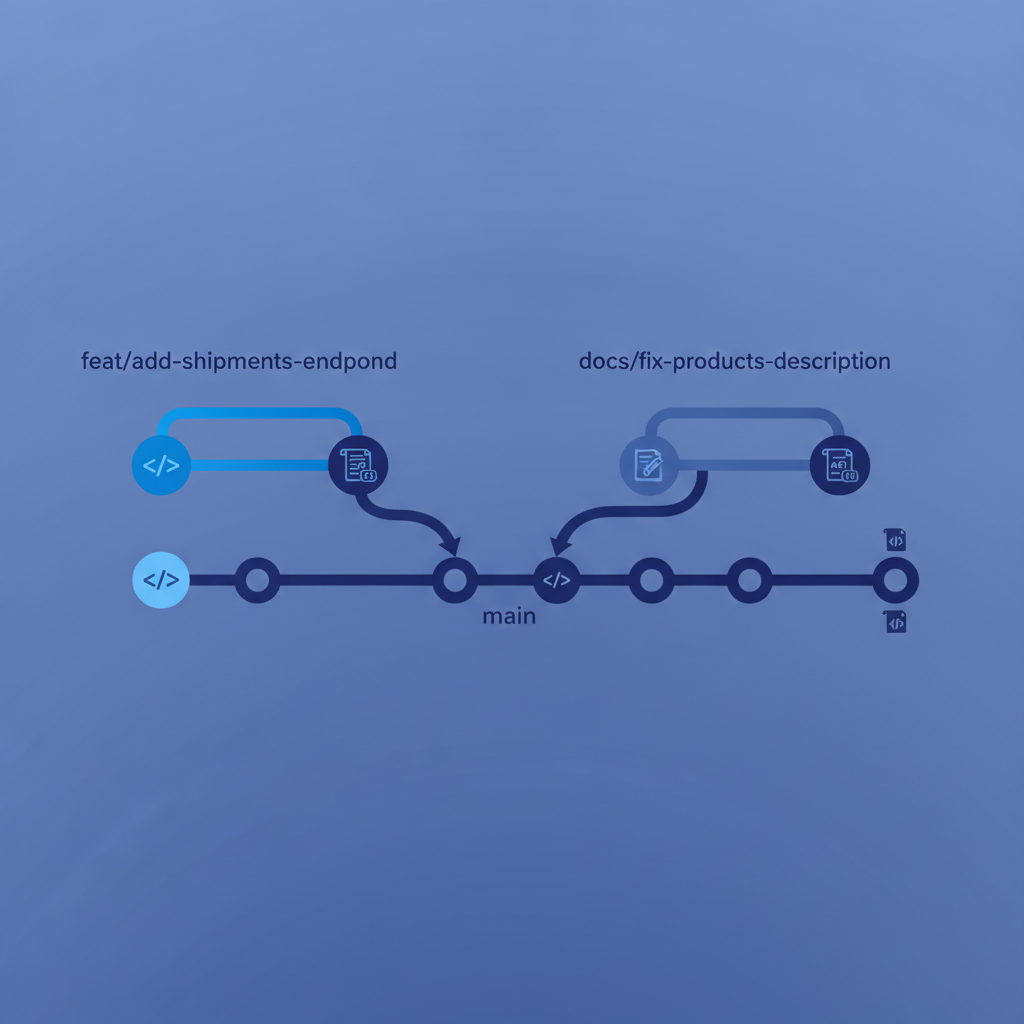
| New endpoint | feat/add-shipments-endpoint | docs/shipments.apib (new file) |
| Request body change | fix/orders-payload-required-fields | docs/orders.apib |
| New response code | docs/orders-add-429-response | docs/orders.apib |
| Breaking change (v2) | feat/v2-orders-breaking-change | docs/orders.apib, possibly api.apib |
| Doc-only correction | docs/fix-typo-products-description | docs/products.apib |
The prefix (feat/, fix/, docs/) follows conventional commit style, which many teams already use for changelogs. This keeps the git log readable and makes it clear at a glance which branches touch the contract versus which touch only prose.
Release branches for parallel version support
If you maintain v1 and v2 of your API simultaneously, keep a long-lived branch per version: release/v1 and release/v2. Bug fixes to existing endpoints get cherry-picked to both. In Apidoke, you create one project per API version and upload the corresponding Blueprint file, so both live interactive references exist at separate URLs. Apidoke's per-project version history then tracks the edit history of each published version independently.
Writing a Blueprint change on a feature branch: a worked example
Suppose you are adding a POST /shipments endpoint that accepts a JSON body and can return 201 Created, 400 Bad Request, or 401 Unauthorized.
- Branch from
main:git checkout -b feat/add-shipments-endpoint - Create
docs/shipments.apibwith the resource definition:
# Group Shipments

## Shipments Collection [/shipments]

### Create a Shipment [POST]

Create a new shipment record. The request body must include `order_id` and `address`.

+ Request (application/json)

    + Headers

            Authorization: Bearer <token>

    + Body

            {
              "order_id": "ord_8f3k2",
              "address": {
                "line1": "12 Baker Street",
                "city": "London",
                "postcode": "NW1 6XE",
                "country": "GB"
              }
            }

+ Response 201 (application/json)

        {
          "shipment_id": "shp_7a2b1",
          "status": "pending",
          "created_at": "2026-01-15T09:30:00Z"
        }

+ Response 400 (application/json)

        {
          "error": "validation_failed",
          "message": "order_id is required"
        }

+ Response 401 (application/json)

        {
          "error": "unauthorized",
          "message": "Bearer token missing or expired"
        }
- Add the include directive to
docs/api.apib:<!-- include(shipments.apib) --> - Stage and commit both files:
git add docs/ && git commit -m "feat(docs): add POST /shipments endpoint" - Push the branch and open a pull request against
main.
The HTTP status codes used here, 201, 400, and 401, are defined in RFC 9110 (HTTP Semantics). Using the correct codes in your Blueprint file means the live try-it console in Apidoke will display the right expected response for each scenario, which helps consumers understand exactly what to handle in their client code.
Pull request review for API Blueprint files
Code review norms apply directly to Blueprint files. Here is what a thorough review actually checks:
Contract correctness
Does the documented request body match what the implementation actually accepts? A reviewer who works on the server side can confirm this without running anything. Check that required fields are marked correctly, that optional fields are present in examples, and that the Content-Type header matches the body format.
Response code completeness
Every realistic HTTP response the endpoint can return should be documented. Common omissions: 401 when auth is required, 403 when the resource exists but the caller lacks permission, 404 when a resource ID is in the path, 429 if the API is rate-limited, and 500 for server errors. Missing these means consumers write clients that cannot handle common failure modes.
Example realism
Invented IDs like "id": 1 train consumers to hard-code assumptions. Use realistic-looking identifiers that match your actual ID format. If you use prefixed IDs (ord_, shp_), the examples should reflect that.
Consistency with the style guide
If your team has an API style guide covering naming conventions, date formats, and error shapes, the reviewer checks the Blueprint against it. If you do not have a style guide yet, the guide to writing an API style guide is a useful companion.
PR checklist: doc changes alongside code changes
The simplest enforcement mechanism is a PR description template stored in .github/pull_request_template.md. Add a section that the author must check before requesting review:
## Documentation checklist
- [ ] `docs/` files updated to match the code change
- [ ] New response codes are documented with example bodies
- [ ] Breaking changes are noted in the commit message
- [ ] Blueprint fragment parses without errors (paste into Apidoke editor to verify)
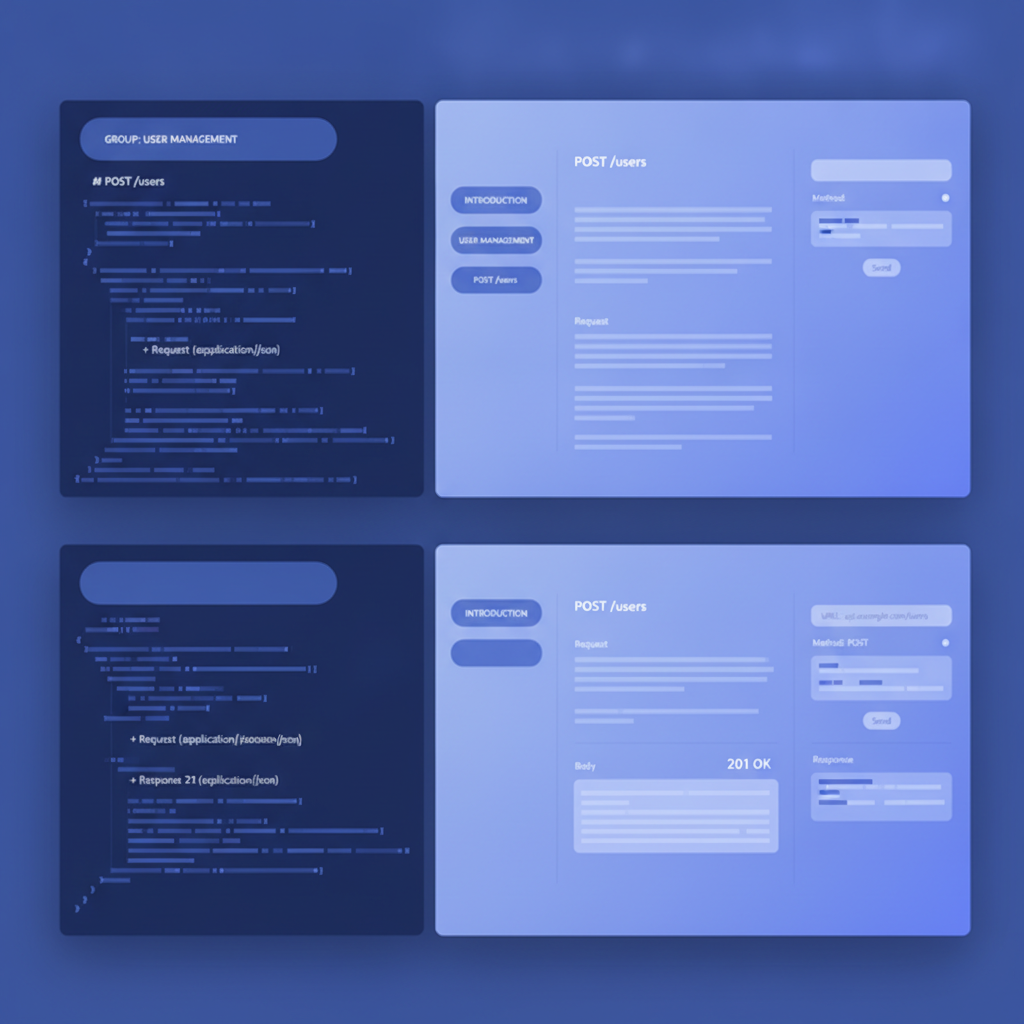
That last item is worth highlighting. Apidoke's split-pane CodeMirror editor shows a live preview as you type, so pasting the updated Blueprint file into a new project or editing an existing one surfaces syntax errors immediately, before anything reaches main. You do not need a local parser or a CI job to get that feedback.
Merging and publishing to Apidoke
Once the PR is approved and merged to main, the publishing step takes about thirty seconds:
- Open the Apidoke project for the relevant API version.
- Paste or upload the assembled
api.apibfile (or the updated fragment if you maintain one file per project). - Click Publish. The live three-column reference, navigation, content, and try-it console, updates immediately.
- Apidoke saves the prior state in version history automatically, so if the new doc introduces a mistake you can roll back without touching git at all.
This two-layer audit trail, git history for the source files and Apidoke version history for the published output, means you always know both what was written and what was live at any given moment. The version history feature walkthrough explains how to compare and restore previous published states.
Handling breaking changes through branching
A breaking change is any modification that would cause a currently working client to fail: removing a field, changing a field's type, making a previously optional field required, or changing a URL structure. The git workflow adds discipline here because the branch name and commit message become searchable history.
For a breaking change, the branch should include a version marker if you are incrementing the API version, and the PR description should list every client-visible contract change explicitly. A companion changelog entry in CHANGELOG.md (committed in the same PR) means the change is documented in three places: git history, the changelog file, and the Blueprint itself. That level of traceability is what separates a mature API operation from one that surprises its consumers.
Keeping docs in sync when multiple engineers work on the same API
Merge conflicts in Blueprint files are usually easy to resolve because the format is plain text and the structure is hierarchical. Two engineers adding separate resource groups to the same root api.apib only conflict on the include line order, which is trivially fixable. Conflicts in the same resource group are rarer if each group lives in its own file.
A more subtle problem is logical drift: two branches make compatible-looking changes to the same endpoint that together produce an inconsistent contract. This is why the PR review step matters more than automated tooling alone. A human reviewer who knows the API can catch the case where Branch A documents status as a string enum and Branch B introduces a new status value that is not in the enum, even if both branches individually pass any parser check.
What this workflow does NOT require
Several things developers often assume are necessary for docs-as-code are not required here:
| Common assumption | Reality with this workflow |
|---|---|
| A CI runner to build and deploy docs | Not needed; Apidoke publishes on upload |
| A local Node.js or Ruby toolchain to preview | Not needed; Apidoke editor gives live preview in the browser |
| A separate docs repository | Docs live in the same repo as the API code |
| A paid seat for each reviewer | Reviewers only need git access; only the publisher needs an Apidoke account |
| Swagger or OpenAPI format | API Blueprint is the native format; no conversion required |
The try-it console in the published Apidoke reference fires real HTTP requests directly from the browser. Auth tokens entered in the console stay in the browser and never pass through Apidoke's servers, so there is no security concern about reviewers testing against a staging environment using their own credentials.
Connecting the git workflow to broader documentation process
The branching and PR steps described here are one layer of a larger API documentation workflow. The git workflow governs who changes what and when. The review checklist governs quality. Apidoke's version history governs the published output. Together they give you the coverage that any single layer alone cannot provide.
If your team is newer to structured documentation process, the API documentation review checklist covers the human review criteria in more depth, and the API documentation workflow guide maps the full lifecycle from first draft to published reference.
Frequently asked questions
Should API Blueprint files go in the same repository as the API source code?
Yes, for most teams. Keeping Blueprint files in the same repository means a single pull request can contain both the code change and the corresponding documentation update, which is the only reliable way to prevent the two from drifting apart. Separate documentation repositories work for large organizations with dedicated technical writers, but they require explicit cross-repo coordination on every release.
How do you handle merge conflicts in .apib files?
API Blueprint files are plain text with a predictable hierarchical structure, so standard git merge tools handle most conflicts. Conflicts are rare when each resource group lives in its own file, because separate engineers rarely touch the same file at the same time. When they do overlap, resolving the conflict is a matter of reading both sides and deciding which version of the endpoint description is correct, the same judgment call you would make for any source file.
Can reviewers who are not authors check the rendered output before approving?
Yes. The reviewer can paste the branch version of the Blueprint file into any Apidoke project to see the live rendered preview and test the try-it console against a staging API. Because Apidoke's editor shows a real-time preview as you type, even a quick copy-paste into a scratch project gives a complete picture of what the published docs will look like.
Is a CI/CD pipeline required to publish docs with this workflow?
No. This workflow publishes by uploading or pasting the Blueprint file into Apidoke after the PR merges to main. If you want to automate that step and remove the manual upload, you can add a CI job later, but it is not a prerequisite for getting docs-as-code working. Many teams start with the manual publish step and add automation once the branching and review habits are established.
What happens to the published docs while a breaking change is in review?
Nothing, until the PR merges and someone publishes the updated file. The live Apidoke reference continues to show the last published state. This is the correct behavior: consumers see stable documentation while the breaking change goes through review and any associated migration period. When you are ready to publish the new version, you either update the existing project (which Apidoke saves in version history) or create a new project for the new API version.
Ready to put your API Blueprint files under version control and publish a live interactive reference without any toolchain setup? Create a free Apidoke account and have your first git-managed API docs live in under ten minutes.